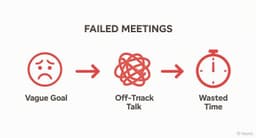
Running a meeting without an agenda is like navigating without a map: it’s slow, inefficient, and you'll likely get lost. A well-structured agenda sets clear expectations, keeps discussions on track, and ensures everyone leaves with actionable outcomes. But creating one from scratch for every meeting is a time-drain. That’s where sample agenda templates come in. They provide a proven framework you can adapt in minutes, saving you time while making your meetings more focused and productive.
Before exploring specific examples, grasping the core structure is key. If you're new to this, understanding the fundamental concept of a template can provide a solid foundation for how these tools work and how to best utilize them for maximum efficiency. This guide cuts through the noise to bring you 12 of the best template resources, categorized for every possible need, from formal board meetings to collaborative brainstorming sessions.
We've done the research for you, gathering options from powerful platforms like Microsoft, Google, Canva, and Smartsheet. Each entry includes a screenshot, a direct link, and a clear breakdown of its best use case, so you can quickly find the perfect fit for your team's specific requirements. Forget generic lists; this is your practical toolkit for running better, more effective meetings starting today.
1. Microsoft Create (Agenda Templates)
For teams already working within the Microsoft 365 ecosystem, Microsoft Create offers a straightforward and highly integrated source for sample agenda templates. Its key advantage is native compatibility; you can open and edit professional, designer-made templates directly in familiar applications like Word, PowerPoint, or Excel. This eliminates conversion issues and ensures a seamless user experience. The platform provides a large gallery covering everything from simple team meetings to formal board meeting agendas.
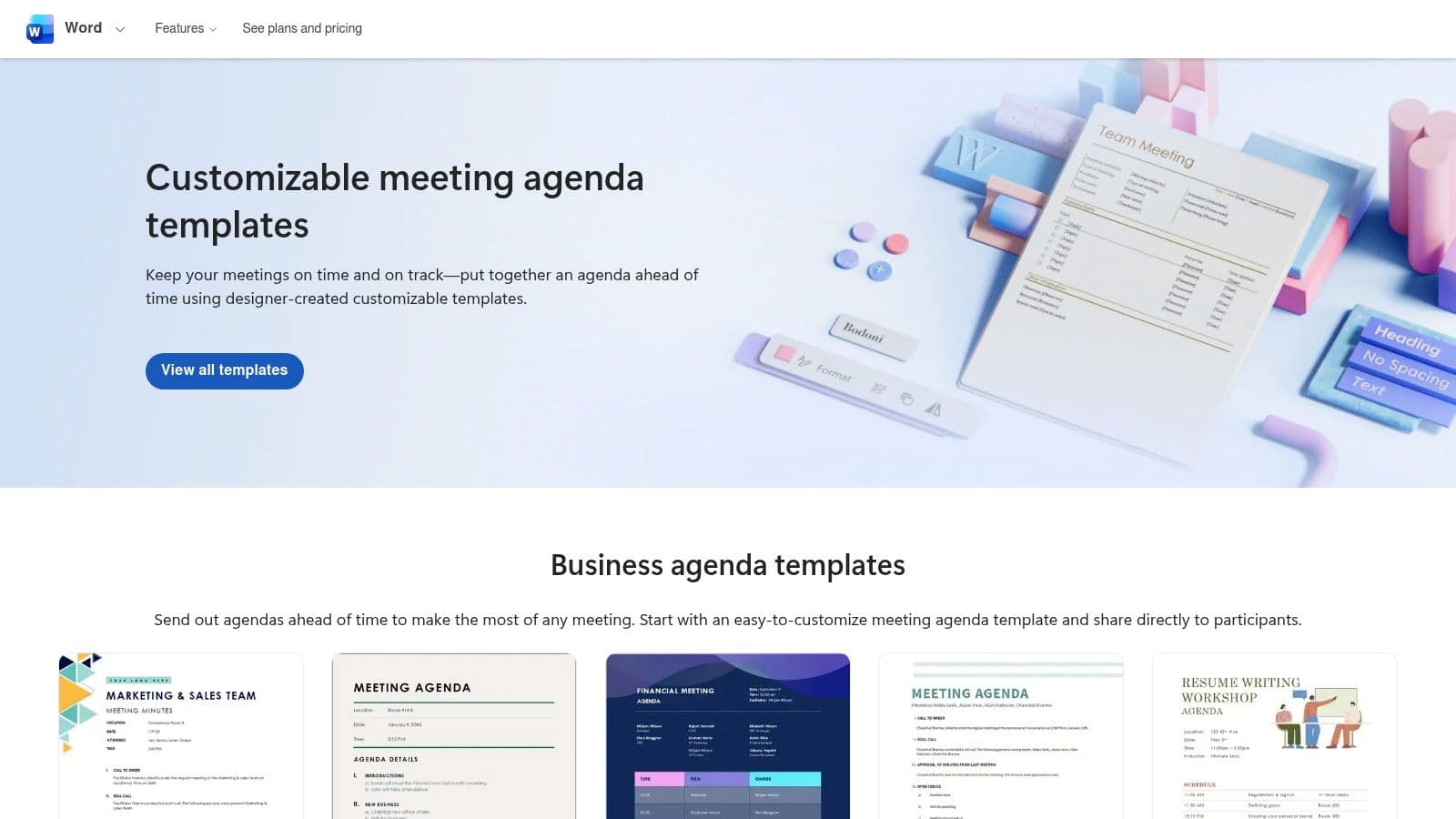
These templates are free to download and use with a Microsoft account, making them an accessible option for almost any organization. Because they are built for Office apps, customization is simple for anyone comfortable with those tools. The designs are clean, accessible, and professional, providing a solid foundation for any meeting.
Key Features and Considerations
| Feature | Details |
|---|---|
| Pricing | Free with a Microsoft account. |
| Best For | Teams deeply integrated with Microsoft 365. |
| Pros | Familiar editing in Word/Excel/PPT, no learning curve. |
| Cons | Limited options for spreadsheet-based agendas; some assets may require a subscription. |
Practical Tip: When you find a template you like, click "Customize in Word" (or another app) and immediately save a copy as your own master template. This allows you to reuse the structure without having to redownload it each time.
Website: Microsoft Create Agenda Templates
2. Google Docs Template Gallery (Docs/Sheets/Slides)
For teams operating within the Google Workspace ecosystem, the built-in template gallery in Docs, Sheets, and Slides is an incredibly powerful and accessible resource. Its greatest strength is cloud-native collaboration; multiple team members can edit an agenda in real-time, leave comments, and suggest changes seamlessly. This makes it ideal for dynamic teams that need to build and finalize agendas together before a meeting. The gallery includes several professional sample agenda templates designed for various business needs.
These templates are free with any Google account and are natively integrated into the tools your team already uses. Customization is intuitive for anyone familiar with Google's suite, and sharing is as simple as sending a link. Modern features like pageless view in Docs also allow for more flexible and web-friendly agenda formats. For an in-depth look, see these powerful meeting agenda template examples for 2025.
Key Features and Considerations
| Feature | Details |
|---|---|
| Pricing | Free with a Google account. |
| Best For | Teams that rely on Google Workspace for collaboration. |
| Pros | Excellent real-time, multi-user editing and sharing capabilities. |
| Cons | Template gallery can sometimes be hard to locate after UI updates. |
Practical Tip: Once you open an agenda template, use the "File" > "Make a copy" option to create your own version. Organize these customized templates in a shared "Team Templates" folder in Google Drive for easy access for everyone on your team.
Website: Google Docs
3. Canva (Meeting Agenda Templates)
For those who prioritize visual appeal and branding, Canva is an exceptional resource for creating stylish and engaging sample agenda templates. Its strength lies in its intuitive drag-and-drop design editor, which allows users to move beyond basic text documents. You can easily incorporate company logos, brand colors, icons, and even charts directly into your agenda, making it a polished communication tool rather than just a functional list. The platform offers hundreds of designs, from minimalist one-on-ones to vibrant project kickoffs.
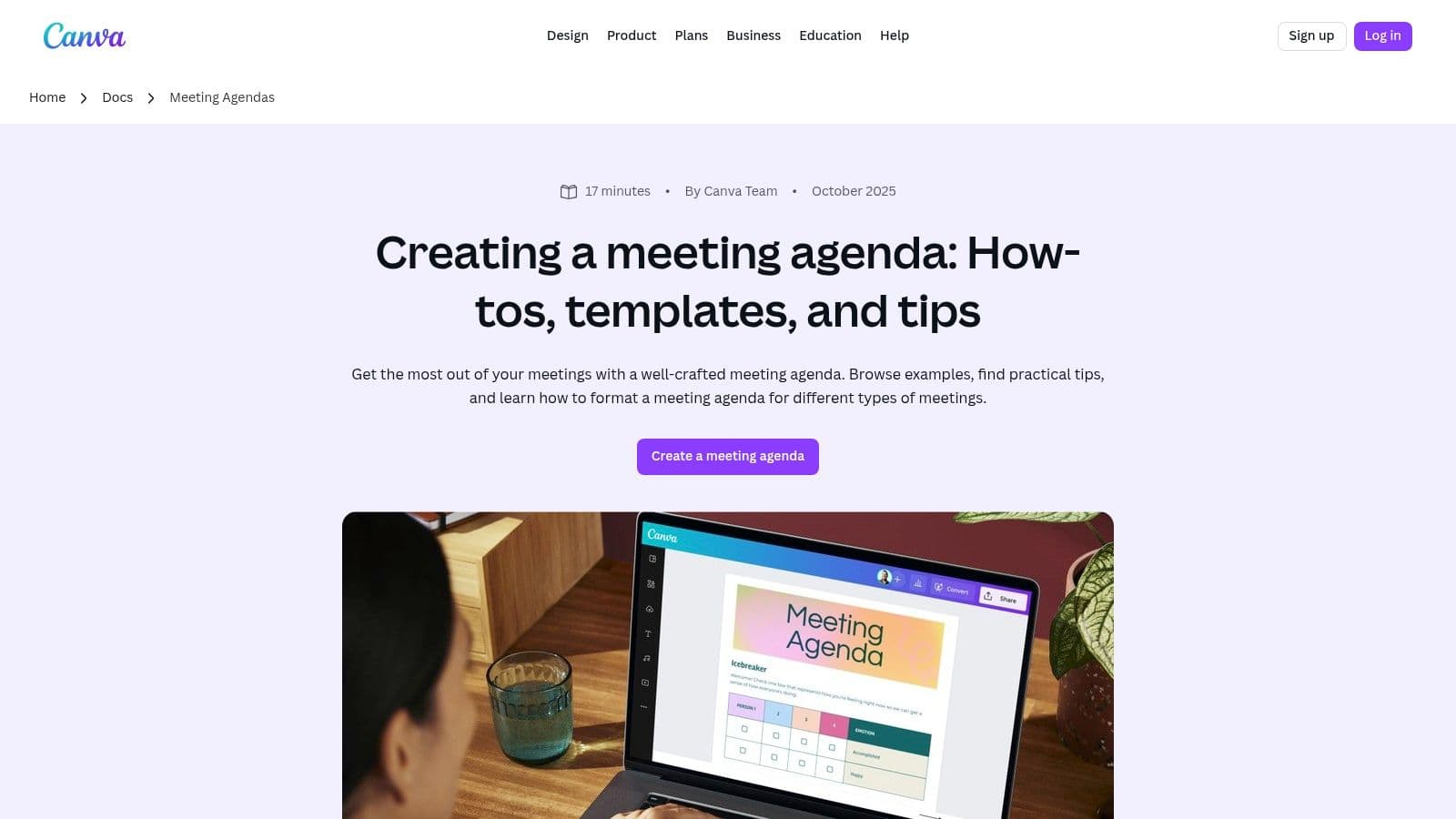
Canva's templates are not just visually appealing; they are also highly functional. Many are built within Canva Docs, which supports real-time collaboration and commenting, similar to other cloud-based editors. This feature is perfect for teams that need to build an agenda together before a meeting. The strong export options, including high-quality PDF and image formats, make sharing simple and professional.
Key Features and Considerations
| Feature | Details |
|---|---|
| Pricing | A robust free tier is available; Canva Pro offers premium assets and features. |
| Best For | Creative teams, marketing departments, or anyone wanting a branded, polished agenda. |
| Pros | Design-forward templates, fast branding and customization, excellent free options. |
| Cons | Some premium elements require a Canva Pro subscription. |
Practical Tip: Use Canva's "Brand Kit" feature (available in Pro) to save your company's logos, colors, and fonts. This allows you to apply your branding to any agenda template with a single click, ensuring consistency across all documents.
Website: Canva Meeting Agenda Templates
4. Template.net (Agenda Template Library)
Template.net offers one of the most extensive and format-diverse libraries of sample agenda templates available online. Its main strength lies in providing the same agenda design across multiple file formats, including Word, Google Docs, Excel, PDF, and even presentation software like PowerPoint and Keynote. This flexibility allows teams to choose the exact format that fits their workflow without being locked into a single ecosystem. The library is vast, covering specific use cases from formal board meetings to informal PTA gatherings.
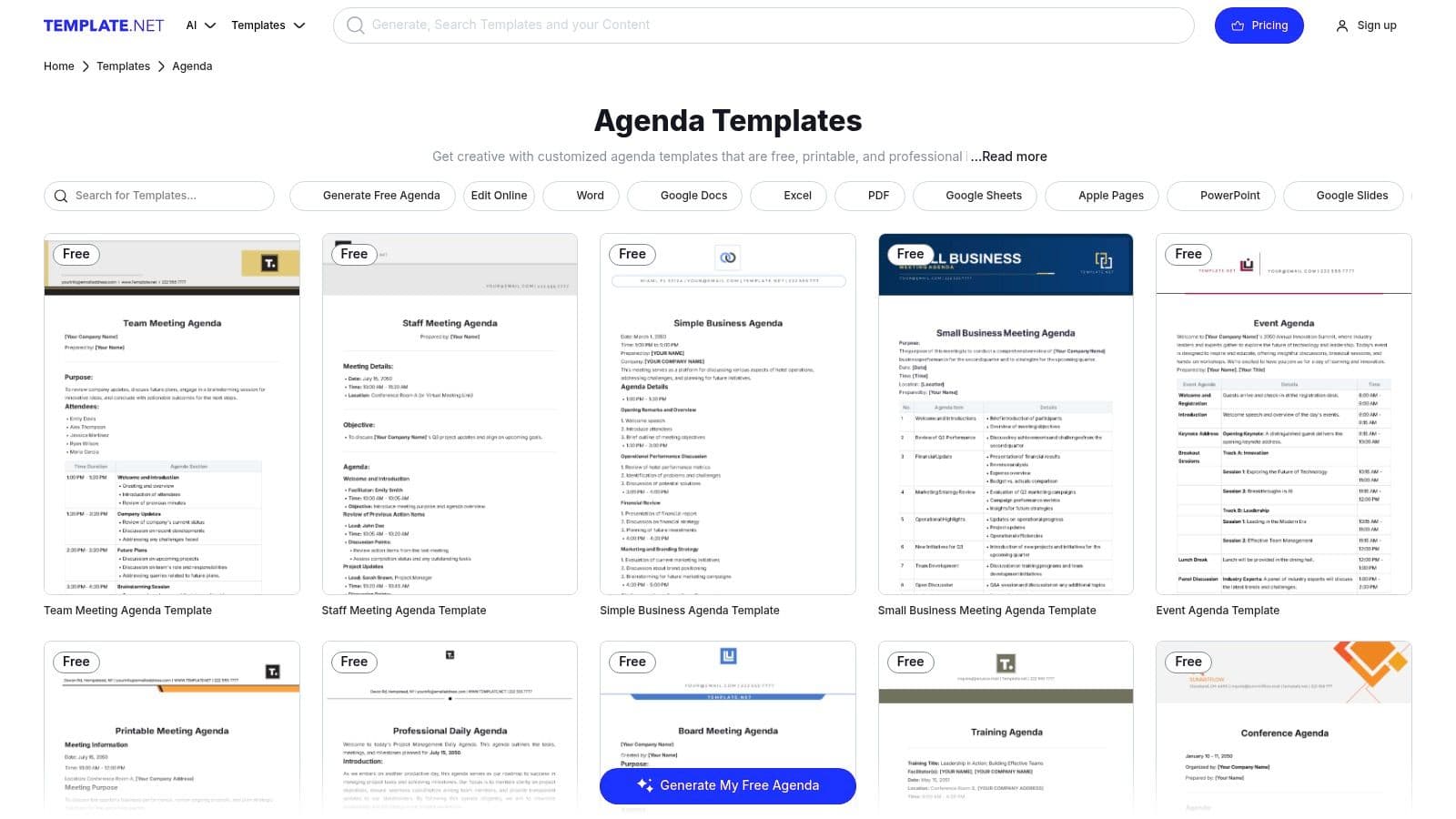
While the site offers many free templates, it also operates on a freemium model, with premium designs and broader usage rights reserved for paid subscribers. The sheer volume of options makes it a go-to resource for finding a pre-built structure for nearly any type of meeting. The user interface is straightforward, with clear categories and one-click downloads that simplify the process of finding and using a template.
Key Features and Considerations
| Feature | Details |
|---|---|
| Pricing | Free and paid (Pro/Business) options available. |
| Best For | Users needing templates in various file formats (Word, Google Docs, PDF, etc.). |
| Pros | Huge variety of use cases covered, multiple file formats for each template. |
| Cons | Pro licenses may be needed for some usage rights; occasional marketing prompts. |
Practical Tip: Use the search filters to narrow down options by format (e.g., "Google Docs") and type (e.g., "Weekly Agenda") to quickly find the most relevant template. Always check the license on the download page if you plan to use it for broad commercial purposes.
Website: Template.net Agenda Templates
5. Etsy (Marketplace for Printable/Digital Agenda Templates)
For those seeking visually creative or highly niche sample agenda templates, Etsy is an unexpected but powerful resource. As a marketplace for independent creators, it offers thousands of unique, designer-made templates that go beyond standard corporate designs. The primary advantage is the sheer variety; you can find everything from formal board agendas to minimalist one-on-one check-in sheets and creative workshop outlines. Most are sold as instant digital downloads compatible with common platforms like Word, Google Docs, Canva, and PDF.
These templates are extremely affordable, often costing just a few dollars for a professionally designed file. This makes Etsy a great option for small businesses, freelancers, or anyone looking for a specific aesthetic without a big budget. Because sellers compete for business, many listings include helpful bundles with multiple sizes (A4, US Letter) and formats in a single purchase, providing excellent value.
Key Features and Considerations
| Feature | Details |
|---|---|
| Pricing | Varies by seller; typically a one-time fee from 1–10. |
| Best For | Individuals and small teams wanting creative or niche-specific designs. |
| Pros | Huge variety of unique designs, very affordable, and instant digital delivery. |
| Cons | Quality varies by seller; usage rights are often limited to personal or single-business use. |
Practical Tip: Always read the seller's reviews and carefully check the product description to confirm file compatibility (e.g., Word, Canva) and included sizes before purchasing. Many sellers also showcase detailed previews of the template's internal pages.
Website: Etsy Meeting Agenda Templates
6. Envato Elements (Subscription Templates)
For professionals and organizations that need more than just an occasional template, Envato Elements is a powerhouse subscription service. Its unique value proposition is unlimited access to millions of creative assets, including a vast library of high-quality sample agenda templates. Unlike free resources, these templates are often crafted by professional designers for applications like Adobe InDesign and Illustrator, in addition to Word and Canva, making them ideal for print-ready or highly stylized documents.
The platform operates on a subscription model, which is a key differentiator. This is perfect for creative agencies, marketing teams, or businesses that frequently need design assets beyond just agendas, such as stock photos, fonts, and presentation themes. Every download comes with a simple commercial license, giving you peace of mind for business use.
Key Features and Considerations
| Feature | Details |
|---|---|
| Pricing | Subscription-based (monthly or annual fee for unlimited downloads). |
| Best For | Creative professionals and teams needing a steady supply of high-quality design assets. |
| Pros | Incredible value if you need many assets; includes professional-grade, print-ready files. |
| Cons | Requires an ongoing subscription, making it less ideal for one-time needs. |
Practical Tip: Use Envato's robust filtering system to your advantage. You can sort agenda templates by application (e.g., Word, InDesign) to quickly find a file format that matches your team's software and skill set, saving significant time.
Website: Envato Elements
7. Smartsheet (Meeting Management Template Set)
For teams that need more than a static document, Smartsheet offers a comprehensive Meeting Management template set. This solution transforms a simple agenda into a dynamic workflow tool. It is designed for structured environments where agenda items, action items, and meeting notes need to be tracked, prioritized, and archived over time. Its key advantage is integrating the agenda directly into a project management framework, making it ideal for recurring meetings with significant follow-up tasks.
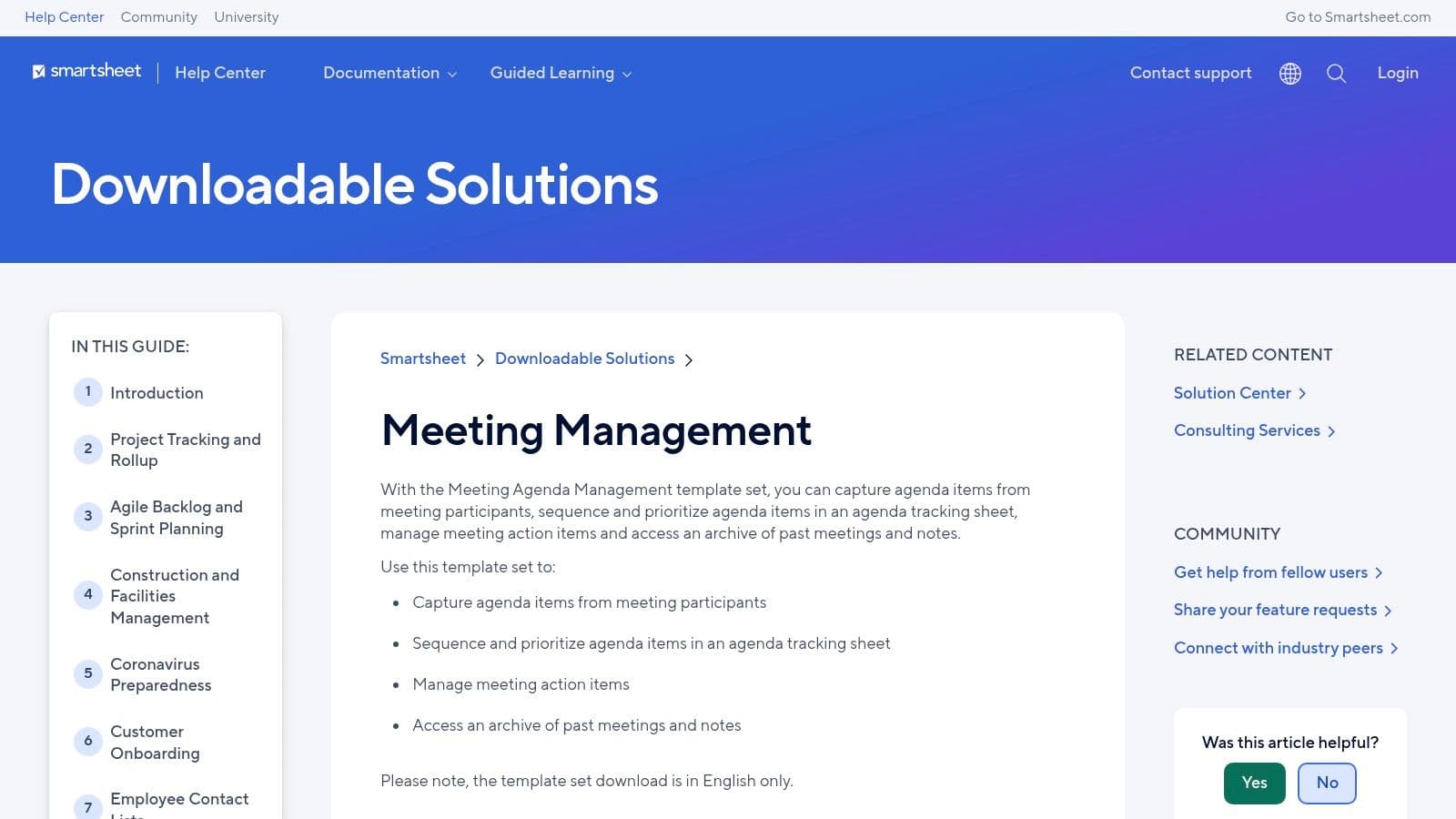
This free template set is best suited for organizations that already use or are willing to adopt the Smartsheet platform. The initial setup requires a Smartsheet account, and there is a slight learning curve for those unfamiliar with spreadsheet-database hybrids. However, for project-driven teams, the ability to link agenda points to trackable tasks and reports offers a powerful way to ensure meeting outcomes are not forgotten.
Key Features and Considerations
| Feature | Details |
|---|---|
| Pricing | Free template set, but requires a Smartsheet account. |
| Best For | Project-based teams needing agenda and task management integration. |
| Pros | Manages action items and archives notes for easy follow-up. |
| Cons | Requires a Smartsheet account; has a learning curve for new users. |
Practical Tip: Use the "Action Items" report from the template set as a standing item at the beginning of each recurring meeting. This creates a built-in accountability loop to review progress on tasks assigned in previous sessions.
8. ClickUp (Agenda Template)
For teams who need to tightly integrate their meeting agendas with their project management workflow, ClickUp offers a powerful, task-based template. Instead of a static document, this sample agenda template imports directly into your ClickUp workspace as a list of actionable tasks. Each agenda item can be assigned a time, owner, and status, turning discussion points directly into trackable work items. This approach ensures that action items from a meeting never get lost and are immediately part of the team's ongoing projects.

The template is fully customizable within ClickUp’s environment, allowing teams to add custom fields, change statuses, and view the agenda in different formats like a list, board, or calendar. While it requires using the ClickUp platform, it excels at connecting the dots between conversation and execution, making it one of the most functional options for existing users. It's an excellent example of a basic meeting agenda template that actually works by focusing on outcomes.
Key Features and Considerations
| Feature | Details |
|---|---|
| Pricing | Free with a ClickUp account (paid plans unlock more features). |
| Best For | Teams already using ClickUp for project and task management. |
| Pros | Excellent linkage between agenda items and subsequent action items. |
| Cons | Requires a ClickUp account; less variety in visual design. |
Practical Tip: Use ClickUp Automations with this template. For instance, set up an automation to automatically create a follow-up task for any agenda item that is marked with a "Needs Action" status during the meeting.
Website: ClickUp Agenda Template
9. Miro (Agenda Template – Collaborative Whiteboard)
Miro shifts the concept of a sample agenda template from a static document to a dynamic, collaborative workspace. Its strength lies in transforming meeting planning into an interactive, visual experience on an infinite whiteboard. Instead of a linear text document, Miro’s templates use drag-and-drop blocks, sticky notes, and built-in timers, making them ideal for facilitating engaging workshops, brainstorming sessions, and agile ceremonies. This approach is perfect for remote and hybrid teams who need to co-create and adapt their plan in real time.
The platform’s facilitation-focused tools encourage active participation rather than passive listening. You can embed documents, add action items on the fly, and gauge participant feedback directly on the board. While Miro offers a free plan with limited boards, accessing its full potential for recurring team meetings often requires a paid subscription. The visual format excels for live collaboration but may need to be summarized or exported separately for traditional, formal meeting minutes.
Key Features and Considerations
| Feature | Details |
|---|---|
| Pricing | Free plan with board limits; paid plans for advanced features. |
| Best For | Interactive workshops, agile meetings, and remote team facilitation. |
| Pros | Highly engaging and visual, great for real-time collaboration. |
| Cons | Not a traditional document; may require extra steps to create formal minutes. |
Practical Tip: Use the built-in timer for each agenda item directly on the Miro board. This keeps the entire team aware of the schedule and helps the facilitator keep the meeting on track without switching between applications.
Website: Miro Agenda Template
10. Atlassian Confluence (Meeting Agenda/Notes Templates)
For teams embedded in the Atlassian ecosystem, Confluence provides a powerful, integrated solution for creating and managing sample agenda templates. Its primary strength lies in its ability to keep agendas, decisions, and action items directly linked to your projects and knowledge base. You can create, share, and collaborate on meeting agendas within the same platform where your project documentation lives, ensuring a single source of truth. The templates are designed for action, allowing you to @mention attendees and assign tasks directly from the agenda.
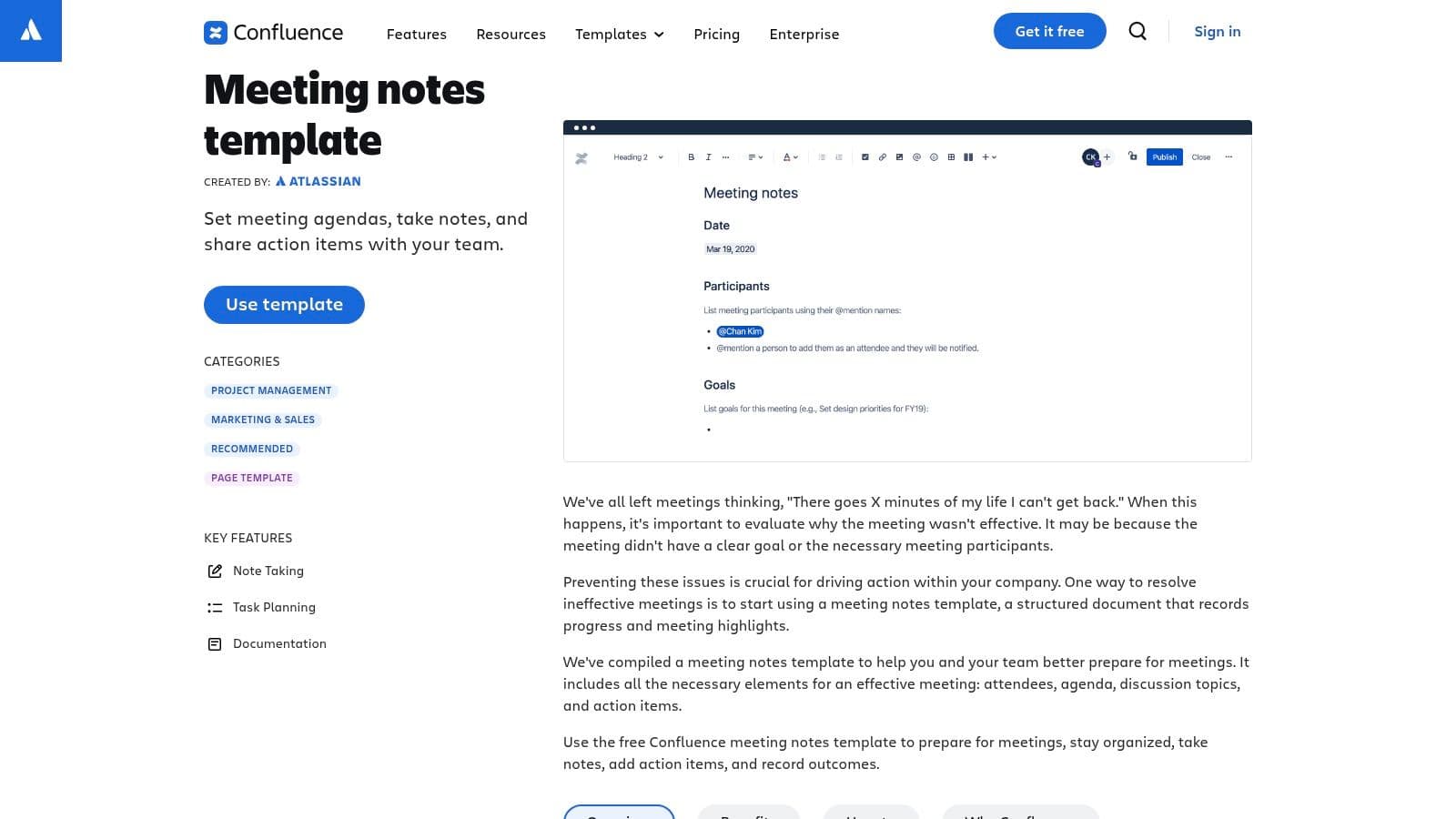
This approach transforms a static agenda into a dynamic, living document that is searchable and tied to tangible outcomes in Jira. Instead of just planning a meeting, you are creating a permanent record that connects discussion points to specific project tickets and tasks. While Confluence focuses on functional structure over aesthetic design, its workflow integration is unmatched for technical and project-based teams. Beyond specific meeting tools, platforms like Notion also provide diverse Notion productivity templates that can be adapted for meeting preparation and follow-up.
Key Features and Considerations
| Feature | Details |
|---|---|
| Pricing | Free plan available for up to 10 users; paid plans start at $6.05/user/month. |
| Best For | Agile, software, and project teams already using Confluence and Jira. |
| Pros | Seamless integration with Jira; keeps agendas and actions in one searchable place. |
| Cons | Less design flexibility; requires user adoption of the Confluence platform. |
Practical Tip: Use Confluence’s label feature to categorize your meeting agendas (e.g., "weekly-sync," "project-kickoff"). This makes it incredibly easy to search for and find all related meeting notes in the future.
11. Vertex42 (Free Meeting Agenda Templates)
Vertex42 is a well-regarded resource for practical, no-nonsense business templates, and its collection of sample agenda templates is no exception. The site offers free, highly functional designs for Word, Google Docs, and Excel. Its strength lies in its focus on utility over aesthetics, providing clean, professional formats for basic meetings, staff check-ins, board meetings, and committee sessions. This makes it a go-to for anyone who needs a solid, business-ready format without any creative frills.
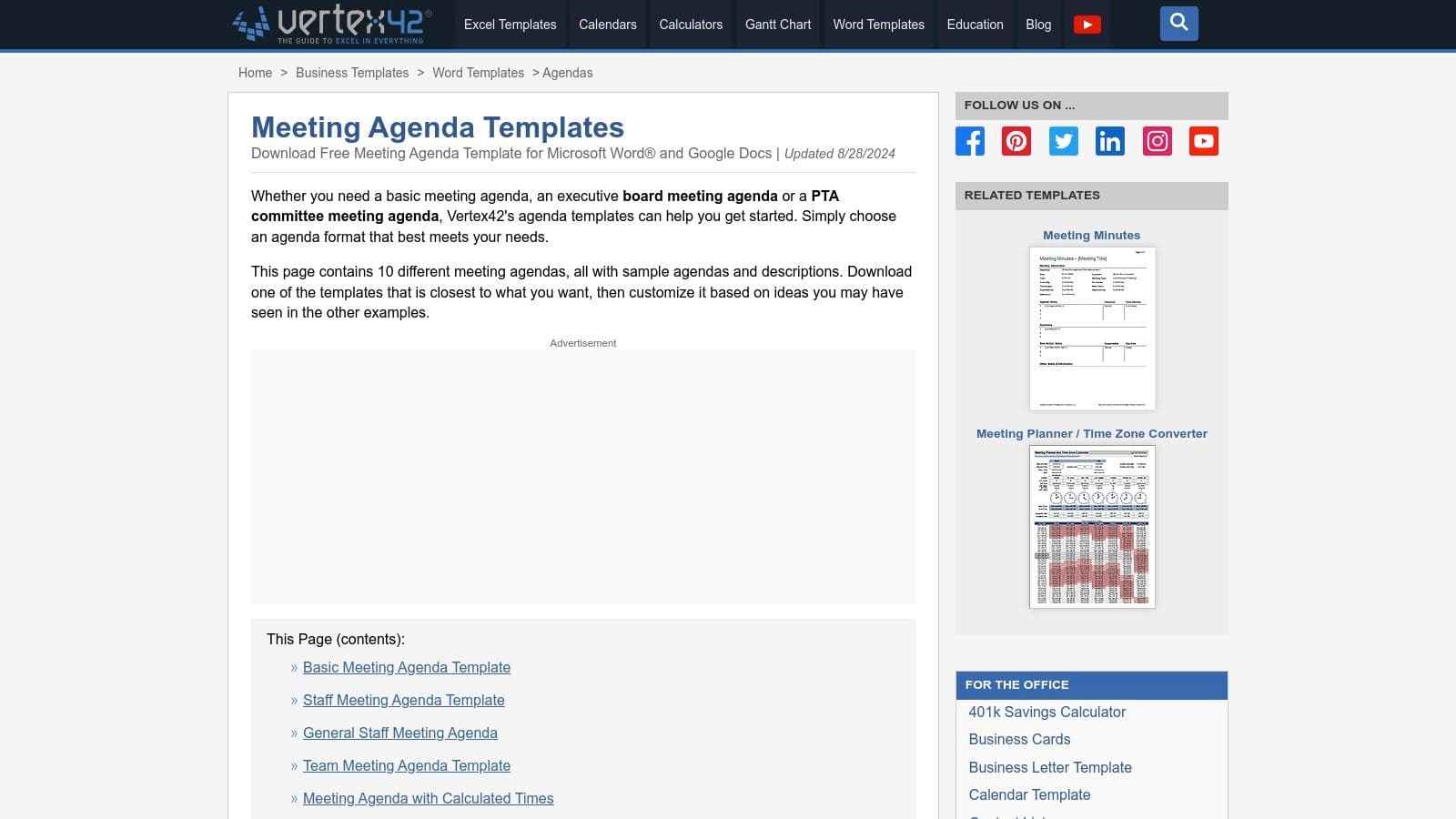
A unique standout is its Excel-based agenda, which automatically calculates start times based on the duration you set for each topic. This feature is incredibly useful for time-sensitive meetings, helping organizers plan with precision. The templates are free for personal and business use, ensuring accessibility for individuals, SMBs, and large corporations alike. For those seeking a deeper dive, you can explore additional resources about free meeting agenda templates to complement these downloads.
Key Features and Considerations
| Feature | Details |
|---|---|
| Pricing | Free for private and internal business use. |
| Best For | Professionals needing functional, print-ready agendas with smart features. |
| Pros | Useful spreadsheet with auto-calculating times; clean, professional formats. |
| Cons | Limited design-heavy options; license restricts resale or public distribution. |
Practical Tip: Use the Excel version for complex, multi-session meetings. You can quickly adjust one topic's duration and see how it impacts the entire schedule without manually recalculating every start time.
Website: Vertex42 Meeting Agenda Templates
12. HubSpot (Free Agenda Templates – Staff/Board)
HubSpot, a leader in marketing and sales software, offers a targeted set of free staff and board meeting agenda templates. These downloadable resources, available in Excel and PDF, are designed for practicality and immediate use. The templates provide a clear, timeboxed structure that includes dedicated sections for notes and action items, making them ideal for standard business meetings where efficiency is key. They are part of a broader library of related guides, ensuring users can find resources for minutes and scheduling as well.
What makes HubSpot's offering stand out is its no-nonsense approach. The designs are simple, clean, and focus entirely on function over form. While some templates are gated behind an email submission form, they provide a solid, professional starting point for teams that need a reliable sample agenda template without creative frills. The Excel format allows for easy customization of times, topics, and owners.
Key Features and Considerations
| Feature | Details |
|---|---|
| Pricing | Free (some downloads require an email address). |
| Best For | Business teams needing simple, functional agendas for staff or board meetings. |
| Pros | Free, practical formats for quick adoption; integrates with HubSpot's resource library. |
| Cons | Downloads may be gated; limited creative or design options compared to other tools. |
Practical Tip: Download the Excel version and save it as a master template in a shared team drive. Customize the core topics that repeat in every meeting, such as "Review of Previous Action Items," to save time on future preparations.
Website: HubSpot Free Agenda Templates
Top 12 Sample Agenda Templates: Feature Comparison
| Tool | ✨ Key Features | ★ UX / Quality | 💰 Price & Value | 👥 Best For | 🏆 Unique Strength |
|---|---|---|---|---|---|
| Microsoft Create (Agenda Templates) | Designer-made Word/Excel/PowerPoint templates; M365 native | ★★★★☆ Familiar Office UX, accessible designs | 💰 Free w/ Microsoft account; some assets need M365 | 👥 Microsoft 365 users, enterprises | 🏆 Native M365 integration & consistent templates |
| Google Docs Template Gallery (Docs/Sheets/Slides) | Cloud templates, real-time editing, pageless layouts | ★★★★★ Excellent live collaboration & sharing | 💰 Free (Google account); included in Workspace | 👥 Remote teams, Google Workspace orgs | 🏆 Real-time multiuser editing & cloud-native sharing |
| Canva (Meeting Agenda Templates) | Drag-and-drop editor, icons/charts, strong exports | ★★★★☆ Design-forward, polished outputs | 💰 Freemium; Pro for premium elements | 👥 Marketers, designers, brand-conscious teams | 🏆 Fast branding & polished visual templates |
| Template.net (Agenda Template Library) | Multi-format library (Word/Sheets/Slides/PPT/Keynote) | ★★★☆☆ Large selection; variable quality | 💰 Freemium — many free + paid premium templates | 👥 SMBs needing diverse formats & use cases | 🏆 Broad format & use-case coverage |
| Etsy (Marketplace for Printable/Digital Templates) | Seller-created templates, instant downloads, many sizes | ★★★☆☆ Huge variety; quality varies by seller | 💰 Low-cost per item (1–10) | 👥 Niche needs, solopreneurs, small teams | 🏆 Vast niche & handcrafted template variety |
| Envato Elements (Subscription Templates) | Unlimited downloads, pro file formats, commercial license | ★★★★★ High-quality, professional assets | 💰 Subscription (unlimited) — great value if frequent use | 👥 Agencies, designers, content teams | 🏆 Pro-quality assets + commercial licensing |
| Smartsheet (Meeting Management Template Set) | Structured agenda tracker, action-item links, reports | ★★★★☆ Strong workflow integration, archiveable notes | 💰 Free templates (Smartsheet account); platform paid | 👥 Teams needing agenda↔task workflows | 🏆 Agenda tied directly to task management & reports |
| ClickUp (Agenda Template) | Importable template, time allocations, action tracking | ★★★★☆ Good task linkage; multiple views | 💰 Freemium — free plan; paid for advanced features | 👥 ClickUp users & task-focused teams | 🏆 Tight agenda-to-task integration |
| Miro (Agenda Template – Collaborative Whiteboard) | Visual boards, timers, sticky notes, live facilitation | ★★★★☆ Excellent for interactive workshops | 💰 Freemium (limited boards); paid for expanded use | 👥 Facilitators, remote/hybrid workshop leaders | 🏆 Interactive facilitation tools for live sessions |
| Atlassian Confluence (Meeting Agenda/Notes Templates) | Structured notes, @mentions, Jira integration | ★★★★☆ Strong searchability and documentation UX | 💰 Paid (Confluence); templates included in plans | 👥 Engineering/product teams using Jira/Confluence | 🏆 Keeps agendas, decisions & Jira links centralized |
| Vertex42 (Free Meeting Agenda Templates) | Practical Word/Google/Excel templates; time calc sheet | ★★★★☆ Business-ready, easy-to-customize formats | 💰 Free (personal use); limited licensing for resale | 👥 Business users needing printable, practical agendas | 🏆 Spreadsheet timing features & practical templates |
| HubSpot (Free Agenda Templates – Staff/Board) | Timeboxed staff/board templates, action sections | ★★★★☆ Simple, starter-friendly formats | 💰 Free (some downloads gated by email) | 👥 Small businesses, standard meeting owners | 🏆 Timeboxed agendas with built-in action guidance |
From Agenda to Action: Supercharge Your Follow-Up
You now have a comprehensive toolkit of sample agenda templates to transform any meeting from a potential time-waster into a focused, productive session. We've journeyed through a diverse landscape, from the straightforward and accessible templates in Google Docs and Microsoft Create to the visually dynamic options in Canva and the collaborative powerhouses of Miro and ClickUp.
The key takeaway is that there is no single "best" agenda. The ideal template is the one that aligns perfectly with your team’s specific context, culture, and the meeting's objective. A formal board meeting requires a different structure than a fast-paced creative brainstorming session, and your choice of tool should reflect that reality.