Drop image here or click to upload
PNG, JPG, WebP (max 20MB)
Sketch
✨
Upload an image and generate to see the result
Convert photos to pencil sketches or line art. Upload an image and get a sketch-style version. Free, no account needed.
Drop image here or click to upload
PNG, JPG, WebP (max 20MB)
Upload an image and generate to see the result
A tool that converts photos into sketch-style images. Upload a photo and get back a version that looks like a pencil drawing or line art. Works with portraits, landscapes, or any subject.
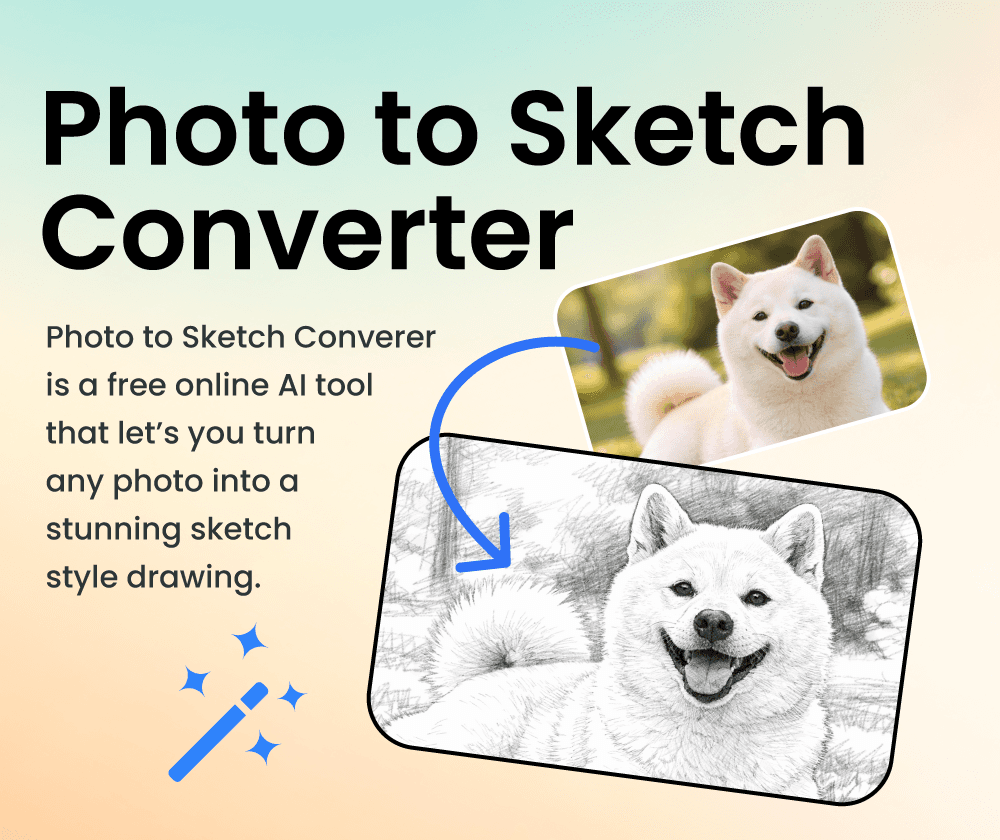
If you want a sketch version of a photo without drawing it yourself, this tool can help. Pick a style (pencil, line art, etc.) and the AI handles the conversion. Results come back in seconds.
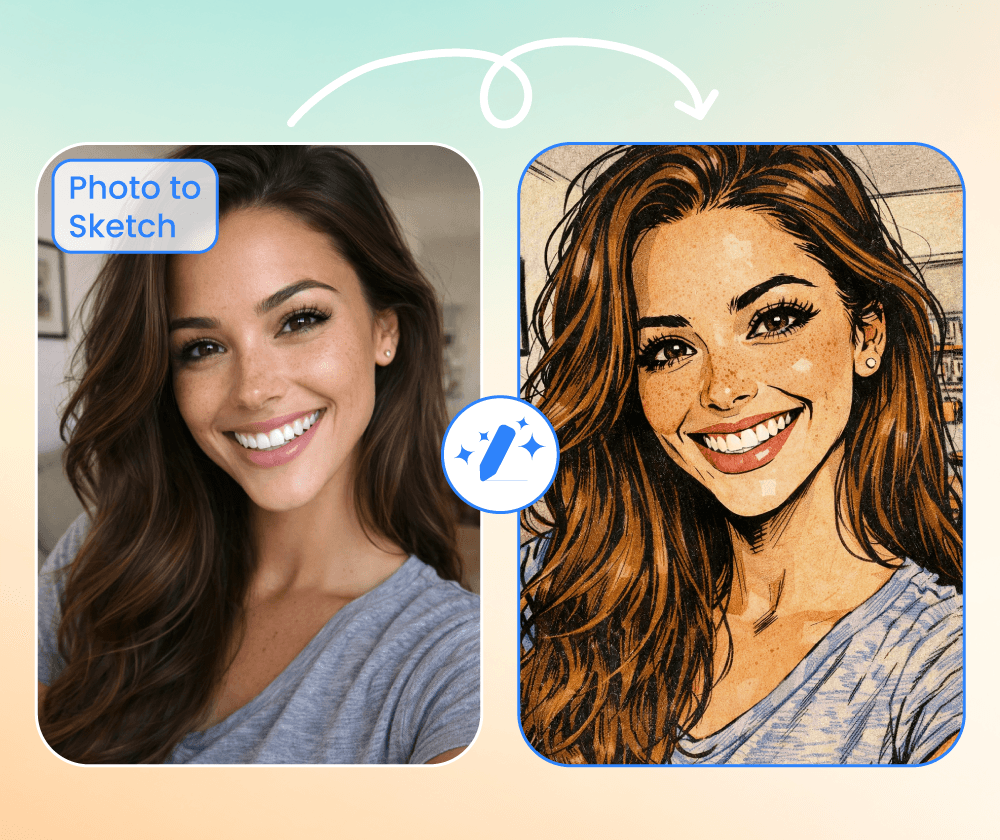
Creating sketches by hand takes practice and time. This tool converts photos to sketch-style images automatically, so you don't need drawing skills.
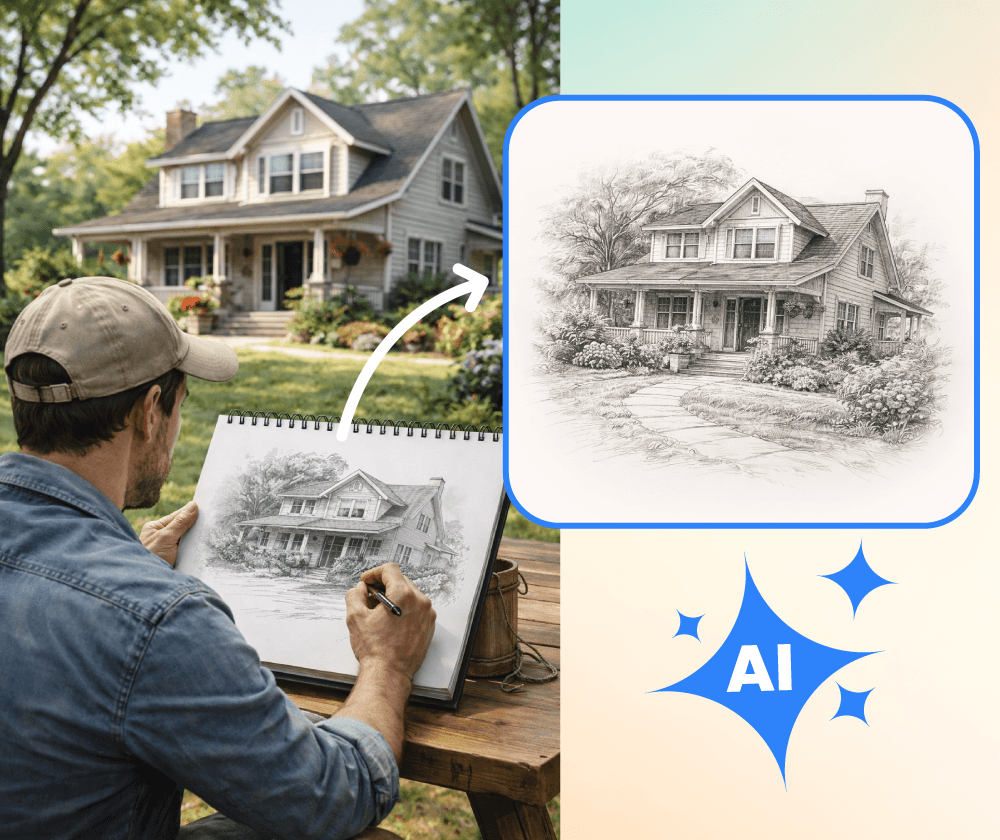
What the sketch converter offers.
Choose from pencil sketch, line art, or other artistic effects depending on the look you want.
Convert multiple photos at once if you need to process a collection.
Use preset options to get started quickly, or customize the style with your own instructions.
Three steps to convert your photo to a sketch.
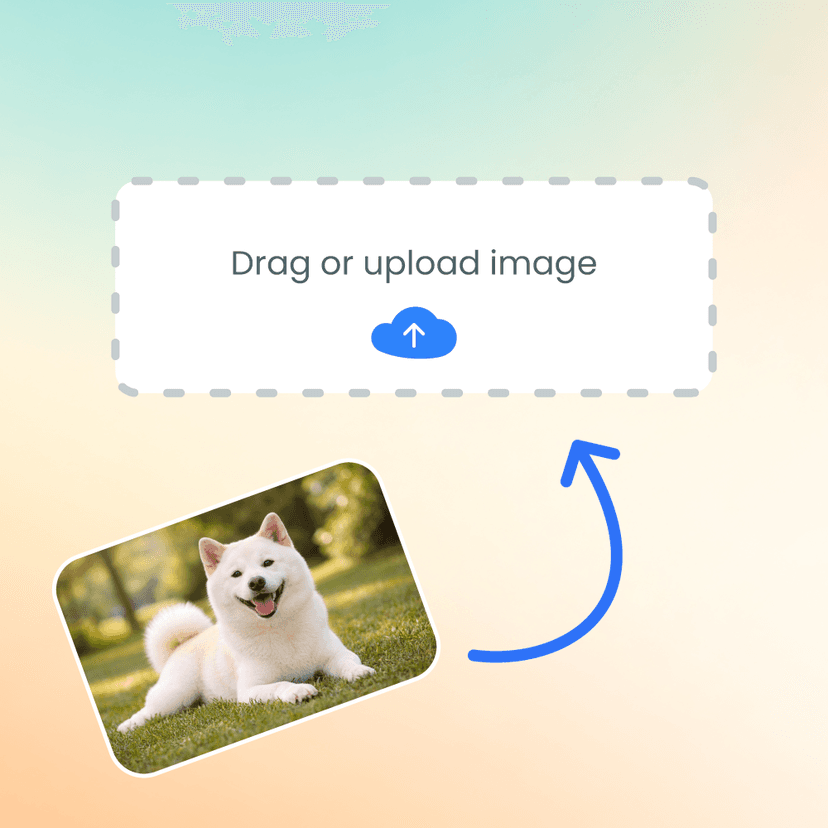
Select one or more images from your device.
Choose pencil sketch, line art, or another effect.
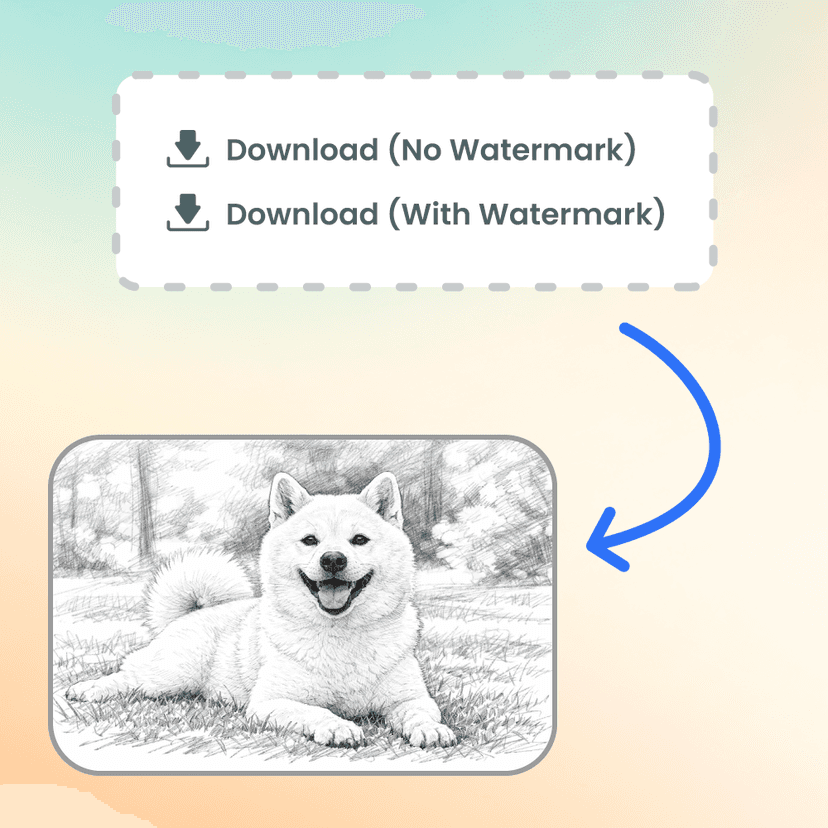
Save the sketch-style image when processing is done.
Upload a photo and see how it looks as a sketch. No account required.

Use it for quick sketch versions of client photos. The pencil effect looks decent and saves time when I just need a rough artistic version.

The batch processing is handy when I need to convert multiple photos. Not as good as hand-drawn, but useful for quick drafts.

I turned some travel photos into sketches for my blog. Simple to use—upload, pick a style, download. Results vary but usually look nice.

Used it for a class project that needed sketch-style illustrations. Worked well enough and way faster than trying to draw them myself.

Good for social media posts when I want something different. The line art style works well for portraits especially.

I use it to create alternate versions of my photos. The AI captures the main features well, though some details get simplified.
Generate images from text prompts or transform existing images with AI
Remove backgrounds from photos instantly with one click
Remove watermarks and logos from images using AI
Remove unwanted objects from photos seamlessly
Generate professional AI headshots from your photos
Generate passport-style ID photos with white background and proper framing
Remove text and captions from images with AI
Enhance and sharpen images with AI upscaling
Upscale and enlarge images up to 6x without losing quality
Extend image canvas and let AI fill in the new areas
Restore old, damaged, or scratched photos with AI
Replace image backgrounds with AI-generated scenes
Change clothing in photos using AI virtual try-on
Convert photos into pencil sketches and drawings
Convert photos into fun cartoon stickers
Whiten teeth in photos naturally with AI
Translate text inside images into 100+ languages with AI