Drop image here or click to upload
PNG, JPG, WebP (max 20MB)
AI will extend your image to fill the selected aspect ratio
Extended
✨
Upload an image and generate to see the result
Expand your images beyond their original borders using AI. Add more background or change aspect ratios without stretching. Free, no account needed.
Drop image here or click to upload
PNG, JPG, WebP (max 20MB)
AI will extend your image to fill the selected aspect ratio
Upload an image and generate to see the result
A tool that expands your images beyond their original edges. The AI generates new content to fill the extended areas, matching the style of your original image. Useful for changing aspect ratios or adding more background space.
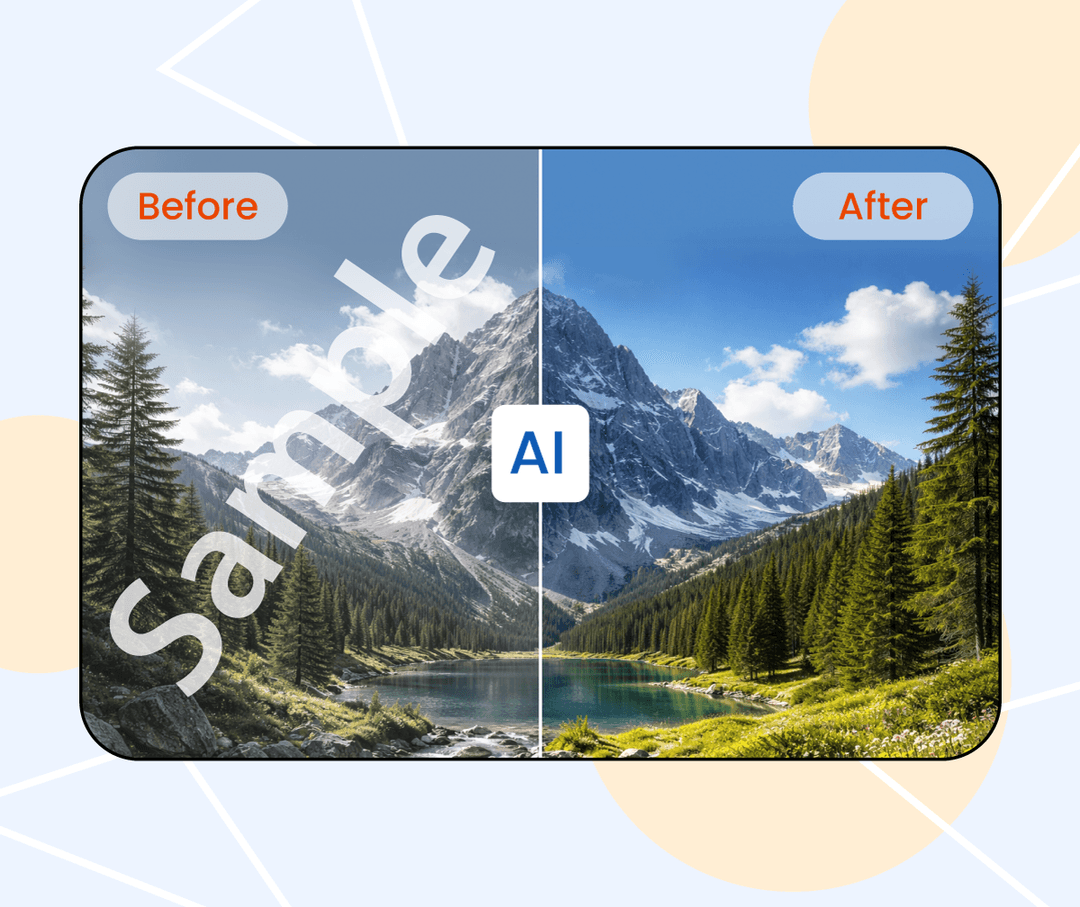
Regular resizing stretches your image and looks bad. This tool generates new content to fill the expanded areas instead, keeping your original image intact. Works directly in your browser.
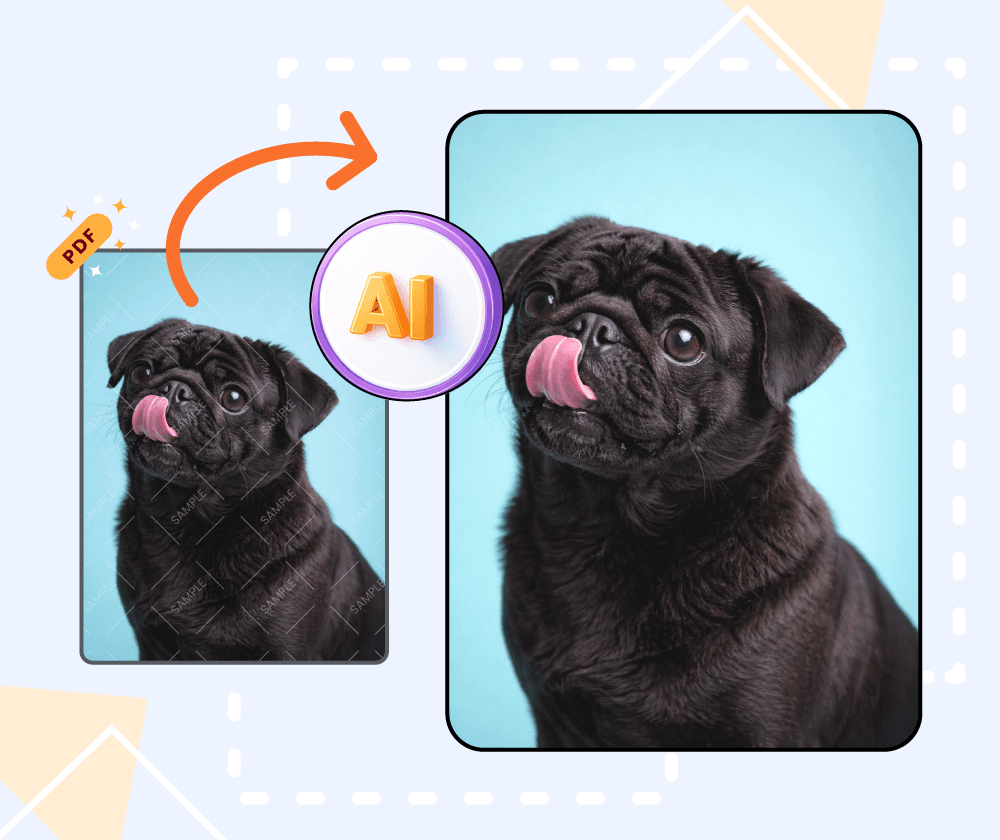
If you've ever needed to fit an image to a different aspect ratio without cropping the important parts, this can help. The AI extends the edges with generated content that blends with your original.
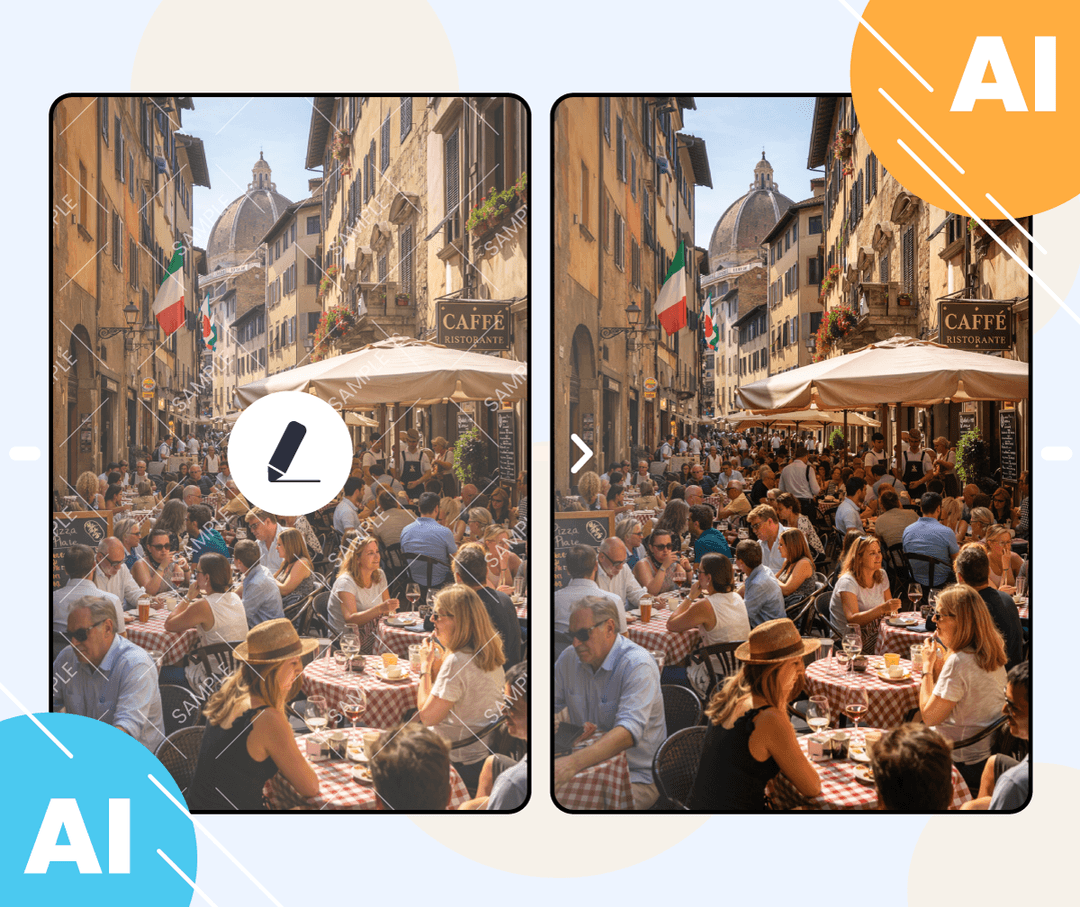
What the tool offers for image extension.
Choose from common ratios like 16:9 or set a custom size. The tool adapts to what you need.
The extended areas aren't just stretched—the AI generates new content that tries to match your original image.
Extend multiple images at once if you need to process a set of photos.
Three steps to extend your image.
Select the image you want to extend. Drag and drop or browse your files.
Select an aspect ratio or specify how much to extend each side.
Save the extended image once processing is complete.
Upload an image and see how the extension looks. No account required.

Use it when I need wider images for ad banners. The AI-generated edges blend reasonably well with most photos.

Helpful for product photos that don't quite fit the template. Extends the white background without me having to redo the shot.

Good for adapting images to different social media formats. Saves me from cropping out important parts.

Makes it easier to repurpose images across platforms with different aspect ratios. The extension usually looks natural enough.

The AI fill is decent for simple backgrounds. For complex scenes, results can be hit or miss, but it's quick for drafts.

Use it for landscape photos when I need a different crop. Works well for sky and nature scenes.
Generate images from text prompts or transform existing images with AI
Remove backgrounds from photos instantly with one click
Remove watermarks and logos from images using AI
Remove unwanted objects from photos seamlessly
Generate professional AI headshots from your photos
Generate passport-style ID photos with white background and proper framing
Remove text and captions from images with AI
Enhance and sharpen images with AI upscaling
Upscale and enlarge images up to 6x without losing quality
Extend image canvas and let AI fill in the new areas
Restore old, damaged, or scratched photos with AI
Replace image backgrounds with AI-generated scenes
Change clothing in photos using AI virtual try-on
Convert photos into pencil sketches and drawings
Convert photos into fun cartoon stickers
Whiten teeth in photos naturally with AI
Translate text inside images into 100+ languages with AI