Drop image here or click to upload
PNG, JPG, WebP (max 20MB)
Background Removed
✨
Upload an image and generate to see the result
Remove image backgrounds online with AI. Works in your browser, no account needed. Handles tricky edges like hair and glass.
Drop image here or click to upload
PNG, JPG, WebP (max 20MB)
Upload an image and generate to see the result
A free browser-based tool that uses AI to remove image backgrounds. It detects your subject automatically and handles tricky edges like hair or transparent objects.
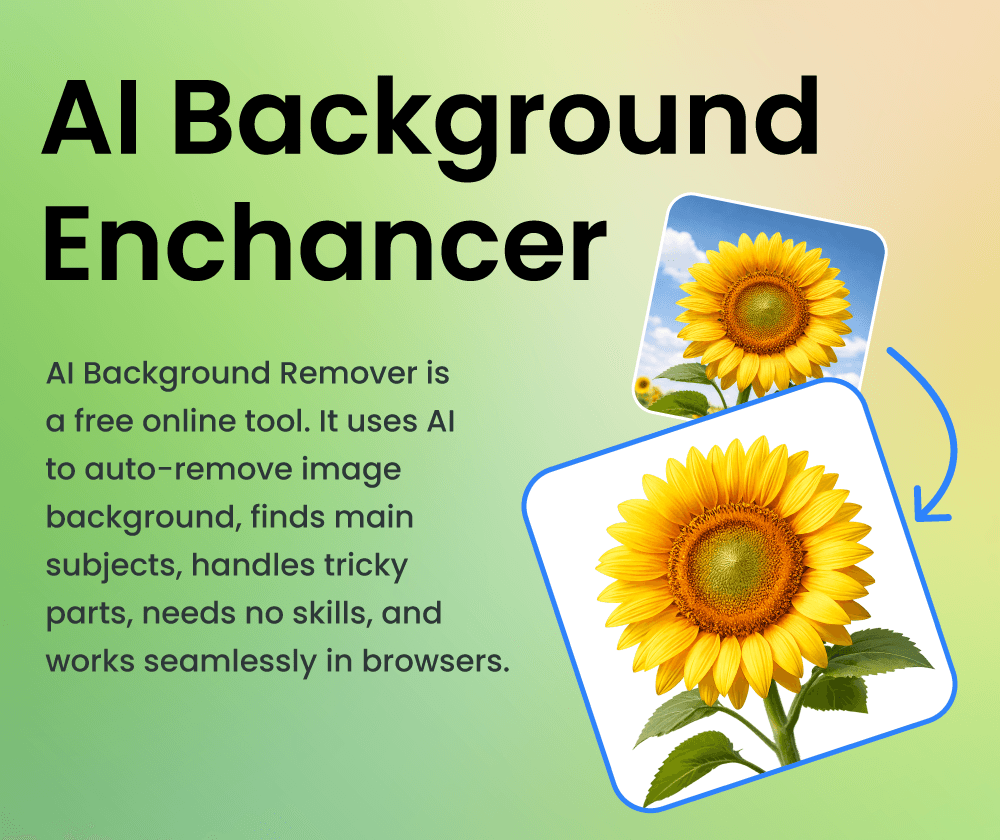
It runs in your browser with no downloads or sign-ups. The AI handles complex edges like hair, fur, and glass that are tedious to do by hand. Useful for product photos, portraits, or design projects.
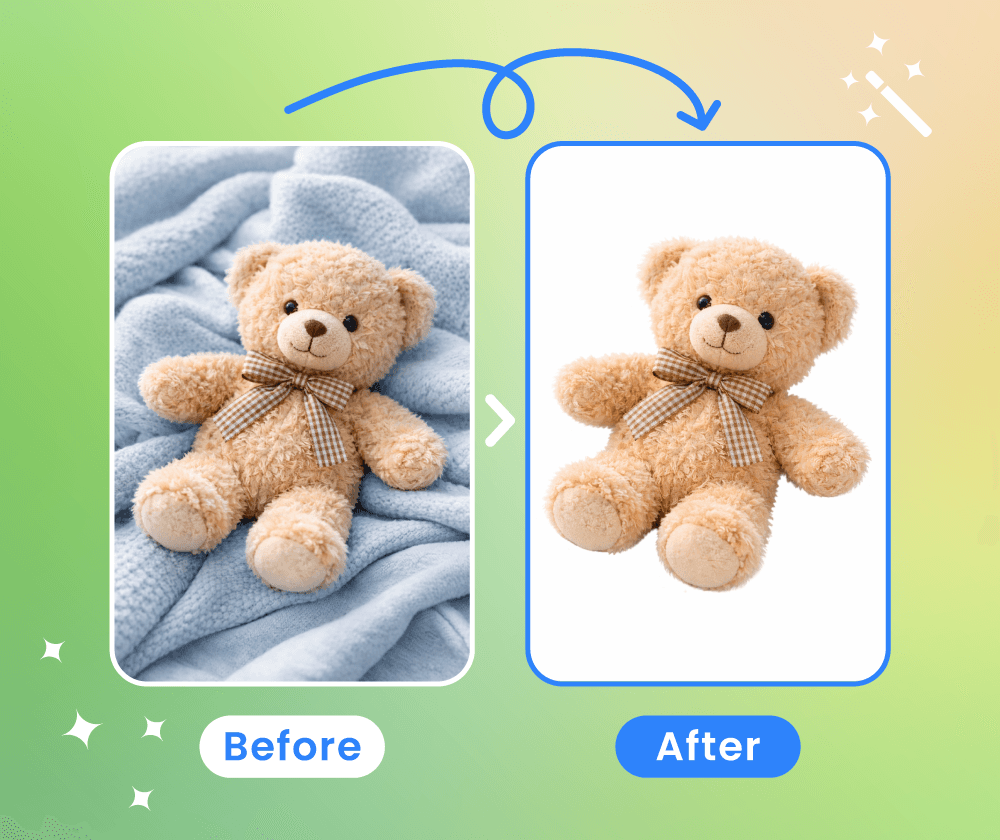
If you've spent hours erasing backgrounds by hand only to get rough edges around hair or glass, you know the frustration. This tool automates that work so you can focus on other things.
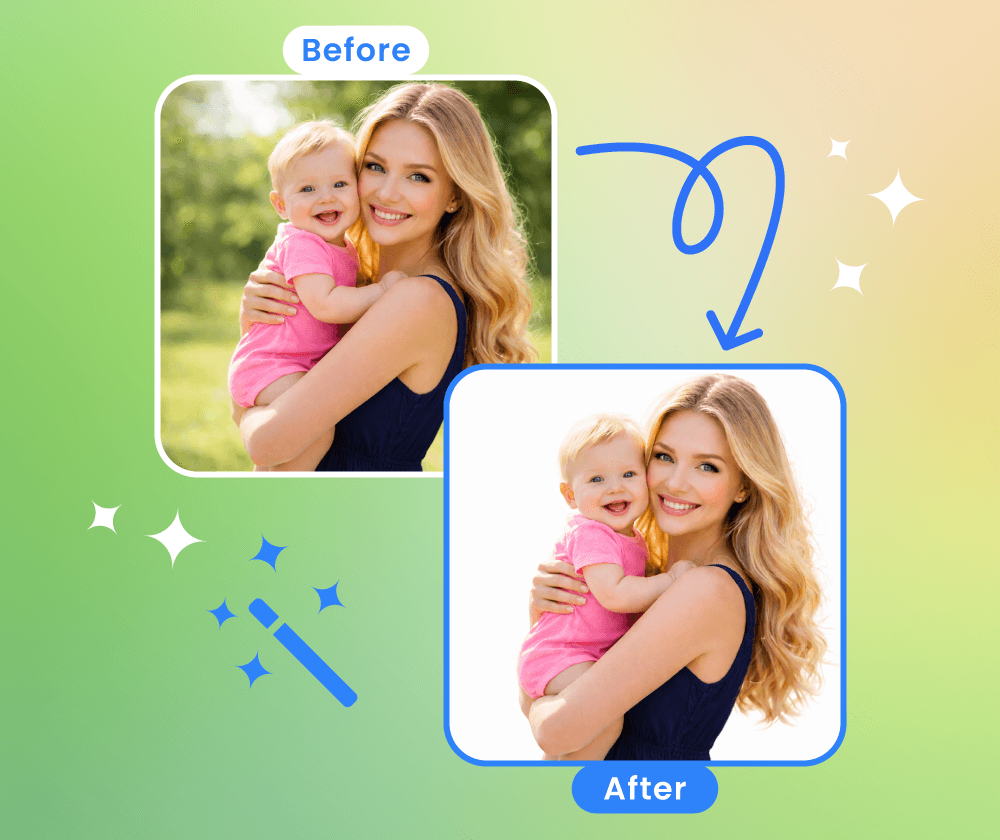
The tool processes images automatically and preserves quality. Here's what to expect.
Built on the Nano Banana Model for efficient processing. Works well across different devices and connection speeds.
Upload JPG, PNG, WebP and other standard image formats. No conversion needed before uploading.
The output keeps your original resolution and sharpness. No blurriness or compression artifacts added.
Three steps to remove a background from your image.
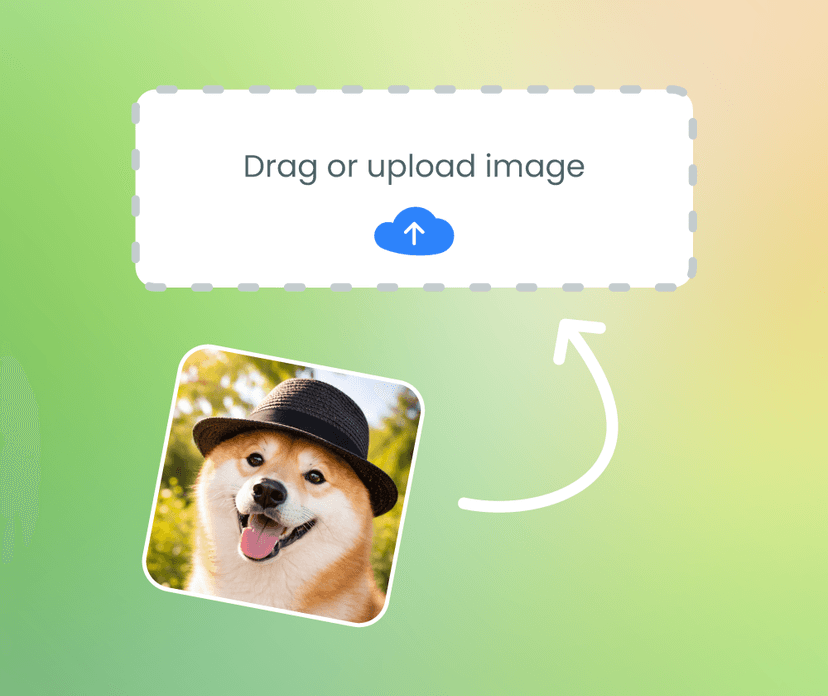
Click the upload button or drag and drop your file. Common formats like JPG, PNG, and WebP are supported.
Click the button to start. The AI analyzes your image and removes the background automatically.
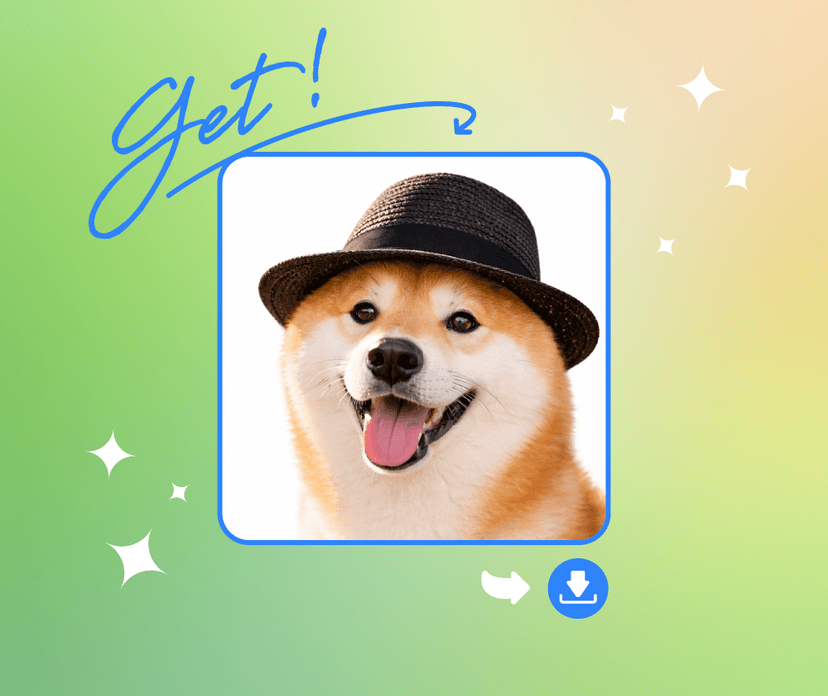
Save the image with the background removed. You can also copy it directly to your clipboard.
Upload an image and see the results for yourself. No account required.

I use this for my product photos. It handles the edges well and saves me from doing it manually in Photoshop.

Works well for the lifestyle shots I post. The backgrounds come out clean and I don't need to know any editing software.

Good at handling tricky edges like glass and hair. I still use Photoshop for complex jobs, but this is handy for quick tasks.

Used it to clean up some family photos. The results looked good and it was free, which was nice.

Useful for social media posts when I need a quick background removal. Does the job without much fuss.

Helps with school project images. Quick and doesn't cost anything, which matters on a student budget.
Generate images from text prompts or transform existing images with AI
Remove backgrounds from photos instantly with one click
Remove watermarks and logos from images using AI
Remove unwanted objects from photos seamlessly
Generate professional AI headshots from your photos
Generate passport-style ID photos with white background and proper framing
Remove text and captions from images with AI
Enhance and sharpen images with AI upscaling
Upscale and enlarge images up to 6x without losing quality
Extend image canvas and let AI fill in the new areas
Restore old, damaged, or scratched photos with AI
Replace image backgrounds with AI-generated scenes
Change clothing in photos using AI virtual try-on
Convert photos into pencil sketches and drawings
Convert photos into fun cartoon stickers
Whiten teeth in photos naturally with AI
Translate text inside images into 100+ languages with AI