Drop image here or click to upload
PNG, JPG, WebP (max 20MB)
New Background
✨
Upload an image and generate to see the result
Change photo backgrounds fast — pick a color, describe a scene, or upload an image and get a clean result.
Drop image here or click to upload
PNG, JPG, WebP (max 20MB)
Upload an image and generate to see the result
A browser-based tool for replacing photo backgrounds. You can pick a solid color, describe a scene in text, or upload a reference image. The AI handles the cutout and replacement.
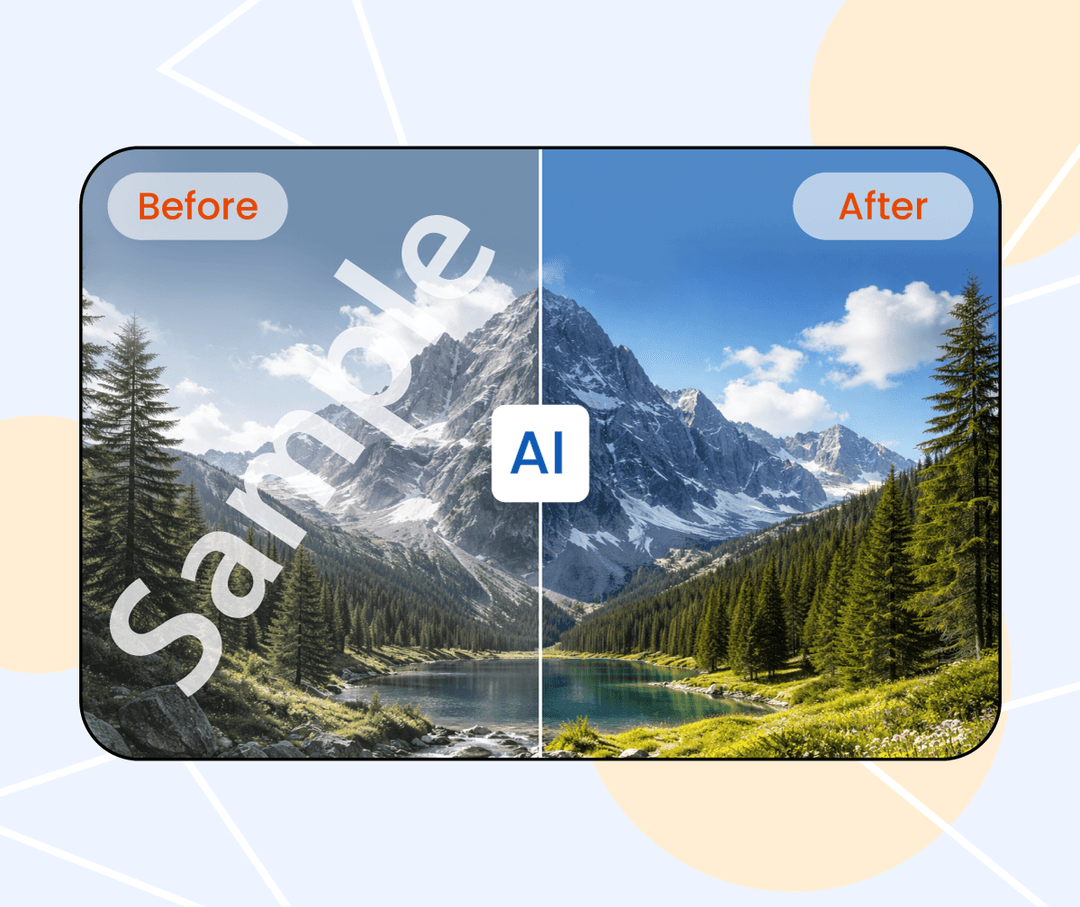
It's simpler than traditional photo editors for this specific task. Upload your photo, specify what background you want, and download the result. No design skills needed.
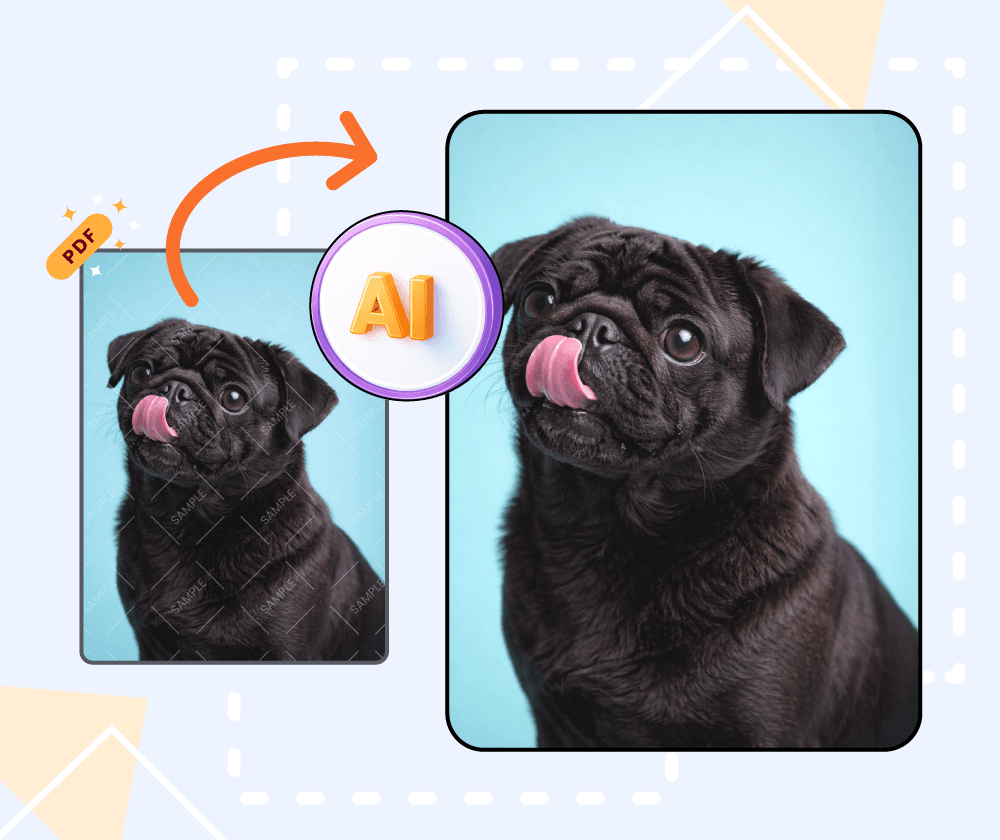
If cutting out subjects and replacing backgrounds by hand takes too long, this tool can speed things up. It works well for straightforward background swaps where you don't need pixel-level control.
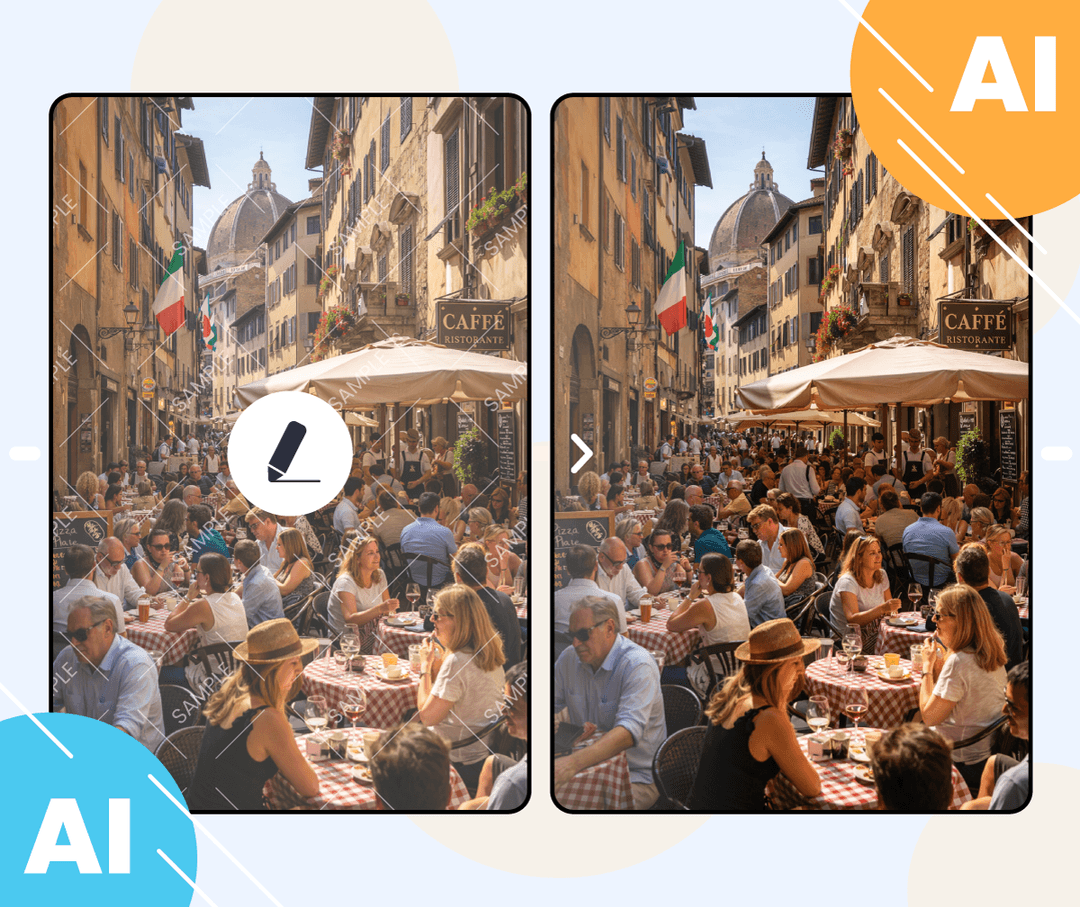
Different ways to specify the new background for your images.
Process multiple photos at once if you need to change backgrounds on several images.
Choose a solid color, type a description of the scene you want, or upload a reference image.
Upload an image and the AI will try to match that background style for your photo.
Three steps to change your photo background.
Select an image from your device. The AI identifies the subject automatically.
Pick a color, describe a scene, or upload a reference image.
Review the result and download when you're happy with it.
Upload a photo and see how it works. No account needed.

Needed to swap backgrounds on a batch of photos. The batch processing helped, and I didn't have to learn new software to get decent results.

I like that you can upload a reference image for the background. Matched my brand colors pretty well without having to fiddle with exact hex codes.

Use it for product photos when I need a clean white or colored background. Faster than doing it in Photoshop for simple swaps.

Swapped out backgrounds on event photos. The text prompt feature is handy when you have a specific scene in mind.

Don't have design skills but needed to change some photo backgrounds for my blog. This got the job done without a learning curve.

Good for quick background changes. I use it when I don't need the precision of Photoshop and just want something done fast.
Generate images from text prompts or transform existing images with AI
Remove backgrounds from photos instantly with one click
Remove watermarks and logos from images using AI
Remove unwanted objects from photos seamlessly
Generate professional AI headshots from your photos
Generate passport-style ID photos with white background and proper framing
Remove text and captions from images with AI
Enhance and sharpen images with AI upscaling
Upscale and enlarge images up to 6x without losing quality
Extend image canvas and let AI fill in the new areas
Restore old, damaged, or scratched photos with AI
Replace image backgrounds with AI-generated scenes
Change clothing in photos using AI virtual try-on
Convert photos into pencil sketches and drawings
Convert photos into fun cartoon stickers
Whiten teeth in photos naturally with AI
Translate text inside images into 100+ languages with AI