Drop image here or click to upload
PNG, JPG, WebP (max 20MB)
Object Removed
✨
Upload an image and generate to see the result
Remove unwanted objects, people, or text from your photos with smart AI. Clean up images online instantly, no sign-up needed.
Drop image here or click to upload
PNG, JPG, WebP (max 20MB)
Upload an image and generate to see the result
A tool that removes unwanted things from photos—people in the background, objects you don't want, text, or watermarks. The AI fills in the removed area to match the surrounding background.

Removing things from photos in Photoshop requires skill and time. This tool lets you erase objects by marking them, and the AI handles the rest.
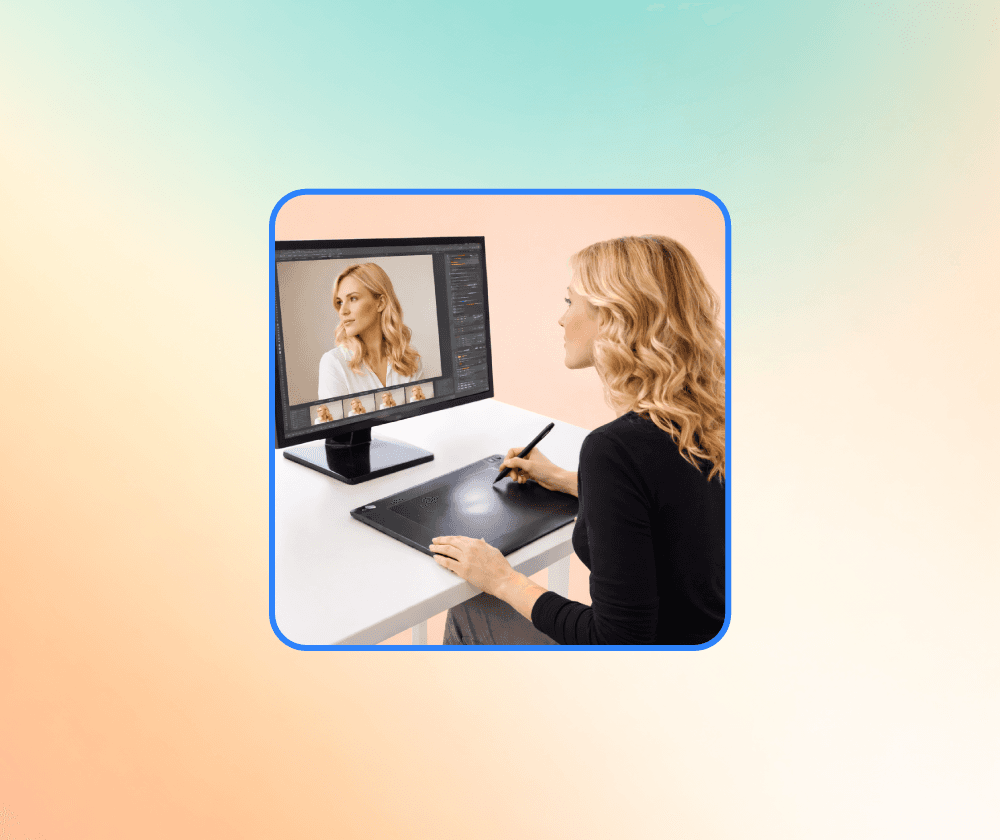
It runs in your browser without installing software. Mark what you want removed, and the AI erases it and fills in the background. Works for product photos, travel pictures, or any image you need to clean up.
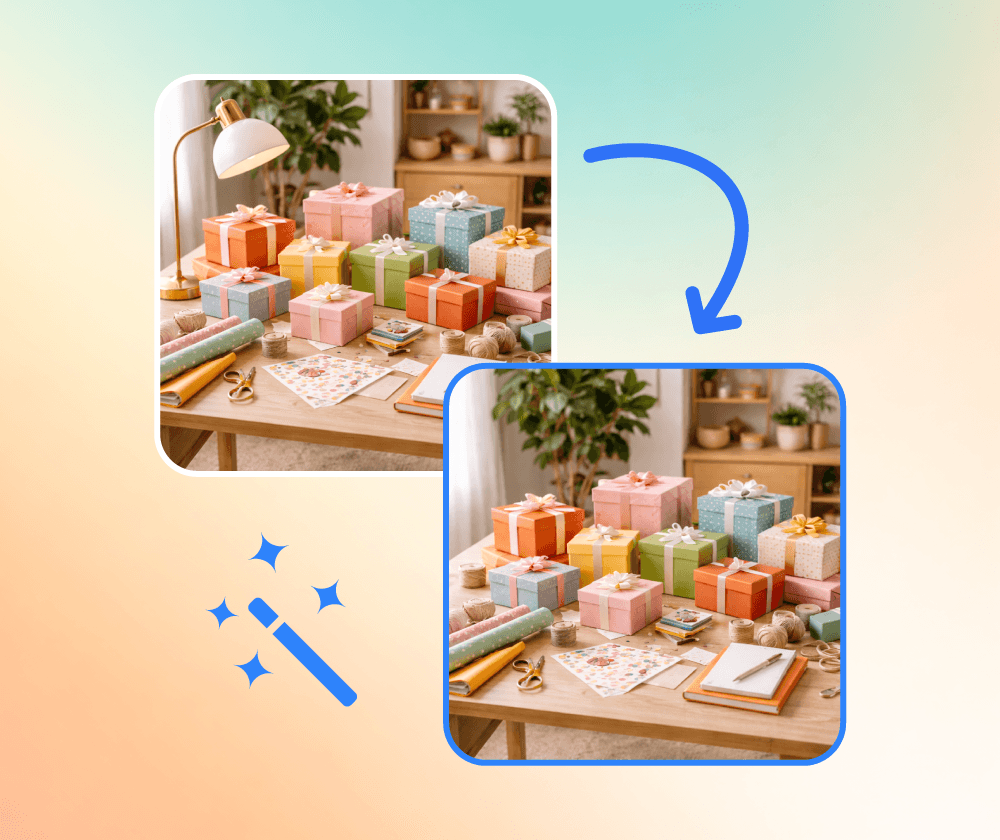
What the object remover offers.
Click on objects or brush over areas you want erased. The AI detects what to remove.
Works with JPG, PNG, and WEBP. Your image stays at its original resolution.
After removing objects, the AI fills in the area with matching background textures and colors.
Three steps to remove objects from your photo.
Select a JPG, PNG, or WEBP file from your device.
Highlight or brush over the objects you want erased.
Save the cleaned photo when the AI finishes processing.
Upload a photo and mark what you want removed. No account needed.

I use it to remove tourists from my travel photos. The background fill looks natural in most cases. Faster than doing it manually in Photoshop.

Good for cleaning up product photos. I remove distracting items from the background before listing products on my store.

Handy for quick image edits. I use it when photos have clutter or text that needs to go. Works well for simple removals.

Removes distractions from my photos without needing Photoshop. Results depend on the background complexity, but usually good enough.

Use it for quick cleanups on client images. The AI does a decent job filling in backgrounds, especially with simpler textures.

Cleaned up some family photos with people in the background we didn't want. Process was straightforward.
Generate images from text prompts or transform existing images with AI
Remove backgrounds from photos instantly with one click
Remove watermarks and logos from images using AI
Remove unwanted objects from photos seamlessly
Generate professional AI headshots from your photos
Generate passport-style ID photos with white background and proper framing
Remove text and captions from images with AI
Enhance and sharpen images with AI upscaling
Upscale and enlarge images up to 6x without losing quality
Extend image canvas and let AI fill in the new areas
Restore old, damaged, or scratched photos with AI
Replace image backgrounds with AI-generated scenes
Change clothing in photos using AI virtual try-on
Convert photos into pencil sketches and drawings
Convert photos into fun cartoon stickers
Whiten teeth in photos naturally with AI
Translate text inside images into 100+ languages with AI