Drop image here or click to upload
PNG, JPG, WebP (max 20MB)
Upscaled
✨
Upload an image and generate to see the result
Instantly enhance, enlarge, and sharpen your photos online. Upscale images to 8K in one click—fast and free.
Drop image here or click to upload
PNG, JPG, WebP (max 20MB)
Upload an image and generate to see the result
A tool that increases image resolution. Upload a photo, choose how much to enlarge it (up to 8x), and the AI fills in detail as it scales up.
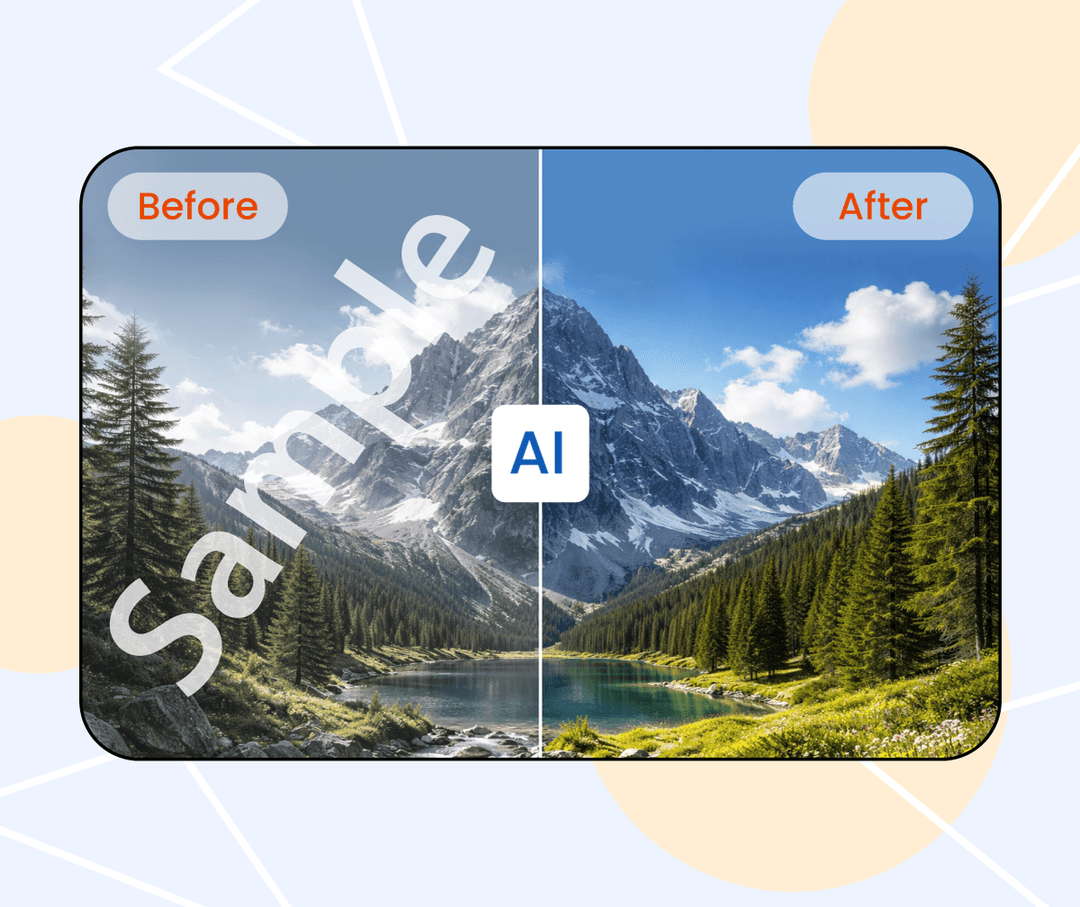
Normal resizing stretches pixels and looks blurry. This tool uses AI to add detail as it enlarges, so images stay clearer at larger sizes.
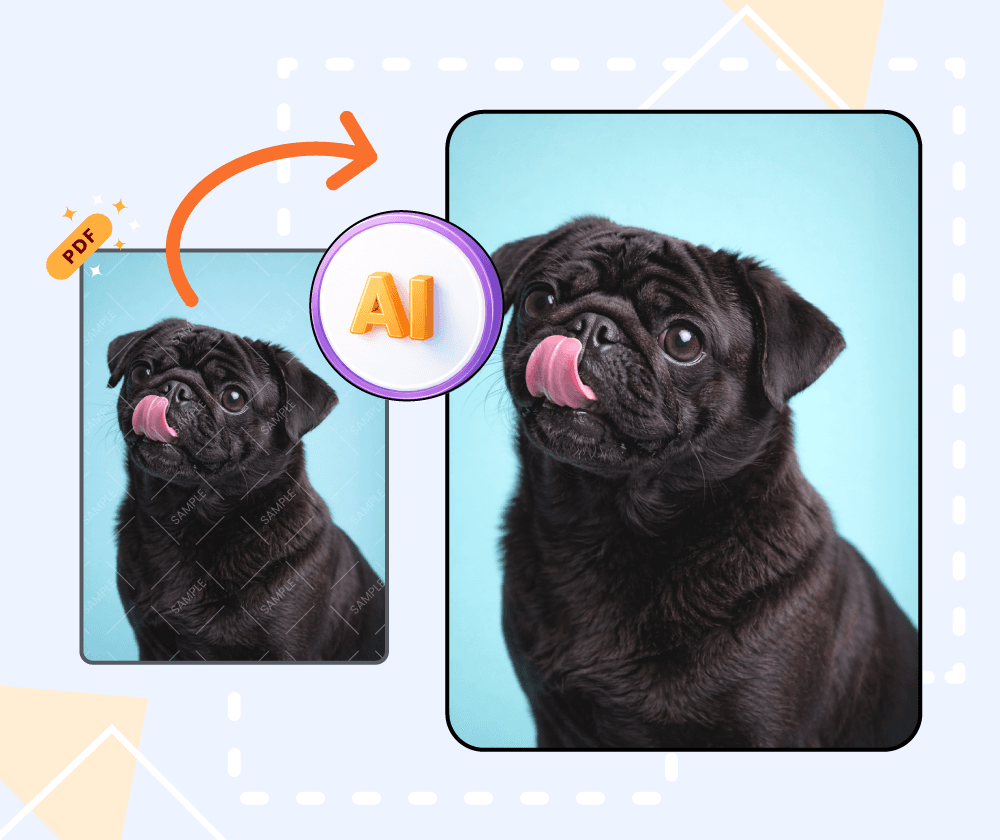
If you have a small image that gets fuzzy when enlarged, this tool can help. The AI adds detail as it scales, keeping the result cleaner than basic resizing.
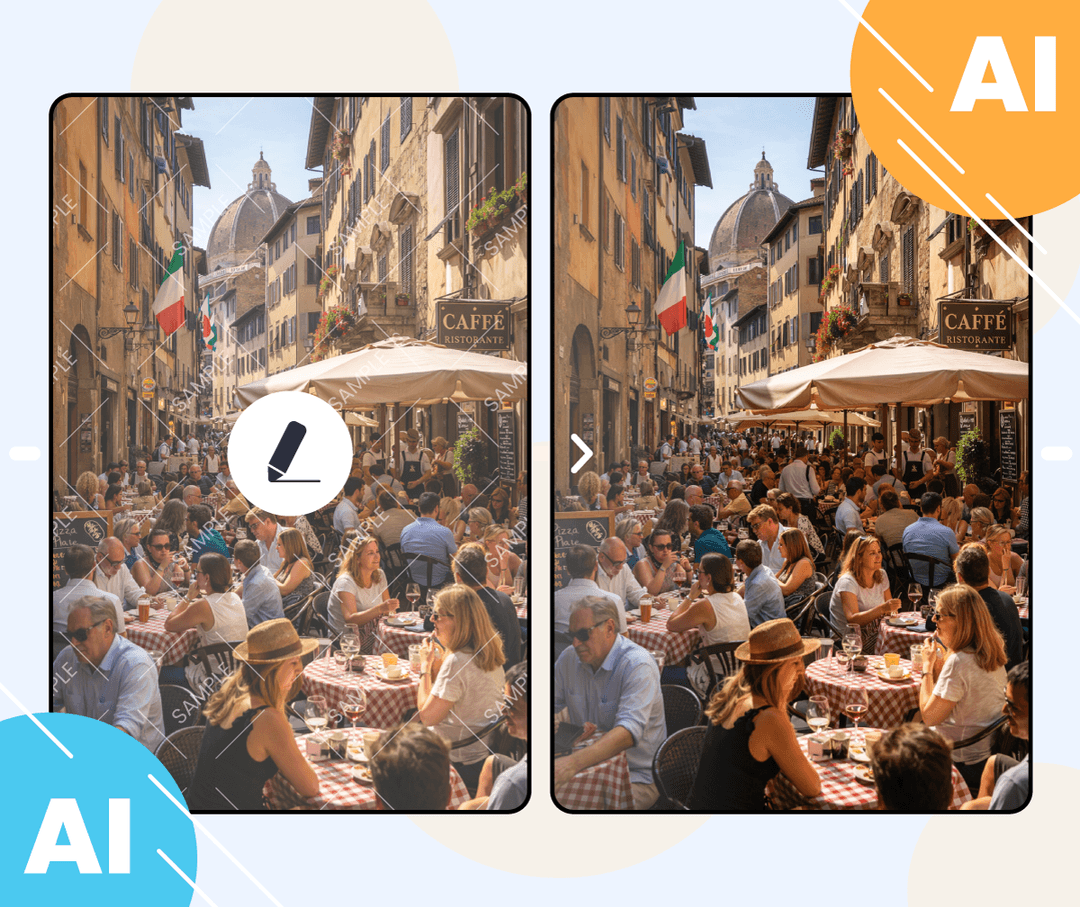
What the upscaler offers.
Upscale multiple images at once if you have a collection to process.
Choose how much to scale up—2x, 4x, or up to 8x for larger output sizes.
The AI adds detail as it scales, so images stay cleaner than basic resizing.
Three steps to upscale your image.
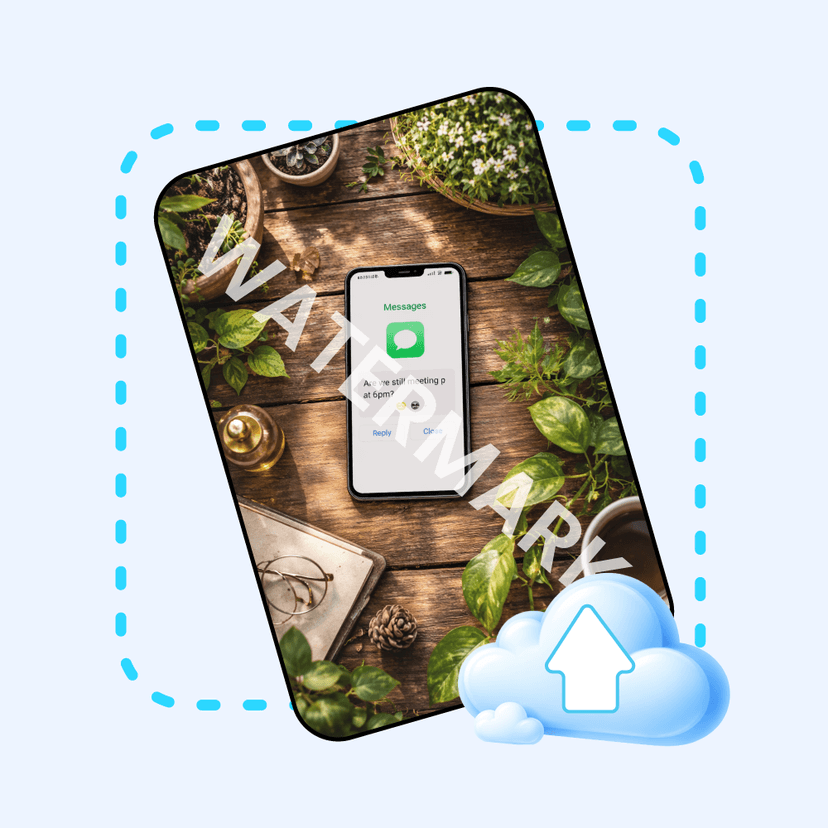
Select one or more photos from your device.
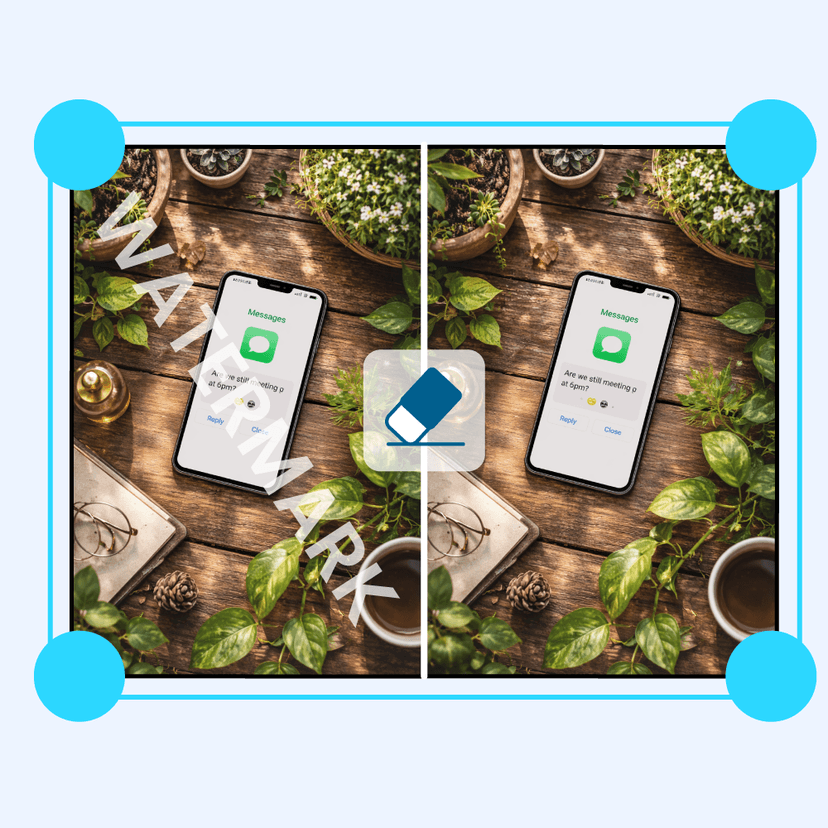
Pick how much to enlarge—2x, 4x, or up to 8x.
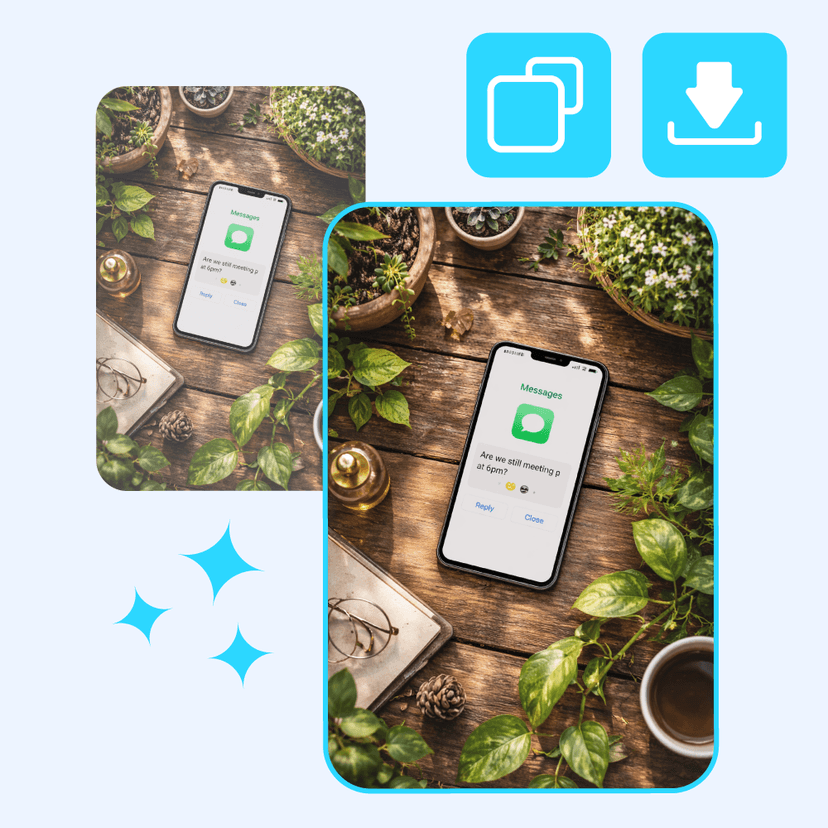
Save the upscaled image when processing is complete.
Upload an image and see how the AI upscales it. No account needed.

I use it to enlarge small images for print projects. Results are cleaner than basic resizing, though very small images still have limits.

Helpful for upscaling older photos. The AI adds detail that normal scaling would miss. Batch processing saves time.

I needed larger images for a presentation. The tool scaled them up without the usual blurriness. Worked well for most photos.

Good for making small images usable at larger sizes. The quality boost is noticeable compared to regular resizing.

Used it on some low-resolution images. The upscaled versions are sharper. Results vary depending on the original image.

Handy when I need to make images bigger for client work. The AI helps maintain detail better than stretching the pixels.
Generate images from text prompts or transform existing images with AI
Remove backgrounds from photos instantly with one click
Remove watermarks and logos from images using AI
Remove unwanted objects from photos seamlessly
Generate professional AI headshots from your photos
Generate passport-style ID photos with white background and proper framing
Remove text and captions from images with AI
Enhance and sharpen images with AI upscaling
Upscale and enlarge images up to 6x without losing quality
Extend image canvas and let AI fill in the new areas
Restore old, damaged, or scratched photos with AI
Replace image backgrounds with AI-generated scenes
Change clothing in photos using AI virtual try-on
Convert photos into pencil sketches and drawings
Convert photos into fun cartoon stickers
Whiten teeth in photos naturally with AI
Translate text inside images into 100+ languages with AI