Drop image here or click to upload
PNG, JPG, WebP (max 20MB)
Enhanced
✨
Upload an image and generate to see the result
Improve image quality with AI. Fix blurry photos, boost colors, and upscale resolution. Free, runs in your browser.
Drop image here or click to upload
PNG, JPG, WebP (max 20MB)
Upload an image and generate to see the result
A tool that improves image quality automatically. It can sharpen blurry photos, reduce noise/grain, adjust colors, and upscale resolution. Works in your browser without any software to install.
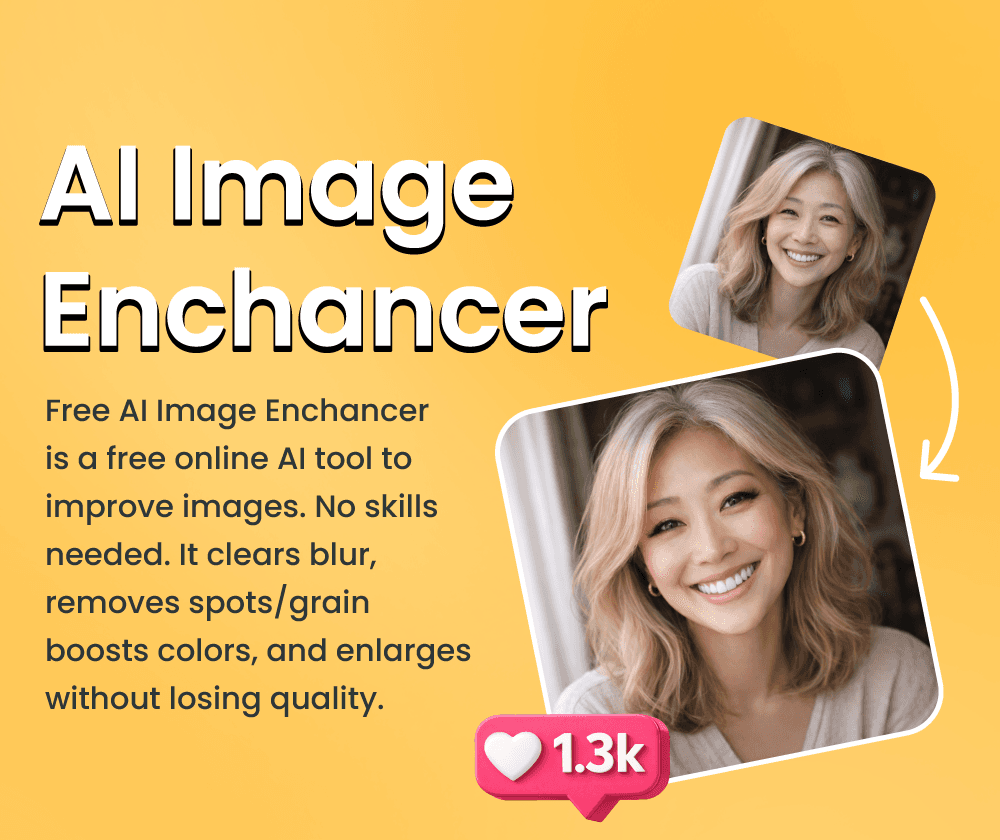
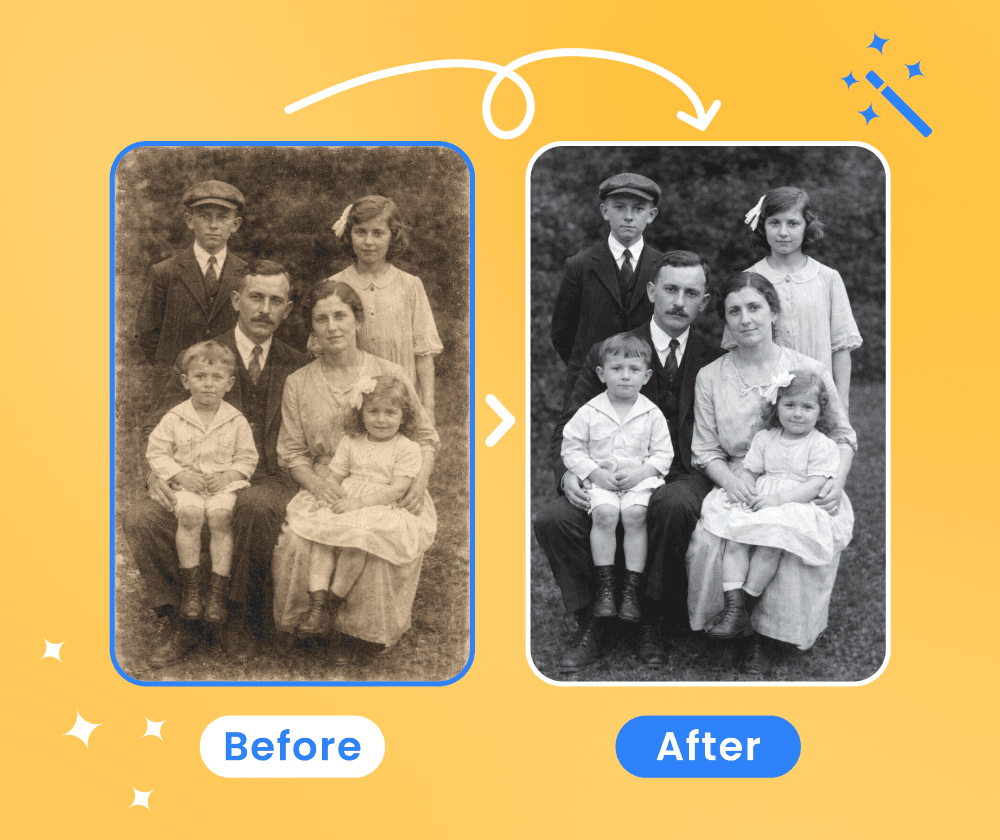
Whether it's a shaky phone photo, an old scan with fading colors, or a low-resolution image that looks pixelated when enlarged—this tool can help improve them.
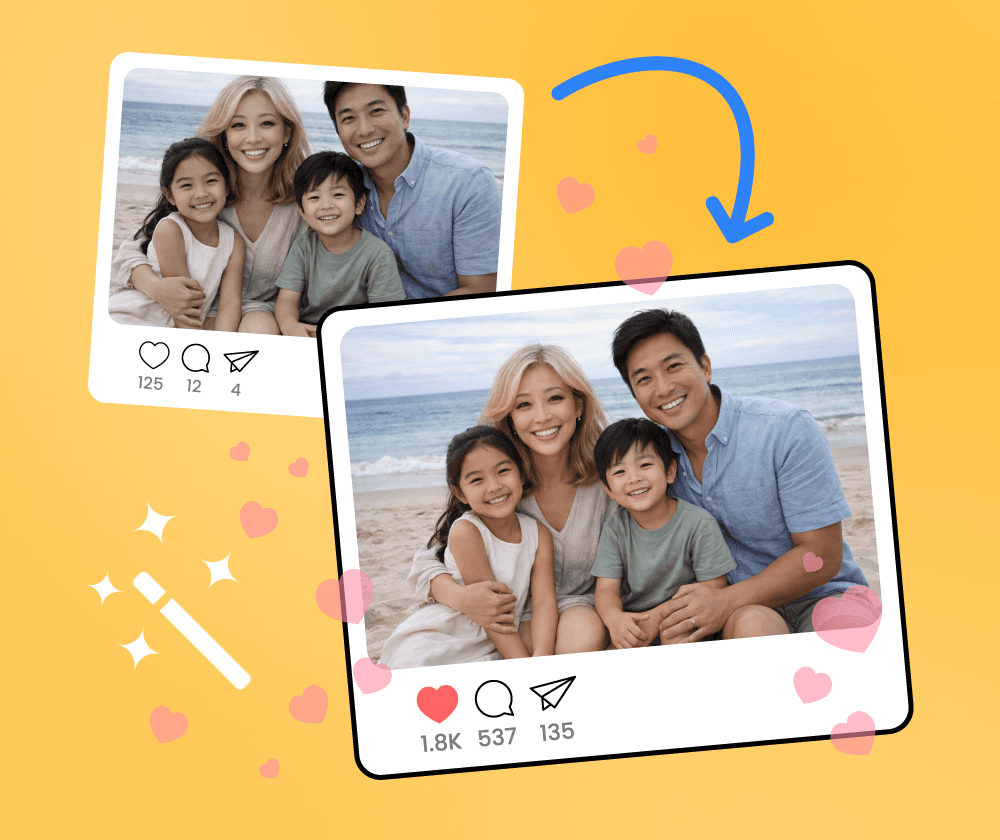
It handles the technical work automatically. Upload an image, and the AI analyzes what needs fixing—blur, noise, color issues—and applies corrections. Can also upscale to higher resolutions.
What the enhancer can do for your images.
Sharpens edges and brings out textures that may be hidden in blurry or low-quality photos.
Increase image resolution up to 8K. The AI fills in details as it scales up.
Most images process in under 10 seconds. Larger files may take a bit longer.
Three steps to enhance your image.
Select a photo from your device. Common formats like JPG and PNG work fine.
The tool analyzes and enhances automatically—sharpening, denoising, and color correction as needed.

Save the enhanced image when processing is complete.
Upload an image and see how the enhancement looks. No account required.

Used it on some blurry party photos. The sharpening made a noticeable difference, especially on faces.

Ran old family photo scans through it. Helped with the fading and brought back some of the color.

Clients sometimes send low-res images. This helps upscale them to something more usable for print.

Improved some dark concert photos I took. Reduced the grain and made them clearer.

My dog moves too fast for good photos. The sharpening helped with some of the motion blur.

Good for cleaning up scanned photos. Reduced dust spots and improved the overall look.
Generate images from text prompts or transform existing images with AI
Remove backgrounds from photos instantly with one click
Remove watermarks and logos from images using AI
Remove unwanted objects from photos seamlessly
Generate professional AI headshots from your photos
Generate passport-style ID photos with white background and proper framing
Remove text and captions from images with AI
Enhance and sharpen images with AI upscaling
Upscale and enlarge images up to 6x without losing quality
Extend image canvas and let AI fill in the new areas
Restore old, damaged, or scratched photos with AI
Replace image backgrounds with AI-generated scenes
Change clothing in photos using AI virtual try-on
Convert photos into pencil sketches and drawings
Convert photos into fun cartoon stickers
Whiten teeth in photos naturally with AI
Translate text inside images into 100+ languages with AI