Read.ai Vs Sembly.ai: Which AI Assistant is Right for Your Team
Picking an AI assistant for your team meetings is like choosing a new colleague. You want someone who fits in, makes life easier, and just gets how your team works. But with so many options out there, where do you even start? It can be a real head-scratcher.
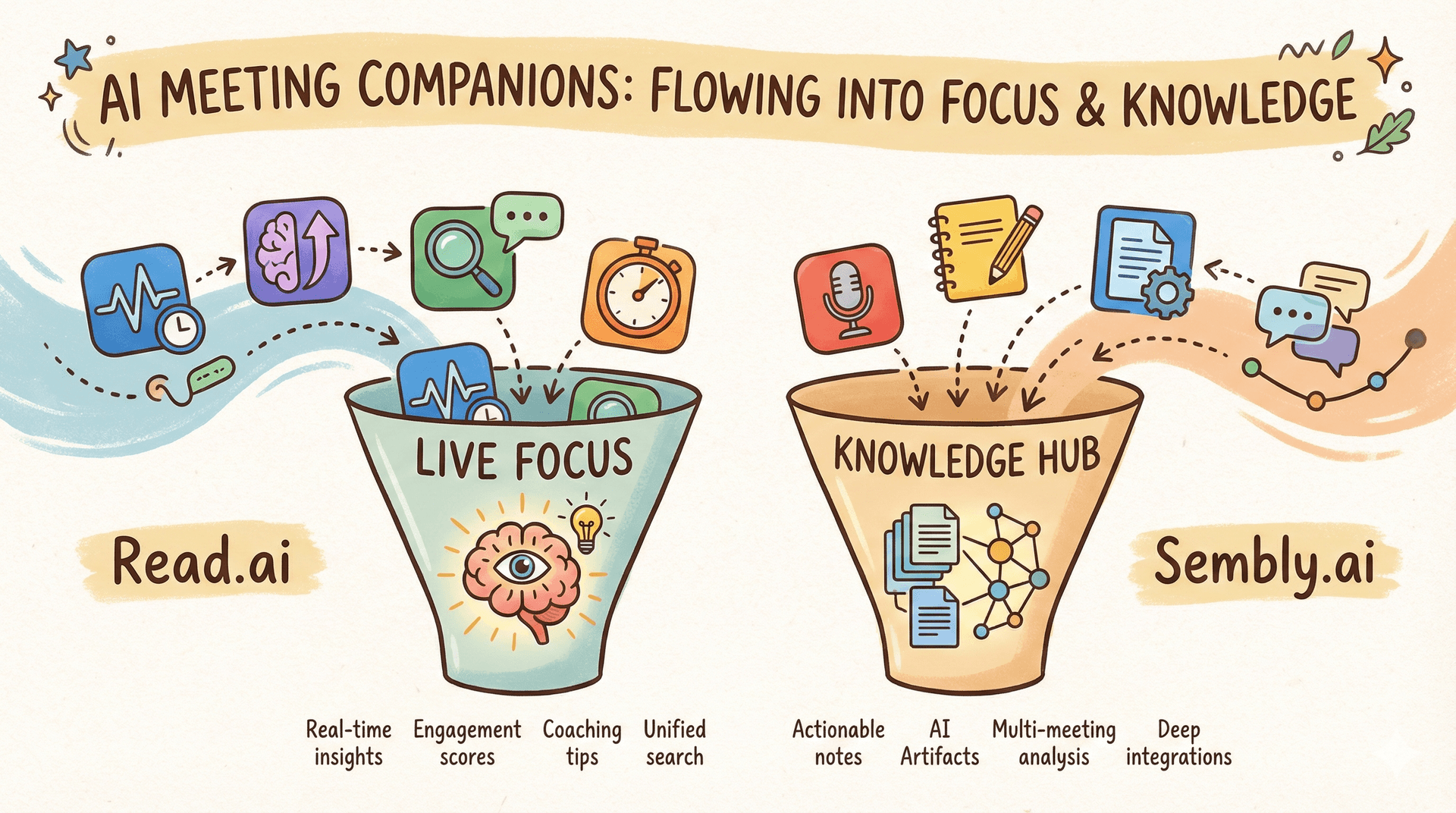
Two names you’ll probably bump into are Read.ai and Sembly.ai. Both are like super-smart note-takers who never miss a detail, but they’ve got pretty different personalities. One is like the energetic facilitator in the room, and the other is the brilliant archivist in the corner. Let’s grab a coffee and chat about which one might be your team’s new best friend.
What is
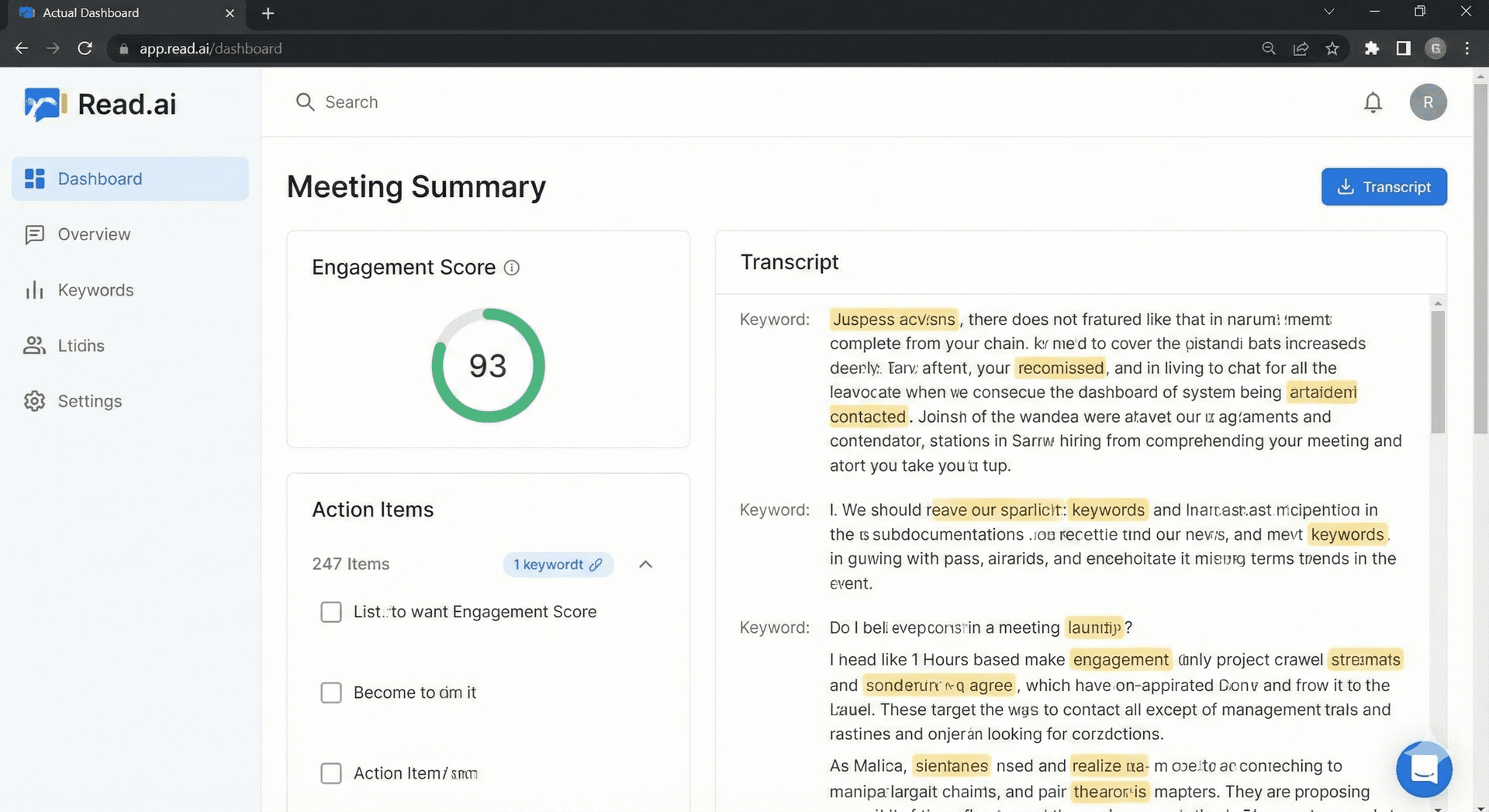
Imagine having a friendly, data-driven observer join your Zoom call. That’s Read.ai in a nutshell. It pops into your meetings on Zoom, Teams, or Meet and doesn’t just take notes; it reads the room.

While everyone’s talking, it’s quietly keeping track of who’s speaking, the general vibe, and whether people are engaged or checked out. Afterward, it sends around a concise "Meeting Readout" with the key takeaways, a recording, and a clear list of next steps. It’s perfect for teams who think, "Our meetings are okay, but could they be more focused and actionable?"
What is
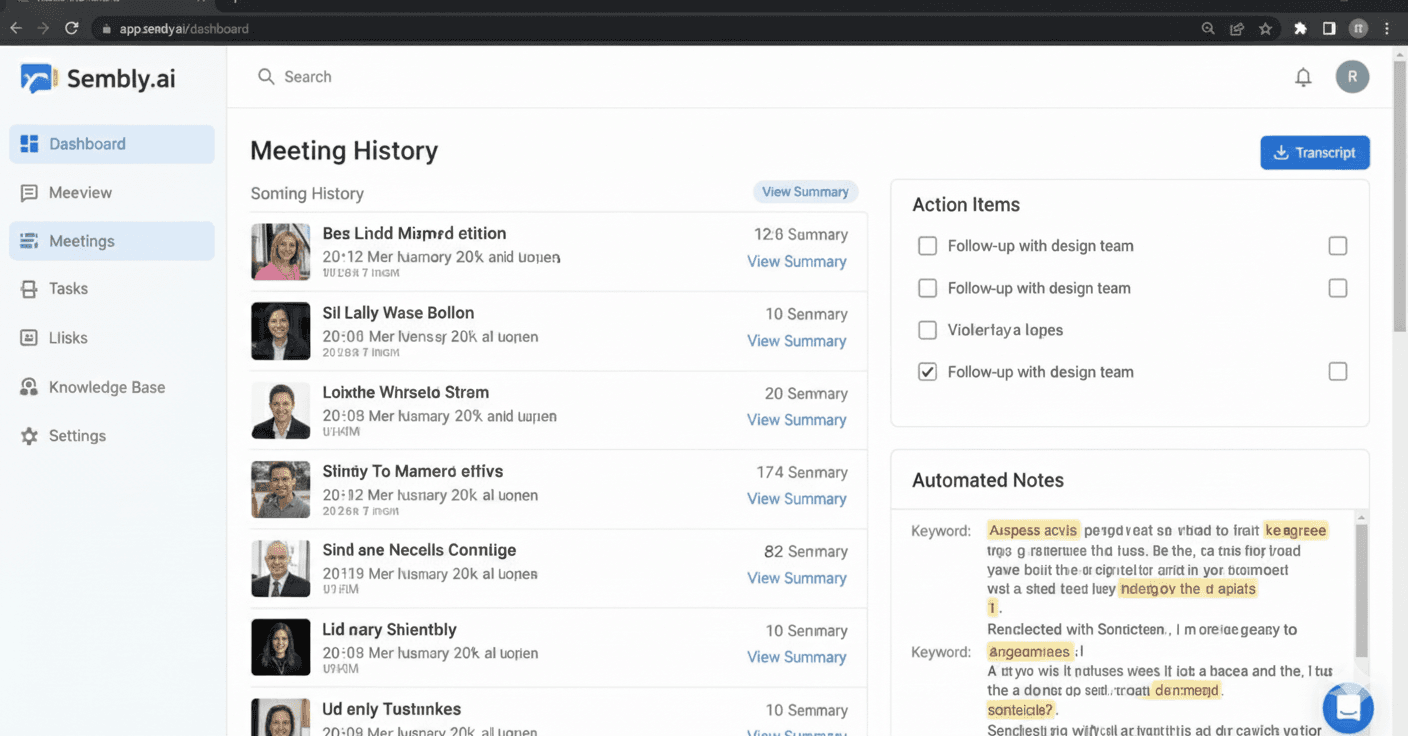
Now, think of Sembly.ai as your team’s collective brain. It’s less about the live meeting drama and more about remembering everything so you don’t have to. It records, transcribes, and summarizes your meetings, then files all that knowledge away in a searchable spot.

Its superpower is spotting patterns. Sembly looks across all your team’s meetings and tells you stuff like, "Hey, you’ve spent 10 hours talking about Project X this month," or "This decision from two weeks ago might help with today’s problem." It’s for teams who often say, "I know we talked about this, but I can’t remember where or what we decided."
Read.ai
Basic Differences

Here’s the simplest way to think about it: Read.ai is your meeting coach, and Sembly.ai is your team historian. Read.ai wants to help you run better meetings as they happen. Sembly.ai wants to make sure nothing valuable from those meetings ever gets lost or forgotten. Two different goals, both really useful.
| Category | Read.ai | Sembly.ai |
| Main Focus | Fast summaries and clear insights | Deep analysis and structured outputs |
| Best For | Teams wanting simple, quick meeting notes | Teams needing detailed transcription and analytics |
| Learning Curve | Very easy | Slightly more advanced |
| Customization | Moderate | High |
User Rating
People really like both tools! If you check out software review sites like G2 or Capterra, you'll see both Read.ai and Sembly.ai sitting with high ratings, often between 4.3 and 4.7 stars. Their mobile apps on the App Store and Play Store also get consistently great feedback. The scores are always neck-and-neck, which tells you they’re both doing something right; it just comes down to which one fits your team’s vibe.
Use Cases
Do you have a team doing client calls or pitches? Read.ai is a game-changer. Seeing the live feedback helps you adjust on the fly. Is your team deep in long-term projects with a million discussions? Sembly.ai will be your lifeline, keeping everyone aligned and helping new folks get up to speed fast.
Features
- Read.ai’s Party Tricks: Real-time talk time stats, sentiment hints, and those brilliant auto-generated video highlight reels.
- Sembly.ai’s Strong Suit: Pinpoint accurate transcripts, AI-generated minutes with smart action items, and those eagle-eyed "Team Insights" that show you the big picture.
Integrations
Both play nicely with the big video call apps. Read.ai is excellent at syncing with your calendar to auto-join. Sembly.ai goes a step further by shaking hands with your other work hubs, like Slack or Asana, so action items can flow right into your existing to-do lists.
User Support
If you hit a snag, both have the usual help desks, docs, and email support. It’s the standard modern software playbook. Pay for a bigger plan, and you’ll typically get faster, more direct help from either of them.
Pricing
Let's talk about the part everyone wonders about: cost. The good news is that both tools are built to scale with you. They typically offer a free plan to get started, then paid tiers that unlock more features, longer meetings, and deeper insights. Pricing is usually per person, per month, which makes it easy to budget for your team size. Here’s a quick look at how each one structures it.
Read.ai
There’s a decent free plan to dip your toes in. When you're ready to upgrade, you’ll pay per person per month. The paid plans unlock the good stuff, like longer meetings and deeper analytics, with custom deals for the whole company.

Sembly.ai
Very similar story! Start free, then step up to a paid tier for more features, more storage, and those team-wide insights. It’s also a per-user, per-month model, with a nice discount if you commit for a year.

Top 4 Reasons to Choose Each
1. Reasons to Choose
- You want live meeting feedback. You wish you could see if everyone is actually engaged or if one person is dominating the chat.
- Video clips are your love language. The auto-generated highlight reel for sharing key moments is just too cool.
- You’re allergic to unclear next steps. Its crisp "Readouts" tell you exactly who’s doing what and by when.
- You’re working on your own hosting skills. It’s like a personal mirror for your meeting style; great for coaches and leaders.
2. Reasons to Choose
- You have institutional amnesia. You need a searchable, company-wide memory for all decisions and discussions.
- You’re a manager who loves trends. The "Team Insights" dashboard provides valuable insights into your team's time allocation.
- Your apps need to talk to each other. It fits neatly into your existing web of tools (Slack, Asana, etc.) and automates the boring stuff.
- Thorough records are non-negotiable. For compliance, detailed project tracking, or just covering your bases, its documentation is top-notch.
Read.ai
| Feature | Read.ai | Sembly.ai |
| Its Vibe | The meeting coach | The team historian |
| Live Feedback | Yes! Gives you the pulse during the call | Not really, it's a thing |
| Summary Style | Punchy "Readouts" with video clips | Detailed AI minutes & notes |
| The Cool Feature | Auto-generated video highlights | Search everything, forever |
| Sees the Big Picture | For one meeting, yes | Yes, across ALL meetings |
| Plays With Other Apps | Does the core video/calendar stuff | Plays with more (Slack, Asana, etc.) |
| Your Team Might Say... | "Let's make this meeting count." | "What did we decide last time?" |
Final Recommendation
For most teams, Sembly provides better overall value with superior meeting intelligence, team collaboration, and competitive pricing. Choose Read.ai only if real-time meeting coaching is your primary need.
Sembly excels at making meetings more productive through better follow-up and action item management. With live coaching and feedback, Read.ai excels at improving people's meeting skills.
FAQs About
Which one transcribes better?
Honestly, you’d be pleased with either. They both use fancy AI that’s scarily accurate, even with funky accents or poor audio. It’s pretty much a tie here.
Can I try before I buy?
Absolutely! Both services offer free plans that allow you to test them out for a few meetings. It’s the best way to see which interface you naturally click with.
Is my meeting gossip safe with them?
They both take security seriously, using encryption and following privacy rules. As always, it’s a good idea to skim their privacy policy for the nitty-gritty.
We’re a big company. Which one?
What’s the bigger headache? If it’s meeting efficiency, go to Read.ai. If it’s siloed information and losing knowledge, go to Sembly.ai. Big teams might even find uses for both!
Do they work with Webex/Whereby/etc?
Their main buddies are Zoom, Teams, and Google Meet. Always check their websites for the latest list; they add new friends sometimes!