Typing can feel like a bottleneck, slowing down the flow of ideas from your mind to the screen. Whether you're a busy executive trying to clear your inbox, a sales professional logging detailed call notes, or a freelancer transcribing interviews, the manual effort of typing is a universal time sink. The right dictation software transforms how you interact with your Mac, turning spoken words into text instantly and accurately. This allows you to capture thoughts, draft documents, and manage communications far more efficiently.
This guide is designed to help you find the best dictation programs for Mac that fit your specific workflow. We move beyond generic feature lists to provide a comprehensive breakdown of the top tools available today. You won't just see what each program does; you'll understand who it's for and why it might be the perfect fit for your needs, or why you should look elsewhere. We cover everything from built-in macOS tools to advanced AI-powered transcription services.
Inside this resource list, you will find:
- Detailed reviews of 12 leading dictation and transcription tools.
- Practical use cases tailored for different roles: executives, sales teams, IT, and freelancers.
- Honest pros and cons to help you weigh your options realistically.
- Clear pricing information to match your budget.
- Direct links and screenshots for every platform reviewed.
Our goal is straightforward: to give you all the information needed to select a tool that saves you time and boosts your productivity. Let's explore the options that will help you work smarter, not harder, on your Mac.
1. Apple Voice Control & Dictation (built into macOS)
The best place to start your search for dictation programs for Mac is with the tools already built into your computer. Apple's Voice Control and Dictation features are integrated directly into macOS, providing a free and surprisingly powerful solution for hands-free control and writing. Unlike simple dictation, Voice Control allows you to navigate the entire operating system, open apps, click menus, and edit text using only your voice.
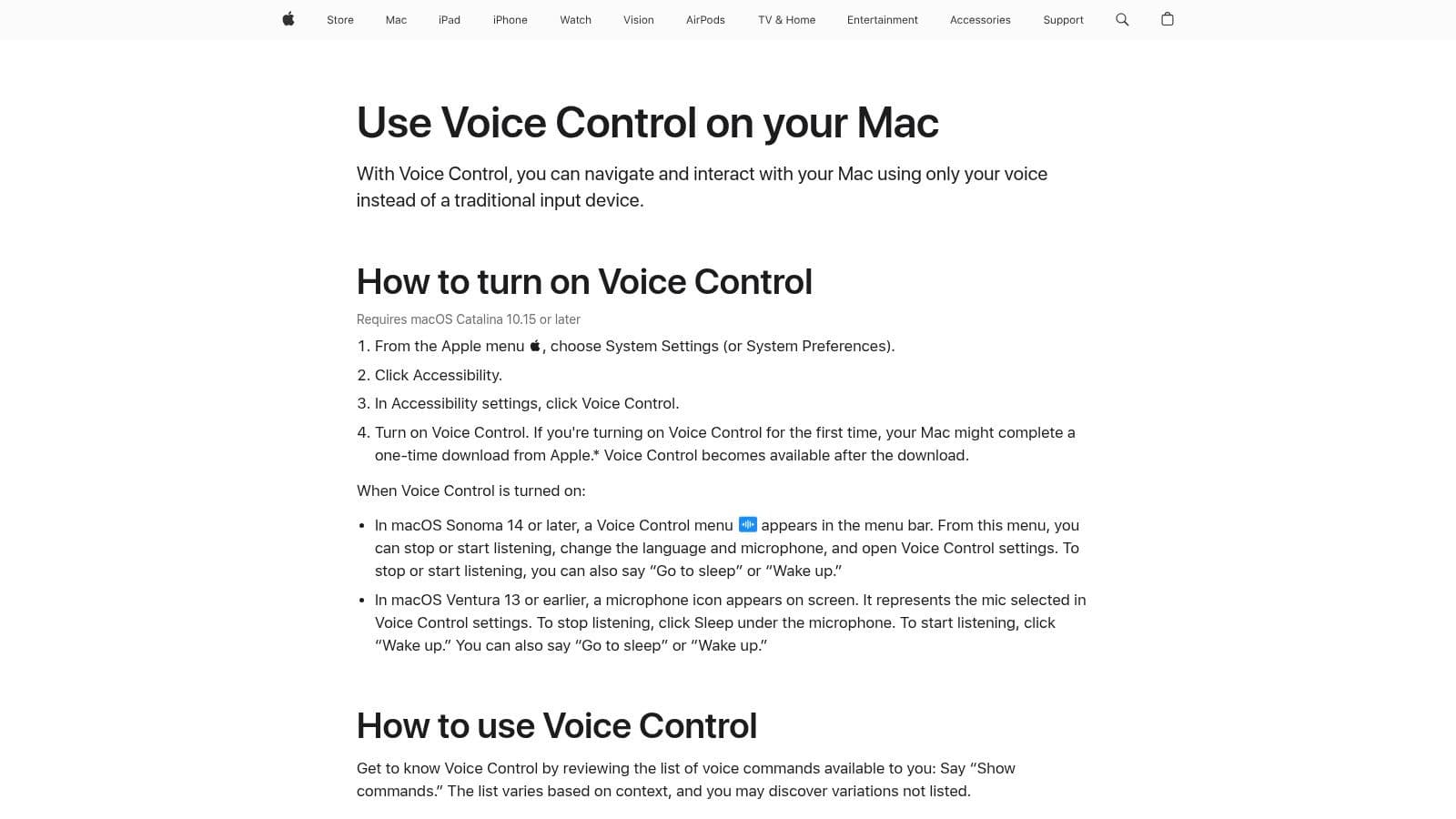
This native tool is ideal for users who need a basic, reliable way to draft emails in Mail, write notes in Pages, or send messages without typing. A key advantage, especially for those on Apple silicon Macs, is the option for on-device processing. This enhances privacy and security by keeping your voice data on your machine instead of sending it to the cloud.
Key Features & Analysis
- System-Wide Integration: Works seamlessly across all native macOS applications and many third-party ones.
- Custom Commands: You can create custom voice commands to run complex workflows or insert specific boilerplate text, a huge timesaver for repetitive tasks.
- On-Device Privacy: On newer Macs, processing happens locally, making it a secure choice for handling sensitive information.
- Cost: Completely free and included with every copy of macOS.
While it lacks the advanced transcription features and speaker identification of paid software, its deep integration and no-cost access make it an unbeatable starting point for individuals and teams looking to explore voice-to-text.
| Feature | Apple Voice Control & Dictation |
|---|---|
| Ideal For | Individuals, Freelancers, Executives |
| Use Case | Drafting emails, writing notes, basic system navigation |
| Pricing | Free (built into macOS) |
| Offline Mode | Yes (with on-device processing enabled) |
| Pros | Free, privacy-focused, deeply integrated |
| Cons | Lacks advanced transcription controls, accuracy can vary |
2. MacWhisper
For users who need more power and privacy than built-in tools offer, MacWhisper provides a robust solution by leveraging OpenAI's powerful Whisper technology directly on your Mac. It excels at both live dictation and transcribing audio files, offering a significant upgrade in accuracy and language support. This makes it one of the most versatile dictation programs for Mac available today.
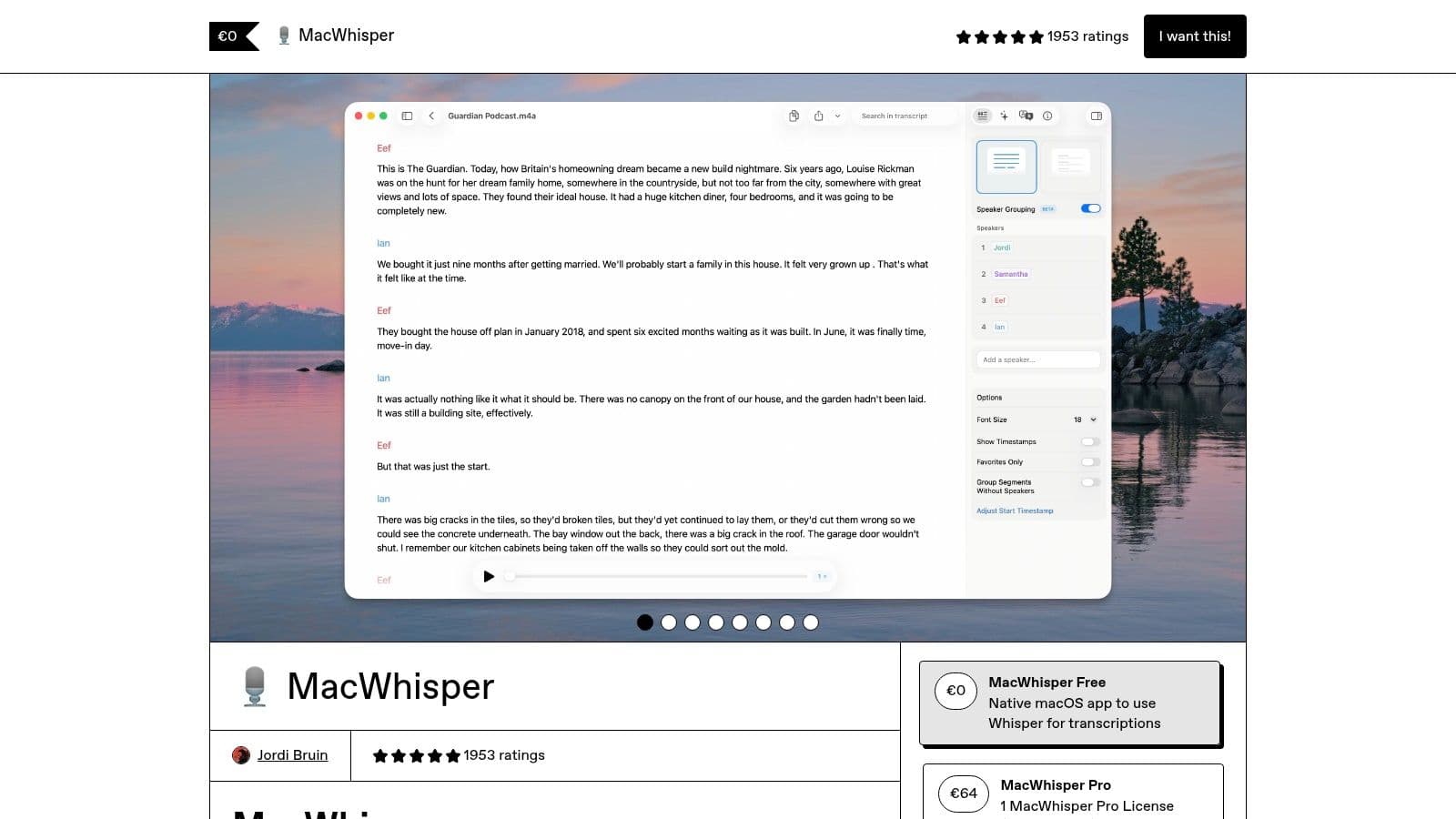
MacWhisper is particularly valuable for users who prioritize offline processing. By running local models on your machine, it ensures your audio data remains private and secure, a critical feature for handling confidential meetings or sensitive client information. The direct-from-website version includes a system-wide dictation hotkey that pastes transcribed text into any application, seamlessly integrating into your existing workflow.
Key Features & Analysis
- Local & Cloud Models: Choose between running models offline for privacy or using cloud-based APIs for speed, supporting over 100 languages.
- System-Wide Dictation: A global hotkey lets you dictate directly into any text field, from email clients to CRM software (note: this feature is not in the App Store version).
- Advanced Transcription: Handles batch processing of audio/video files, watches folders for new media, and can export transcripts as subtitles (VTT/SRT).
- Workflow Integrations: Connects with tools like Zapier and n8n to automate transcription workflows, perfect for teams in operations or sales.
While the App Store version has limitations, the direct download provides a powerful, privacy-first dictation and transcription suite. Its one-time purchase option offers exceptional value for heavy users and teams.
| Feature | MacWhisper |
|---|---|
| Ideal For | Professionals, Researchers, Sales Teams, Startups |
| Use Case | Meeting transcription, live dictation, creating subtitles |
| Pricing | Free version available; Pro from $29 (one-time) |
| Offline Mode | Yes (with local models) |
| Pros | Excellent privacy, one-time purchase, powerful transcription |
| Cons | Dictation feature missing from App Store version |
3. Setapp
Setapp offers a unique approach to acquiring dictation programs for Mac by bundling them into a larger subscription service. Instead of a standalone dictation app, Setapp is a curated library of over 230 macOS and iOS applications available for a single monthly fee. This model is perfect for users who want to experiment with various productivity tools, including powerful transcription apps like WhisperTranscribe, without committing to individual purchases.
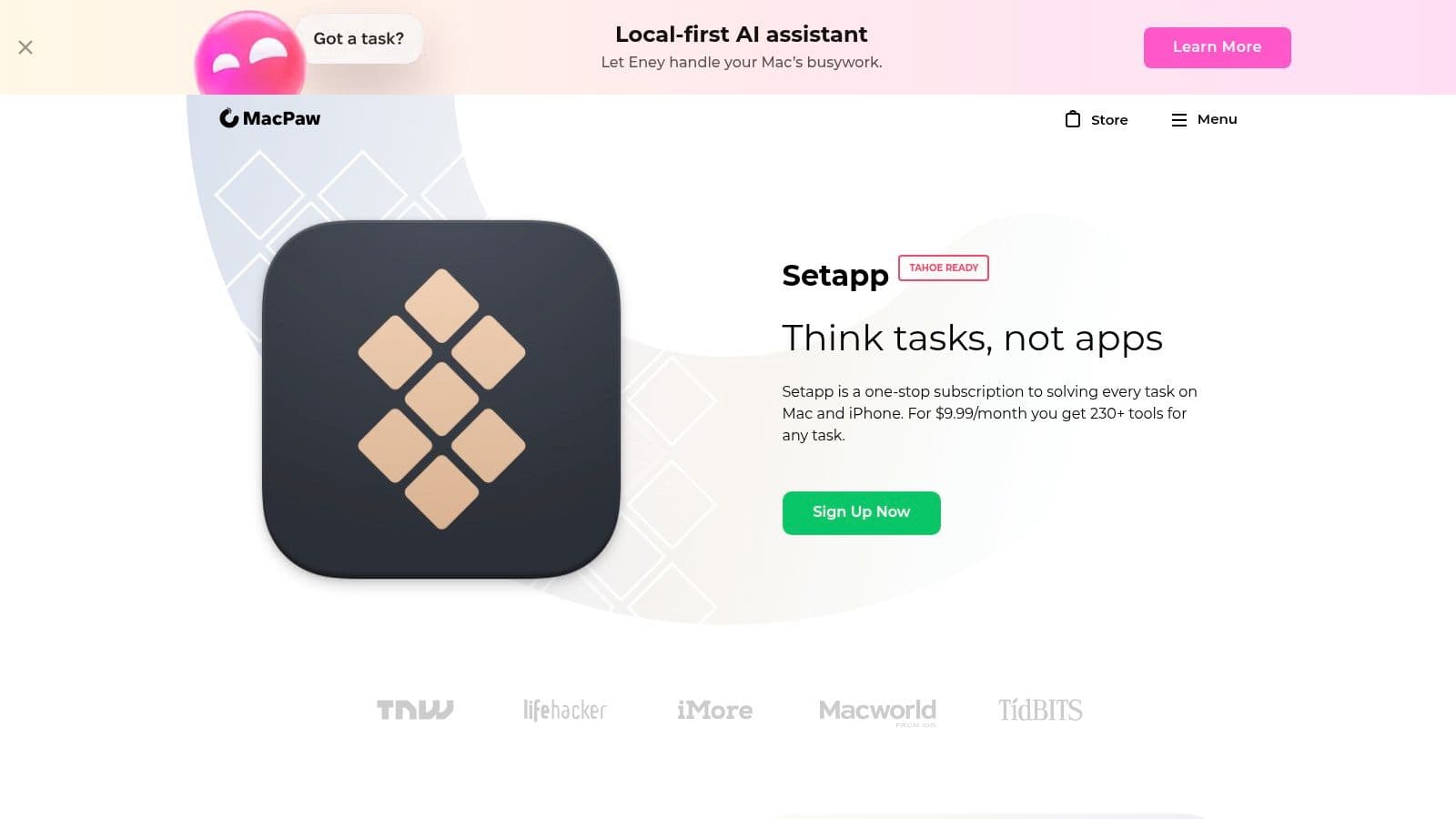
This platform is ideal for freelancers, startups, and IT managers who need to equip their teams with a versatile software toolkit. The value comes from getting access to not just a dictation utility but a whole suite of apps for writing, coding, and design. Centralized billing and software updates simplify license management, making it an efficient choice for outfitting multiple users.
Key Features & Analysis
- Vast App Library: Gain access to a wide range of Mac software, including dictation and transcription tools, under one subscription.
- Includes WhisperTranscribe: Leverage the power of OpenAI's Whisper model for accurate transcription of audio files and live microphone input, directly within the Setapp ecosystem.
- Cost-Effective Bundle: If you use several of the included apps, the subscription price is often much lower than buying each one individually.
- Centralized Management: All apps are updated and managed through the Setapp interface, streamlining software maintenance.
While you are tied to a subscription and must ensure your desired app remains in the catalog, Setapp provides an unparalleled opportunity to explore and utilize premium Mac software, including high-quality dictation tools, at a fraction of the cost.
| Feature | Setapp |
|---|---|
| Ideal For | Freelancers, Startups, IT Managers, Power Users |
| Use Case | Accessing multiple premium Mac apps, file transcription |
| Pricing | Subscription-based (from $9.99/month) |
| Offline Mode | Varies by individual app (WhisperTranscribe works offline) |
| Pros | Cost-effective access to 230+ apps, includes powerful tools |
| Cons | Subscription model isn't for everyone, app lineup can change |
4. Otter.ai
While many dictation programs for Mac focus on converting your speech into text for writing, Otter.ai is built specifically for capturing conversations. It excels at transcribing meetings, interviews, and lectures in real time, making it an indispensable tool for teams, journalists, and students who need accurate records of spoken discussions. Rather than a direct typing replacement, it functions as an intelligent, AI-powered meeting assistant.
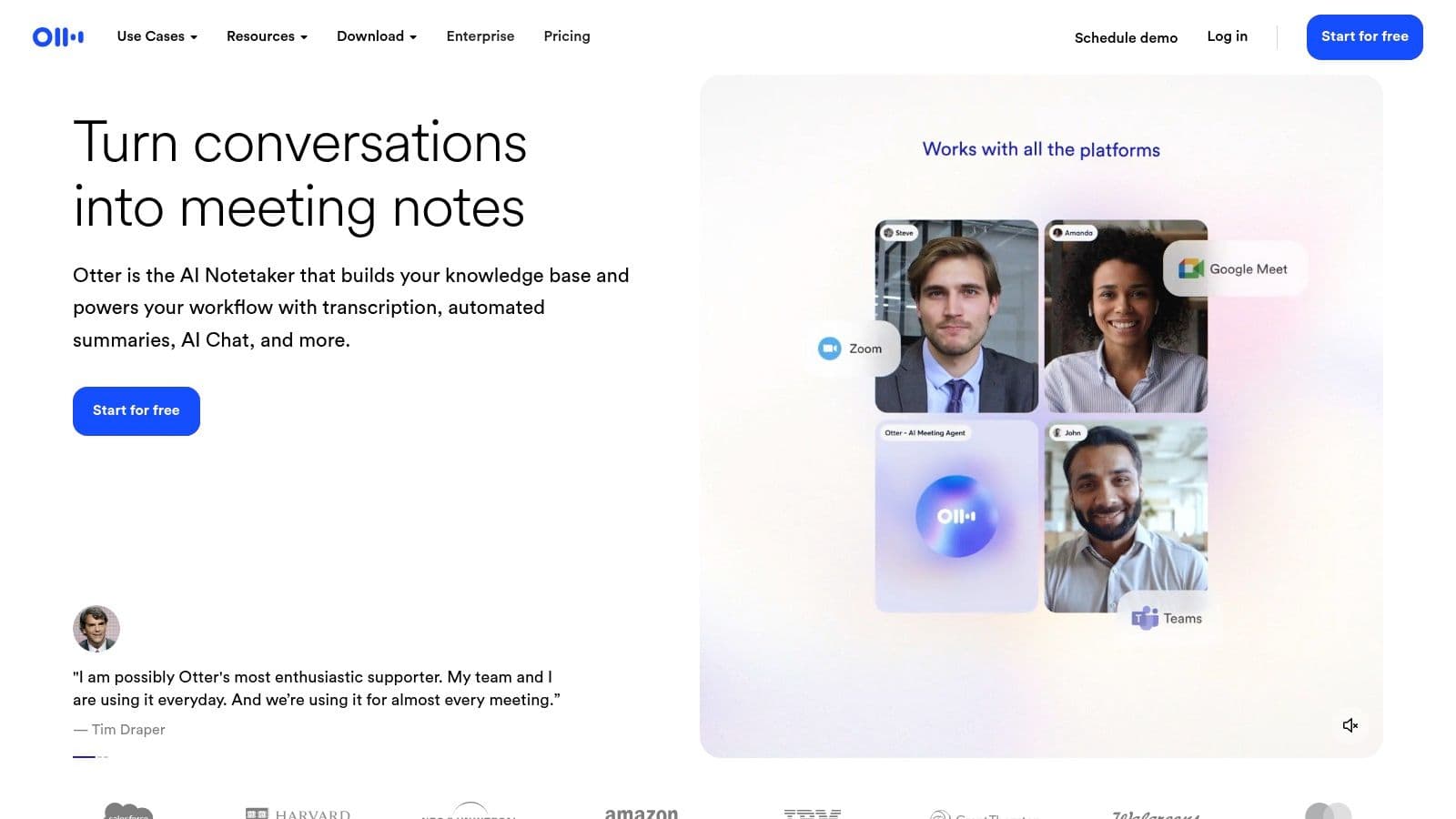
The platform's standout feature is its ability to identify and label different speakers, creating a clean, easy-to-read transcript. The "OtterPilot" can automatically join your Zoom, Google Meet, or Microsoft Teams meetings to record and transcribe them, even if you can't attend. After the meeting, it generates an AI-powered summary, action items, and keywords, saving hours of manual note-taking and review.
Key Features & Analysis
- Live Transcription & Speaker ID: Accurately transcribes multi-speaker conversations in real time and distinguishes who said what.
- AI Meeting Assistant: Automatically joins, records, and summarizes virtual meetings, providing actionable insights.
- Collaboration Tools: Transcripts can be shared, commented on, and highlighted, creating a single source of truth for teams.
- Multi-Platform Access: Available as a web app, a Mac app, and on mobile, ensuring your notes are always synced and accessible.
Otter.ai is less about dictating an email and more about capturing the full context of a collaborative discussion. Its focus on meetings makes it a specialized but powerful tool for professional environments where accurate record-keeping is critical.
| Feature | Otter.ai |
|---|---|
| Ideal For | Teams, Sales Professionals, Consultants, Students |
| Use Case | Meeting transcription, interview notes, lecture capture |
| Pricing | Free tier available; Paid plans start at $16.99/mo |
| Offline Mode | No (requires internet connection for live transcription) |
| Pros | Excellent for meetings, accurate speaker ID, AI summaries |
| Cons | Not a system-wide dictation tool, best features are paid |
5. Descript
Descript approaches dictation from a content creator's perspective, positioning it as the first step in a larger audio/video production workflow. More than just a tool for converting voice to text, Descript is a full-featured editor that lets you edit audio and video by simply editing the transcribed text. This makes it one of the most unique dictation programs for Mac, especially for podcasters, YouTubers, and marketing teams.
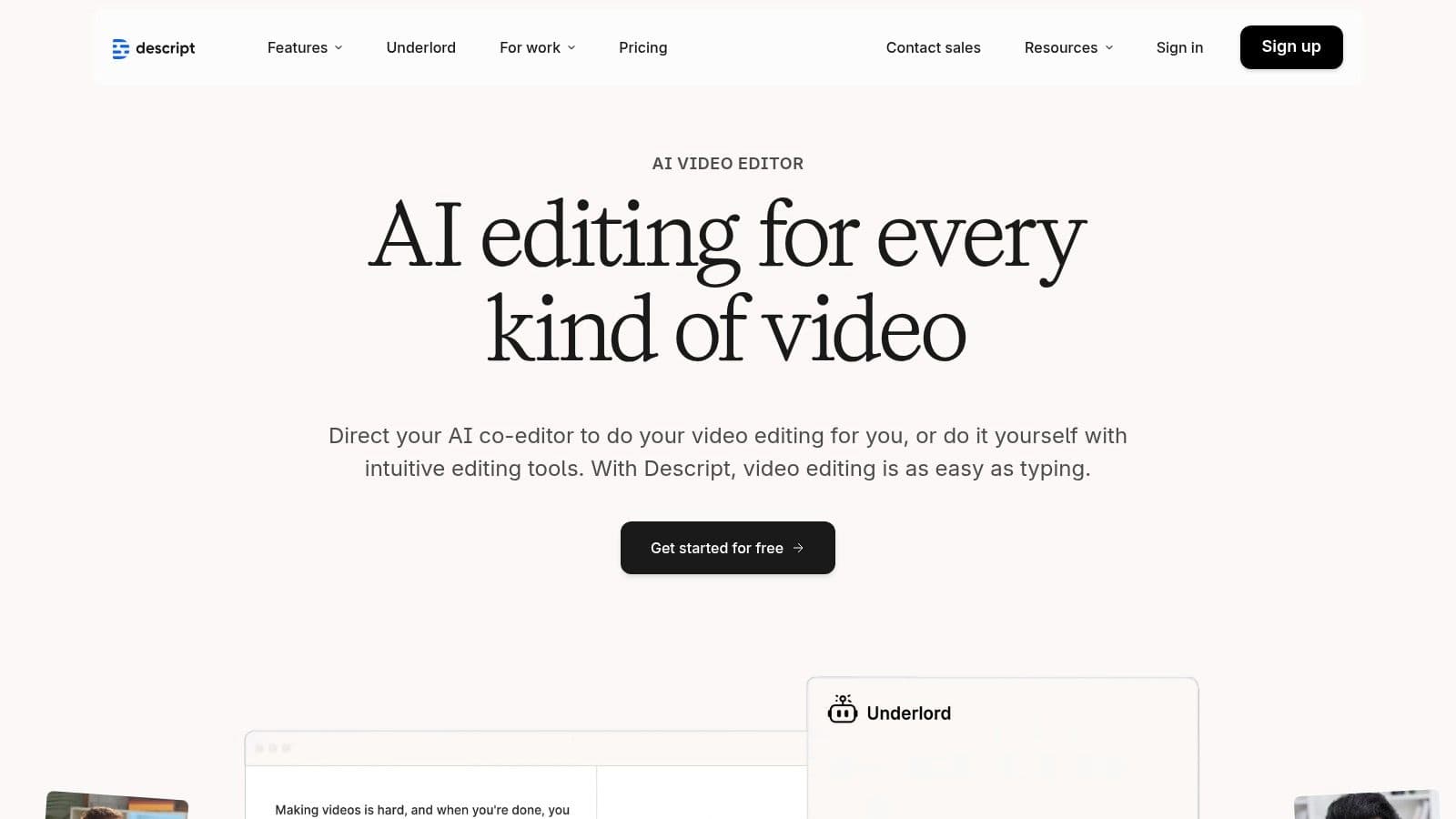
The platform is designed for users who need to dictate or record voice notes and then immediately polish them into professional-grade content. Its AI-powered features like Studio Sound can remove background noise and enhance voice quality with a single click, while Overdub allows you to correct mistakes by typing. To better understand its positioning, you might find a comparison of Descript versus Tubentum useful for evaluating its features against other specialized tools.
Key Features & Analysis
- Text-Based Audio/Video Editing: Edit your media files by simply editing the automatically generated transcript. Deleting a word in the text removes it from the audio.
- AI-Powered Enhancements: Features like Studio Sound for audio cleanup and filler word removal ("um," "uh") streamline the editing process significantly.
- Collaboration Tools: Built for teams, it allows multiple users to comment on and edit projects simultaneously, making it great for collaborative content creation.
- Integrated Recording: Offers screen and audio recording directly within the app, centralizing the entire production workflow.
While it's overkill for someone who just needs to draft emails, Descript is an invaluable tool for anyone whose dictated words are destined for an audience.
| Feature | Descript |
|---|---|
| Ideal For | Content Creators, Podcasters, Marketing Teams |
| Use Case | Transcribing interviews, editing podcasts, creating video voiceovers |
| Pricing | Free plan (with limits), Paid plans from $12/month |
| Offline Mode | No (requires internet connection for transcription) |
| Pros | All-in-one production workflow, innovative text-based editing |
| Cons | Overkill for simple dictation, transcription limits on plans |
6. Notta.ai
Notta is a powerful cross-platform transcription service that functions as an excellent AI-driven dictation program for Mac users, primarily through its web interface and dedicated apps. It excels at converting live speech from meetings or lectures into searchable text, but it also handles audio file uploads with high accuracy. This makes it a versatile tool for students, journalists, and professionals who need to capture detailed notes from live events or transcribe existing recordings.
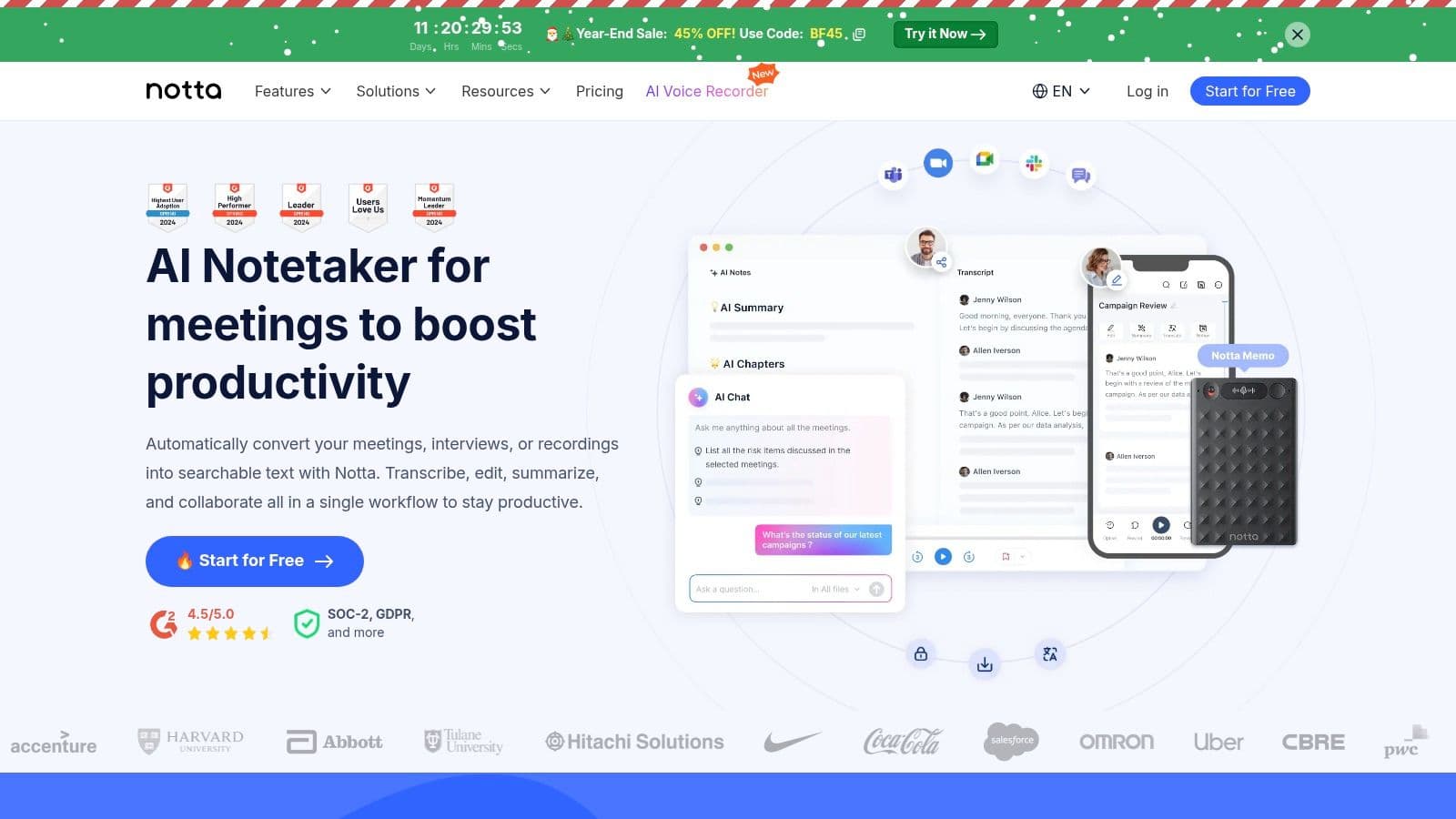
Unlike simple dictation tools, Notta is built for transcription and analysis. Its ability to create AI-powered summaries, identify action items, and distinguish between different speakers makes it invaluable for turning long conversations into concise, actionable records. The generous free tier provides enough monthly minutes for casual users, while paid plans unlock more advanced features for heavy-duty transcription needs.
Key Features & Analysis
- Live Transcription & File Uploads: Capture audio in real-time or upload pre-recorded files for fast, accurate transcription.
- AI Summaries: Automatically generates concise summaries of your transcripts, saving you time on reviewing long conversations.
- Multi-Device Sync: Start a recording on your Mac and review the notes on your iPhone or web browser seamlessly.
- Generous Free Tier: The free plan includes 120 minutes of transcription per month, making it accessible for individuals with light usage needs.
Notta stands out with its focus on meeting productivity, offering a solid price-to-minutes ratio that appeals to freelancers and small teams. Learn more about Notta's speaker identification capabilities.
| Feature | Notta.ai |
|---|---|
| Ideal For | Students, Journalists, Consultants, Sales Teams |
| Use Case | Transcribing meetings, lectures, and interviews |
| Pricing | Free plan with 120 mins/month; Paid plans from $8.25/month |
| Offline Mode | No (requires internet connection) |
| Pros | Generous free tier, AI summaries, accurate speaker identification |
| Cons | Advanced features require a subscription, no true offline mode |
7. Rev
Rev offers a different approach compared to real-time dictation programs for Mac, focusing instead on high-quality transcription services. While it's not a live dictation tool for writing emails, it’s an indispensable resource for Mac users who need to convert existing audio or video files into highly accurate text. Rev's hybrid model provides both AI-powered and human-powered transcription, giving users a choice between speed and near-perfect accuracy.
This service is ideal for professionals in fields like law, medicine, and media who cannot afford errors in their transcripts. The process is simple: you upload your audio or video file from your Mac, choose your desired service, and Rev delivers a polished transcript. The web-based platform makes it easy to manage, review, and export your files in various formats, integrating smoothly into any professional workflow.
Key Features & Analysis
- Human Transcription: Rev’s standout feature is its human transcription service, which guarantees 99% accuracy for mission-critical audio like legal depositions or research interviews.
- AI Transcription & Notetaker: For faster, more affordable needs, the AI service provides quick turnarounds. The AI Notetaker can also join your live Zoom or Google Meet calls to generate transcripts automatically.
- Multiple Service Tiers: Offers captions, subtitles, and foreign language subtitles, making it a comprehensive solution for media content.
- Cost: AI transcription starts at a low per-minute rate, while human services are priced higher per minute.
While not a direct tool for live dictation, Rev is a critical part of the voice-to-text ecosystem for Mac users needing the highest level of accuracy for pre-recorded content. It’s the go-to choice when automated software just isn’t precise enough.
| Feature | Rev |
|---|---|
| Ideal For | Legal Professionals, Researchers, Media Producers |
| Use Case | Transcribing interviews, meetings, video for captions |
| Pricing | Per-minute (AI and Human-powered tiers) |
| Offline Mode | No (File upload required) |
| Pros | 99% accuracy with human service, multiple format support |
| Cons | Not for live dictation, human service has a turnaround time |
8. Trint
Trint is a professional-grade transcription platform built for high-stakes environments like journalism, media production, and academic research. While not a classic dictation program for Mac in the real-time sense, its powerful automated transcription engine and collaborative features make it an essential tool for teams that need to turn recorded audio and video into searchable, editable text with high accuracy.
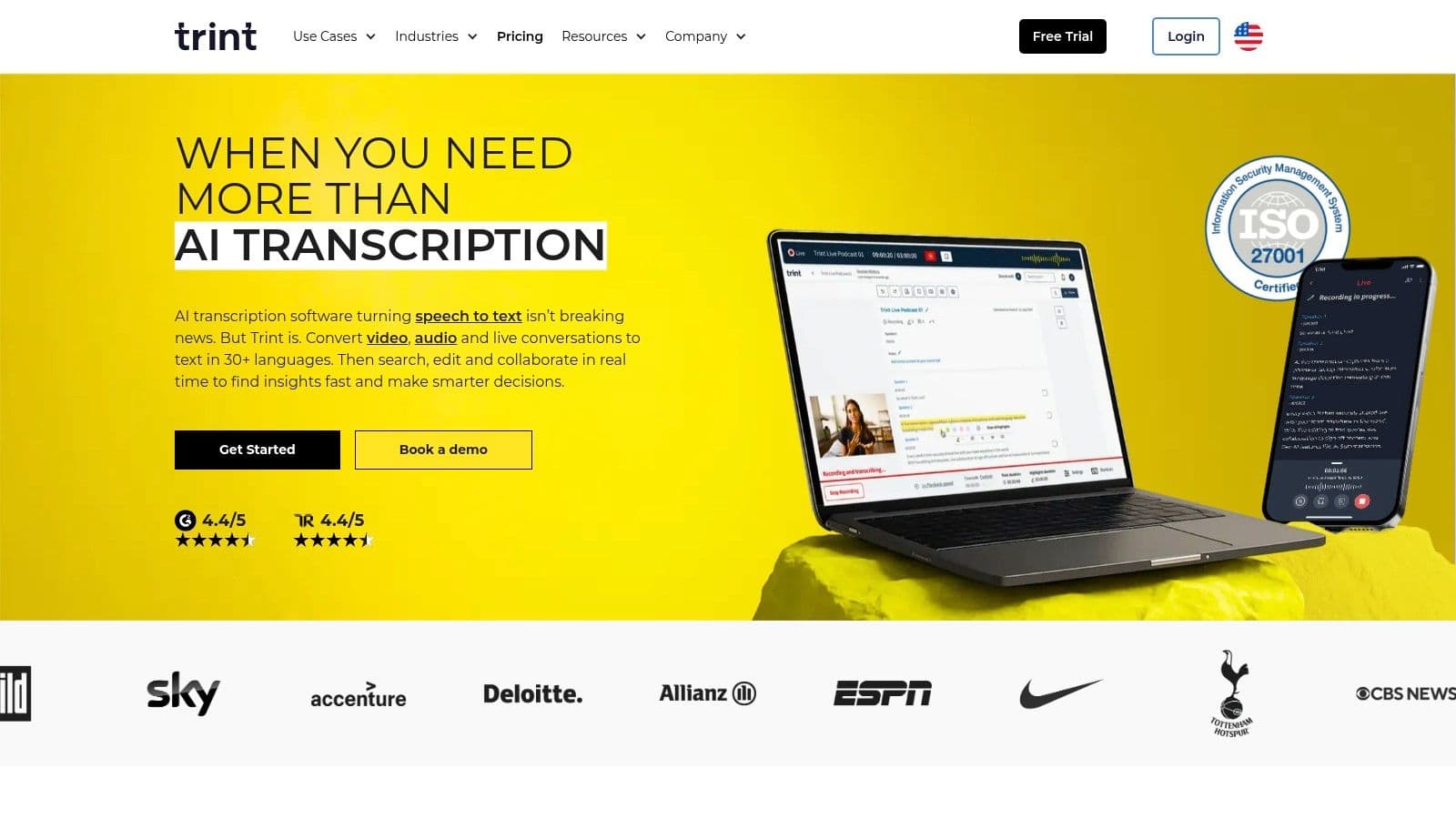
Its core strength lies in its newsroom-style workflow. Teams can upload files, get them transcribed in minutes, and then highlight, comment on, and assemble key quotes into stories directly within the platform. Trint Live even allows for near real-time transcription of live events, a game-changer for breaking news or conference coverage. This makes it ideal for content teams who need to move quickly from raw recording to finished product.
Key Features & Analysis
- Live Transcription: The Trint Live feature captures and transcribes events as they happen, perfect for journalists and content creators.
- Team Collaboration: Provides tools for shared editing, commenting, and story-building, streamlining production workflows.