Meetings have become the backbone of modern collaboration, but they often leave a trail of scattered notes, forgotten action items, and fuzzy recollections. The critical details discussed can easily get lost, leading to misaligned teams and stalled projects. This is the exact problem that high-quality meeting recording software is designed to solve. These tools do more than just record audio and video; they transform unstructured conversations into organized, searchable, and actionable assets.
This guide is designed to help you navigate the crowded market and find the best meeting recording software for your specific situation. Whether you're a sales professional needing to analyze client calls, a project manager tracking decisions, or a team leader aiming to improve meeting productivity, the right tool can be a game-changer. We've moved beyond generic marketing claims to provide a practical, in-depth analysis of the top 12 platforms available today.
Inside this comprehensive resource, you will find:
- A detailed breakdown of each tool's core features.
- Clear, side-by-side pricing comparisons.
- Honest pros and cons based on real-world use cases.
- Specific recommendations for different team types, from startups to enterprise-level organizations.
We’ve included screenshots for a visual feel and direct links to each platform so you can explore them yourself. Our goal is simple: to provide a clear, scannable, and practical guide that helps you cut through the noise and select the software that will turn your meeting chaos into clarity and action. Let's find the perfect fit for your team.
1. Zoom
Zoom is a household name for a reason, and its evolution into a powerful meeting recording software makes it a top contender for nearly any organization. It combines its ubiquitous video conferencing platform with robust, integrated recording and AI-powered summarization tools. This native integration means users don't need a separate tool; recording is a seamless part of the meeting experience they already know.
Its core strength lies in its AI Companion, which is included at no extra cost with most paid Zoom Workplace plans. This feature automates meeting summaries, highlights smart chapters for easy navigation, and identifies action items, transforming a simple video file into a searchable, actionable asset. For teams already invested in the Zoom ecosystem, this provides immense value without adding another subscription to their tech stack.

Key Features and Use Cases
- Cloud Recording & Transcripts: Automatically save meetings to the cloud with searchable transcripts, making it easy to find key moments without rewatching the entire session.
- AI Companion: Generate summaries, chapters, and next steps to distribute meeting outcomes quickly. This is ideal for sales teams reviewing client calls or project managers tracking deliverables.
- Mobile Voice Recorder: Capture in-person brainstorming sessions or client meetings on the go using the Zoom mobile app and get a full transcript and summary.
- Admin & Compliance: Enterprise-grade controls allow IT managers to set recording retention policies and manage access, ensuring security and compliance.
Pricing and Plans
| Plan | Pricing (Annual) | Key Recording Features |
|---|---|---|
| Pro | $15.99/user/month | 5 GB cloud storage, AI Companion included |
| Business | $21.99/user/month | 10 GB cloud storage, AI Companion included, Managed Domains |
| Enterprise | Custom Pricing | Unlimited cloud storage, advanced admin controls |
Our Take
| Pros 👍 | Cons 👎 |
|---|---|
| AI Companion is included with most paid plans | Lower-tier plans have limited cloud storage |
| Familiar interface for most participants | Advanced AI features may require add-ons |
| Huge ecosystem of third-party integrations | Transcripts can struggle with heavy accents |
Website: https://zoom.us
2. Microsoft Teams (Microsoft 365)
For organizations deeply embedded in the Microsoft 365 ecosystem, Microsoft Teams serves as a powerful and highly integrated meeting recording software. It leverages the familiar Teams interface for video conferencing and builds recording, transcription, and summarization features directly into the platform. This native approach streamlines workflows by saving recordings and transcripts directly to SharePoint and OneDrive, respecting existing permissions and security policies.
Its primary strength is its enterprise-grade security and the introduction of AI-powered features through Teams Premium and Microsoft 365 Copilot. The "intelligent recap" feature automatically generates notes, AI-suggested tasks, and personalized highlights, transforming recordings into actionable intelligence. This makes it an excellent choice for businesses prioritizing compliance, security, and seamless integration with tools like Outlook, SharePoint, and Planner.
Key Features and Use Cases
- Native M365 Storage: Recordings and transcripts are automatically saved to OneDrive and SharePoint, simplifying file management, permissions, and security.
- Intelligent Recap: Available with Teams Premium, this feature provides AI-generated chapters, notes, and tasks, perfect for project managers who need to track outcomes without rewatching entire meetings.
- Enterprise Security & Compliance: Admins can enforce retention policies, use eDiscovery for legal holds, and apply Data Loss Prevention (DLP) policies to transcripts.
- Speaker Timeline: Transcripts are tagged with speaker attribution, making it easy to see who said what, a useful tool for HR or legal reviews.
Pricing and Plans
| Plan | Pricing (Annual) | Key Recording Features |
|---|---|---|
| Microsoft 365 Business Basic | $6.00/user/month | Standard recording and transcription |
| Microsoft 365 Business Standard | $12.50/user/month | Standard recording and transcription |
| Teams Premium (Add-on) | $7.00/user/month | Intelligent meeting recap, AI-generated notes & tasks |
Our Take
| Pros 👍 | Cons 👎 |
|---|---|
| Deep integration with the Microsoft 365 ecosystem | Advanced AI recap features require a paid add-on |
| Robust enterprise-level security and compliance controls | Configuration and policies can be complex for small teams |
| All meeting assets are stored in SharePoint/OneDrive | Relies heavily on being invested in the Microsoft suite |
3. Google Meet (Google Workspace)
Google Meet is a strong choice for teams deeply embedded in the Google ecosystem, offering tightly integrated meeting recording directly within Google Workspace. Instead of a standalone application, it functions as a core feature of the suite, making it a frictionless meeting recording software for millions of users. The platform's strength is its seamless connection with Drive, Calendar, and Gmail, ensuring recordings and transcripts are automatically saved, organized, and shared with the right people.
For those already subscribed to eligible Google Workspace plans, recording is a native function that doesn't require extra software or complex setup. While its core recording capabilities are straightforward, advanced AI summaries and action items are unlocked through Gemini for Google Workspace add-ons, allowing organizations to scale up their intelligence features as needed. This makes it a practical, accessible starting point for recording meetings.

Key Features and Use Cases
- Google Drive Integration: Recordings and transcripts are automatically saved to a dedicated "Meet Recordings" folder in the host's Google Drive, simplifying storage and permission management.
- Calendar & Email Sync: A link to the recording and transcript is automatically added to the Calendar event and emailed to the host, making distribution effortless for project managers and team leads.
- Gemini AI Add-Ons: For an additional fee, users can add Gemini AI to take notes, generate summaries, and identify action items, which is ideal for sales and customer success teams needing to capture key call details.
- Secure by Default: Leverages Google's existing security infrastructure, allowing administrators to control sharing permissions and ensure recordings are only accessible to intended participants.
Pricing and Plans
| Plan | Pricing (Annual) | Key Recording Features |
|---|---|---|
| Business Standard | $12/user/month | Meeting recording & transcripts, 2 TB storage/user |
| Business Plus | $18/user/month | Attendance tracking, 5 TB storage/user |
| Enterprise | Custom Pricing | In-domain live streaming, noise cancellation |
| Gemini Add-on | From $20/user/month | "Take notes for me" (beta), summaries, AI features |
Our Take
| Pros 👍 | Cons 👎 |
|---|---|
| Seamless integration with Gmail, Drive, and Calendar | Recording is limited to specific paid Workspace plans |
| Leverages existing Google storage and user permissions | Advanced AI features require a costly add-on |
| Extremely easy for internal and external guests to use | Less feature-rich than dedicated recording platforms |
4. Otter.ai
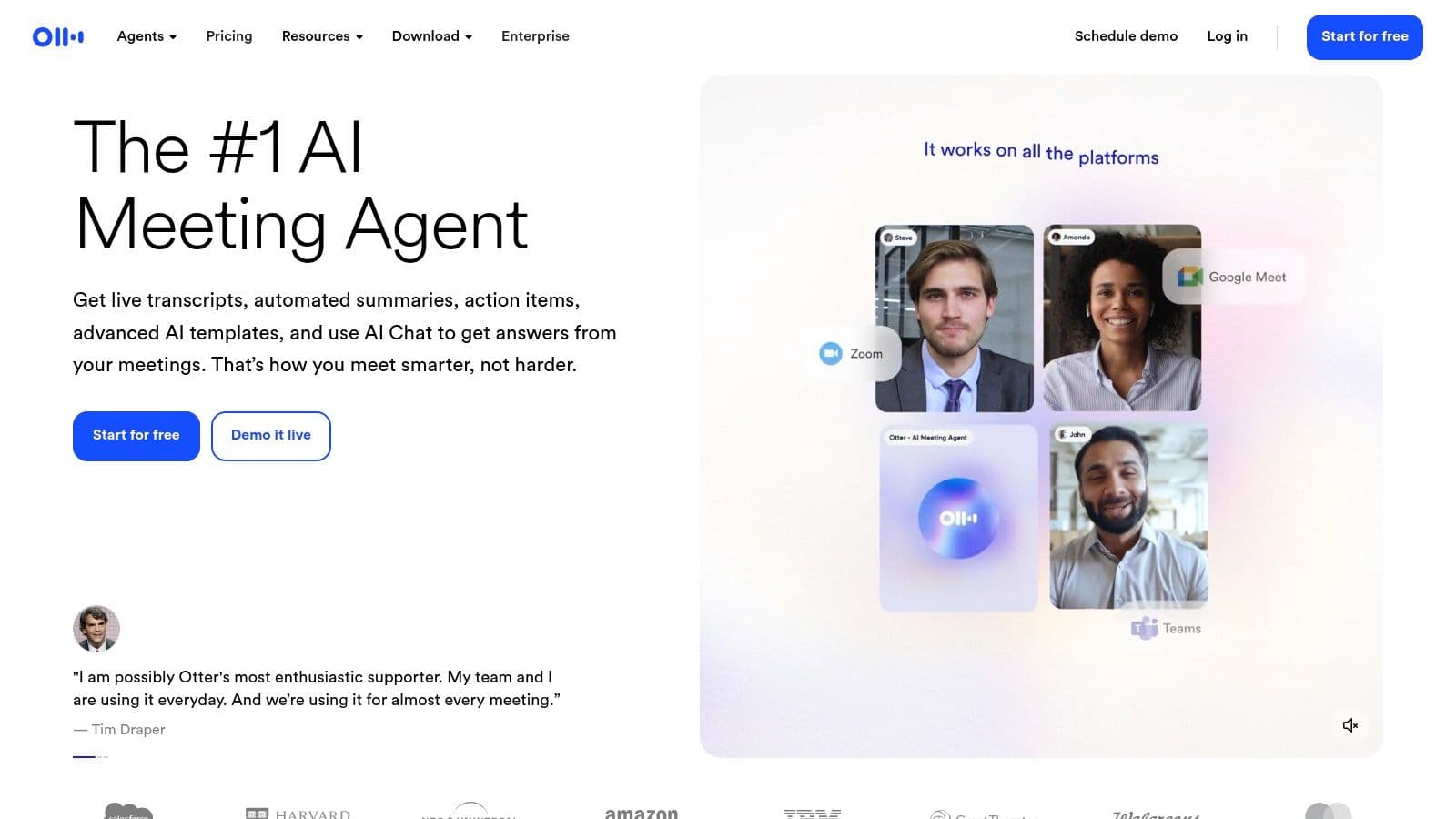
Otter.ai positions itself as a dedicated AI meeting assistant rather than just a feature within a larger platform. It excels at joining your existing meetings on Zoom, Google Meet, or Microsoft Teams to provide powerful, real-time transcription and collaborative notes. This makes it an excellent choice for organizations that want to add advanced meeting recording software capabilities to their current video conferencing tools without switching platforms.
Its core strength is turning live conversation into structured, usable data instantly. OtterPilot automatically joins your calendar events, captures audio, writes notes, and even generates a summary in real-time. Team members can highlight, comment, and assign action items directly on the live transcript, making collaboration seamless. For a deeper dive into its functionalities, you can learn more about Otter.ai and how it works.
Key Features and Use Cases
- Real-Time Transcription & Live Notes: Get a live, streaming transcript as the meeting happens. This is ideal for customer success teams who need to capture client feedback accurately or for HR conducting interviews.
- Automated Summaries & Action Items: Otter generates concise summaries and extracts key action items, allowing project managers to quickly distribute tasks and follow up.
- OtterPilot Automation: Automatically joins and records meetings from your calendar, ensuring no key discussion is ever missed, even if you can't attend.
- Workspace & Vocabulary: Create a centralized workspace for all team recordings and add custom vocabulary (like acronyms or names) to improve transcription accuracy.
Pricing and Plans
| Plan | Pricing (Annual) | Key Recording Features |
|---|---|---|
| Pro | $10/user/month | 1,200 monthly transcription minutes, import 10 audio/video files monthly |
| Business | $20/user/month | 6,000 monthly transcription minutes, OtterPilot for Teams, Custom Vocabulary |
| Enterprise | Custom Pricing | Advanced security (SSO), organization-wide deployment controls |
Our Take
| Pros 👍 | Cons 👎 |
|---|---|
| Easy agent join for live collaboration | Limits on per-conversation and monthly minutes |
| Mature product with strong search and export | Some advanced features are gated to higher-tier plans |
| Competitive pricing tiers for teams | Can feel like an extra tool to manage |
Website: https://otter.ai
5. Fireflies.ai
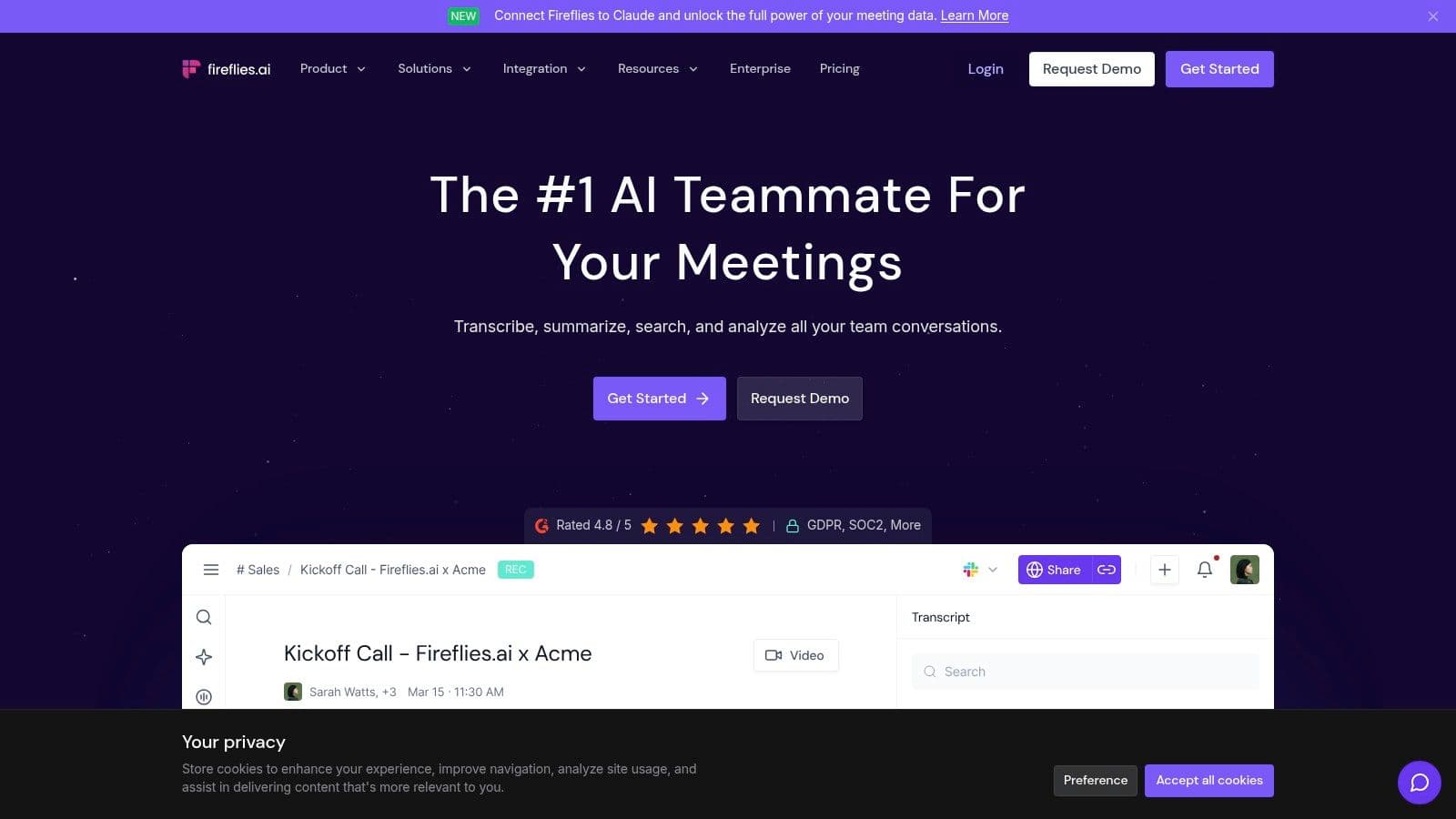
Fireflies.ai operates as a dedicated AI note-taker, making it one of the most versatile and platform-agnostic options for best meeting recording software. Instead of being tied to one video conferencing tool, its bot, "Fred," can automatically join your meetings on Zoom, Google Meet, Microsoft Teams, and other major platforms. This makes it an ideal choice for teams that use a mix of communication tools to connect with different clients or internal departments.
The platform excels at transforming spoken conversations into structured, searchable data. It doesn't just record and transcribe; it analyzes the content to provide summaries, identify action items, and track key topics across all your meetings. For organizations looking to extract deep insights from their conversations, Fireflies.ai offers a powerful, centralized hub for all meeting intelligence.
Key Features and Use Cases
- Automated Transcription & Summaries: Get detailed, time-stamped transcripts in over 69 languages, along with AI-generated summaries, action items, and outlines. This is a huge time-saver for customer success teams reviewing support calls.
- Conversation Intelligence: Business and Enterprise plans provide analytics on speaker talk time, sentiment, and topic trends, helping sales managers coach their teams more effectively.
- AskFred AI Chat: Interact with your meetings by asking questions. For instance, "What was the client's budget?" and the AI will pull the answer directly from the transcript.
- Audio File Uploads: Upload existing audio or video files to get them transcribed and analyzed, which is perfect for processing pre-recorded interviews or training sessions. Explore how this works with Fireflies.ai's meeting transcription.
Pricing and Plans
| Plan | Pricing (Annual) | Key Recording Features |
|---|---|---|
| Pro | $10/user/month | 8,000 minutes of storage, AI Summaries, keyword tracking |
| Business | $19/user/month | Unlimited storage, Conversation Intelligence, video recording |
| Enterprise | Custom Pricing | Advanced admin controls, custom onboarding, API access |
Our Take
| Pros 👍 | Cons 👎 |
|---|---|
| Generous storage on paid plans | Bot presence may feel intrusive to some participants |
| Clear and affordable tiering suited for SMBs | Admin and permission setup can be complex |
| Supports uploading existing recordings | Free tier has very limited transcription credits |
Website: https://fireflies.ai
6. Fathom
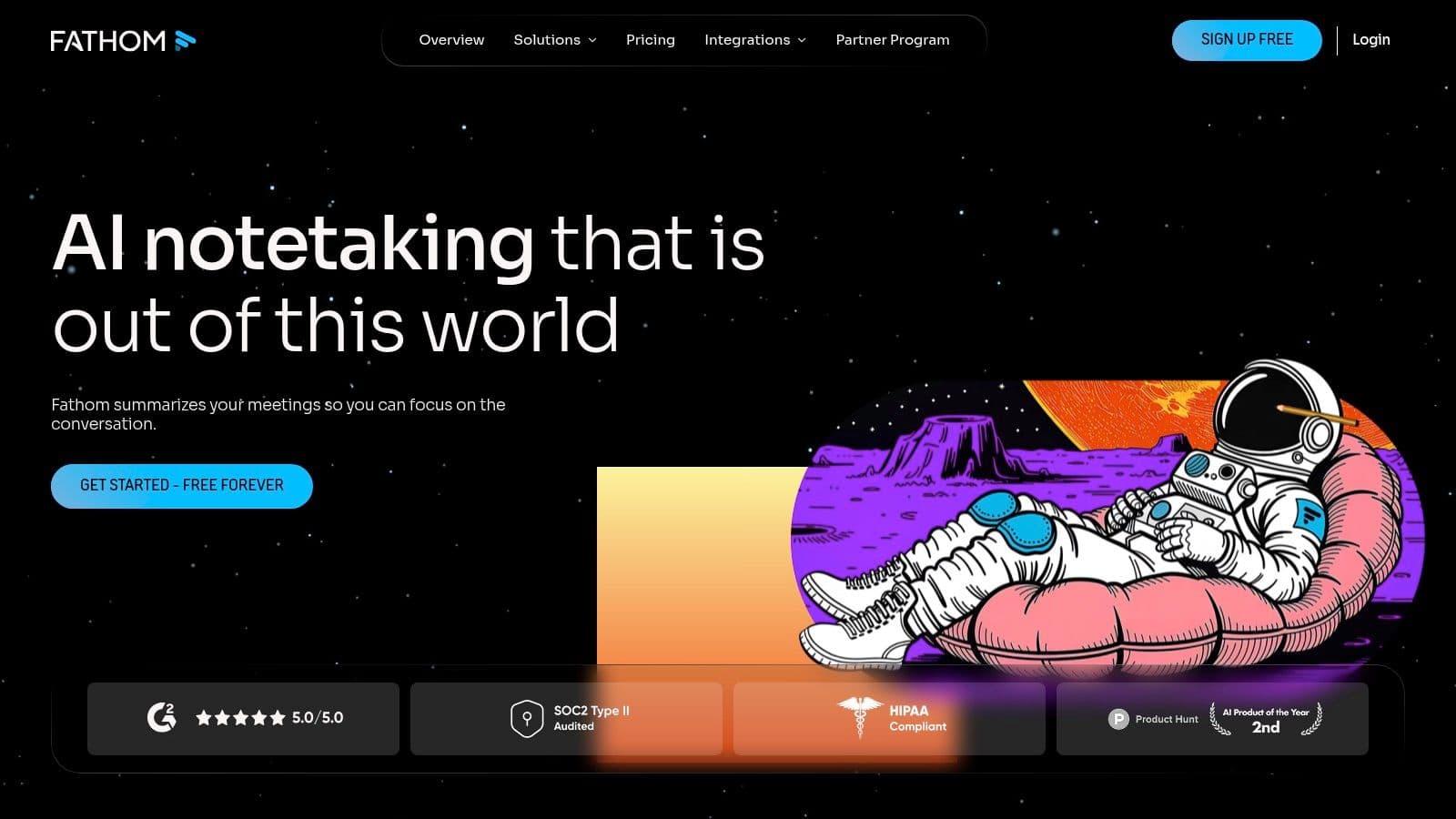
Fathom stands out as a powerful and accessible meeting recording software by offering an incredibly generous free tier without sacrificing core functionality. It operates as an AI meeting assistant that seamlessly integrates with Zoom, Google Meet, and Microsoft Teams, providing automated recording, transcription, and summarization directly within your existing workflow. This makes it an ideal entry point for individuals or small teams looking to leverage AI without an immediate financial commitment.
Its core appeal lies in its simplicity and value. Even on the free plan, users get unlimited recordings and transcriptions, a feature often locked behind paid tiers in other tools. Fathom’s AI automatically generates concise summaries, highlights key moments, and identifies action items, turning long meetings into easily digestible and shareable notes. This is perfect for freelancers, consultants, or small businesses needing to capture every detail without the overhead of enterprise-level software.
Key Features and Use Cases
- Unlimited Free Recording: Record, transcribe, and summarize an unlimited number of meetings on the free plan, making it perfect for individuals and startups on a budget.
- Multi-Platform Integration: Works as a desktop app and Chrome extension for Zoom, Google Meet, and Microsoft Teams, ensuring broad compatibility.
- AI-Generated Summaries & Notes: Automatically creates structured summaries, talk-time breakdowns, and action items that can be instantly synced to your CRM or tools like Slack and Notion.
- Team Collaboration: Paid plans allow teams to share a central library of calls, create custom summary templates, and analyze team-wide meeting data for training and coaching.
Pricing and Plans
| Plan | Pricing (Annual) | Key Recording Features |
|---|---|---|
| Free | $0/user/month | Unlimited recordings, transcriptions, and basic AI summaries |
| Team Edition | $24/user/month | Advanced AI summaries, CRM sync, team call library, custom templates |
| Enterprise | Custom Pricing | Advanced security, admin controls, and dedicated support |
Our Take
| Pros 👍 | Cons 👎 |
|---|---|
| Exceptionally generous free plan with unlimited recordings | Administrative and governance controls are less robust |
| Simple, intuitive user experience | Advanced summary templates are a paid feature |
| Syncs notes and action items to many popular CRMs | Primarily focused on English language transcription |
Website: https://fathom.video
7. Grain
Grain positions itself as an intelligent and collaborative layer on top of your existing video conferencing tools, making it one of the most versatile meeting recording software options available. It seamlessly integrates with Zoom, Google Meet, and Microsoft Teams to not only record calls but also to transform them into shareable knowledge assets. Its standout feature is the ability to create and share video clips from meetings with just a few clicks.
The platform is designed for teams that need to quickly capture and distribute key moments from conversations, such as customer feedback, product insights, or important decisions. Instead of sharing a full-hour recording, users can send a 30-second highlight reel directly into Slack, Notion, or another workspace. This focus on lightweight, shareable intelligence makes it a powerful tool for customer-facing teams and product managers.

Key Features and Use Cases
- AI Notes & Highlights: Grain automatically generates summaries, transcripts, and action items. Users can highlight text in the transcript to instantly create a shareable video clip of that moment.
- Team Library & Free Viewers: All recordings are stored in a centralized, searchable library. The platform allows for unlimited free viewer seats, enabling the entire organization to access insights without every person needing a paid license.
- Automated Recording: Set rules to automatically have Grain join and record specific meetings based on calendar event titles or participants, ensuring no important conversation is missed.
- Enterprise-Ready Security: For larger organizations, Grain offers SOC 2 compliance and SSO options to meet stringent security and data governance requirements. Learn more about how tools like Grain help you take better meeting notes.