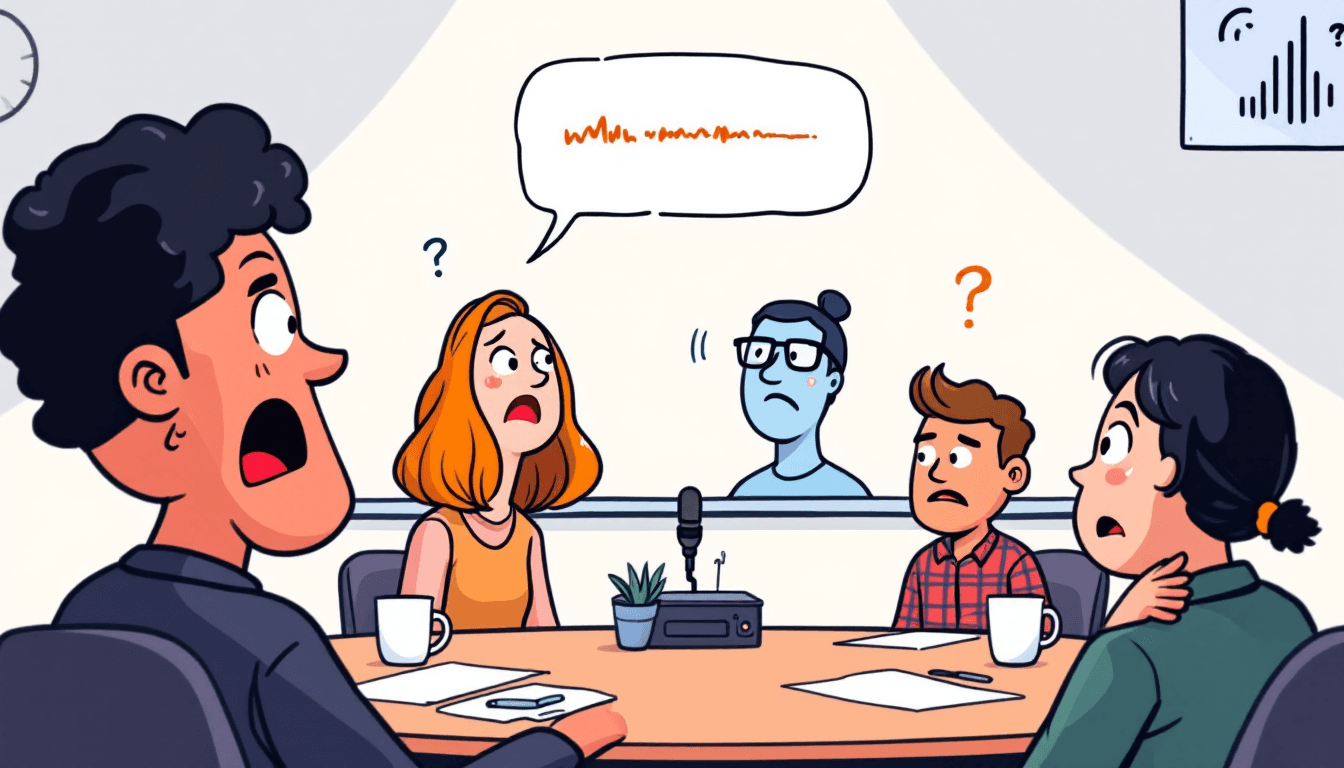
📊 Speaker Identification Accuracy Analysis
Optimal Conditions
- 92-95% accuracy- Clear audio quality
- 2-8 participants- Ideal group size
- Minimal background noise- Office/home settings
- Distinct voices- Different genders/ages
- Good microphone quality- Professional setups
Challenging Conditions
- 85-90% accuracy- Noisy environments
- 9+ participants- Large group meetings
- Similar voices- Same gender/age range
- Poor audio quality- Phone calls, echo
- Cross-talk situations- Multiple speakers
Real-World Testing Results
⚙️ Technical Implementation Deep-Dive
AI Model Architecture
- Neural Network Approach:Deep learning models trained on millions of voice samples
- Voice Embeddings:Creates unique voice 'fingerprints' for each speaker
- Clustering Algorithm:Groups speech segments by speaker similarity
- Temporal Analysis:Considers speaking patterns and turn-taking behavior
Processing Pipeline
🥊 Fireflies vs Competitors: Speaker Diarization
| Tool | Accuracy Range | Max Speakers | Languages | Real-time |
|---|---|---|---|---|
| Fireflies.ai | 92-95% | 10+ | 69 | ✅ |
| Otter.ai | 88-92% | 10 | English only | ✅ |
| Rev.ai | 90-94% | 6 | 36 | ❌ |
| Trint | 85-90% | 8 | 40+ | ❌ |
| Sonix | 87-91% | Unlimited | 40+ | ❌ |
Accuracy rates based on independent testing with professional audio quality and 3-8 participants. Results may vary with audio quality and meeting conditions.
🚀 Optimization Tips for Maximum Accuracy
Pre-Meeting Setup
- • Use high-quality microphones or headsets
- • Test audio levels before recording
- • Choose quiet environment with minimal echo
- • Ensure stable internet connection
- • Brief participants on speaking clearly
During Meeting Best Practices
- • Encourage speakers to state their names initially
- • Minimize background noise and side conversations
- • Avoid talking over each other (cross-talk)
- • Speak clearly and at moderate pace
- • Use push-to-talk when possible
Fireflies Settings Optimization
- • Enable 'Speaker identification' in settings
- • Set proper meeting language for better accuracy
- • Use calendar integration for participant names
- • Enable noise cancellation if available
- • Review and correct speaker labels post-meeting
Post-Meeting Improvements
- • Review transcript for speaker accuracy
- • Manually correct misidentified speakers
- • Train the system with consistent speaker names
- • Provide feedback on accuracy to Fireflies
- • Export corrected version for future reference
💼 Speaker Diarization Use Cases & Performance
Excellent Performance Scenarios
Sales Calls & Client Meetings
95%+ accuracy with clear participant roles and professional audio quality.
Team Standups
Excellent for 3-8 team members with familiar voices and structured speaking.
Interview & Podcast Recording
High accuracy with distinct voices and controlled environment.
Training Sessions
Clear instructor/participant identification with good audio setup.
Challenging Scenarios
Large Conference Calls
10+ participants can reduce accuracy to 85-90% due to voice overlap.
Noisy Environments
Background noise, echo, or poor connection quality impacts performance.
Similar Voice Profiles
Same gender/age groups may be confused, especially in casual conversation.
Multi-language Meetings
Code-switching between languages can affect speaker boundary detection.
🔧 Troubleshooting Speaker Diarization Issues
❌ Problem: Speakers Being Merged Into One
Similar voice profiles, poor audio quality, or quiet speakers
- Ask speakers to introduce themselves at meeting start
- Increase microphone sensitivity for quiet speakers
- Manually split merged speakers in post-processing
- Use individual microphones when possible
⚠️ Problem: One Speaker Split Into Multiple
Voice changes during meeting, audio interruptions, or background noise
- Maintain consistent audio levels throughout meeting
- Minimize background noise and interruptions
- Merge split speakers manually in transcript review
- Use noise cancellation settings
✅ Problem: Inconsistent Speaker Labels
Fireflies using generic labels (Speaker 1, 2, 3) instead of names
- Enable calendar integration for automatic name detection
- Manually rename speakers in transcript settings
- Have participants state names clearly at meeting start
- Use consistent participant naming across meetings