In today's fast-paced environment, capturing every critical word from meetings, interviews, customer calls, and personal notes is more important than ever. Relying on manual note-taking or transcription is a slow, inefficient, and often inaccurate process that costs valuable time and focus. Speech recognition software solves this problem by automatically converting spoken words into accurate, searchable text, freeing you and your team to concentrate on the conversation itself.
This guide moves beyond generic marketing claims to provide a practical, in-depth analysis of the best speech recognition software available today. We've evaluated a wide range of tools, from powerful desktop dictation software for individual professionals to highly scalable APIs for developers and AI-powered assistants designed for collaborative teams. Our goal is to help you quickly find the right solution for your specific needs, whether you're a sales manager aiming to capture call insights, an executive needing to document meeting outcomes, or a consultant transcribing client sessions.
For businesses and individuals looking to implement a new system, understanding the technical aspects of setting up a new tool is a key first step. This often involves reviewing documentation on configuring speech-to-text functionality to ensure it integrates smoothly with your existing workflows.
In this comprehensive listicle, you'll find:
- Detailed profiles of each top-tier tool with direct links and screenshots.
- Clear TL;DR recommendations for specific needs, such as "best for teams" or "best for accuracy."
- A practical comparison of key factors like pricing, language support, and real-time transcription capabilities.
- Honest assessments of each platform's strengths and limitations to guide your decision-making.
1. Nuance Dragon Professional
Best for: High-accuracy desktop dictation and voice control for individual power users.
Nuance Dragon Professional is a titan in the speech recognition software space, renowned for its exceptional accuracy in single-speaker dictation. Rather than focusing on transcribing multi-person meetings, Dragon excels at learning a single user's voice to achieve near-perfect transcription and powerful voice command capabilities directly on your desktop. It is the go-to solution for professionals in fields like law, medicine, and academia who need to dictate long documents, control their applications with voice commands, or create custom macros to automate repetitive tasks.
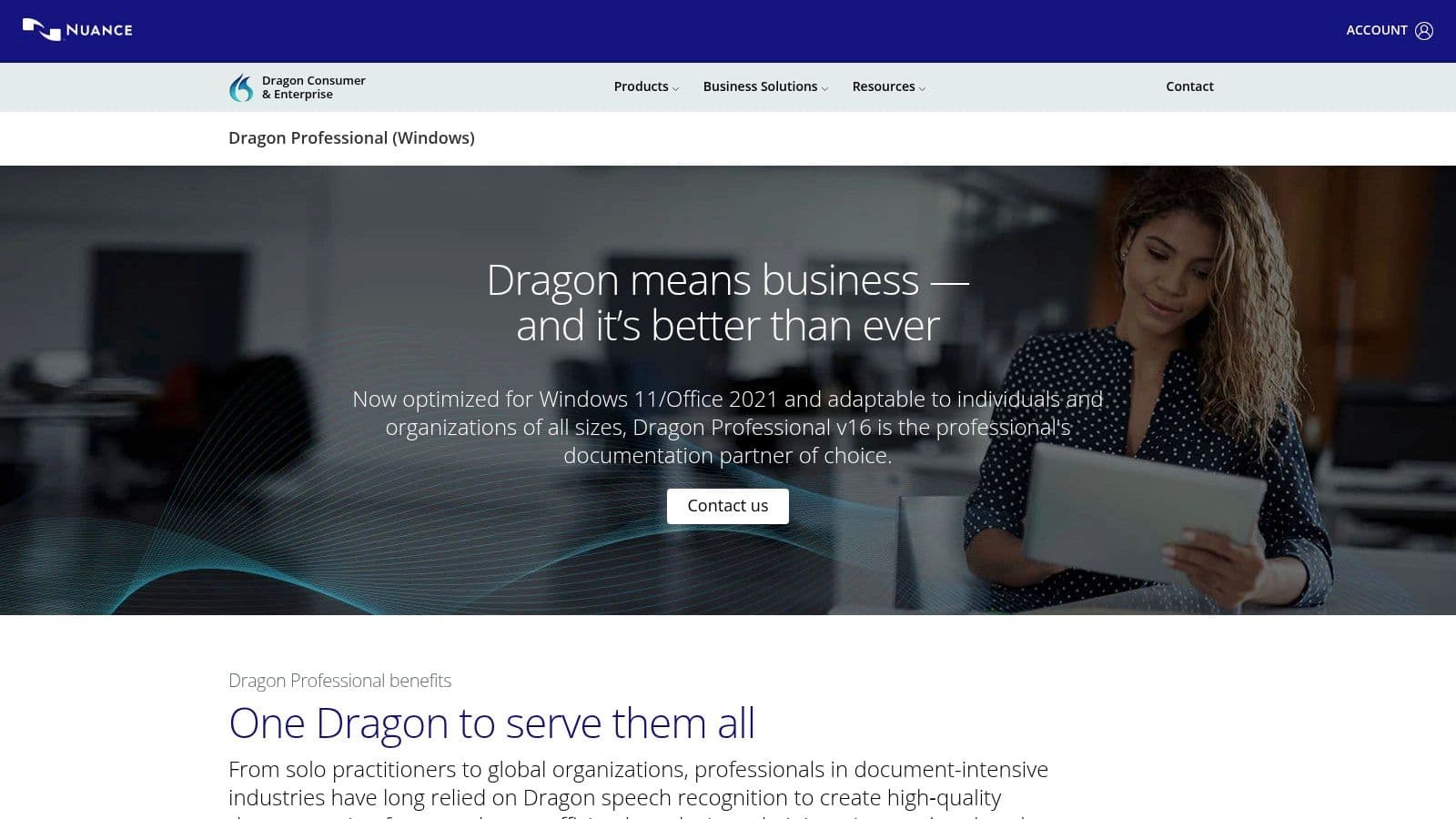
This tool shines with its deep customization. You can add specialized terminology, acronyms, and names to its vocabulary, ensuring it understands the specific language of your industry. This level of personalization makes it a powerful productivity and accessibility tool, allowing users to navigate their Windows environment and applications almost entirely hands-free. Dragon’s strength lies in its offline, desktop-centric workflow, which provides both security and speed.
Key Considerations
Dragon is a Windows-only application (v16 is optimized for Windows 11) and is purchased with a one-time perpetual license, a different model from the subscription-based services common today. However, potential buyers should note that direct sales through the Nuance US online store have been intermittently paused. You may need to purchase through an authorized reseller or contact their sales team directly. It's not designed for team collaboration or transcribing meetings with multiple speakers; its focus is squarely on individual productivity.
- Nuance Dragon Professional
- Best Feature: Market-leading dictation accuracy and deep vocabulary customization.
- Windows-only and not suitable for multi-speaker meeting transcription.
2. Staples (Dragon Professional v16 listing)
Best for: Reliable and immediate access to Dragon Professional when direct Nuance sales are unavailable.
Staples serves as a key authorized reseller for top-tier speech recognition software like Dragon Professional v16. While not a software developer itself, the major US retailer provides a crucial service: a consistent and reliable purchasing channel. This is particularly valuable when the manufacturer’s own online store experiences checkout issues or intermittent pauses in direct sales, ensuring professionals can still acquire this powerful dictation tool without delay. The platform offers a straightforward, business-friendly purchasing experience with instant digital delivery.
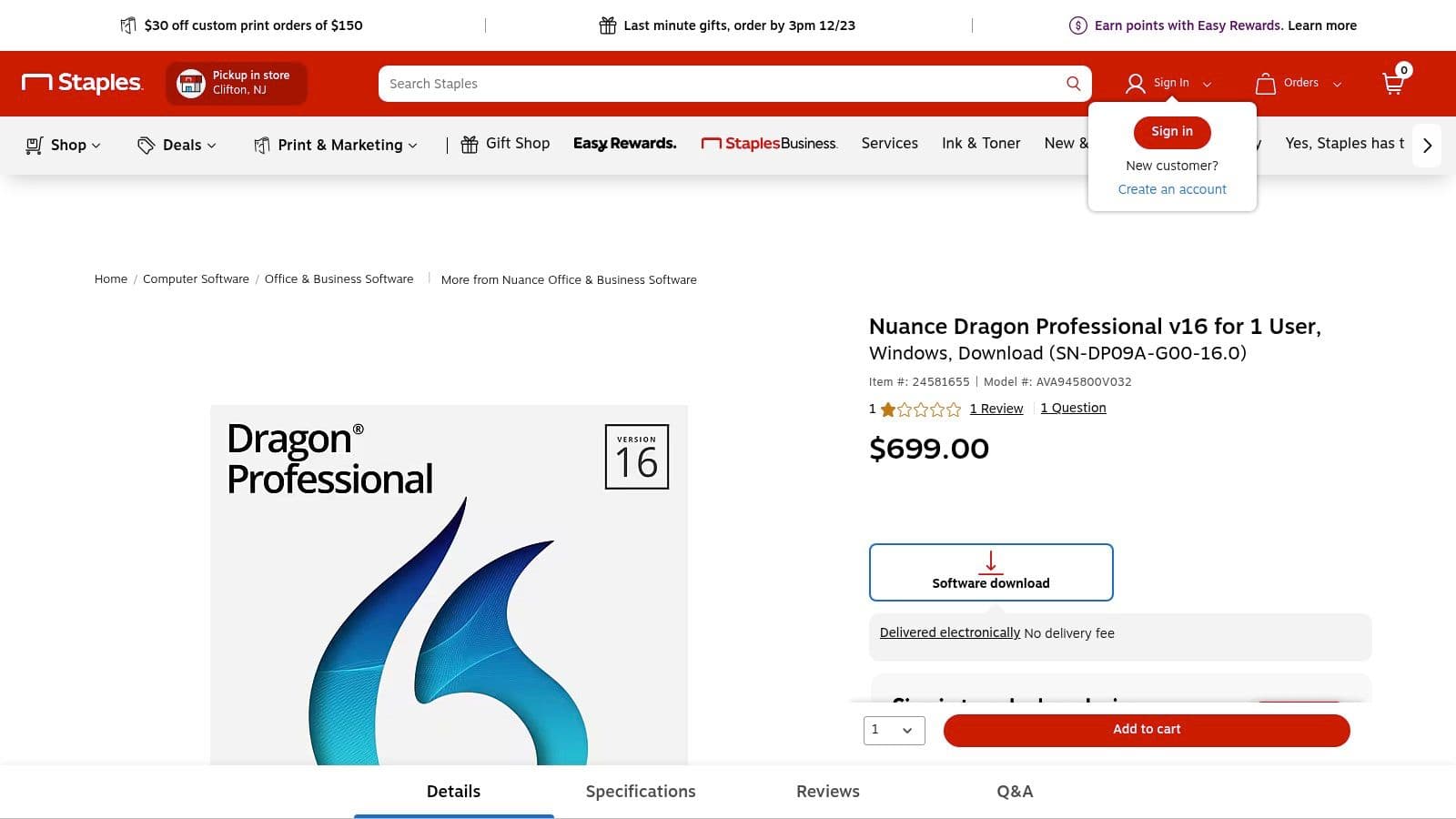
Purchasing through Staples means you receive the official software as a digital download directly to your email, often within an hour. This rapid access is ideal for users who need to implement a dictation solution immediately to enhance their workflow. As a trusted retailer, Staples provides a secure transaction process and familiar customer support channels, offering peace of mind that you are buying a legitimate, fully supported license for one of the best speech recognition software solutions on the market.
Key Considerations
When buying through any reseller, it is essential to verify you are purchasing the correct version for your operating system (Dragon Professional v16 is Windows-only). Be aware that digital software downloads from retailers like Staples are typically non-returnable, so confirming compatibility and your specific needs beforehand is critical. This purchasing option is simply a gateway to the Dragon software itself; all features and limitations of the software, such as its single-user focus and lack of multi-speaker transcription, remain the same.
- Staples (Dragon Professional v16 listing)
- Best Feature: Immediate digital delivery from a trusted US retailer, providing an alternative to direct purchase.
- Digital software purchases are usually final and non-refundable.
3. Newegg (Dragon Professional & Legal v16)
Best for: Alternative purchasing and reliable digital fulfillment for Dragon software.
While not a software developer, Newegg is a major US-based e-commerce platform that serves as a crucial authorized reseller for Dragon Professional v16. Given that direct sales from the Nuance website can be inconsistent, Newegg provides a reliable and often competitively priced alternative for individuals and small businesses to procure this top-tier speech recognition software. It offers official digital download codes, ensuring buyers receive genuine, licensed products with the convenience of immediate fulfillment.
The platform is particularly useful for those who prefer purchasing from a familiar retailer known for its tech focus and order tracking. Newegg lists multiple editions, including Dragon Professional and the more specialized Dragon Legal, with clear breakdowns of system requirements on the product pages. This makes it a straightforward procurement channel, especially when direct avenues are unavailable or when shoppers are hunting for promotions and bundle deals that frequently appear on the site.
Key Considerations
Purchasing software via Newegg requires some due diligence. It's essential to ensure the seller is listed as "Sold by Newegg" or another highly-rated authorized reseller to avoid issues. Like most digital software purchases, these products are typically non-refundable once the code is delivered. However, for those needing a dependable way to buy Dragon's powerful desktop dictation tool, Newegg remains an excellent and often necessary option in the market.
- Newegg (Dragon Professional v16)
- Best Feature: Reliable source for official Dragon software with competitive pricing and frequent promotions.
- Digital software purchases are generally non-refundable; buyers must verify the seller.
4. B&H Photo (Dragon and dictation ecosystem)
Best for: Professionals assembling a complete hardware and software dictation workflow from a single, trusted retailer.
While not a software developer, B&H Photo is a critical resource for professionals building a comprehensive dictation setup. The platform serves as a one-stop shop for purchasing not just speech recognition software like Dragon, but also the essential hardware that maximizes its effectiveness. This is the ideal destination for users who need to pair their software with high-quality digital voice recorders, professional-grade headsets, or transcription foot pedals, ensuring every component of their system is compatible and works together seamlessly.
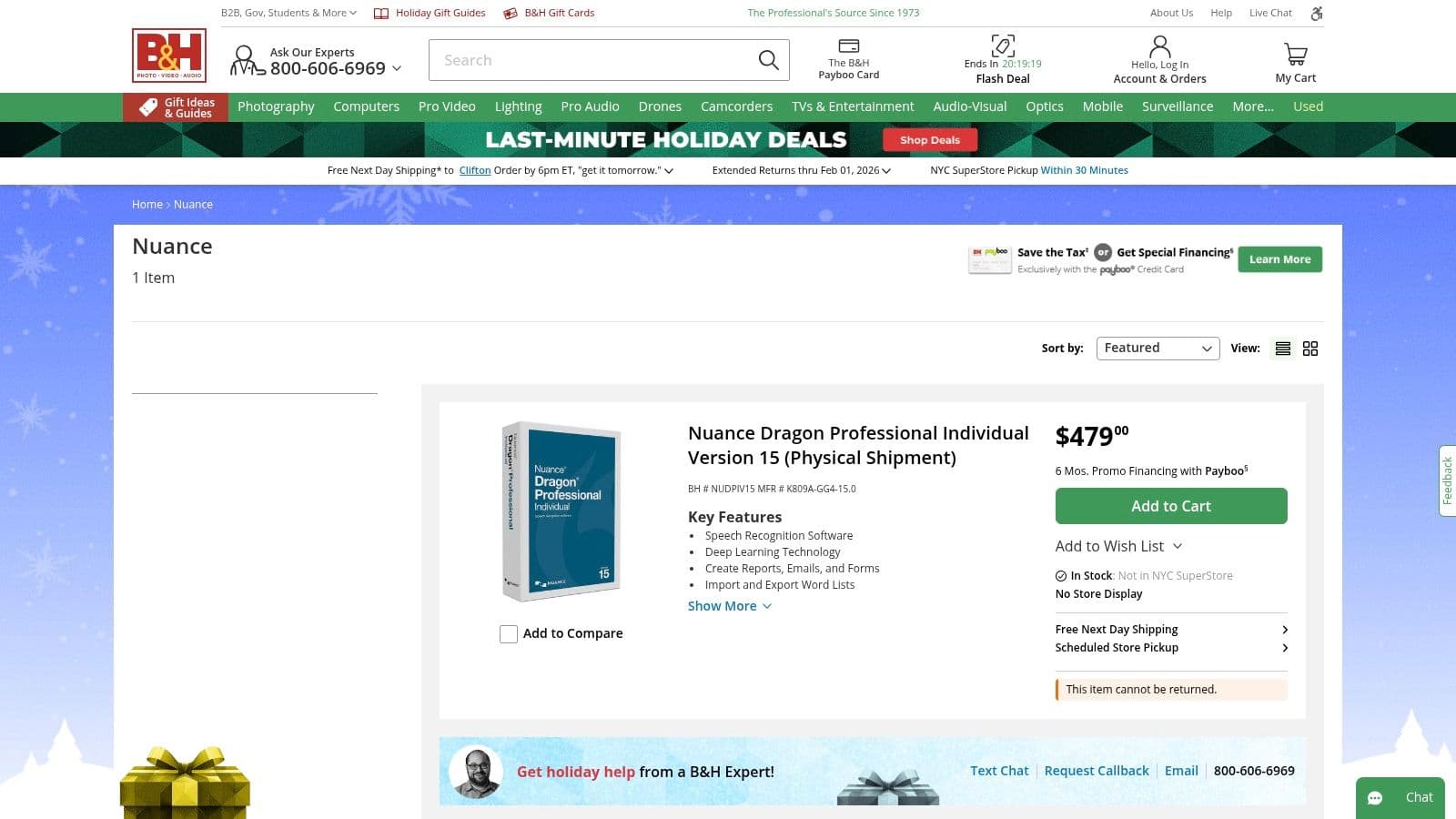
B&H Photo's value lies in its curated ecosystem of transcription and dictation tools from leading brands. Rather than hunting across multiple websites, users can source everything from software licenses to specialized microphones in one transaction. This simplifies purchasing for individuals and procurement for enterprise teams, supported by a reputation for reliable US shipping and access to expert sales advice to help select the right combination of products for a specific professional need.
Key Considerations
B&H often carries physical media or older perpetual license versions of software, such as Dragon Professional v15. It is crucial for buyers to verify the software version before purchase to ensure it meets their compatibility and feature requirements, as the latest versions may only be available directly from the developer. Stock and version availability can fluctuate, so checking the product listings carefully is a necessary step. The primary benefit is convenience, not necessarily access to the newest software releases.
- B&H Photo (Nuance Store)
- Best Feature: Conveniently bundles dictation software with compatible professional hardware like recorders and headsets.
- May stock older software versions; buyers must confirm version compatibility before purchasing.
5. Microsoft Azure AI Speech (Speech to Text)
Best for: Developers and enterprises needing to build custom speech-enabled applications and workflows.
Microsoft Azure AI Speech is not an out-of-the-box application but a powerful cloud-based service that provides the underlying technology for some of the best speech recognition software. It's designed for developers and organizations that need to integrate advanced speech-to-text capabilities directly into their products, contact center operations, or enterprise systems. The service offers both real-time streaming and batch transcription, making it highly versatile for various applications.
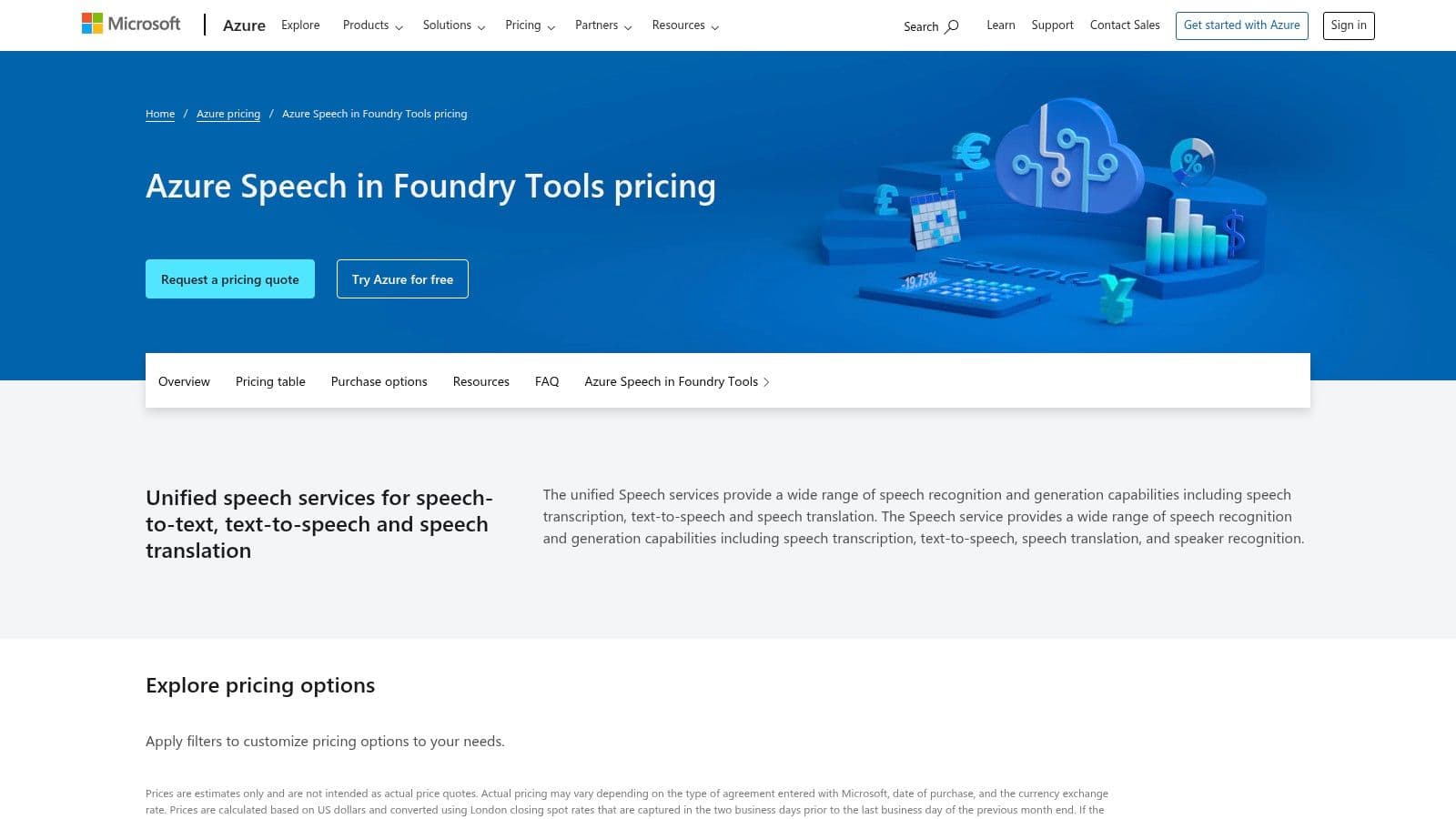
Its key differentiator is its deep customization and enterprise-readiness. Users can train custom acoustic and language models to accurately recognize domain-specific jargon, unique product names, or challenging audio environments. Features like speaker diarization and language identification are built-in, and the platform provides SDKs for multiple programming languages. This makes it an ideal choice for businesses looking to build scalable, secure, and highly accurate voice features without starting from scratch. To see how this technology is used in practice, you can learn more about how to convert speech to text for meeting notes.
Key Considerations
Implementing Azure AI Speech requires development resources and a clear understanding of cloud service pricing. The pay-as-you-go model is flexible, but costs can accumulate based on usage, chosen features, and data center region, requiring careful monitoring. It is a foundational technology service, not a consumer-facing tool, so it’s unsuitable for individuals looking for a simple dictation app. Its strength lies in its API-first approach, backed by Microsoft's robust global infrastructure and enterprise-grade security.
- Microsoft Azure AI Speech (Speech to Text)
- Best Feature: Deep model customization and enterprise-grade security with global availability.
- Requires technical expertise to implement and has a complex, usage-based pricing model.
6. Google Cloud Speech‑to‑Text
Best for: Developers building applications requiring scalable and accurate multilingual speech recognition.
Google Cloud Speech‑to‑Text is not a consumer-facing application but a powerful, developer-focused API that powers countless other products. It provides businesses with access to Google's advanced deep-learning neural network algorithms for converting audio to text. This service is ideal for developers who need to integrate high-quality speech recognition into their own software, whether for transcribing customer service calls, enabling voice commands in an app, or processing large volumes of audio data for analysis.
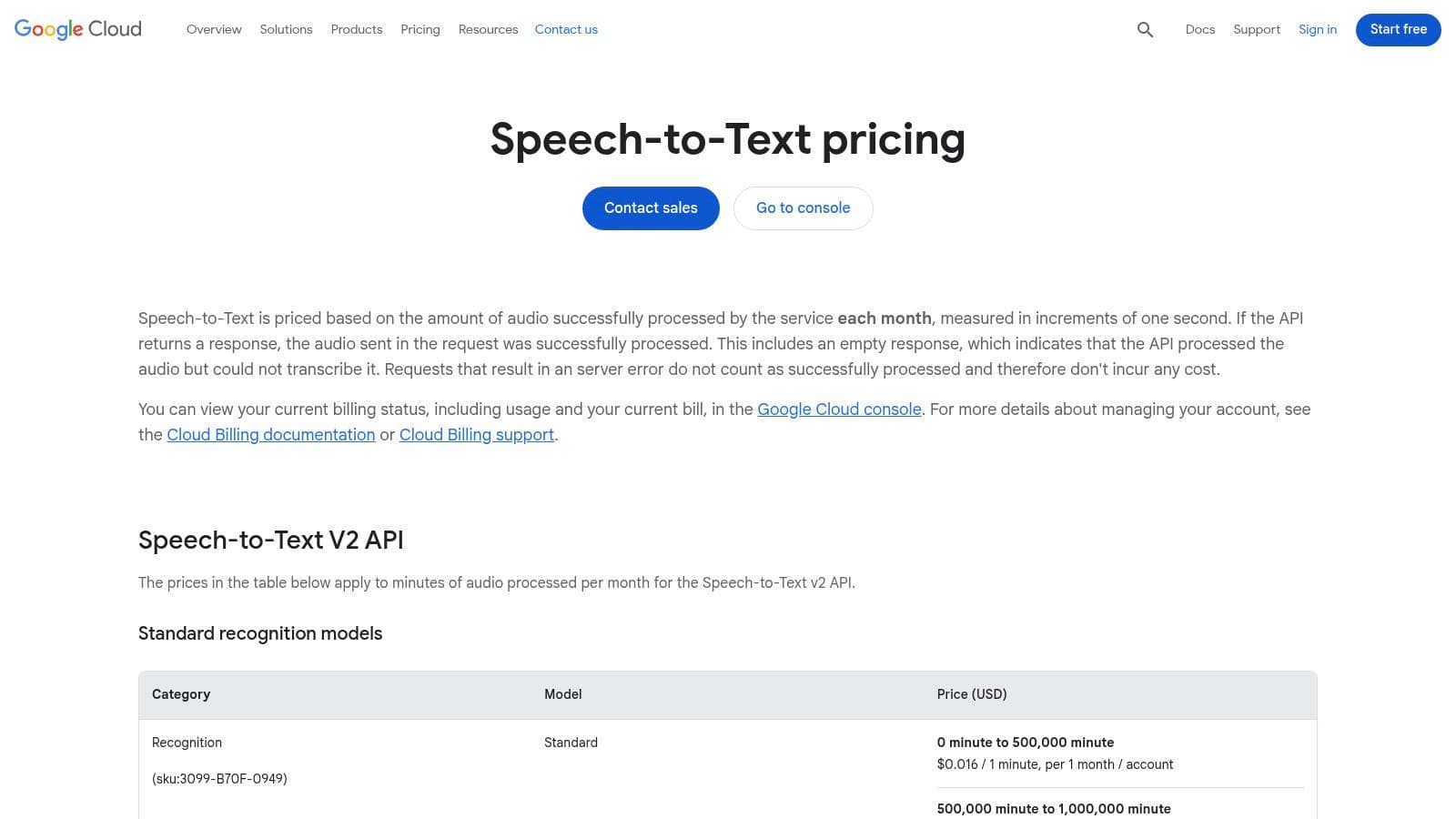
The platform stands out with its robust feature set, including real-time streaming transcription, support for over 125 languages and variants, and specialized models for specific use cases like medical transcription or phone call audio. Its ability to process both short-form and long-form audio in batches makes it a flexible and scalable solution. As a core component of the Google Cloud Platform, it comes with mature tooling, comprehensive documentation, and the reliability expected from a major cloud provider, making it some of the best speech recognition software for custom integrations.
Key Considerations
Implementing this service requires technical expertise, as it's an API, not a ready-to-use tool. The pricing structure is complex, with multiple dimensions and tiers based on the model used, features enabled (like punctuation), and monthly volume. While transparent, it requires careful cost estimation to avoid unexpected expenses. New Google Cloud customers can often take advantage of a generous free credit, which provides a great opportunity to test the service's capabilities extensively before committing.
- Google Cloud Speech-to-Text
- Best Feature: Scalable, highly accurate transcription API with extensive language support and specialized models.
- Requires development resources to implement and has a complex, multi-tiered pricing model.
7. Amazon Transcribe (AWS)
Best for: Developers and businesses building applications that require scalable, integrated speech-to-text capabilities.
Amazon Transcribe is a core component of Amazon Web Services (AWS), offering powerful and highly scalable automatic speech recognition (ASR) as a managed service. It's not a standalone application for end-users, but rather a foundational tool for developers to integrate into their own products. Transcribe is ideal for processing large volumes of audio, powering features in contact center solutions, media content analysis, and other applications that require turning spoken language into searchable, usable text.
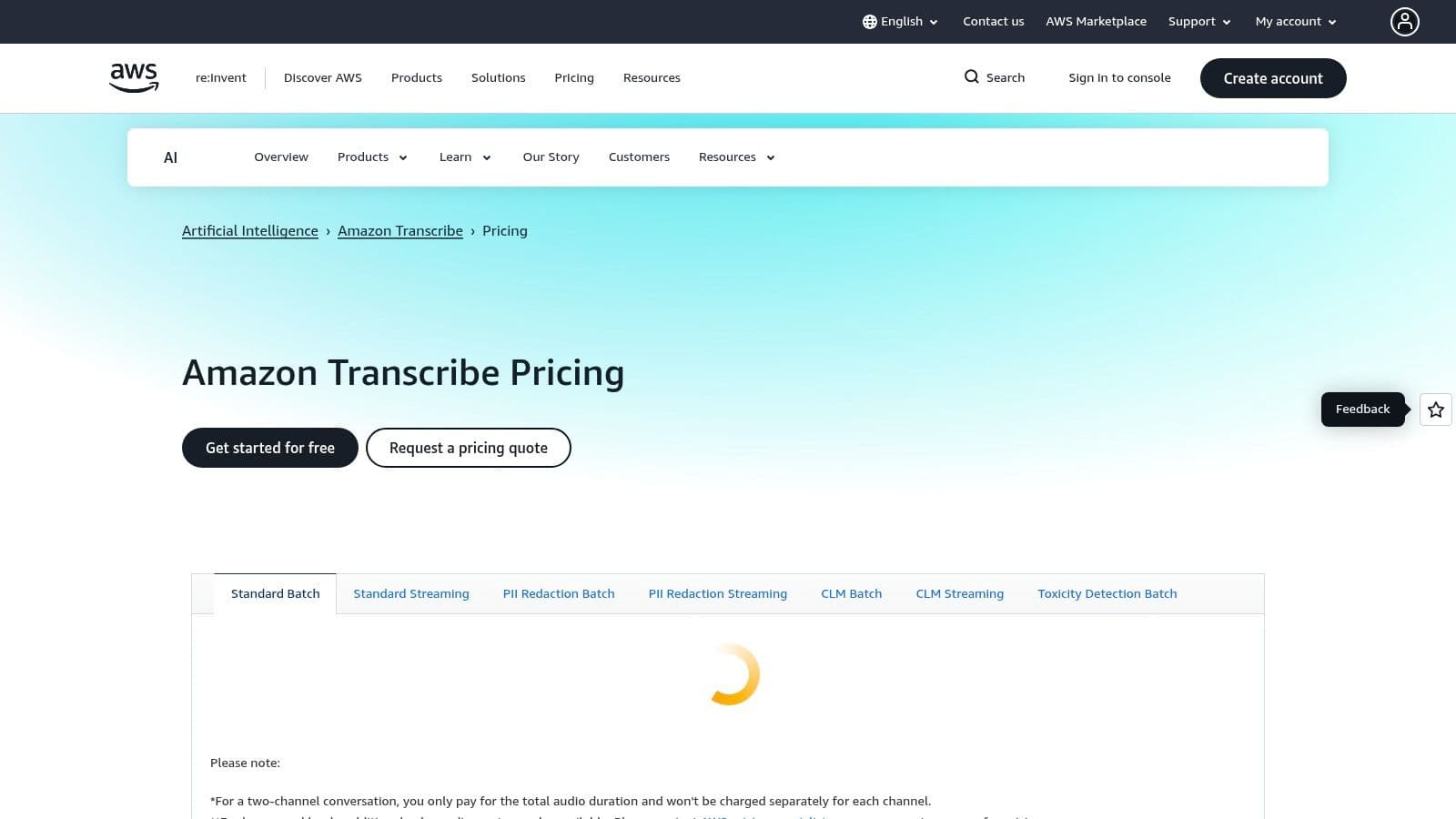
This service stands out for its deep integration within the extensive AWS ecosystem and its specialized features. It supports both real-time (streaming) and batch transcription, can identify up to 10 different speakers (speaker diarization), and automatically redacts Personally Identifiable Information (PII). For specialized use cases, developers can build custom vocabularies and language models to improve accuracy for domain-specific terminology, making it a versatile piece of the modern tech stack. Its role as a building block makes it some of the best speech recognition software for custom development.
Key Considerations
Amazon Transcribe is a developer-focused tool and requires technical expertise to implement via its API. Its pricing is pay-as-you-go and can be complex, with different rates based on usage, region, and add-on features like Call Analytics or PII redaction. While this model is cost-effective for variable workloads, it can make budget forecasting challenging. New AWS customers can take advantage of a generous 12-month free tier, which typically includes 60 minutes of transcription per month, providing a great way to experiment and build a proof-of-concept.
- Amazon Transcribe (AWS)
- Best Feature: Deep integration with the AWS ecosystem and robust developer APIs for custom solutions.
- A developer tool, not an out-of-the-box application for end-users; pricing can be complex to estimate.
8. IBM Watson Speech to Text
Best for: Developers and enterprises needing scalable, secure speech-to-text APIs, especially for customer service applications.
IBM Watson Speech to Text is a powerful, API-driven service designed for developers who need to integrate advanced speech recognition into their applications. Unlike user-facing software, Watson provides the underlying engine that can power everything from contact center analytics to voice-controlled IoT devices. It excels in customer care scenarios, offering specialized models trained to understand the nuances of telephone conversations and support interactions.
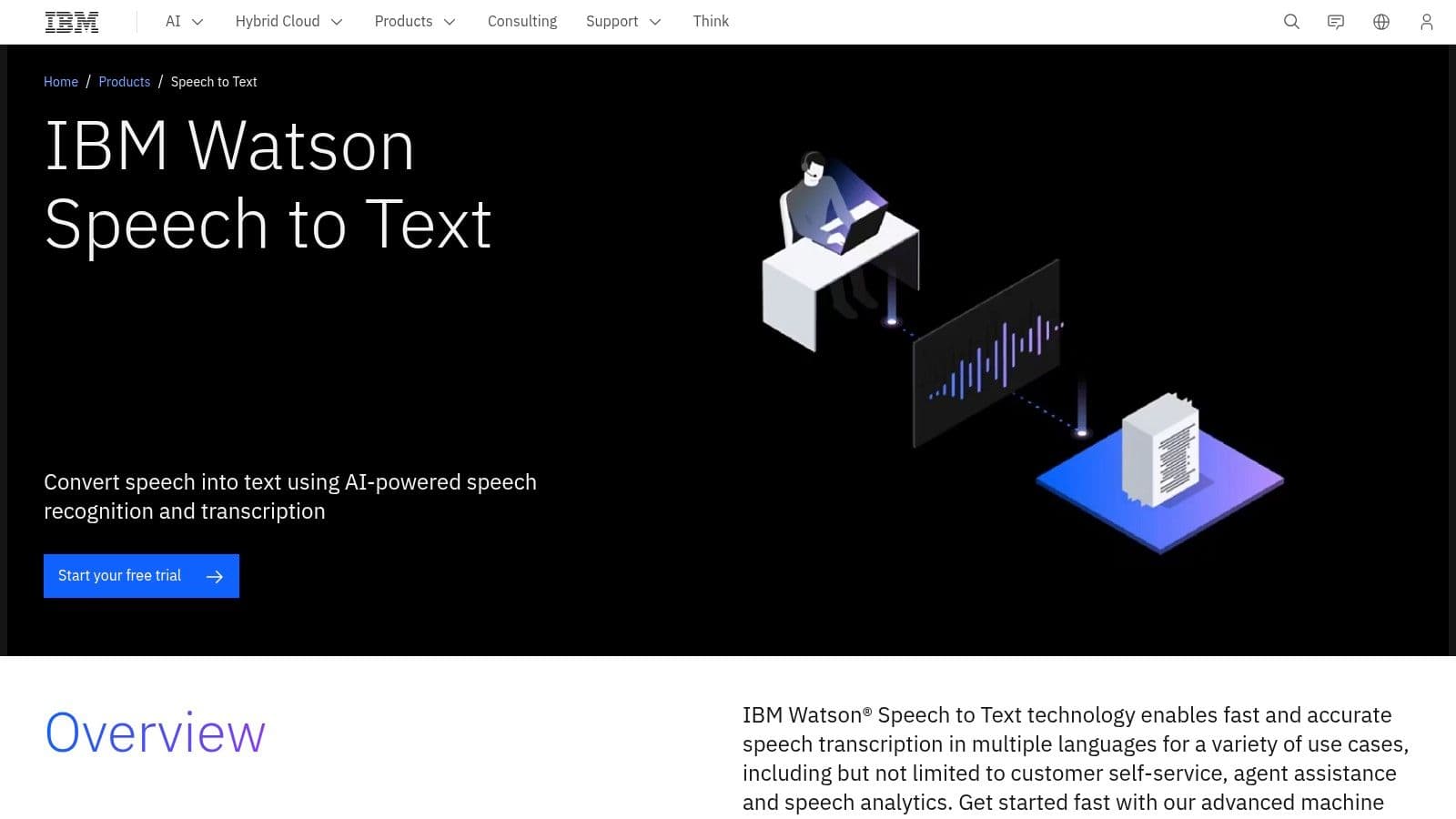
The platform stands out with its robust feature set for developers, including speaker diarization (identifying who said what), keyword spotting, and the ability to generate interim results for real-time feedback. With support for over 38 pre-trained language and acoustic models, it provides a flexible foundation for building sophisticated voice-enabled products. Its tiered plans offer a pathway from experimentation to full enterprise deployment with enhanced security and performance.
Key Considerations
Watson is a developer tool, not a ready-to-use transcription app for end-users. Its effectiveness depends on your technical ability to integrate an API. The various plans (Lite, Plus, Premium) offer different features, and it's crucial to confirm that the specific language models or security compliance you need are available on your chosen tier. The generous Lite plan provides 500 free minutes per month, making it excellent for testing, but pricing for larger capacity and premium features requires direct contact with IBM sales.
- IBM Watson Speech to Text
- Best Feature: Highly scalable and secure API with specialized models for customer care use cases.
- Requires development resources to implement; not an out-of-the-box solution for individuals.
9. Otter.ai
Best for: Teams and individuals needing live meeting transcription with AI-powered summaries and collaboration.
Otter.ai has become a go-to name in meeting productivity, transforming how teams capture and utilize conversations. It excels at providing real-time transcription for meetings on platforms like Zoom, Google Meet, and Microsoft Teams. The "OtterPilot" can automatically join your meetings, record audio, identify different speakers, and generate a searchable transcript, allowing participants to focus on the conversation instead of taking notes. It's built for knowledge workers, students, and any team that needs to make its meetings more actionable and accessible.
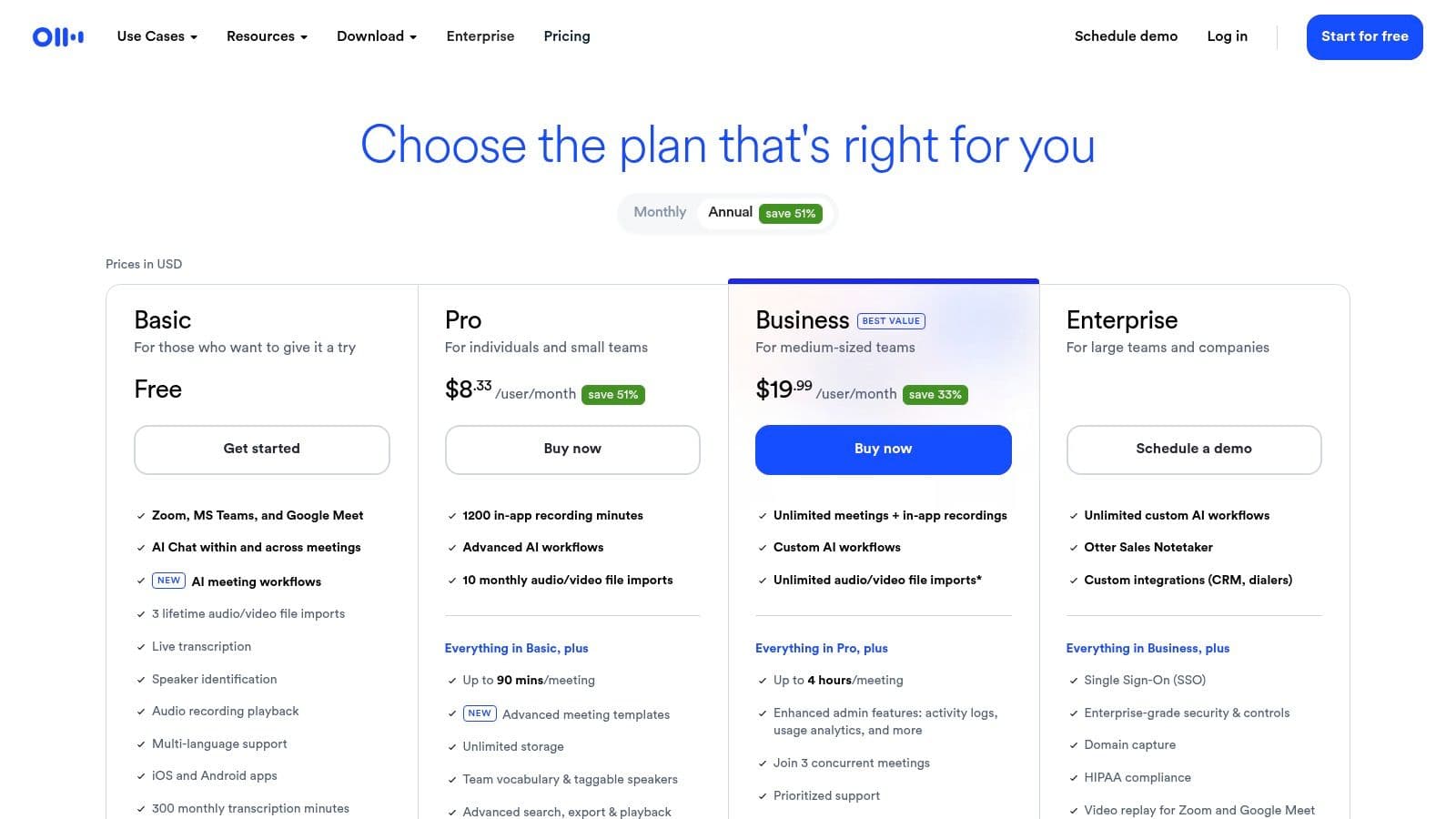
The platform's true power lies in its post-meeting features. Otter.ai uses AI to generate concise summaries, outline key topics, and extract action items, making follow-ups effortless. Users can highlight important moments, add comments, and share notes with colleagues directly within the web or mobile app. This collaborative approach makes it more than just a transcription service; it's a central hub for meeting intelligence, which is a key reason it ranks as one of the best speech recognition software solutions for modern teams. For those on a tight budget, it's worth exploring the free transcription software options from Otter.ai and its competitors.
Key Considerations
Otter.ai is designed for business meetings and general conversation, so its accuracy can sometimes dip with heavy accents, background noise, or highly technical jargon. It is not intended for high-stakes domains like medical or legal transcription that require certified accuracy. The free plan has limitations on transcription minutes and import history, while the paid Pro and Business plans offer generous minute bundles and advanced features, making it a scalable solution as team needs grow.
- Otter.ai
- Best Feature: Live transcription with automated AI summaries and action item extraction.
- Accuracy can be inconsistent in noisy environments or with very specialized terminology.
10. Rev.com
Best for: Hybrid workflows requiring both fast AI transcription and guaranteed human-powered accuracy.
Rev.com offers a unique, hybrid approach to speech recognition, blending the speed of AI with the precision of professional human transcribers. It’s the ideal solution for users who need a fast, automated draft for everyday meetings but also require near-perfect, 99% accuracy for critical content like legal depositions, published interviews, or final-cut video captions. The platform is not just a single tool but a service hub for various audio-to-text needs.