Having a solid format for your meeting minutes is the best way to stop unproductive meetings in their tracks. It creates a straightforward, usable record of what you talked about, what you decided, and who needs to do what next.
Why Your Team Needs a Better Meeting Minutes Format
We've all been there. You walk out of a meeting wondering what the point was. The same old topics get rehashed, nobody can remember what was decided last time, and a week later, you're having the exact same conversation. It’s not just annoying—it’s a massive drain on productivity. Without a clear record, accountability vanishes and projects grind to a halt.
This is where a standardized meeting minutes format saves the day. It forces everyone to be clear and creates a single point of reference that the whole team can use. This simple document is what turns a good discussion into real progress. Think of it as the bridge between talking and doing.
The Real Cost of Disorganized Meetings
The fallout from poorly run meetings is bigger than just a few wasted hours. Ineffective meetings are estimated to cost the U.S. economy a staggering $37 billion every year, mostly from lost time and fuzzy outcomes. A good format with specific sections for goals, decisions, and action items is a direct fix for this. You can learn more about these meeting statistics and their impact on business.
When nobody is quite sure who's responsible for a task or when it's due, projects get delayed and confusion takes over. A consistent format helps you avoid that chaos by:
- Creating Accountability: It clearly states who owns each task and when it needs to be done.
- Preventing "Groundhog Day" Meetings: Writing down decisions means you don't have to debate the same points over and over.
- Aligning the Team: It gives everyone, including people who couldn't attend, a quick and accurate summary of what happened.
The Core Components of Effective Meeting Minutes
A good format for meeting minutes doesn't have to be complicated. In my experience, the best ones are built on a few essential building blocks that bring clarity and structure to your discussions. When you focus on these core elements, you create a record that's genuinely useful, scannable, and actually drives action.
First, you have to nail the basics. This is all the stuff that seems obvious but is critical for organization later on: the meeting title, date, time, and location. You’ll also want a clear list of all attendees and, just as importantly, anyone who was invited but was absent. Noting who wasn't there is key for accountability, as it tells you exactly who needs to be brought up to speed on decisions and action items.
This quick visual breaks down the key parts that form a solid foundation for your minutes.
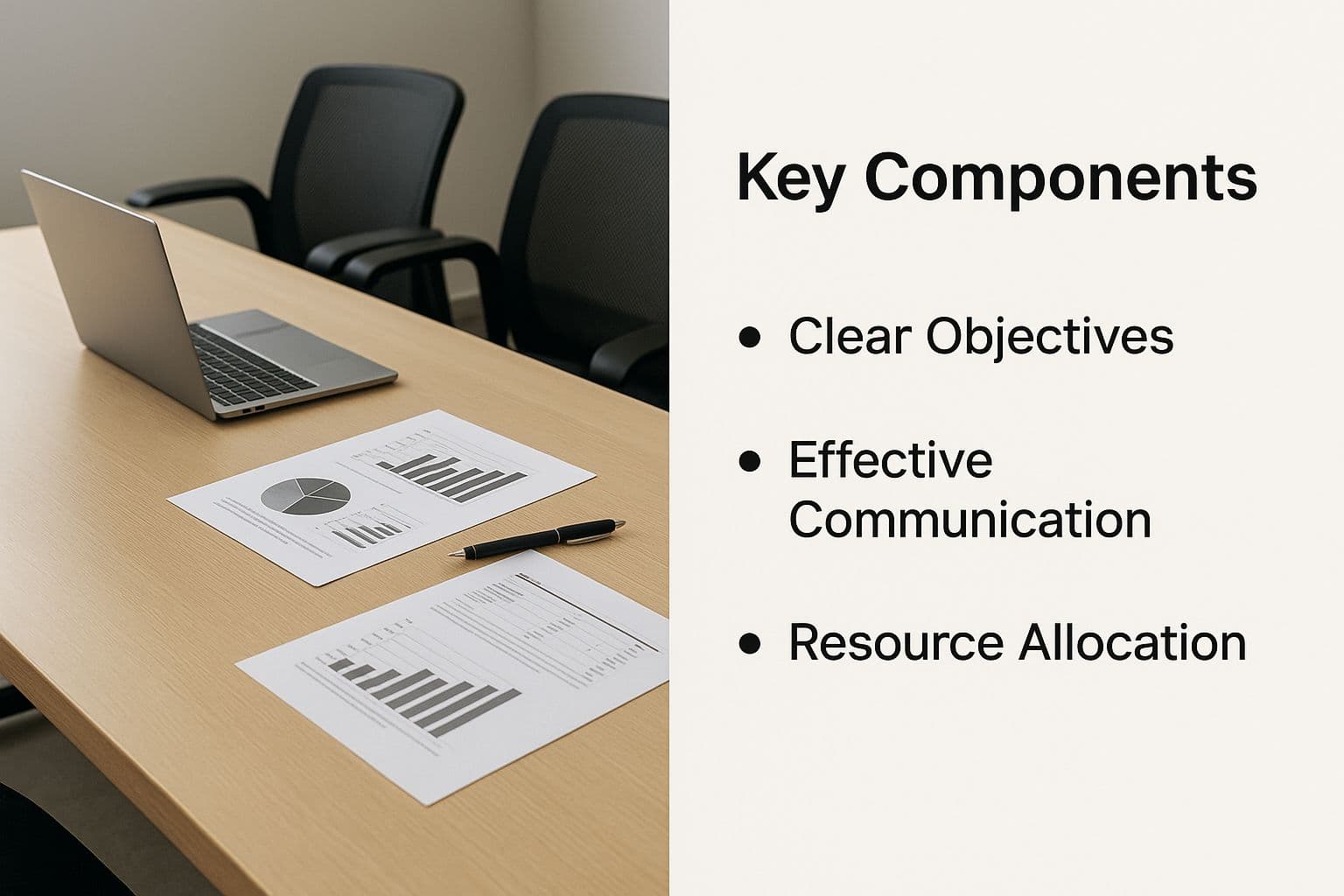
Seeing these elements laid out shows how each piece fits together to create a complete and actionable record of your meeting.
Documenting Decisions and Actions
Now, let's get to the most important part: the outcomes. This is where your minutes stop being a simple record and become a real productivity tool. You absolutely need a clear section for Decisions Made. For every decision, state it plainly and without any ambiguity. For example, don't just write "Agreed to look into new software." Instead, be specific: "Decision: The marketing team will purchase the Pro Plan of XYZ Analytics by Friday."
Similarly, the Action Items section is non-negotiable. This is probably the most crucial part of your entire document. Vague tasks get ignored, which is why every single action item needs to include three key things:
- The specific task: What exactly needs to be done?
- An owner: Who is responsible for getting it done?
- A deadline: When does it need to be finished?
This level of detail gets rid of all the guesswork and makes follow-up a breeze. Getting these simple components right is one of the most effective meeting minutes best practices you can put into practice.
To give you a quick-reference guide, here's a breakdown of what every great meeting minutes template should include.
Core Components of a Meeting Minutes Template
| Section Name | Purpose | Key Information to Include |
|---|---|---|
| Meeting Basics | To provide essential context and logistical details for future reference. | Meeting title, date, time, location (virtual or physical), name of the minute-taker. |
| Attendees & Absentees | To record who was present and who needs to be updated. | A clear list of names for both attendees and those who were invited but couldn't make it. |
| Agenda Items | To outline the main topics discussed. | A brief summary or list of the topics covered, providing context for the decisions made. |
| Decisions Made | To create a clear, official record of all conclusions reached. | A concise statement for each decision, noted with a "DECISION:" prefix for scannability. |
| Action Items | To assign clear tasks, owners, and deadlines for follow-up. | A numbered list with the specific task, the assigned owner's name, and a firm due date. |
By ensuring these five sections are always present and properly filled out, you create a document that provides a reliable record and, more importantly, keeps the momentum going long after the meeting has ended.
Formatting Minutes for Clarity and Action
So, you’ve got all the essential information down. That's a great start, but it’s only half the battle. If your minutes are just a dense wall of text, they’ll get filed away and never looked at again. The key to a great sample meeting minutes format is making the information easy to scan and act on.
Think about how people read things online—they skim for headings, bold text, and lists. Your meeting minutes should be no different. You want to guide the reader’s eye straight to what matters. I always use bolding to make sure decisions and action items jump right off the page. Instead of writing long, narrative paragraphs about a debate, just use a few crisp bullet points to capture the main arguments. It’s all about respecting people's time.
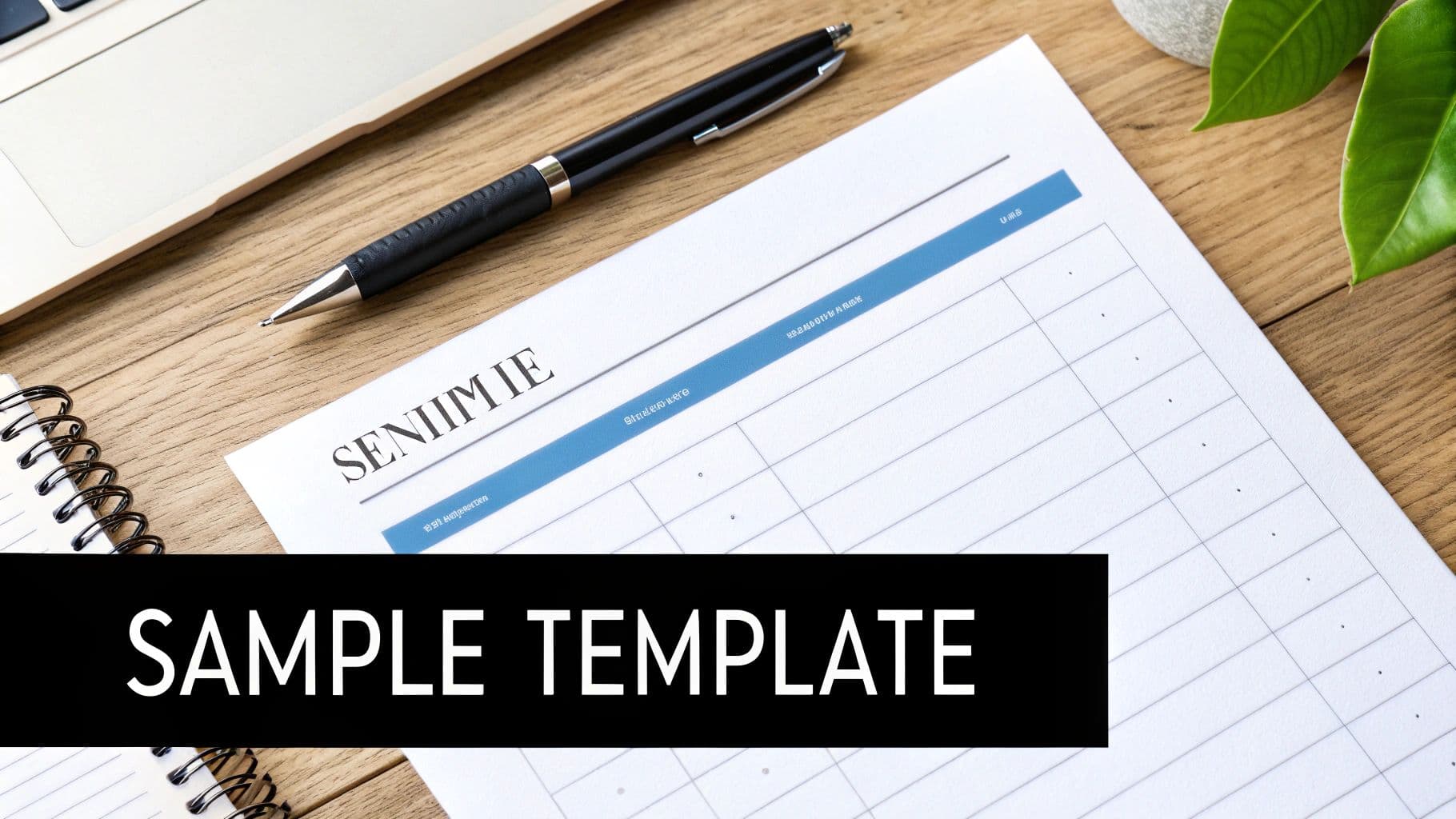
Keeping things brief is more important than ever. After all, 45% of all meetings are just 30 minutes long, and a staggering 94% wrap up in an hour or less. With schedules that tight, the follow-up document needs to be just as efficient. You can dig into more stats about how meeting duration impacts documentation needs if you're curious.
Structuring for Scannability
To make your minutes genuinely useful, give them a simple, predictable structure. I find that clear headings like "Decisions Reached" and "Action Items" are absolutely essential. One trick I’ve picked up that works wonders is adding a quick summary box right at the top—it’s a lifesaver for busy execs who only have a minute to spare.
Here are a few other formatting habits I swear by:
- Consistent File Naming: Always save your files with a standard convention, like "Project-Phoenix_Meeting-Minutes_YYYY-MM-DD." It makes searching for a specific record later on a total breeze.
- Use Tables for Clarity: When you have a list of action items, a simple table is your best friend. Create columns for the task, who owns it, and the due date. It’s crystal clear.
- White Space is Your Friend: Don't be afraid to add blank lines between paragraphs and sections. It breaks up the text and makes the whole document feel less daunting to read.
By putting a little thought into these simple formatting strategies, you can transform your minutes from a dusty archive into a tool that actually keeps your team aligned and moving forward. It’s a small bit of effort that pays huge dividends in clarity and accountability.
Putting Your Meeting Minutes Format Into Practice

It’s one thing to talk about theory, but it’s another to see a sample meeting minutes format in action. The best format is never one-size-fits-all; it really depends on what kind of meeting you’re running. A quick daily check-in needs something very different from a formal project kickoff with important stakeholders.
Let's walk through two practical examples that you can borrow and adapt for your own team. Each is built for a specific situation, showing how a few smart adjustments can make your meeting records so much more useful.
The Lean and Agile Format for Quick Check-Ins
For daily stand-ups or informal team syncs, you need to be fast. A bloated, overly formal template just gets in the way. The only goal here is to quickly capture progress and flag any roadblocks without wasting a single word.
This format strips everything down to the bare essentials:
- Meeting: Daily Marketing Sync
- Date: October 26, 2023
- Attendees: Alex, Brenda, Carlos
- Progress & Updates:
- Alex: Blog post draft is done and ready for review.
- Brenda: Ad campaign performance is up 15% this week.
- Carlos: New landing page design is just waiting on final images.
- Blockers:
- Carlos can't move forward without the images from the design team.
- Next Steps:
- ACTION: Alex to ping the design team for an ETA on Carlos’s images by EOD.
See how quick that is? It's scannable and focuses only on what's needed to move work forward. This is perfect for agile teams that just need a light record of what’s happening day-to-day.
The Formal Project Format for Stakeholder Updates
Now, when the stakes are higher—think a big project kickoff or a quarterly review with leadership—you need more structure. This version is designed to provide context, document key conversations, and formally record decisions so there's zero confusion later. Think of it as an official record you can pull up weeks or even months from now.
Here’s what a more robust sample meeting minutes format looks like:
| Section | Details |
|---|---|
| Project Name | Project Phoenix - Q4 Launch |
| Date & Time | October 26, 2023 - 2:00 PM |
| Attendees | Sarah (PM), David (Lead Dev), Maria (Marketing), Mr. Smith (Stakeholder) |
| Agenda Alignment | The team reviewed and agreed on the agenda, adding a point to discuss budget allocation. |
| Discussion Points | 1. David flagged a potential delay in the development timeline due to a third-party API issue.2. Maria presented the Q4 marketing strategy, which was well-received. |
| Decisions Made | DECISION: The launch date will be pushed back one week to November 15th to account for the API delay. All parties agreed. |
| Risk Tracking | RISK: The third-party API dependency is still a high-risk item. David will monitor it daily. |
| Action Items | 1. ACTION: Sarah to update the official project timeline and notify all stakeholders by tomorrow.2. ACTION: Maria to adjust the marketing campaign schedule to align with the new launch date by EOD Friday. |
This structured approach makes sure nothing falls through the cracks. If you're looking to sharpen your own note-taking, we have a complete resource on taking minutes at meetings with more practical guidance. Matching the format to the meeting is a simple but powerful way to bring clarity to your work and keep every project on track.
Pro Tips for Streamlining Your Note-Taking
Taking meeting minutes doesn't have to feel like a frantic race to write down every single word. Over the years, I've found that the best note-takers aren't the fastest typists; they're the ones with a smart system. A few simple habits can make the whole process less stressful and a lot more effective.
The easiest win? Use the meeting agenda as your outline. Before the meeting even begins, just copy and paste the agenda items into a new document. This gives you a ready-made structure, so all you have to do is fill in the blanks as the conversation moves from one topic to the next. It’s a simple trick that ensures you don’t miss anything important.
Focus on Outcomes, Not Conversations
Here's the biggest mindset shift that will save you time and sanity: you are not a court reporter. Your goal isn't to create a word-for-word transcript of the meeting. It's to capture the outcomes.
Think in terms of questions:
- What did we decide?
- What are the next steps?
- Who is responsible for what?
Focusing on just these key outputs is the secret. It’s not about capturing the back-and-forth debate; it’s about documenting the final result. We dive deeper into this concept in our guide on how to take better meeting notes.
This is a huge hurdle for many people. It’s no surprise that 35% of people admit they avoid taking minutes simply because they don't have a clear process. Having a system makes all the difference.
Work Smarter After the Meeting
The job isn't quite finished when everyone leaves the room. To keep the momentum going, get those minutes out the door as fast as you can. Sending them within a few hours is ideal. This way, the discussion is still fresh in everyone's mind, and people can start tackling their action items right away.
Finally, let your tools do some of the heavy lifting. You can easily set up automated reminders in project management apps or even your calendar to nudge people as their deadlines approach. This small step builds accountability into the process and saves you from having to chase everyone down manually.
Got Questions About Meeting Minutes? We've Got Answers.
Jumping into a new way of taking minutes can feel a bit awkward at first. It’s totally normal to have a few questions about how to get it right. Let's tackle some of the most common ones I hear.
How Much Detail Is Too Much?
This is the big one. The key is to focus on outcomes, not conversations. You're not a court reporter trying to capture every single word.
Instead, concentrate on the essentials: what final decisions were made and what are the exact action items? For each action item, make sure you've got a clear owner and a firm deadline. Unless you're recording a formal motion for a board meeting, skip the back-and-forth debate. The best minutes are always concise and to the point.
Whose Job Is It to Take Minutes, Anyway?
It really depends on your team's structure. Sometimes it's a project manager, an admin, or just the most organized person in the room.
A practice I've found works really well for regular team meetings is to rotate the responsibility. Sharing the role not only splits the workload but also keeps everyone more tuned in to the meeting's progress.
How Soon Should I Send the Minutes Out?
Get them out the door quickly. My rule of thumb is within 24 hours of the meeting ending, while everything is still fresh in everyone's mind.
Sending them out promptly means your team can get started on their action items right away and clear up any misunderstandings before they become a problem.
Ready to make your meeting notes even smarter? Summarize Meeting is a great resource for finding AI tools that can automatically transcribe and summarize your calls. It's a huge time-saver. Check out your options at https://summarizemeeting.com.
🔗 Related Reading
For more insights on meeting productivity and AI tools: