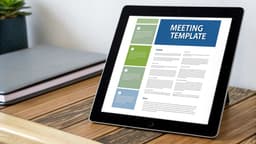
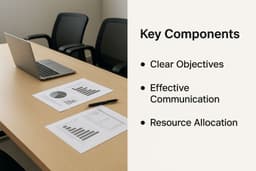
A great sample minutes for a meeting template is the secret to turning messy discussions into clear, actionable outcomes. It’s more than just a document; it’s a structured framework that captures key decisions, assigns tasks, and creates a reliable record so everyone stays on the same page long after the meeting ends.
Why Better Meeting Minutes Matter More Than You Think

Let's be real—taking meeting minutes can feel like a chore. But if you see it as just record-keeping, you're missing the point. The truth is, poorly documented meetings are a silent killer of productivity, leading to missed deadlines, frustrating do-over conversations, and expensive misunderstandings.
The scale of this problem is massive. In the U.S. alone, companies hold between 36 and 56 million meetings every single day. The ineffective ones cost the economy an estimated $37 billion annually. Even worse, some studies show that employees can waste over 90 minutes daily on pointless meetings and follow-up tasks. If you want to see just how quickly that time adds up, you can explore more meeting statistics.
From Simple Record to Strategic Tool
A well-designed template elevates your minutes from a passive document into a powerful tool that builds momentum. This isn't about writing down every single word someone says. It's about creating a single source of truth that actually drives action.
Here’s what a great template helps you accomplish:
- Creates Unwavering Clarity: You get a concrete record of what was decided and why, which stops the "I thought we agreed to..." confusion dead in its tracks.
- Drives Accountability: By clearly assigning action items with names and due dates, a good template ensures tasks don’t just vanish into thin air.
- Keeps Everyone Informed: It gives anyone who couldn't make it a reliable summary, keeping the whole team aligned and moving in the same direction.
Ultimately, adopting a solid sample minutes for a meeting template is a small habit that pays off in a big way. It standardizes your process, fosters a culture of accountability, and makes sure every meeting actually moves the needle forward instead of just taking up space on the calendar.
What Goes Into a Great Meeting Minutes Template?
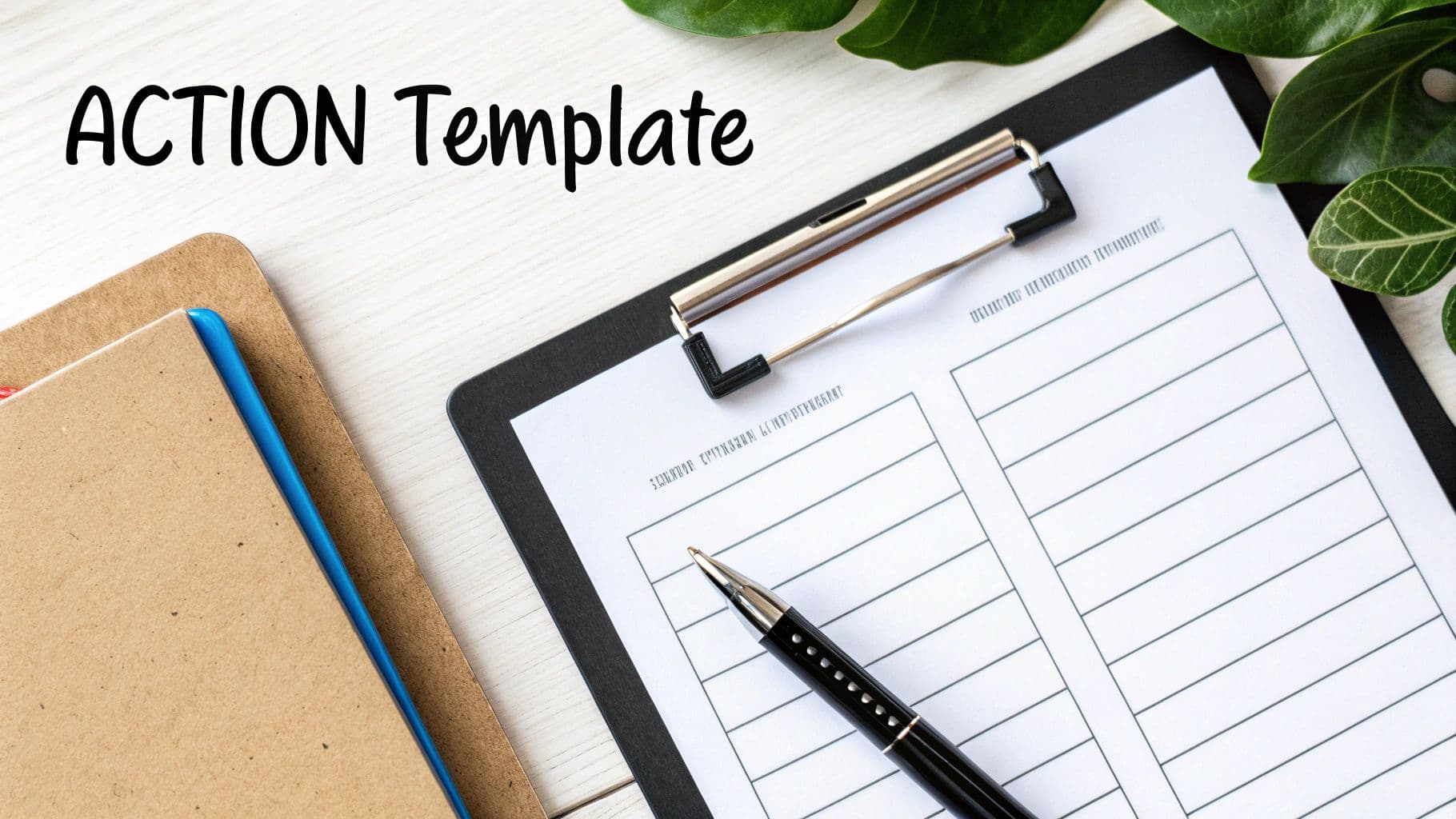
A good template is more than just a blank document with a few headings. It’s a roadmap that turns a meeting’s conversation into tangible results. While you absolutely need the basics, the real magic is in how it captures decisions and assigns clear next steps. It’s what separates a simple record from a powerful tool for progress.
Let’s start with the non-negotiables. These are the foundational details that give your minutes context and credibility.
- Meeting Title: Something clear and specific, like "Q3 Marketing Strategy Kick-off."
- Date and Time: Essential for creating an accurate historical record.
- Attendees and Absences: A simple list of who was in the room (and who wasn't) so you know who to follow up with.
- Agenda Items: This confirms you covered what you set out to discuss.
Separate the Talk from the Takeaway
This is where most templates fall short. They provide a single "Notes" section, and everything gets jumbled together—ideas, debates, and final decisions. This creates confusion later on.
Instead, I always recommend splitting this into two distinct parts for each agenda item:
- Discussion Summary: Jot down a quick, unbiased overview of the main points. Stick to the facts and the core arguments that were presented.
- Final Decision: Write a single, crystal-clear sentence stating the outcome. For instance, "Decision: The team approved the Q4 'Project Phoenix' budget as presented by Jane."
This simple separation makes the minutes infinitely more valuable. Anyone can scan the document and immediately grasp what was decided without having to read through all the back-and-forth. For a great example of this in practice, check out a sample meeting minutes template that nails this structure.
Focus on Action Items
If you ask me, this is the most important part of any minutes template. This is where accountability is born. A vague to-do list is just asking for things to get missed.
To make sure your meetings actually lead to action, your template needs a section dedicated to clear, specific tasks. You can find excellent tips in this guide to building a meeting action items template that actually works.
A well-designed template breaks down the essential components to ensure nothing falls through the cracks.
Core Components of a High-Impact Meeting Minutes Template
The table below outlines the key sections that transform a basic document into a powerful productivity tool.
| Component | Purpose | Example |
|---|---|---|
| Basic Information | Provides context by identifying the meeting, date, and participants. | Meeting: Weekly Project Sync, Date: Oct 26, 2023, Attendees: John D., Sarah K. |
| Agenda Topics | Lists the planned discussion points, confirming the meeting's scope. | 1. Review of Q3 Metrics, 2. Q4 Campaign Brainstorm |
| Discussion Summary | Briefly captures the key arguments and ideas for each agenda item without bias. | Team discussed pros and cons of new software. Concerns were raised about cost. |
| Decisions Made | States the final outcomes in clear, unambiguous language. This is a record of what's set in stone. | Decision: Approved the purchase of the 'X' software license for the design team. |
| Action Items | Assigns specific tasks, owners, and due dates to ensure accountability. | Task: Sarah to schedule software training, Owner: Sarah K., Due: Nov 3, 2023 |
| Next Meeting Info | Clarifies when and where the next follow-up will occur, setting future expectations. | Next meeting scheduled for Nov 2, 2023, at 10:00 AM in Conference Room B. |
By including each of these components, your minutes become a comprehensive and actionable record that drives real progress.
The Practical Workflow for Taking Effective Minutes
Capturing great meeting minutes is a process, not just something that happens during the call. When you think of it as a simple workflow—with steps before, during, and after the meeting—it stops feeling like a chore and becomes a powerful tool. This approach ensures you’re prepared, efficient, and that the final document actually helps move things forward.
Honestly, getting ready before the meeting is about 90% of the battle. A little prep work goes a long way in reducing that in-the-moment stress of trying to keep up.
Before the Meeting Kicks Off
The goal here is to walk into the meeting feeling organized, not frazzled. Instead of scrambling to figure out who’s on the call while someone is already talking, you should have your document ready to go.
- Pre-fill Your Template: Get the basics out of the way. Drop in the meeting title, date, time, and the complete list of attendees. It’s a simple thing, but it saves you from typing names when you should be listening.
- Copy in the Agenda: Paste the agenda right into your notes. This gives you a ready-made outline, making it easy to slot your notes under the right topic as the conversation unfolds.
- Review Past Minutes: Take a quick five-minute scan of the action items from the last meeting. This primes you to listen for important updates and ensures nothing slips through the cracks.
During the Meeting
Alright, this is game time. Your focus needs to shift from prep to active listening and smart, concise note-taking. Remember, you’re not a court stenographer. Your job is to capture the important stuff: what was decided and who is doing what.
As you document the discussion, it helps to find a system that works for you. You might want to explore different best note-taking methods, like the Cornell Method or a simple outlining format, to see what feels most natural.
A classic tricky situation is documenting a decision where not everyone agrees. Let’s say a vote is split on a budget increase. Don't just write "motion passed." Be specific and neutral: "Decision: The motion to increase the marketing budget by 15% passed with a 4-3 vote. Dissenting votes noted concerns about Q4 profitability." This gives a clear, factual record without any drama.
If you want to dive deeper into capturing notes in real-time, our guide on how to take better meeting notes has a ton of practical strategies.
After the Meeting Wraps Up
Don't close your laptop just yet! The work isn't quite done when the call ends. These last few steps are what turn your messy notes into a clean, official record.
The golden rule is to review your notes immediately. Take 15 minutes right after the meeting—while everything is still fresh in your mind—to clean things up. Expand on your shorthand, fix typos, and organize the layout so it’s easy to read. You want a polished draft, not a brain dump.
Finally, get the draft out for review within 24 hours. Timing is everything. If you wait a few days, people forget the details and you lose all momentum. I always recommend sending it to the meeting chair first for a quick sanity check before it goes out to all attendees for their final sign-off. This simple workflow ensures your minutes become a genuinely valuable asset for the team.
Adapting Your Template for Virtual and Complex Meetings
Let's be honest, not every meeting happens around a polished boardroom table anymore. Your standard template is a fantastic starting point, but it needs to be flexible. The reality is that we jump between quick virtual huddles and deep-dive strategic workshops, and a one-size-fits-all document just doesn't work.
The shift to remote work has made adapting your sample minutes for a meeting template a non-negotiable skill. With trillions of meeting minutes logged on video conferencing platforms, we've all seen how critical good digital records are. Just look at the growth of virtual collaboration platforms—the numbers are staggering.
Mastering Virtual Meeting Documentation
When you’re taking minutes for a virtual meeting, you have a few extra tools in your belt. The key is using them smartly and ethically.
- Use Chat Logs Wisely: The chatbox is often a goldmine of links, quick-fire ideas, and informal agreements. Don't let that valuable info vanish when the call ends. I always make it a habit to copy and paste the crucial bits from the chat directly into my notes.
- Handle Recordings with Care: This one is huge: always, always get consent from everyone before you hit record. A recording is perfect for double-checking a specific detail you might have missed, but it's not a substitute for well-written minutes. Nobody wants the homework of re-watching a 60-minute meeting.
This simple visual breaks down the core cycle of preparing, capturing, and sharing your notes.
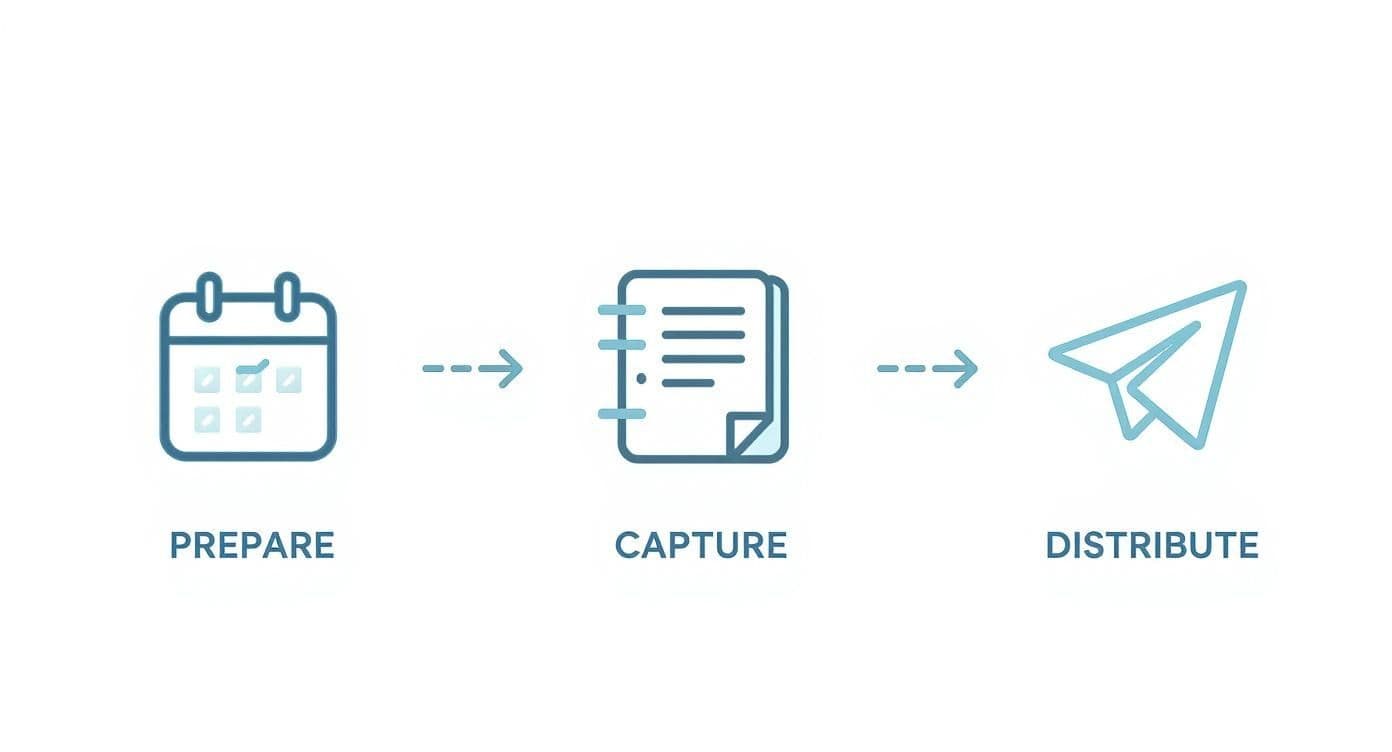
Whether you're all in one room or scattered across time zones, this three-step rhythm—prepare, document, share—is what makes minute-taking truly effective.
Tackling Complex and Technical Sessions
What about those marathon sessions or deeply technical meetings? The big risk here is getting bogged down in jargon and rabbit holes. Your goal is to capture the important outcomes, not to create a word-for-word transcript that no one will read.
For these meetings, I find it helps to focus on documenting major milestones and strategic decisions. What was the ultimate conclusion? What are the next concrete steps? Skip the play-by-play.
If you're navigating a lot of remote sessions, check out our guide on the best practices for virtual meetings to master in 2025. A little adaptation to your template goes a long way in ensuring you capture what really matters, no matter how complex the discussion gets.
Common Minute-Taking Mistakes and How to Fix Them
Even seasoned pros can stumble when taking meeting minutes. We've all seen it happen. These small missteps can turn a genuinely useful record into a source of confusion, completely defeating the purpose of the document.
Spotting these common traps is the first step to crafting minutes that are consistently clear, concise, and—most importantly—useful.
One of the most common blunders is a simple one: recording too much or too little. Some people try to capture every single word, creating a transcript that no one has time to read. On the flip side, some are so brief that they leave out the essential context behind a major decision. The sweet spot is always somewhere in the middle.
Another pitfall I see a lot is letting personal bias creep in. Your minutes need to be an objective, factual record of what was said and decided. It's not the place for your interpretation of events. Sticking to the facts is what makes the document a reliable source of truth for the entire team.
Fixing Vague Action Items
An unclear action item is a project's worst enemy. Just jotting down "Look into the Q4 budget" is basically a guarantee that nothing will happen. Why? It's missing ownership, specifics, and a deadline.
This is where being precise makes all the difference. A vague task creates confusion; a great one eliminates it.
- Before: Alex to follow up on the website redesign.
- After: Action Item: Alex to send the top three design mockups to the marketing team for feedback by Friday, EOD.
See how much better that is? The second version assigns a crystal-clear task, names the owner, and sets a non-negotiable deadline.
When you build this structure into your sample minutes for a meeting template, you ensure every task is concrete and trackable. This one small tweak can transform your minutes from a passive summary into an active tool that actually gets things done.
Got Questions About Meeting Minutes? We've Got Answers
We've heard just about every question there is when it comes to taking good meeting minutes. Let's tackle some of the most common ones so you can feel confident every time you hit 'send' on that draft.
How Much Detail Should I Actually Include?
This is the big one, isn't it? The key is to aim for clarity, not a novel. You're not writing a word-for-word transcript.
Your real goal is to capture the essentials: what was discussed, what was decided, and who's doing what next. Think of it this way: if a colleague missed the meeting, could they read your minutes and know exactly what they need to do? If the answer is yes, you've nailed it.
Who Gives the Final OK on the Minutes?
There's usually a two-step process here. First, the person who ran the meeting—the chair or facilitator—should give them a once-over to check for accuracy.
Once they've had a look, you'll send the draft out to everyone who was there. The standard practice is to formally approve them at the beginning of the next meeting. It's a quick way to make sure everyone agrees that the record is accurate before moving on.
Should I Just Use an App Instead of a Template?
AI meeting assistants and specialized software can be fantastic time-savers, no doubt about it. They can transcribe, summarize, and even pull out action items for you.
But here’s a piece of advice: learn the fundamentals first. When you understand what makes for truly effective minutes, you’ll know how to set up any tool to capture what actually matters to your team. A good template teaches you those fundamentals.