The journey from a new user to a loyal advocate begins with the very first interaction. A clunky, confusing, or impersonal start can lead to quick churn, while a seamless onboarding experience sets the stage for long-term success and high retention. But what separates a forgettable welcome from a truly effective onboarding process? This guide moves beyond generic advice to explore ten proven customer onboarding best practices that today's leading companies use to build lasting relationships from day one.
We'll break down each strategy with actionable steps, real-world examples, and practical takeaways to help you transform your initial user experience into a powerful growth engine. From deep personalization and interactive product tours to data-driven optimization, these are the techniques you need to master to ensure your customers achieve value, fast. For a comprehensive overview and additional strategies to ensure a powerful initial experience, consider these customer onboarding best practices for 2025.
This listicle is designed to be a practical playbook. You will learn how to reduce initial setup friction, implement gamification to drive engagement, and build a human-centric support system that makes new users feel seen and valued. Let's dive into the strategies that will help you create an onboarding journey that not only delights customers but also directly impacts your bottom line.
1. Personalized Onboarding Workflows
One of the most impactful customer onboarding best practices is to move away from a generic, one-size-fits-all approach. Personalized onboarding workflows involve segmenting new users and tailoring their initial experience to their specific roles, goals, or industry. This strategy ensures users see the most relevant features first, helping them achieve a quick win and understand the product's value in their unique context.
Instead of showing every feature, you guide a sales representative to CRM integration while directing a marketer to campaign-building tools. This customization dramatically increases engagement and reduces the time it takes for a user to become proficient.

Why It Works
Personalization makes users feel understood and valued. It cuts through the noise of a complex product, focusing their attention on what matters most to them. For example, Salesforce provides different setup wizards for an Administrator versus a Sales Rep, recognizing their setup priorities are completely different. Similarly, Slack adjusts its onboarding prompts based on the team's size, guiding small teams toward collaboration features and large enterprises toward channel organization and security settings. This targeted approach accelerates product adoption and boosts long-term retention.
How to Implement This Strategy
- Segment Your Users: Start by identifying key user personas. Use signup data (role, company size, industry) or a brief in-app survey to categorize users.
- Map Relevant Journeys: For each segment, map out the critical "first-mile" experience. What is the most important action for a designer to take in their first five minutes? What about a project manager?
- Use Progressive Profiling: Don't ask for all information at once. Gather data over time through user actions and targeted questions to refine their personalized path without creating friction.
- Test and Iterate: Launch personalized workflows for small user cohorts first. Analyze completion rates and product usage data to see if the custom path is more effective than a generic one before rolling it out widely.
2. Interactive Product Tours and Walkthroughs
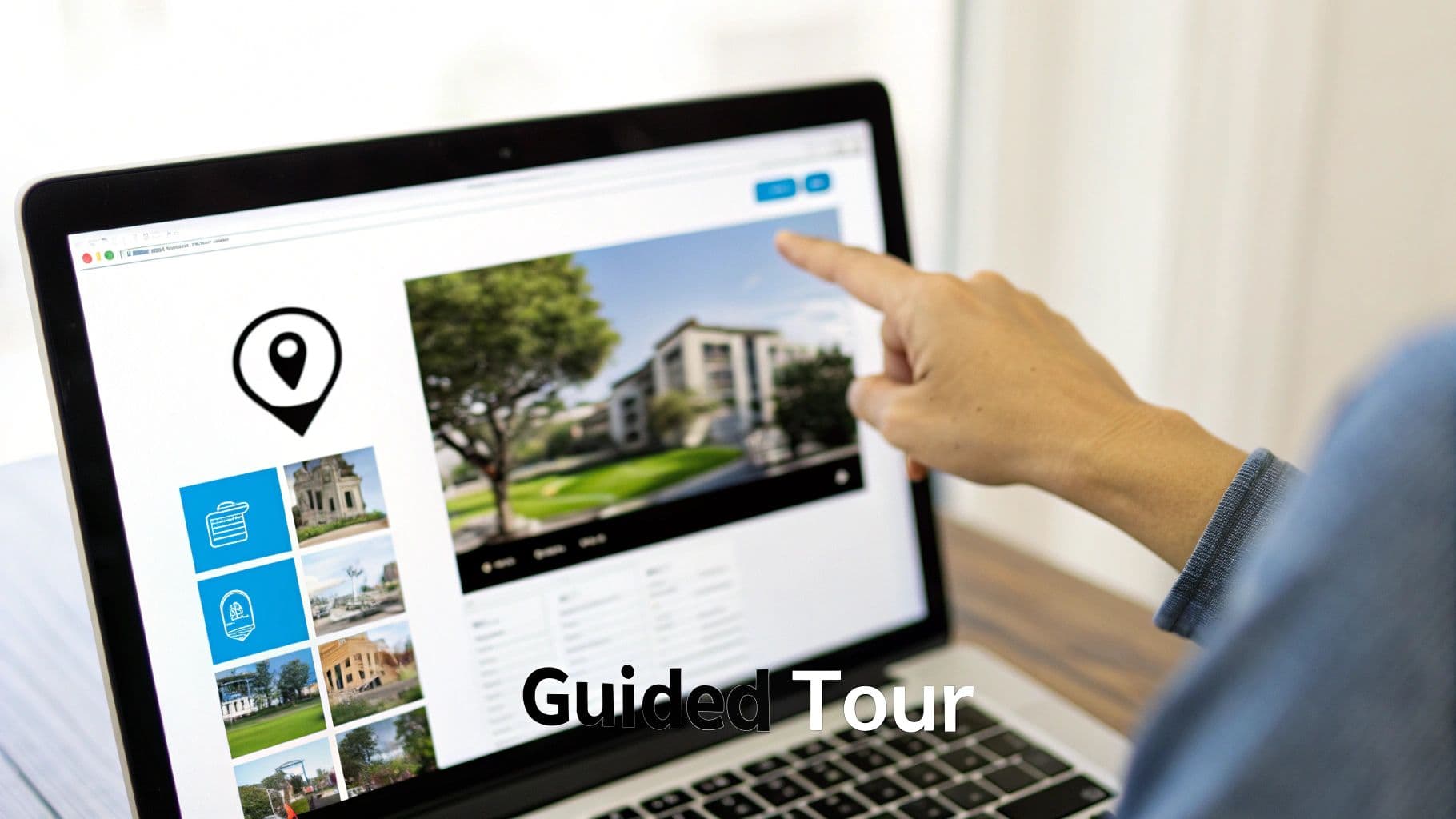
Instead of leaving users to figure things out on their own, interactive product tours guide them through key features in real-time. This hands-on approach uses tooltips, modals, and step-by-step demonstrations directly within your application's interface. It’s an effective method for teaching users how to complete specific, high-value tasks, ensuring they experience the product’s core functionality from their very first session.
This technique is powerful because it promotes learning by doing, which solidifies user understanding and builds confidence much faster than a passive video or help article.
Why It Works
Interactive tours reduce initial user friction and overwhelm by breaking down complex processes into simple, manageable steps. For example, Mailchimp uses a guided walkthrough to help new users create their first email campaign, ensuring they successfully complete a critical workflow without getting lost. Similarly, tools like Appcues allow businesses to build customizable tours that trigger contextually, showing a user how to use a feature the first time they navigate to it. This "just-in-time" guidance is one of the most effective customer onboarding best practices for accelerating user proficiency.
How to Implement This Strategy
- Identify Key Activation Events: Pinpoint the core actions a user must take to realize your product's value. Build your first tours around these "aha!" moments.
- Keep It Short and Focused: Each step in a tour should focus on a single action or concept. Avoid lengthy, multi-step tours that users are likely to abandon.
- Always Include a Skip Option: Respect user autonomy by allowing them to exit a tour at any time. Forcing users through a walkthrough creates a frustrating experience.
- Trigger Tours Contextually: Launch tours based on user behavior. For instance, if a user navigates to the analytics dashboard for the first time, trigger a tour explaining the key metrics.
3. Gamification and Milestone Recognition
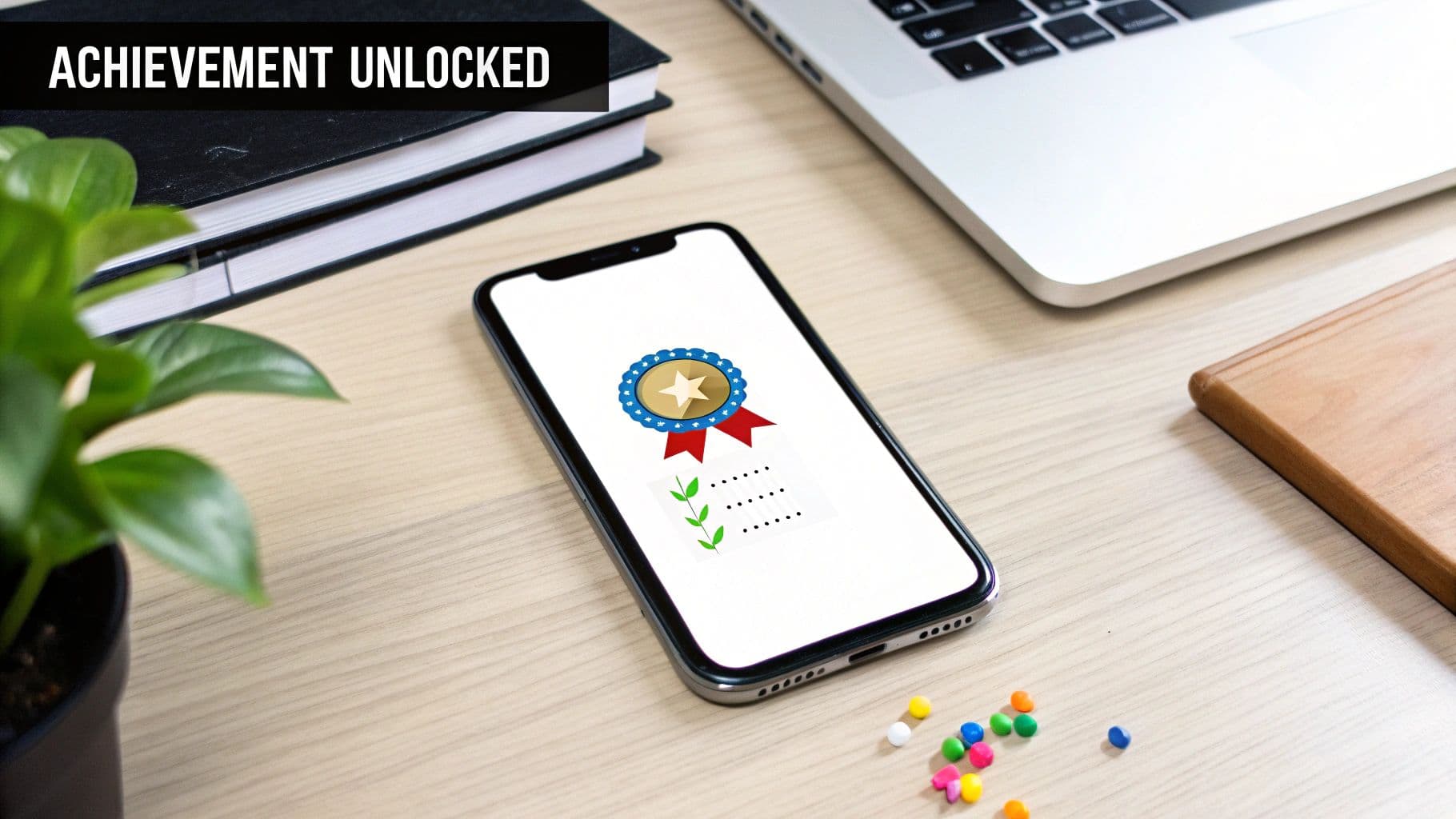
One of the most effective customer onboarding best practices involves incorporating game-like mechanics into the learning process. Gamification uses elements like progress bars, points, badges, and milestone celebrations to make the onboarding journey more engaging and rewarding. This strategy taps into our natural desire for achievement and competition, motivating users to complete key setup tasks and explore the product more deeply.
By framing onboarding as a series of achievable challenges rather than a list of chores, you transform a potentially tedious process into an enjoyable experience. Users are encouraged to take the next step, driven by a sense of accomplishment.
Why It Works
Gamification provides immediate positive feedback and makes progress tangible, which boosts user motivation. For example, LinkedIn’s profile completion bar is a classic case; it visually encourages users to add more information by showing them exactly how close they are to reaching 100%. Similarly, language-learning app Duolingo uses streaks and achievement badges to build a powerful daily habit. These mechanics create a compelling feedback loop that drives consistent engagement and accelerates product adoption.
How to Implement This Strategy
- Align Rewards with Value: Ensure that gamified elements guide users toward actions that deliver real value. Award points for completing a critical setup task, not just for logging in.
- Make Progress Visible: Use checklists, progress bars, or point systems to give users a clear and constant understanding of what they’ve accomplished and what’s next.
- Celebrate Meaningful Milestones: Trigger celebratory animations or award badges when a user reaches a key "aha!" moment, like creating their first project or inviting a teammate.
- Keep It Simple: Avoid overly complex game mechanics that could distract from the core product experience. The goal is to motivate, not to build a full-fledged game.
4. Reduced Friction and Minimal Initial Setup
One of the most effective customer onboarding best practices is to streamline the initial user experience by removing unnecessary steps. Reduced friction involves eliminating lengthy forms, complex configurations, and mandatory tutorials upfront. This approach prioritizes getting users to their first "aha!" moment as quickly as possible, allowing them to experience the product's value before committing to a full setup.
By minimizing initial demands, you lower the barrier to entry and prevent potential users from abandoning the process out of frustration. The goal is to make the journey from signup to value discovery seamless and immediate, building positive momentum from the very first interaction.
Why It Works
A frictionless start capitalizes on a new user's initial excitement. Instead of slowing them down with administrative tasks, you guide them directly to a core feature. For example, Canva allows users to start designing from a template before even creating an account, demonstrating the tool's power instantly. Similarly, Dropbox's classic signup required only an email and password, getting users into the product in seconds. This immediacy proves the product's value proposition and builds user confidence, making them more likely to invest time in completing their profile later.
How to Implement This Strategy
- Prioritize the First Action: Identify the single most important action a new user needs to take to see value. Focus the entire initial experience on guiding them to that specific outcome.
- Provide Sensible Defaults: Pre-configure settings that work for the majority of users. This allows them to get started immediately and adjust preferences later if needed.
- Use Progressive Profiling: Ask for only essential information at signup. You can gather additional details over time through in-app prompts once the user is actively engaged. This is a common tactic in workflow automation. Learn more about how workflow automation can boost efficiency on summarizemeeting.com.
- Make Setup Optional: Clearly distinguish between mandatory and optional setup steps. Allow users to skip non-critical configurations and return to them later via a checklist or dashboard reminder.
5. Self-Service Knowledge Base and Resource Libraries
A crucial customer onboarding best practice is empowering users to find answers independently. A self-service knowledge base is a centralized, searchable repository of documentation, video tutorials, FAQs, and guides. This approach allows users to resolve issues and learn about the product on their own schedule, reducing their reliance on direct support and accelerating their learning curve.
By providing comprehensive resources, you enable users to dive deeper into features that interest them and troubleshoot problems as they arise. This builds user confidence and frees up your support team to handle more complex, high-value inquiries, creating a more efficient onboarding system for everyone involved.
Why It Works
Self-service resources cater to different learning styles and paces, empowering users to take control of their product education. Atlassian exemplifies this with its extensive Confluence and Jira documentation, which includes a community forum where users can learn from one another. Similarly, Notion’s help center and public template gallery not only solve problems but also inspire new use cases. For those looking to implement robust self-service options, researching the best AI-powered help center software can further enhance this experience with intelligent search and suggestions. This strategy fosters user autonomy and creates a scalable support model.
How to Implement This Strategy
- Organize Content Intuitively: Structure your knowledge base with clear categories and a logical hierarchy. Use tags and a powerful search function to help users find information quickly.
- Use Mixed Media: Combine written articles with video tutorials, GIFs, and screenshots to accommodate different learning preferences and clarify complex steps.
- Link Resources Contextually: Embed links to relevant help articles directly within your application. For example, add a help icon next to a complex feature that links to its guide.
- Keep Content Current: Regularly review and update your documentation to reflect new features, UI changes, and best practices. An outdated knowledge base erodes trust. You can learn more about effective knowledge management to keep your resources organized and impactful.
6. Proactive In-App Communication and Notifications
Relying on email to guide new users can be ineffective, as messages often get lost or ignored. A more direct customer onboarding best practice is using proactive in-app communication. This involves delivering strategic, timely, and contextual messages directly within your application to guide users, announce features, and encourage key actions at the most relevant moments.
Instead of waiting for a user to get stuck, in-app notifications anticipate their needs. This approach provides support exactly when and where it is needed, creating a seamless and supportive onboarding journey that feels intuitive rather than interruptive.
Why It Works
Proactive in-app communication meets users where they are, eliminating the friction of switching between their email and your product. It provides immediate value by offering help in context. For example, Asana uses smart task hints that appear when a user performs a specific action, like creating a complex subtask for the first time. Similarly, Dropbox offers contextual tips about features like file recovery or sharing permissions right after a user uploads their first document, capitalizing on their moment of engagement. This real-time guidance accelerates learning and reinforces valuable habits.
How to Implement This Strategy
- Use Behavioral Triggers: Trigger notifications based on user actions (or inaction) rather than on a fixed time schedule. For instance, prompt a user to invite a team member after they have created three tasks.
- Keep It Contextual and Actionable: Ensure every message is directly related to what the user is currently doing and includes a clear call-to-action.
- Allow for Easy Dismissal: Users should be able to easily close or dismiss notifications without frustration. A persistent, unhelpful pop-up is a quick way to sour the user experience.
- Monitor Engagement: Track notification click-through and completion rates to understand what messages are helpful and which are causing fatigue. Use this data to refine your communication strategy.
7. Human-Centric Support and Success Services
While automation is crucial for scalability, one of the most effective customer onboarding best practices is blending technology with a human touch. Human-centric support involves providing direct assistance through live chat, video calls, or dedicated success managers at critical moments. This strategy ensures users don't get stuck, feel supported, and can overcome complex hurdles that an automated flow might miss.
Instead of leaving users to figure everything out alone, you offer a lifeline. This could be a proactive chat message during a tricky setup step or a scheduled call with an onboarding specialist, ensuring a smooth transition and accelerating their time-to-value.
Why It Works
Human interaction builds trust and reassures users that you are invested in their success. It provides an opportunity to answer nuanced questions and address specific concerns that automated guides cannot handle. For example, HubSpot offers dedicated onboarding specialists who guide new customers through complex portal setups, ensuring they leverage the platform correctly from day one. Similarly, Calendly provides personalized onboarding calls for larger teams to help them configure advanced scheduling rules and integrations, which is critical for their adoption. This high-touch approach prevents frustration and significantly reduces churn.
How to Implement This Strategy
- Segment for High-Touch Support: Identify which customer segments (e.g., enterprise clients, users on high-tier plans) will benefit most from personalized human support and focus your resources there.
- Be Proactive, Not Just Reactive: Use in-app user behavior data to identify when a user is struggling. Trigger a proactive live chat message from a support agent when they spend too long on one step.
- Offer Multiple Channels: Provide support where your users are most comfortable, whether that is email, live chat, or scheduled video calls for more in-depth guidance.
- Measure the ROI: Track the impact of human-led onboarding. Compare the long-term retention and lifetime value (LTV) of customers who received personalized support against those who did not.
8. Data-Driven Onboarding Optimization
Truly effective customer onboarding is not a "set it and forget it" process. One of the most critical customer onboarding best practices is to treat it as a dynamic system that can be continuously improved. Data-driven optimization involves using analytics, user behavior data, and experimentation to measure performance, identify friction points, and refine every stage of the onboarding funnel.
This scientific approach moves you away from making assumptions about what users want and toward making evidence-based improvements. It transforms onboarding from a static checklist into a high-performance growth engine, ensuring you are systematically removing barriers to user activation and long-term success.
Why It Works
A data-driven strategy provides objective insights into where users get stuck or lose interest. By analyzing this information, you can make targeted changes that have a measurable impact. For instance, Amplitude helps its customers map onboarding funnels to see precisely where user drop-off occurs. Similarly, growth teams at companies like Dropbox and LinkedIn systematically run A/B tests on welcome screens, tutorial prompts, and initial task suggestions to incrementally boost completion rates and user engagement. This continuous improvement loop ensures the onboarding experience evolves with user needs.
How to Implement This Strategy
- Define Success Metrics: Establish clear key performance indicators (KPIs) for onboarding. These could include activation rate (completing a key action), time-to-value, or feature adoption within the first week.
- Track User Behavior: Use product analytics tools to create onboarding funnels and track user paths. Supplement this quantitative data with qualitative insights from session recordings to understand the "why" behind user actions.
- Run Focused A/B Tests: Instead of large, risky redesigns, test small, isolated changes. Experiment with button copy, the order of steps in a setup wizard, or the timing of an in-app message to see what drives better results. To learn more, check out this guide on what is data-driven decision making.
- Establish a Baseline: Before you start optimizing, measure your current performance. This baseline is essential for accurately evaluating whether your changes are leading to genuine improvements.
9. Cohesive Multichannel Onboarding Experience
One of the most crucial customer onboarding best practices is creating a consistent experience across every channel a user interacts with. A cohesive multichannel onboarding experience ensures that your messaging and guidance are seamless, whether delivered via email, in-app notifications, knowledge base articles, or a live webinar. This strategy prevents confusion and reinforces key value propositions at every touchpoint.
Instead of treating each channel as a silo, this approach weaves them into a single, unified journey. An in-app prompt might reference a helpful video tutorial, which in turn links to detailed documentation, all while a timed email sequence supports their progress. This integration builds trust and makes the learning process feel intuitive and well-supported.
Why It Works
A disjointed onboarding process creates friction and undermines a user's confidence. When emails say one thing and the in-app guide says another, users get lost. Companies like Mailchimp excel at this by coordinating their welcome email series with in-app setup checklists and webinar invitations, creating a guided path that feels logical and supportive. Similarly, Stripe offers developers a world-class experience by aligning its interactive API documentation with clear in-app setup instructions and error messages, ensuring developers have consistent information no matter where they look. This unified approach accelerates a user's journey to their "aha!" moment.
How to Implement This Strategy
- Map All Customer Touchpoints: Audit every channel where new users interact with your brand, from the first welcome email to their initial support ticket.
- Create a Unified Onboarding Narrative: Define the core steps and messages for your onboarding journey and ensure this narrative is consistent across all channels.
- Coordinate Message Timing: Sync your communications. An email about a key feature should arrive shortly after a user has seen the corresponding in-app prompt.
- Use Consistent Branding and Terminology: Ensure that language, tone, and visual branding are identical everywhere to avoid confusion and reinforce your brand identity.
10. Community-Driven Peer Learning and Social Proof
One of the most scalable customer onboarding best practices is to build a community where users can learn from each other. This approach creates a powerful ecosystem of forums, user groups, and shared content that allows new customers to discover solutions and best practices from their peers, significantly reducing their reliance on your support team.
By fostering a space for peer-to-peer interaction, you harness the collective wisdom of your user base. This not only accelerates product adoption but also builds social proof, showing new users the value your product delivers through real-world examples and testimonials.