Meetings are essential for collaboration, but they often come at a high cost: your time. The hours spent in calls, followed by the tedious work of taking notes, identifying action items, and sharing summaries, add up quickly. This administrative burden distracts from the strategic work that actually drives results. What if you could reclaim a significant portion of your workweek by automating these repetitive tasks?
This is where the best AI meeting assistants come in. These powerful tools act as your personal notetaker, transcribing conversations in real-time, generating concise summaries, and pulling out key decisions and action items automatically. They integrate seamlessly with your calendar and video conferencing platforms like Zoom, Google Meet, and Microsoft Teams, ensuring nothing falls through the cracks. For specific teams, the benefits are even more pronounced. To understand the broader impact of such tools, consider how an AI sales assistant can act as a smart co-pilot for sales teams, taking over repetitive tasks and providing valuable insights.
This guide cuts through the noise to help you find the perfect AI assistant for your specific needs. We’ve tested and ranked the top 12 tools on the market, from industry leaders like Otter.ai to powerful newcomers like Fathom.
In this comprehensive roundup, you will find:
- Detailed reviews of each tool with key features, pros, and cons.
- Direct comparisons on transcription accuracy, summarization quality, and integrations.
- Clear pricing breakdowns to match your budget.
- "Best for" recommendations tailored to specific roles like sales, executives, and remote teams.
Our goal is to give you all the information you need to choose confidently and start winning back your time. Let’s dive in.
1. Otter.ai
Otter.ai is one of the most established and widely recognized names in the AI meeting assistant space, earning its top spot through a mature platform and robust feature set. It acts as an autonomous participant in your calls on Zoom, Google Meet, and Microsoft Teams, providing real-time transcription that you can follow along with during the meeting. Its core strength lies in turning spoken conversations into accessible, searchable data.
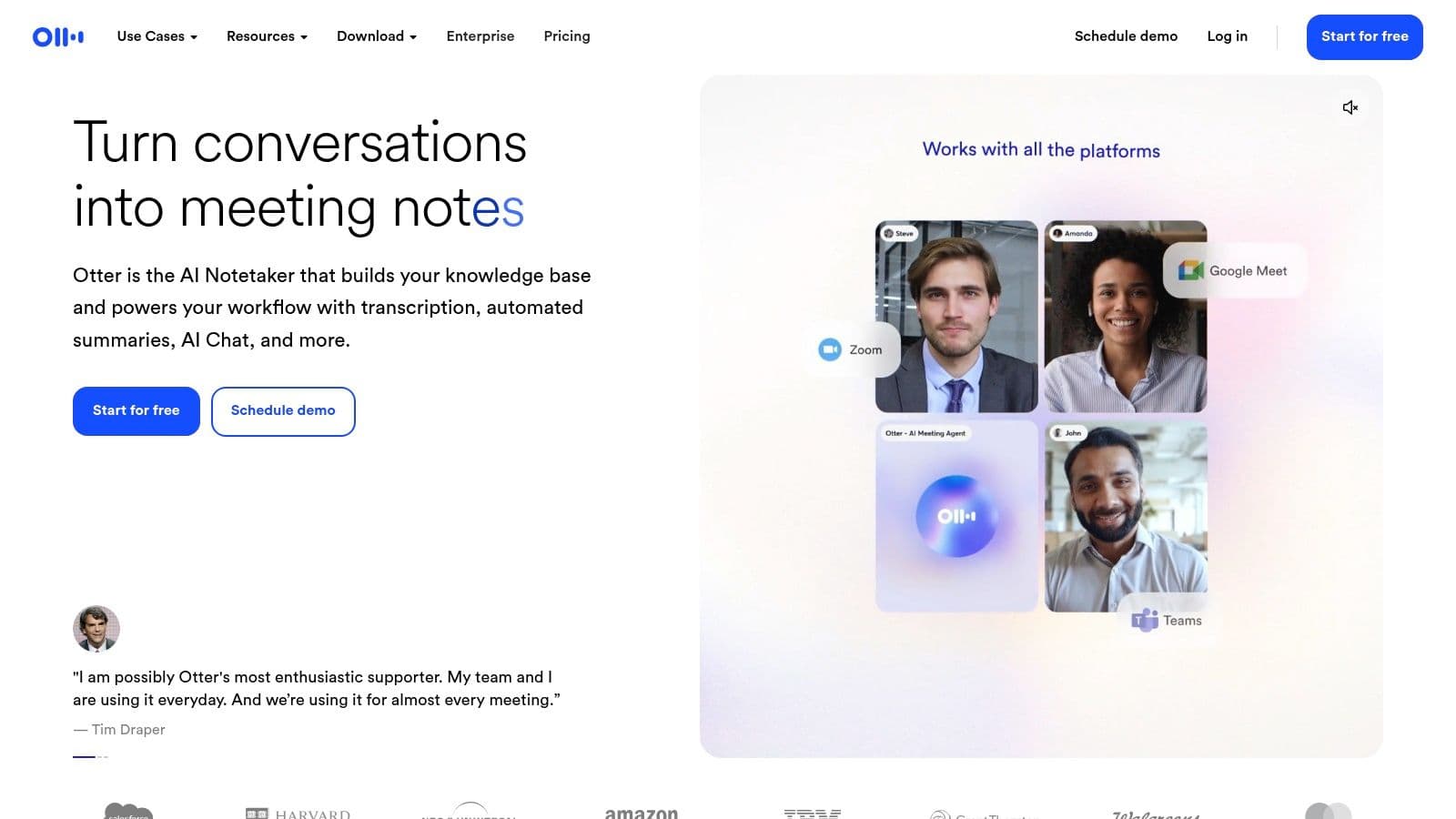
After the call, Otter automatically generates a summary, outlines key discussion points, and extracts action items, saving hours of manual note-taking. This makes it one of the best AI meeting assistants for teams needing a reliable "single source of truth" for their meeting history.
Key Features & Analysis
- Real-time Transcription: Otter’s live transcription is a standout feature, allowing attendees to follow the conversation, highlight important moments as they happen, and even add comments or questions without interrupting the speaker.
- Automated Summaries: The "Otter AI Chat" feature allows you to ask questions about the meeting content and get instant answers, or request different summary formats.
- Team Collaboration: It offers shared workspaces where teams can manage a collective meeting library, define custom vocabulary to improve accuracy for industry-specific terms, and control user permissions. This focus on team functionality is a key differentiator.
- Integrations: Beyond core meeting platforms, it integrates with Slack for sharing key takeaways and Zapier for creating custom workflows.
| Feature | Otter.ai Offering |
|---|---|
| Best For | Teams of all sizes, especially those in collaborative, cross-functional roles needing a shared, searchable meeting archive. |
| Transcription Accuracy | High, with speaker identification and custom vocabulary features to improve results over time. |
| Integrations | Zoom, Google Meet, MS Teams, Slack, Dropbox, Zapier. |
| Pricing | Offers a free tier with monthly transcription minute limits. Paid plans start at $10/user/month (billed annually) for more minutes and features. |
Pros:
- Mature and reliable platform with a user-friendly interface.
- Strong team-based features like shared workspaces and custom vocabulary.
- Excellent balance of automated summaries and manual editing tools.
Cons:
- The free and lower-tier plans have restrictive limits on transcription minutes and file imports.
- Advanced automation and the newest AI chat features require higher-tier paid plans.
Otter.ai's long-standing presence in the market has allowed it to refine its core transcription engine, making it a highly dependable choice. For more details on how it compares to other tools, see this overview of the best meeting transcription software.
Website: https://otter.ai
2. Fireflies.ai
Fireflies.ai positions itself as a powerful conversation intelligence platform, going beyond simple transcription to provide deep analytics and workflow automation. It joins your meetings on platforms like Zoom, Google Meet, and Microsoft Teams to automatically record, transcribe, and analyze the entire conversation. Its core strength lies in its ability to centralize and make searchable all of your team's voice conversations.
After the call, Fireflies.ai delivers searchable transcripts and detailed summaries. The platform excels at identifying and tracking key topics, metrics, and action items across all meetings, making it one of the best AI meeting assistants for sales and revenue teams who need to analyze conversational data at scale.
Key Features & Analysis
- Conversation Intelligence: Fireflies.ai offers advanced analytics, allowing teams to track speaker talk time, sentiment, and the frequency of specific topics. This is invaluable for coaching sales reps or improving customer success interactions.
- AskFred AI Assistant: Similar to other chat-based features, "AskFred" lets you ask questions about your meeting, generate follow-up emails, or create content based on the transcript, significantly speeding up post-meeting workflows.
- Topic Trackers: You can create custom topic trackers to automatically scan every transcript for keywords, objections, or competitor mentions, providing organizational-level insights.
- Broad Integrations: It boasts an extensive library of integrations, connecting directly to CRMs like Salesforce and HubSpot, as well as project management tools like Asana and Slack, to automate data entry and task creation.
| Feature | Fireflies.ai Offering |
|---|---|
| Best For | Sales, recruiting, and customer-facing teams that need to analyze conversational data and automate CRM/ATS updates. |
| Transcription Accuracy | High, with features for custom vocabulary and speaker identification to enhance performance. |
| Integrations | Extensive list including Salesforce, HubSpot, Slack, Asana, Zapier, and many more CRMs and project tools. |
| Pricing | Free tier with limited transcription credits. Paid plans start at $10/seat/month (billed annually) for more features and unlimited transcription. |
Pros:
- Powerful conversation intelligence and analytics features.
- Excellent search functionality with custom topic trackers.
- Vast range of integrations, especially with CRMs and other business software.
Cons:
- Full video recording is only available on the higher-cost Business tier.
- The AI assistant features may have credit limits on lower-tier plans, which can be restrictive for power users.
Fireflies.ai is an excellent choice for teams that treat their meeting conversations as a valuable data source. To see how its features stack up against a key competitor, check out this in-depth comparison of Fireflies.ai vs. Otter.ai.
Website: https://fireflies.ai
3. Notta.ai
Notta.ai carves out its space as one of the best AI meeting assistants by focusing on flexibility and multilingual support. It not only transcribes live meetings from Zoom, Teams, and Google Meet but also allows users to upload existing audio or video files for transcription. This makes it a versatile tool for teams that work with pre-recorded content like interviews, webinars, or podcasts.
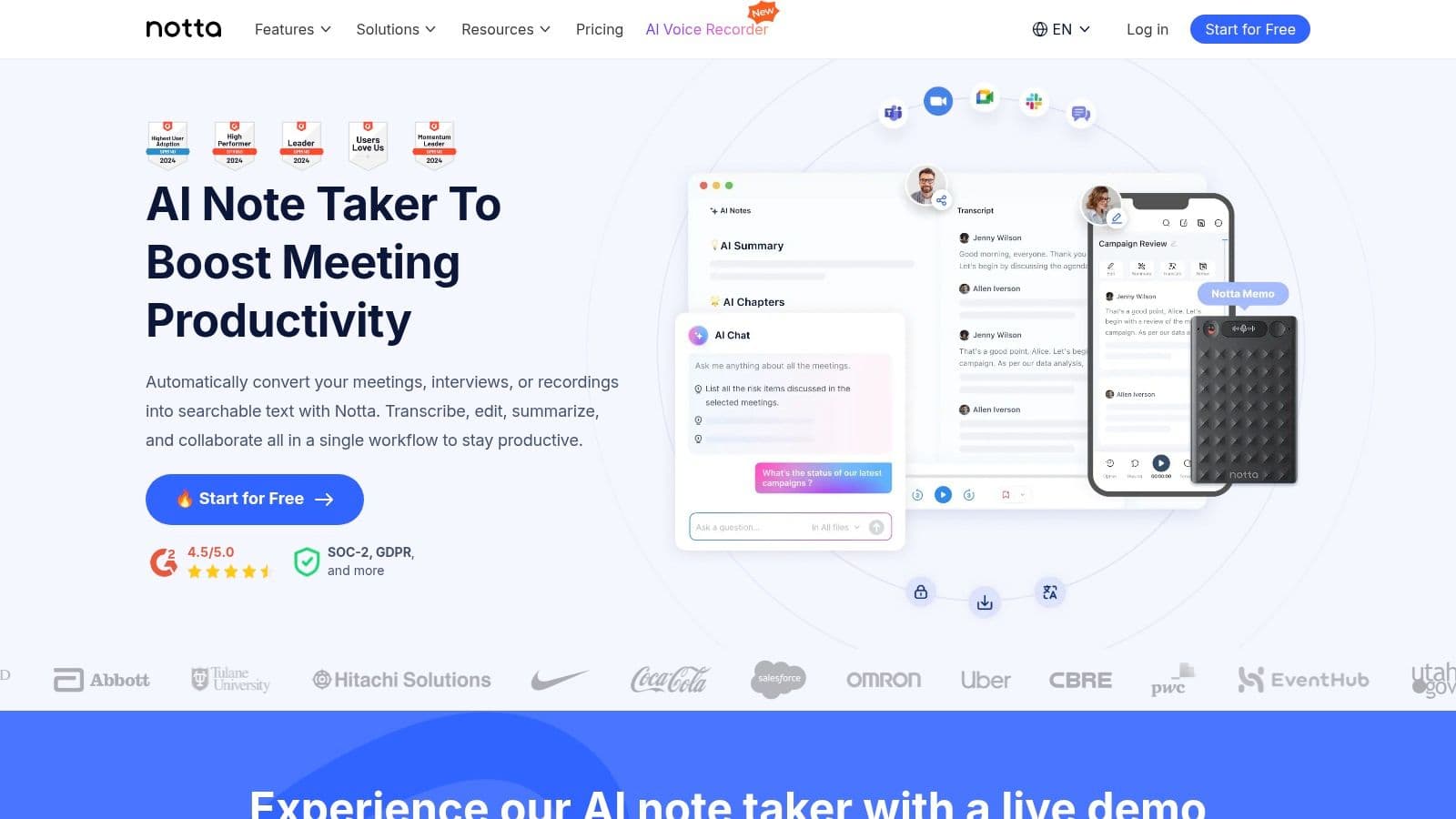
After processing, Notta provides an accurate, speaker-identified transcript and a concise AI-generated summary, saving significant review time. Its standout capability is its strong translation feature, making it ideal for global teams that need to bridge language barriers and ensure everyone has access to the same information.
Key Features & Analysis
- Multilingual Transcription and Translation: Notta supports transcription in numerous languages and can translate the final transcript into over 40 different languages. This is a crucial feature for international organizations.
- Flexible Input Options: Users can either have Notta join live calls or simply upload existing audio/video files. The platform's Chrome extension also allows for easy recording of any webpage audio.
- AI Summary: Like its competitors, Notta uses AI to generate summaries, action items, and key chapters from the transcript, turning long conversations into scannable highlights.
- Team and Security Controls: The business-focused plans include features like team workspaces, centralized billing, and advanced security options like SSO for better administrative oversight.
| Feature | Notta.ai Offering |
|---|---|
| Best For | Global teams, researchers, and content creators needing strong multilingual and file-upload features. |
| Transcription Accuracy | High, with speaker identification and custom vocabulary to enhance precision for specific jargon. |
| Integrations | Zoom, Google Meet, MS Teams, Salesforce, Notion, and Zapier for broader workflow automation. |
| Pricing | A free plan is available with strict monthly limits. Paid plans begin at $8.25/user/month (billed annually). |
Pros:
- Excellent multilingual transcription and translation capabilities.
- Versatile input options, including live meetings, file uploads, and browser audio.
- Competitive pricing on its Business plan, which offers generous transcription limits.
Cons:
- The free plan's transcription minute limits are quite restrictive for regular use.
- Advanced security features like Single Sign-On (SSO) are only available on the highest-tier Enterprise plan.
Notta.ai is a powerful and flexible choice, especially for users whose needs go beyond standard English-only live meeting transcription. Its robust translation features set it apart in a crowded market.
Website: https://www.notta.ai
4. Fathom
Fathom has quickly become a favorite in the AI meeting assistant space, particularly for its generous free tier and high-quality, structured outputs. It joins your calls on Zoom, Google Meet, and Microsoft Teams to record, transcribe, and automatically generate detailed summaries. Its main advantage is making key meeting moments easily shareable and actionable, especially for sales and client-facing teams.
After the call, Fathom organizes notes into customizable sections like action items, key decisions, and follow-ups. This structured approach, combined with its ability to sync highlights directly to a CRM, makes it one of the best AI meeting assistants for teams focused on improving post-meeting workflows and productivity.
Key Features & Analysis
- Generous Free Tier: Fathom's free plan offers unlimited recordings and transcriptions, which is a significant differentiator from many competitors that impose strict minute caps. This makes it highly accessible for individuals and small teams.
- Structured Summaries: Instead of a simple paragraph, it creates neatly organized summaries with customizable templates. Users can define the categories they want, ensuring the output aligns with their specific needs (e.g., sales call objections, project milestones).
- Shareable Highlights & Clips: You can easily create video clips of important moments during a meeting and share them via a link or sync them to platforms like Slack and Salesforce. This is perfect for coaching, training, or sharing customer feedback.
- CRM & Workflow Integration: Paid plans unlock deep integrations with CRMs like Salesforce and HubSpot, automatically logging call notes and summaries under the correct contact, saving significant administrative time.
| Feature | Fathom Offering |
|---|---|
| Best For | Sales teams, customer success managers, and freelancers who need structured summaries and CRM integration. |
| Transcription Accuracy | High, with reliable speaker identification. |
| Integrations | Zoom, Google Meet, MS Teams, Salesforce, HubSpot, Slack, Zapier. |
| Pricing | Offers a powerful free tier. Paid Team plans with advanced features like CRM sync start at $19/user/month. |
Pros:
- Extremely generous free plan with unlimited call recording and transcription.
- High-quality, customizable summary templates for structured note-taking.
- Excellent for creating and sharing video clips of key meeting moments.
Cons:
- Collaboration features and essential CRM integrations are locked behind paid tiers.
- "Ask Fathom" conversational AI and advanced features require the premium plan.
Fathom excels by providing immediate value with its free offering while presenting a compelling upgrade path for teams needing advanced workflow automation. To understand more about the output you can expect, you can read about how accurate AI meeting summaries are.
Website: https://fathom.video
5. tl;dv
tl;dv stands out in the AI meeting assistant field with its focus on creating shareable, bite-sized video highlights from your calls. While it provides high-quality transcripts and summaries, its core strength is turning long meetings into tangible assets, making it ideal for user research, sales coaching, and asynchronous collaboration. It joins your Google Meet, Zoom, or MS Teams calls to record and transcribe in over 30 languages.
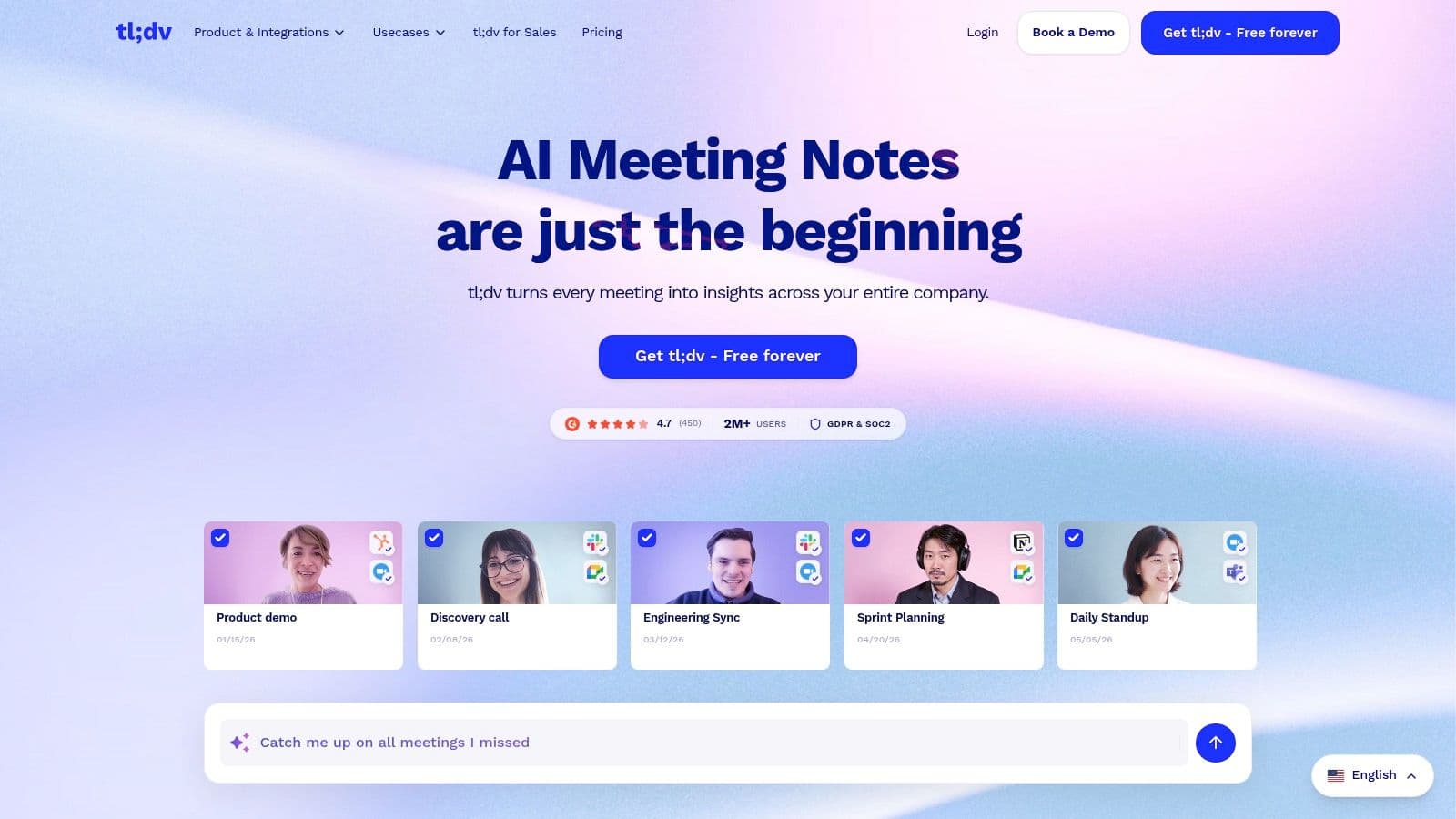
After a meeting, tl;dv allows you to quickly create clips of key moments, which can be shared directly to platforms like Slack or integrated into CRMs like Salesforce. This makes it one of the best AI meeting assistants for teams that rely on sharing specific meeting insights rather than just full transcripts.
Key Features & Analysis
- Video Clipping & Highlight Reels: The platform's primary differentiator is its user-friendly editing tools. You can timestamp important moments during the live call and easily create video clips or compile highlight reels afterward to share with stakeholders.
- Generous Free Tier: tl;dv offers unlimited recordings and transcriptions on its free plan, a significant advantage over competitors who often impose strict time limits. This makes it highly accessible for freelancers or small teams just getting started.
- Sales & UX Research Focus: Higher-tier plans introduce powerful analytics, allowing teams to search for keywords across all company meetings, analyze speaker talk time, and identify trends, which is invaluable for sales coaching and product feedback analysis.
- Multi-Language Support: It provides transcription in over 30 languages, a key feature for global teams collaborating across different regions.
| Feature | tl;dv Offering |
|---|---|
| Best For | Sales, UX research, and product teams that need to share specific video moments and analyze cross-meeting data. |
| Transcription Accuracy | High, with strong multi-language capabilities and speaker recognition. |
| Integrations | Zoom, Google Meet, MS Teams, Slack, Salesforce, HubSpot, Notion, Zapier. |
| Pricing | A robust free plan is available. Paid plans start at $20/user/month (billed annually) for AI summaries, clipping, and integrations. |
Pros:
- Excellent video clipping and sharing capabilities.
- The most generous free plan on the market with unlimited recordings.
- Strong focus on sales and user research workflows with multi-meeting analytics.
Cons:
- AI summaries and key integrations are only available on paid plans.