Managing multiple projects well is about connecting big-picture vision with daily tasks. At its heart, you need strategic planning, the right tools, and clear communication. This trio turns chaos into a clear workflow.
Why Juggling Multiple Projects Is The New Normal
In many teams, focusing on a single project today feels rare. We’re bouncing between deadlines, stakeholders, and shifting objectives all the time. This juggling act takes guts and a solid strategy.
That constant context switching and back-to-back briefings can wear you down. In fact, over 85% of project managers handle more than one project at once.
No wonder the project portfolio management sector is on track to expand by 13.0% annually through 2030. You can explore more project management statistics to see how the industry is adapting.
It also helps to understand the roles on your team. For example, reviewing the distinction between Project Manager and Product Manager roles clarifies who should own which deliverables.
The Modern Project Management Framework
Building a reliable process means focusing on three core areas:
- Strategic Planning: Sketch out all your initiatives, dependencies, and priorities in one place, not dozens of scattered notes.
- The Right Tools: Adopt platforms that centralize updates, automate reminders, and serve as a single source of truth.
- Clear Communication: Schedule focused check-ins, use concise summaries, and keep all channels transparent.
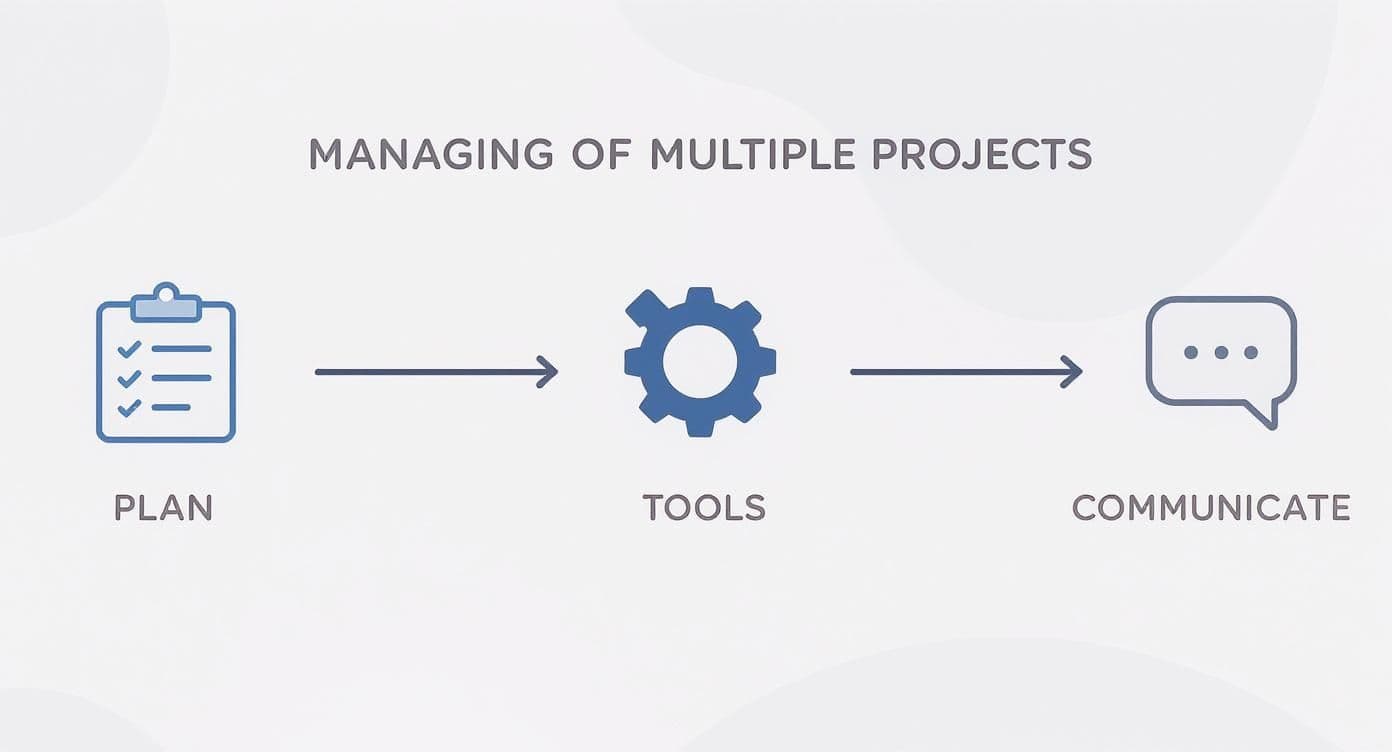
This visual roadmap shows how planning feeds tools, which in turn enables smooth communication. Nail each step, and project overload gives way to steady, organized momentum.
Building Your Centralized Project Command Center
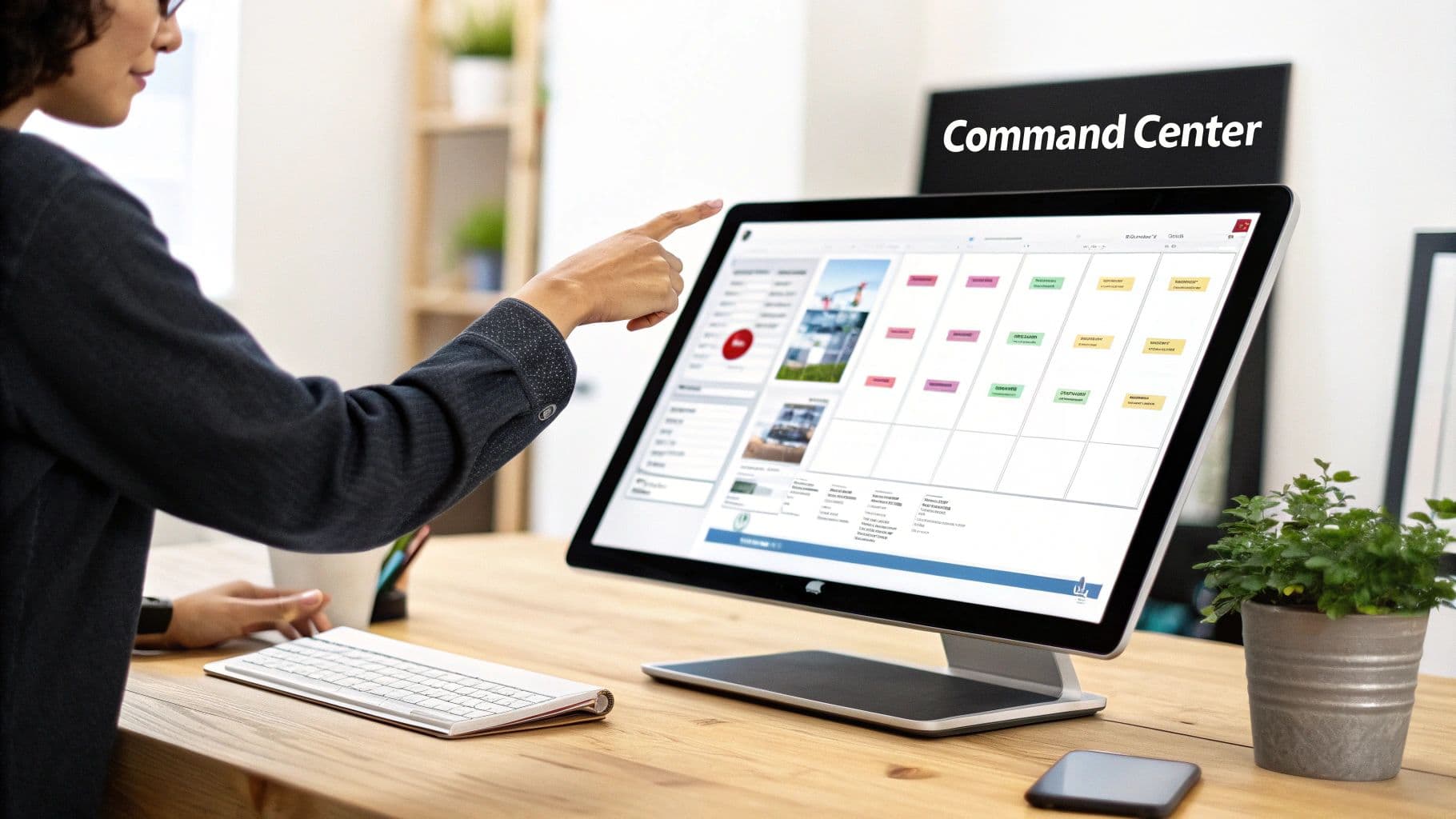
Are you drowning in a sea of scattered emails, half-updated spreadsheets, and a mountain of sticky notes? If you're juggling multiple projects, that digital chaos is probably your biggest enemy. The fix is to build a single source of truth—a centralized command center where every task, deadline, and conversation has a home.
This isn't just about tidying up. It's about getting your focus back. When you and your team can see the real-time status of every single initiative at a glance, you stop hunting for information and start making real progress. That clarity is everything.
Selecting Your Core Platform
Your command center needs a solid foundation, and that's where a good project management tool comes in. The market for these platforms is exploding, with projections hitting $12.02 billion by 2030. There's a good reason for that: a whopping 82% of companies rely on this kind of software to keep their teams efficient and in sync, which is non-negotiable when deadlines are flying from all directions.
The trick is to find the right tool for your team, not just the one with the most buzz. Don't get distracted by flashy features you'll never use. Think about how your team actually works. To get a better handle on the options, check out these in-depth comparisons of top project management tools to see what fits your workflow.
For instance, a visual-first team managing a content calendar would thrive with a Kanban board. Think of it like a digital whiteboard where cards (your tasks) move across columns like "To Do," "In Progress," and "Done." It’s simple, intuitive, and gives you a bird's-eye view of your entire workflow.
On the other hand, if you're building a new piece of software with tons of interconnected steps, a Gantt chart is your best friend. It lets you map out complex timelines and dependencies, making sure the backend team finishes their part before the frontend team ever starts.
Choosing Your Project Command Center Tool
With so many options out there, it helps to break them down by what they do best. Here’s a quick guide to help you find the right fit for your team’s unique needs and projects.
| Tool Type | Best For | Key Feature | Example Use Case |
|---|---|---|---|
| Kanban Boards | Visual workflows & agile teams | Drag-and-drop task cards | A marketing team tracking a campaign from ideation to launch. |
| Gantt Charts | Complex projects with dependencies | Timeline visualization | An engineering team planning a multi-phase product release. |
| Task Lists | Simple projects & personal to-dos | Straightforward checklists | A freelance writer managing articles for different clients. |
| All-in-One Suites | Large teams with diverse needs | Integrated documents, comms, & tasks | A large agency managing client work, internal HR, and marketing. |
Ultimately, the best tool is the one your team will actually use consistently. Don't be afraid to test a few out before committing.
What to Track for Maximum Clarity
Once you’ve picked your tool, the next step is to populate it with the right information. It's a balancing act. Too much detail creates noise, but too little makes the platform useless.
For every project you're managing, make sure you're tracking these core elements:
- Objectives & Deliverables: What are we trying to achieve? What tangible things will we produce? This keeps everyone pointed in the same direction.
- Tasks & Subtasks: Break down the big goals into bite-sized, actionable steps. Most importantly, assign each one to a specific person so there's never any confusion about who's doing what.
- Deadlines & Milestones: Every task needs a due date. Set major milestones for big checkpoints to celebrate progress and keep momentum high.
- Stakeholder Info: Who needs to be kept in the loop? List the key people for each project, their roles, and how to reach them. This makes getting approvals or feedback a breeze.
By tracking these details for every project, all in one place, you start to build a predictable system. The chaos fades, replaced by a clear, manageable workflow.
How to Ruthlessly Prioritize Your Projects
When you’re staring down a list of projects that all feel urgent, the biggest risk isn't just falling behind—it's the slow creep of burnout that comes from trying to do everything at once. True prioritization isn’t about working harder; it’s about making smart, objective calls on what to tackle first, what to push back, and what to flat-out say "no" to.
This is where you graduate from a simple to-do list and start using frameworks that bring a bit of mathematical clarity to the chaos. Instead of going with your gut or listening to whoever shouts the loudest, you begin to weigh projects based on their actual value and cost.
Adopt the MoSCoW Method for Quick Triage
One of the most practical ways to sort through competing demands is the MoSCoW method. I've found it’s a brilliant way to force yourself to categorize every project or major task into one of four buckets, giving you and your team instant clarity.
Here's how it breaks down:
- Must-Have: These are the non-negotiables. If they don't happen, you're facing serious legal, business, or safety fallout. Think of a critical server security patch—it just has to be done, period.
- Should-Have: These projects are important, but they won't sink the ship if they’re delayed slightly. Redesigning the customer dashboard to improve user experience is a perfect example. It adds a ton of value but isn't a "drop everything" emergency.
- Could-Have: These are your "nice-to-have" items. They're small wins or desirable improvements that have a low negative impact if you push them back. For instance, adding a new color theme to your app.
- Won't-Have (This Time): This is the most powerful category, in my opinion. It’s an explicit acknowledgment that some projects, while valuable, are being intentionally deprioritized to protect your focus on the Must-Haves and Should-Haves.
Using this framework takes the emotion out of priority debates. It shifts the conversation from subjective opinions to an objective discussion about real-world impact.
Use Weighted Scoring for More Complex Decisions
For those really messy scenarios where projects have multiple moving parts and variables, weighted scoring is a lifesaver. This model lets you evaluate initiatives against a consistent set of criteria that you define based on your specific business goals.
Let's walk through a real-world example. Imagine you're a product manager juggling three major initiatives: launching a new feature, fixing a pile of user-reported bugs, and conducting some long-term user research.
Here’s how you could use weighted scoring to make a call:
| Project Initiative | Impact (1-10) x 5 | Effort (1-10) x 3 | Alignment (1-10) x 2 | Total Score |
|---|---|---|---|---|
| New Feature Launch | 9 (45) | 8 (24) | 7 (14) | 83 |
| Bug Fixes | 6 (30) | 3 (9) | 9 (18) | 57 |
| User Research | 8 (40) | 6 (18) | 8 (16) | 74 |
In this case, the numbers do the talking. The New Feature Launch clearly gets top priority because of its massive impact, even though it requires significant effort. The user research project comes in second, and while the bug fixes are important, they rank third for now.
You can dig even deeper into this by exploring different priority management systems to see what clicks for your team.
This kind of methodical approach also makes it much easier to justify your decisions and manage what your stakeholders expect. Once you have this clarity, you can also delegate other tasks much more effectively. For some great tips on that, our guide on how to delegate tasks effectively can help you empower your team while you stay focused on the big picture.
Using Time Blocking to Protect Your Focus
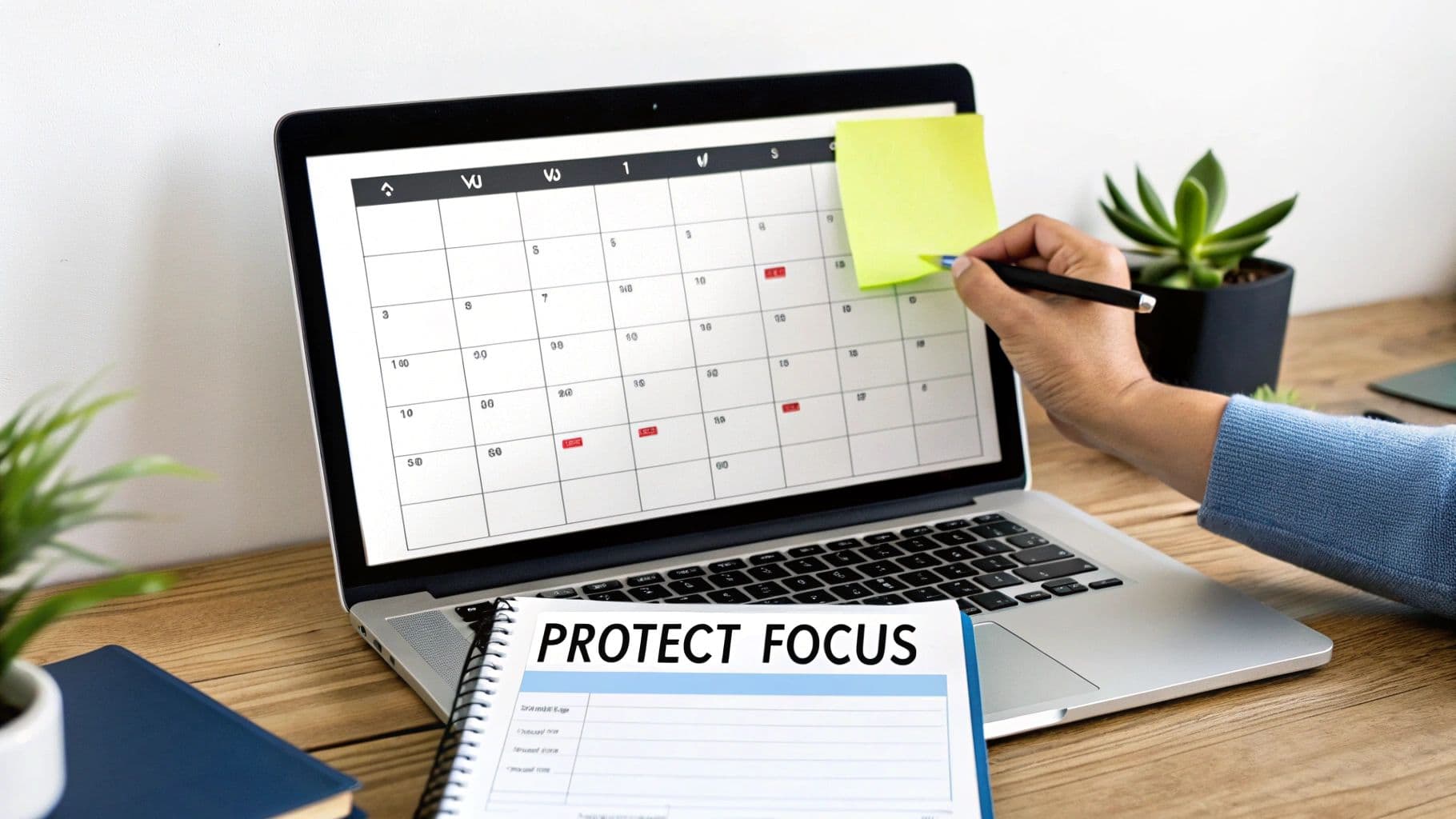
Once you've figured out your priorities, the next fight is protecting your time to actually get the work done. Your calendar isn't just a ledger for meetings—it's your best defense for juggling everything on your plate. This is where time blocking really shines.
Time blocking is simply the act of scheduling dedicated time slots for focused work on one specific thing. Instead of letting a chaotic to-do list run your day, you proactively fence off parts of your calendar for deep work. Think of it as building a firewall against the constant stream of distractions and the mental drag of context switching.
This isn't about scheduling every single minute of your day. It’s about being intentional and creating windows of opportunity to make real, uninterrupted progress.
Mapping Out Your Week
Getting started with time blocking is pretty simple. Just open your weekly calendar and start assigning your priorities to specific times. Don't just make a list; give each important task its own home on your schedule.
Imagine a team lead who's trying to manage two major projects. Their week might look something like this:
- Project Alpha (Top Priority): Monday 9 AM - 12 PM & Wednesday 9 AM - 12 PM. These are non-negotiable blocks for deep, focused work.
- Project Beta (Secondary Priority): Tuesday 1 PM - 4 PM. A solid chunk of time to push the second project forward.
- Team Syncs & Admin: Thursday 9 AM - 11 AM. Batching all the small administrative tasks and quick check-ins together keeps them from bleeding into the rest of the week.
- Reactive/Flex Time: Daily 4 PM - 5 PM. This is the secret sauce—a built-in buffer for all those unexpected emails, urgent requests, and "quick questions" that always pop up.
When you treat these blocks like you would a meeting with your CEO, you ensure each project gets the undivided attention it truly needs.
Scaling Time Blocking for Your Team
This technique isn't just for your own productivity; it’s a powerful tool for managing your team's workload, too. When you ask everyone to block out their time on a shared calendar, you get a crystal-clear visual of the team's capacity at a glance.
All of a sudden, you can see who’s drowning in work and who might have room to help. You can spot potential roadblocks weeks in advance just by looking at the colored blocks on the calendar. This makes it so much easier to distribute work fairly and stop burnout before it starts.
When you're trying to figure out how to manage multiple projects without losing your mind, knowing your team's real-time availability is everything. Time blocking gives you that clarity, turning abstract workloads into tangible, visible commitments. It's a simple shift that helps you make smarter decisions, protect your team's focus, and keep all your projects humming along.
Make Your Communication Run on Autopilot
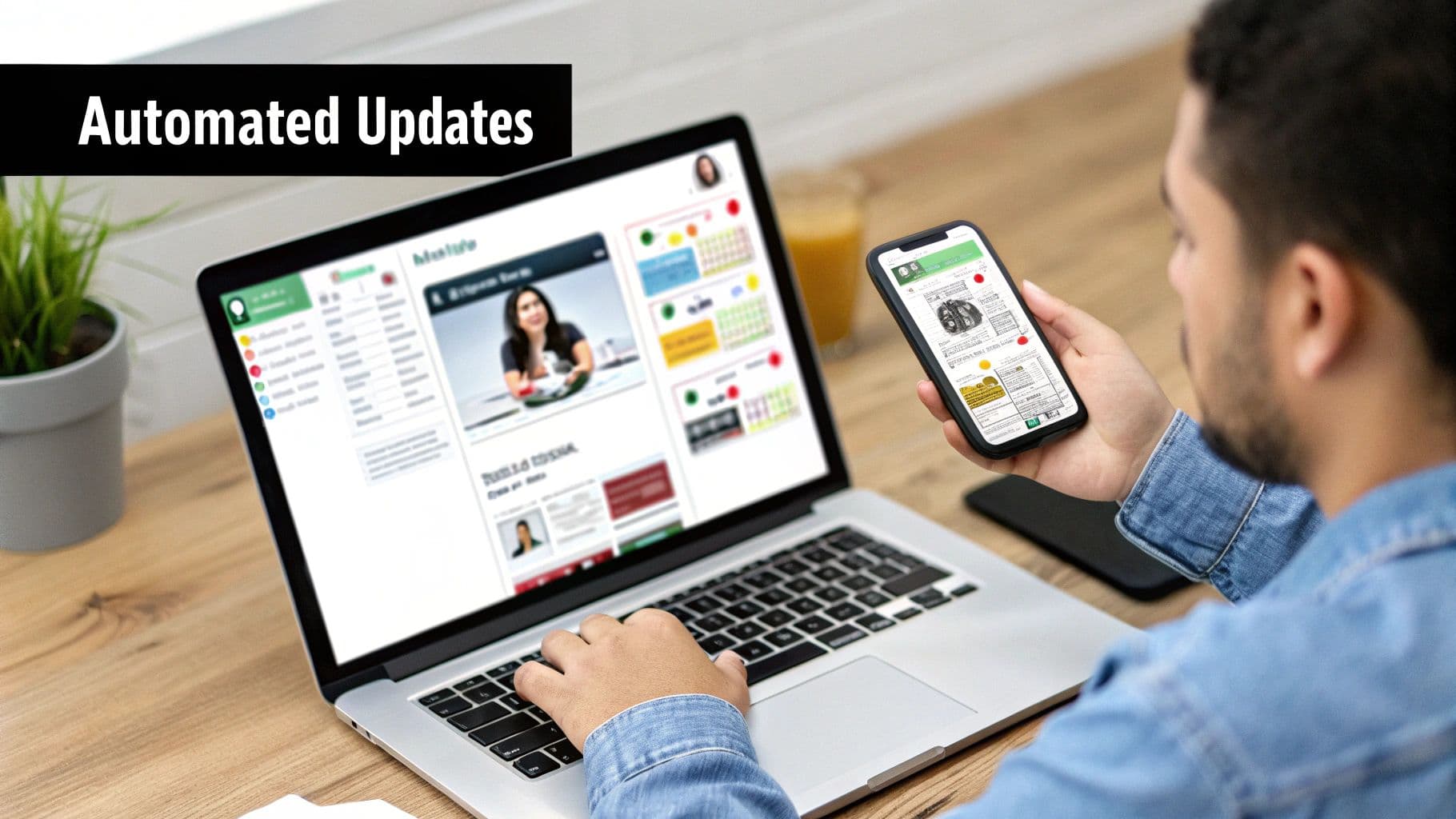
When you're juggling multiple projects, the biggest productivity black holes are often the endless status meetings, follow-up emails, and "just checking in" pings. The more you take on, the more your day gets devoured by manual communication. The real trick is to build a system that keeps people in the loop without you having to do all the heavy lifting.
Think of it as setting up an information pipeline. By using smart tools and automated reports, you create a consistent flow of updates that keeps everyone informed. This frees you up from being a human notification system and lets you focus on the work that actually matters.
Let AI Take Meeting Notes for You
Let's be honest, the post-meeting scramble is a huge time-waster. You’re trying to decipher your own notes, figure out who agreed to what, and then type up a summary to send out. It's exhausting.
This is where an AI meeting summarizer is a game-changer. These tools can join your calls, transcribe the entire conversation, and then spit out a clean summary with action items already assigned to the right people.
Instead of spending an hour after every call trying to piece things together, a shareable record lands in your inbox moments after the meeting ends. It's a simple fix that ensures nothing gets missed, which is critical when you’re hopping between calls for five different projects.
This is a perfect example of what workflow automation can do to boost efficiency and give you back hours every single week. You let the tech handle the admin grind so you can stay focused on the actual conversation.
Set Up Automated Status Reports
Your project management software is so much more than a fancy to-do list—it's a communication powerhouse. Most modern platforms let you create and schedule automated status reports.
You can set them up to pull key data points—like tasks completed this week, upcoming milestones, or budget updates—and automatically email them to stakeholders on a set schedule.
Imagine your boss getting a crisp progress summary for your main project every Friday at 4 PM without you having to lift a finger. This kind of proactive communication builds trust and dramatically cuts down on those "quick question" interruptions that derail your focus. It's a massive win.
This isn't just a niche trend; it's the future. The market for AI in project management is set to explode, growing from 3.08 billion to 7.4 billion by 2029. Why? Because experts predict AI will eventually eliminate up to 80% of the repetitive tasks we all hate. You can read more about these project management statistics and see where things are headed. Putting these systems in place now will keep you way ahead of the game.
Adopting a Rhythm of Regular Project Reviews
A great plan is a living document, not something you set in stone. To stay nimble while juggling multiple projects, you need a consistent review cycle. This isn't about jamming more meetings onto your calendar; it's about making intentional time to adapt.
Think of it as a tactical huddle. These short, focused check-ins make sure the priorities you set last week still hold up today. It’s your best defense against scope creep, missed dependencies, and those little issues that somehow spiral into major roadblocks.
Without this regular pulse-check, teams can easily drift, with everyone heads-down in their own silo. A consistent sync pulls everyone back to the big picture and keeps the momentum going across your entire project portfolio.
The Multi-Project Sync Meeting
I’ve found the sweet spot is a swift, 30-minute session, held either weekly or bi-weekly. This meeting is purely strategic—it's not the time for deep-dive status updates. The expectation is that everyone comes ready to talk high-level progress, new obstacles, and potential priority shifts.
A simple but incredibly effective agenda for this sync covers three core areas:
- Wins & Progress: What major milestones did we hit since our last chat? It's important to celebrate that forward movement.
- Blockers & Risks: What’s getting in the way? This is where the team puts their heads together to solve problems.
- Priority Adjustments: Based on the new info, do we need to shift resources or tweak a timeline?
This structure keeps the conversation on track and focused on action. Afterwards, you can use an AI meeting tool to instantly send out a summary. It captures all the key decisions and action items without anyone having to furiously type notes, giving you clarity and accountability with zero effort.