Quarterly Business Reviews (QBRs) are essential for tracking performance, adjusting strategy, and fostering alignment. However, creating a comprehensive and engaging QBR presentation from scratch every three months is a significant time commitment for any team, from sales and customer success to operations and executive leadership. Starting with a blank slate often leads to inconsistent reporting and missed opportunities to tell a compelling story with your data. The core problem is simple: teams spend too much time on presentation design and not enough on strategic analysis.
This guide solves that problem by providing a curated list of the best quarterly business review templates available today. We've done the research for you, gathering top-tier resources from platforms like SlideModel, Miro, and ClickUp, so you can stop building decks and start focusing on the insights that matter. We’ll show you exactly where to find templates that provide a proven structure for communicating results clearly and effectively.
Inside this resource list, you will find:
- A breakdown of 12 different template sources, from traditional slide decks to dynamic whiteboards.
- Direct download links and preview screenshots for each option.
- Guidance on choosing the right format for your specific audience, whether it's for an internal sales review, an executive board meeting, or a customer-facing success plan.
Our goal is to help you quickly find a template that streamlines your preparation, standardizes your reporting, and ultimately makes your next QBR more impactful. Let’s dive into the options.
1. SlideModel
SlideModel offers a professionally designed Quarterly Business Review PowerPoint Template that is ideal for teams needing a polished, board-ready presentation. This 15-slide deck provides a structured narrative, covering essential QBR components like the agenda, KPI dashboards, quarterly highlights, challenges, key objectives, and action plans for the next quarter. Its clean, corporate aesthetic ensures your data is presented with clarity and authority.
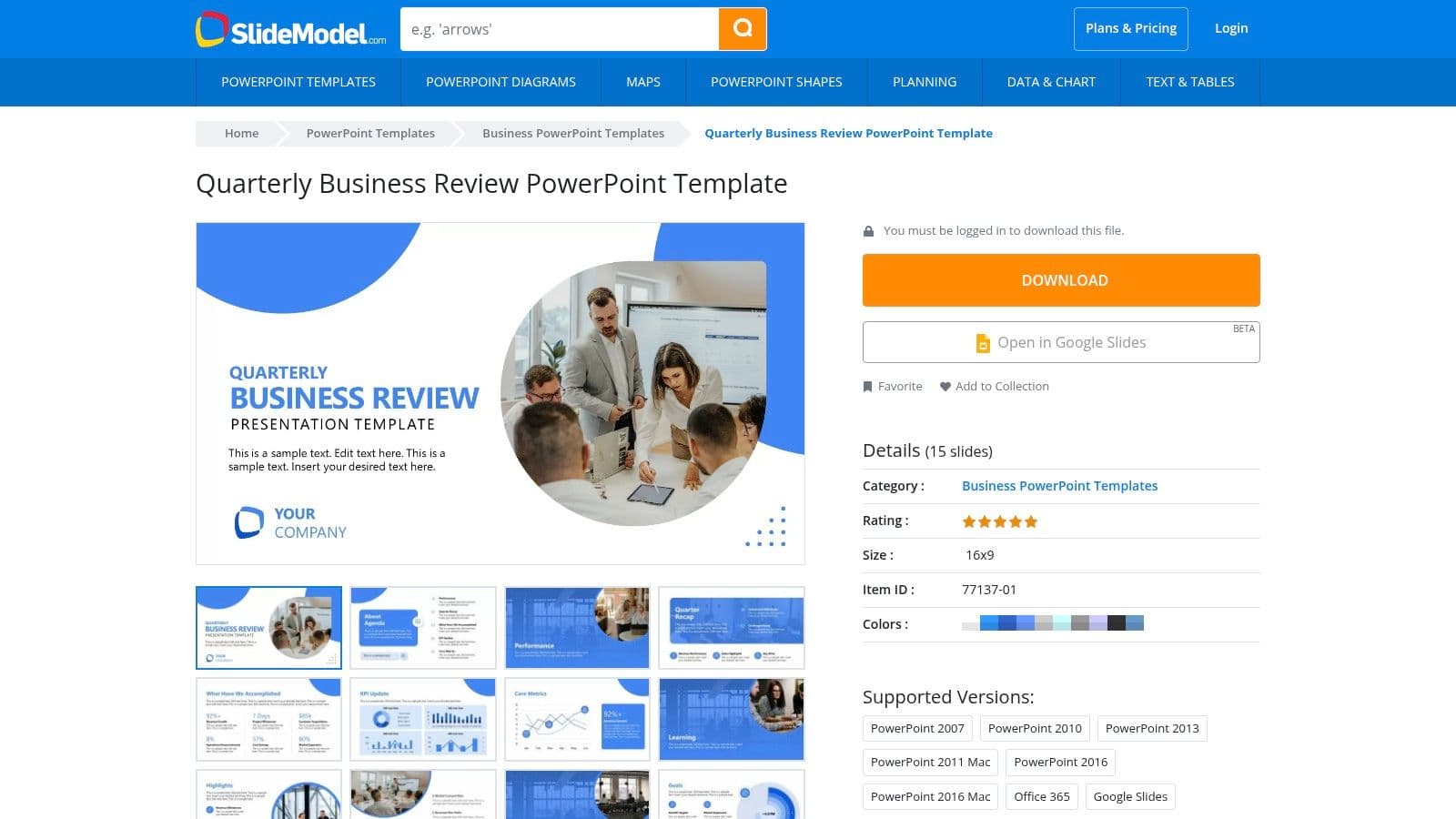
What makes SlideModel stand out is its vast library of compatible business slides. If you need to add a SWOT analysis, a detailed timeline, or a complex funnel diagram, you can easily find a matching slide within their collection and insert it seamlessly into your QBR presentation. This flexibility is a significant advantage over standalone templates. The deck is fully editable in both PowerPoint and Google Slides, allowing for easy customization of colors, fonts, and graphics to align with your company’s branding.
Key Details & Access
| Category | Details |
|---|---|
| Primary Use Case | Executive and board-level presentations |
| Format | PowerPoint (.pptx), Google Slides |
| Customization | Fully editable graphics, text, and colors |
| Access Requirement | Requires a paid subscription and account creation to download |
Pros:
- Polished, Enterprise-Grade Design: Creates a highly professional look suitable for any audience.
- Extensive Slide Library: Easily extend your QBR deck with thousands of compatible business diagrams and charts.
Cons:
- Paid Subscription Required: This is a premium resource, so it's not a free option.
- Account Needed: You must register an account before you can access the download.
To get the most out of this template, consider mapping your key talking points before you start filling it in. For more guidance on structuring your narrative, you can explore tips for creating a better business quarterly review template for real results.
Visit SlideModel: Quarterly Business Review PowerPoint Template
2. Slidesgo
Slidesgo provides a vibrant and modern Quarterly Business Review Meeting template that’s perfect for teams looking to create a visually engaging presentation. With 23 unique slides, this template covers all the fundamental QBR topics, including agenda, financial performance, project status, and future goals. Its colorful design and clear data visualizations help make complex information digestible and appealing to a broad audience, from internal teams to stakeholders.
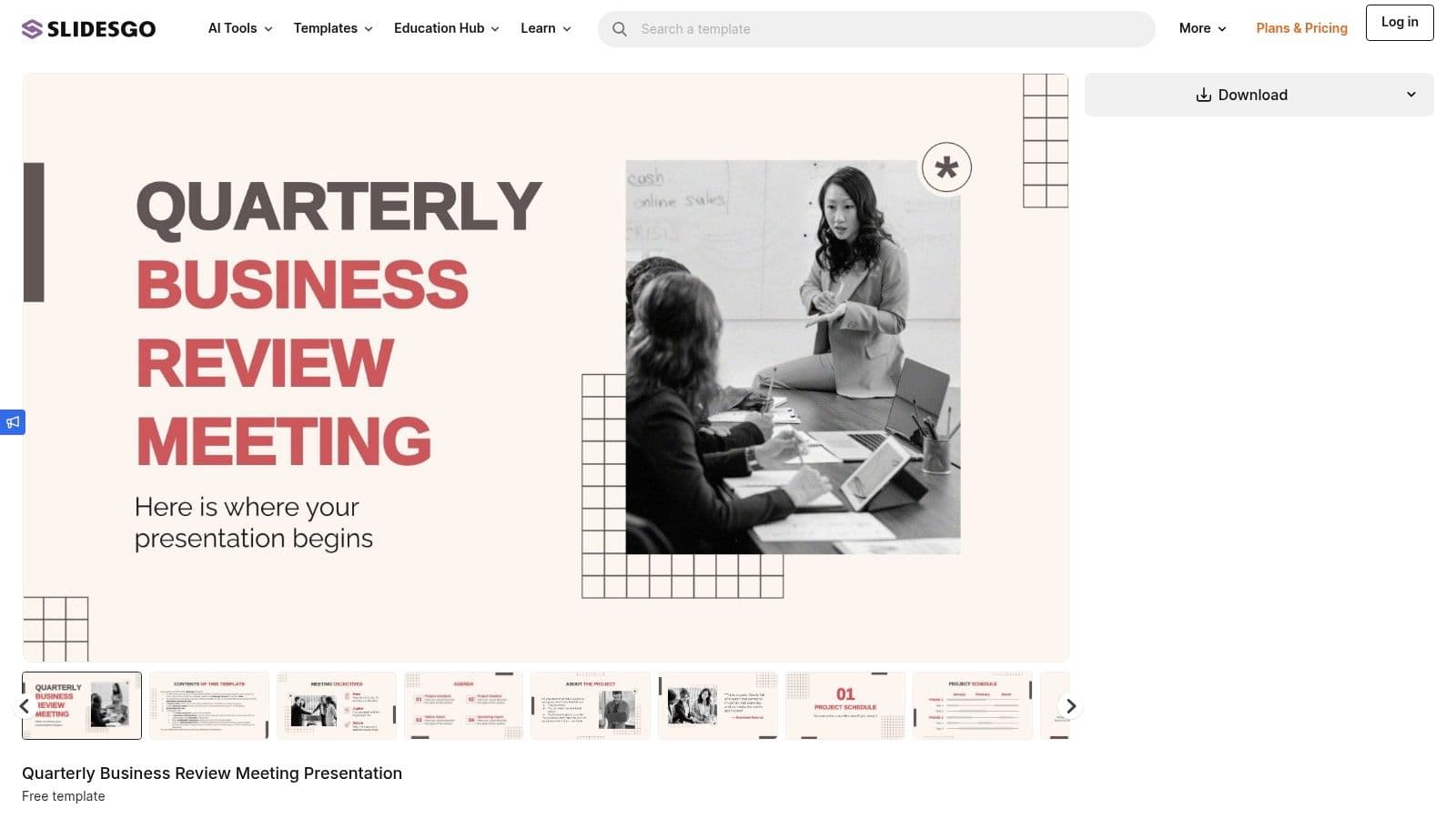
What makes Slidesgo a strong contender is its accessibility and multi-platform support. The template is available not just for PowerPoint and Google Slides, but also for Canva, offering excellent flexibility for teams with different tool preferences. The inclusion of over 500 icons and editable graphics means you can easily customize the presentation to fit your brand identity. Slidesgo offers a free plan, which is a great starting point for smaller teams or one-off projects, provided you include attribution.
Key Details & Access
| Category | Details |
|---|---|
| Primary Use Case | Internal team meetings and stakeholder updates |
| Format | PowerPoint (.pptx), Google Slides, Canva |
| Customization | Fully editable slides, text, charts, and 500+ icons |
| Access Requirement | Free with attribution; Premium subscription removes attribution |
Pros:
- Multi-Platform Compatibility: Works seamlessly with PowerPoint, Google Slides, and Canva.
- Visually Engaging Design: Modern and colorful layouts help maintain audience attention.
Cons:
- Attribution Required for Free Use: You must credit Slidesgo if you're not on a paid plan.
- Download Limits: The premium plan has monthly download caps, which may be restrictive for heavy users.
For the best results, use the included icons to visually represent key themes or action items. This can make your quarterly business review templates more memorable and easier to follow.
Visit Slidesgo: Quarterly Business Review Meeting
3. SlidesCarnival
SlidesCarnival provides a free Quarterly Business Review Template that is perfect for startups, small businesses, or teams on a tight budget. The template comes with 25 different layouts, including agenda slides, KPI dashboards, timelines, and SWOT analysis sections. Its design is modern and clean, focusing on data visualization with pre-built charts and infographics that make complex information easy to digest.
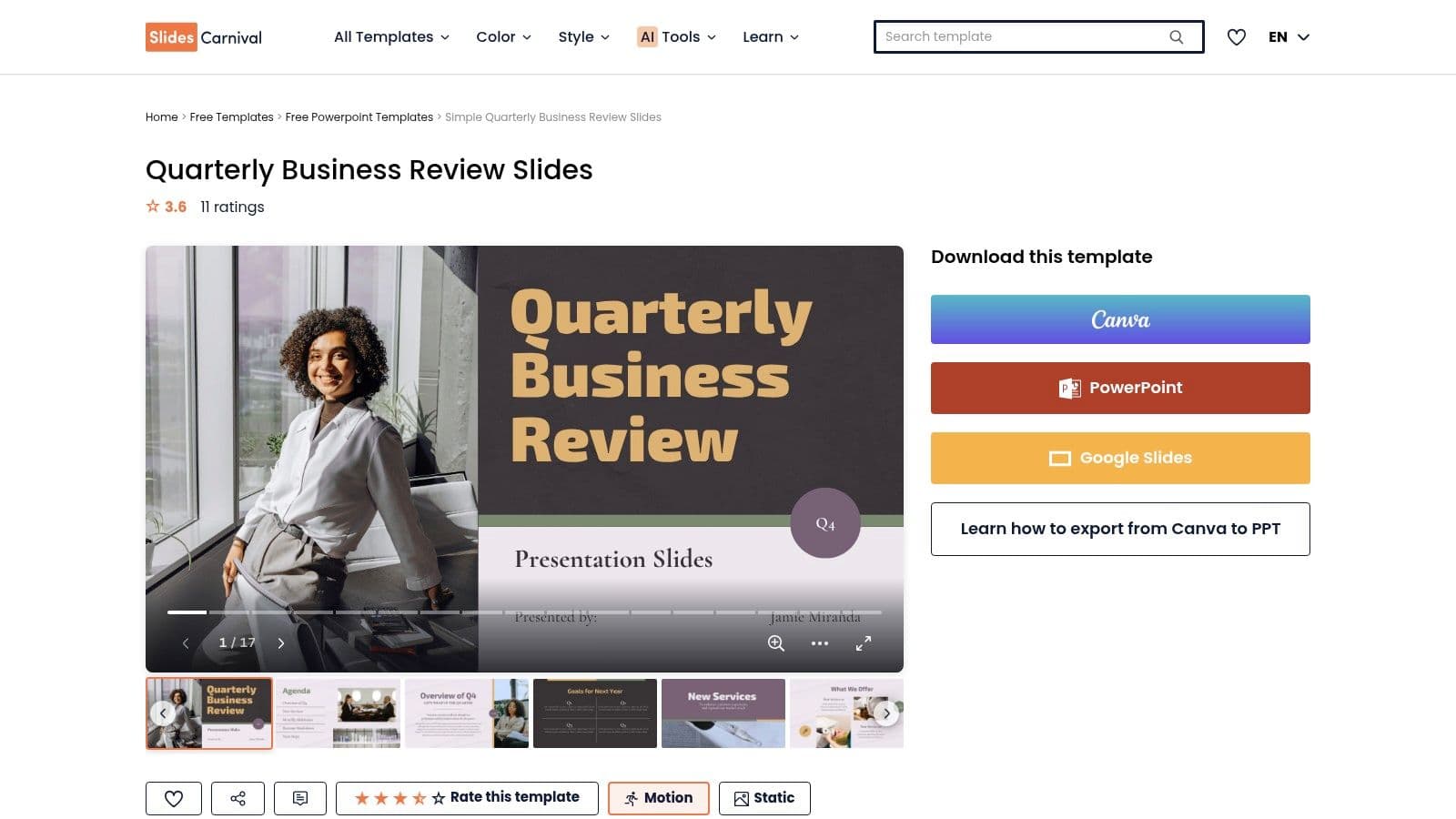
What makes SlidesCarnival a standout option is its accessibility and ease of use. You can open and edit the template directly in Google Slides with a single click, requiring no registration or download. The entire platform operates under a Creative Commons license, which means you can use the templates for free as long as you provide attribution. This no-barrier approach makes it one of the quickest ways to get a high-quality QBR presentation started.
Key Details & Access
| Category | Details |
|---|---|
| Primary Use Case | Internal team meetings and startup presentations |
| Format | Google Slides, PowerPoint (.pptx) |
| Customization | Fully editable layouts, colors, fonts, and graphics |
| Access Requirement | Completely free; no account or subscription needed |
Pros:
- Truly Free to Use: No cost or registration is required, making it highly accessible for everyone.
- Direct Google Slides Integration: Opens natively in Google Slides for seamless, cloud-based editing.
Cons:
- Attribution Required: You must keep the credit slide in your presentation to comply with the license.
- No Paid Upgrade Path: There is no option to pay to remove the attribution requirement.
For the best results, use the provided placeholder text as a guide for what kind of information to include on each slide. Customizing the color palette to match your brand is a simple way to make this free quarterly business review template feel more personalized.
Visit SlidesCarnival: Quarterly Business Review Template
4. 24Slides
24Slides offers a concise and effective Quarterly Business Review Template pack for teams that need a clean, professional foundation without overwhelming detail. This free 10-slide deck is designed for clarity, covering core QBR topics like quarterly progress charts, project performance updates, and forward-looking objectives. Developed by a professional presentation design agency, the template balances modern aesthetics with practical business functionality.
What sets 24Slides apart is its business model. While the template itself is free after signing up, the company specializes in custom presentation design. This makes it an excellent starting point for teams who might want a professionally tailored QBR deck in the future but need a solid, free resource now. The template is fully editable in both PowerPoint and Google Slides, allowing you to easily adjust its themes and layouts to match your corporate branding.
Key Details & Access
| Category | Details |
|---|---|
| Primary Use Case | Internal team meetings and departmental updates |
| Format | PowerPoint (.pptx), Google Slides |
| Customization | Fully editable colors, themes, text, and layouts |
| Access Requirement | Requires a free account to download the template |
Pros:
- Free Access: A high-quality template available for free after a simple account signup.
- Professional Design: Backed by a presentation design agency, ensuring a polished and credible look.
Cons:
- Smaller Slide Count: With 10 slides, it's less comprehensive than larger premium template packs.
- Account Required: You must register an account before you can access the download.
To maximize this template, use its focused structure to deliver a high-impact, succinct review. It’s ideal for teams who prefer to get straight to the point without excessive slides.
Visit 24Slides: Quarterly Business Review Template
5. SlideEgg
SlideEgg provides a versatile Quarterly Business Review Template designed for teams that value flexibility in their presentation software. The template is available in multiple formats, including PowerPoint, Google Slides, and Canva, making it accessible to a wide range of users. It offers several color variants and comes in both 16:9 widescreen and 4:3 standard aspect ratios, ensuring it fits your specific presentation needs without extra formatting work.
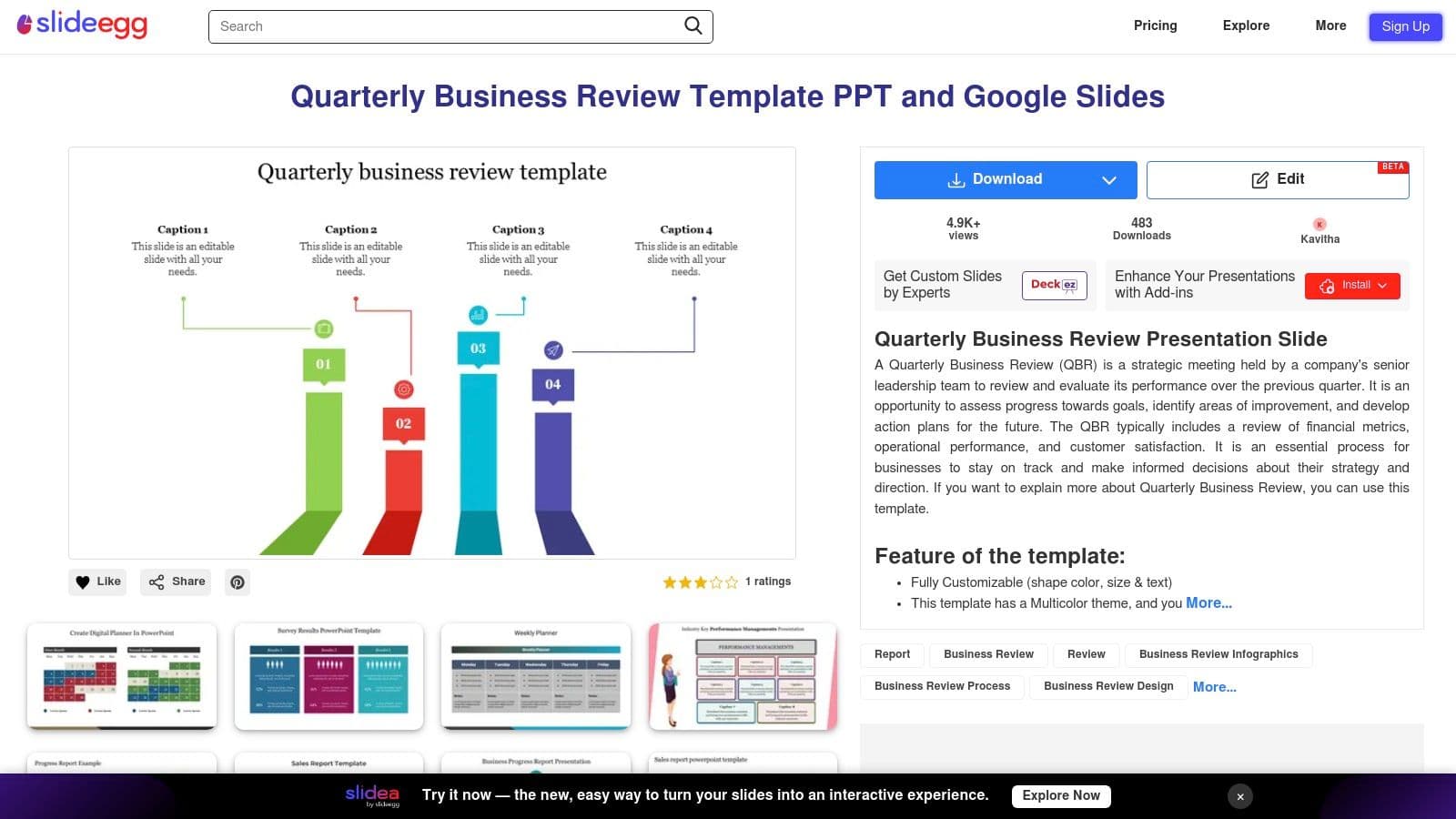
What makes SlideEgg a practical choice is its focus on cross-platform compatibility and ease of use. The ability to download and edit in Canva is a unique advantage for marketing or design-focused teams who prefer its collaborative, web-based interface. While the website experience can sometimes be interrupted by ads, the core template provides a solid foundation with fully customizable shapes, colors, and text to match your brand identity. The platform also features a large catalog of related business templates if you need to supplement your QBR with additional slides.
Key Details & Access
| Category | Details |
|---|---|
| Primary Use Case | Cross-functional team reviews and internal reporting |
| Format | PowerPoint (.pptx), Google Slides, Canva |
| Customization | Fully editable shapes, text, and color schemes |
| Access Requirement | Free download available, but premium templates require a paid subscription |
Pros:
- Multi-Platform Support: Offers compatibility with PowerPoint, Google Slides, and Canva, accommodating different team workflows.
- Format Flexibility: Provides both 16:9 and 4:3 aspect ratios, plus multiple color options out of the box.
Cons:
- Ad-Heavy User Experience: The website navigation can be cluttered with advertisements.
- Inconsistent Quality: While the featured template is solid, the quality across the site's broader catalog can vary.
To ensure a smooth experience, have your key data points ready before downloading to minimize time spent on the ad-supported site. The multiple format options make it a great starting point for teams looking for a free and adaptable quarterly business review template.
Visit SlideEgg: Quarterly Business Review Template
6. Miro
Miro offers a highly interactive and collaborative Quarterly Business Review Template designed for teams that prioritize live workshops over static slide decks. This Miroverse board acts as a digital whiteboard, providing a dynamic space to review past performance, align on future OKRs, identify risks, and plan next steps in real-time. Its structure is perfect for facilitating engaging discussions with remote or hybrid teams, transforming the QBR from a presentation into a hands-on working session.
What makes Miro’s approach stand out is its focus on facilitation and participation. The template includes scalable boxes for tracking outcomes, sticky notes for brainstorming, and built-in tools for voting and tagging. This allows cross-functional teams from sales, operations, and customer success to contribute simultaneously, ensuring all voices are heard. Instead of passively watching slides, stakeholders actively build the review and the plan for the next quarter together, fostering greater buy-in and a shared sense of ownership. This template is an excellent alternative for anyone looking for a more engaging quarterly business review format.
Key Details & Access
| Category | Details |
|---|---|
| Primary Use Case | Interactive workshops and remote team collaboration |
| Format | Miro Board (Digital Whiteboard) |
| Customization | Fully editable board, elements, and text |
| Access Requirement | Free to use, but requires a Miro account |
Pros:
- Excellent for Interactive QBRs: Facilitates real-time collaboration, brainstorming, and voting across teams.
- Available on Free Plan: The community template is accessible even on Miro’s free tier, making it highly accessible.
Cons:
- Not a Slide Deck Format: It's designed as a collaborative board, which may not be suitable for formal, linear presentations.
- Miro Account Required: All participants need to sign up for a Miro account to use the template.
To get the most out of this template, prepare facilitator notes and time-box each section of the board to keep the meeting on track and productive.
Visit Miro: Quarterly Business Review (QBR) Template
7. Mural
Mural offers a collaborative Quarterly Business Review canvas designed for interactive, workshop-style reviews. Instead of a linear slide deck, this template provides a shared digital whiteboard where teams can snapshot achievements, identify issues, capture customer insights, and set future goals together. It’s built to facilitate guided conversations, making it perfect for remote or hybrid teams needing a dynamic and engaging QBR process.
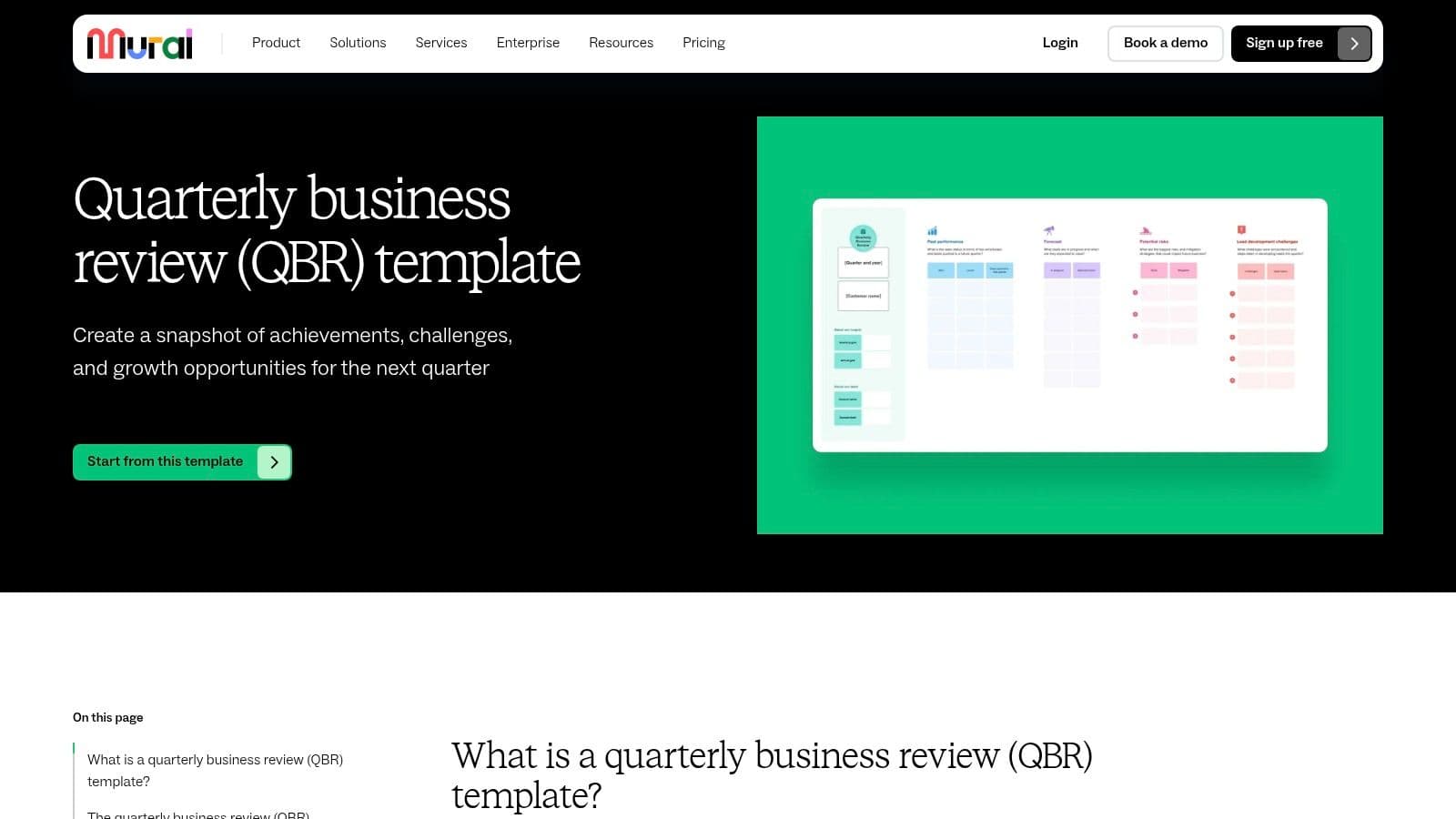
What makes Mural unique is its focus on real-time collaboration over static presentation. The canvas uses structured prompts and frames to guide discussions across different functions like sales, customer success, and leadership. Features such as digital sticky notes, comments, and voting tools empower all participants to contribute simultaneously, fostering alignment and collective decision-making. This approach transforms the QBR from a one-way report into a productive, cross-functional working session where action items are defined collaboratively.
Key Details & Access
| Category | Details |
|---|---|
| Primary Use Case | Collaborative and interactive workshops for remote/hybrid teams |
| Format | Digital Whiteboard/Canvas |
| Customization | Fully customizable frames, text, and structure |
| Access Requirement | Requires a Mural account; free and paid plans are available |
Pros:
- Supports Guided Conversation: Designed to facilitate interactive discussions rather than one-way presentations.
- Highly Collaborative: Excellent for engaging cross-functional teams (sales, customer success, leadership) in real time.
Cons: