Drop image here or click to upload
PNG, JPG, WebP (máx 20MB)
Boceto
✨
Upload an image and generate to see the result
Convierte fotos en bocetos a lápiz o arte en línea. Sube una imagen y obtén una versión en estilo boceto. Gratis, sin necesidad de cuenta.
Drop image here or click to upload
PNG, JPG, WebP (máx 20MB)
Upload an image and generate to see the result
Una herramienta que convierte fotos en imágenes estilo boceto. Sube una foto y recibe una versión que parece un dibujo a lápiz o arte lineal. Funciona con retratos, paisajes o cualquier sujeto.
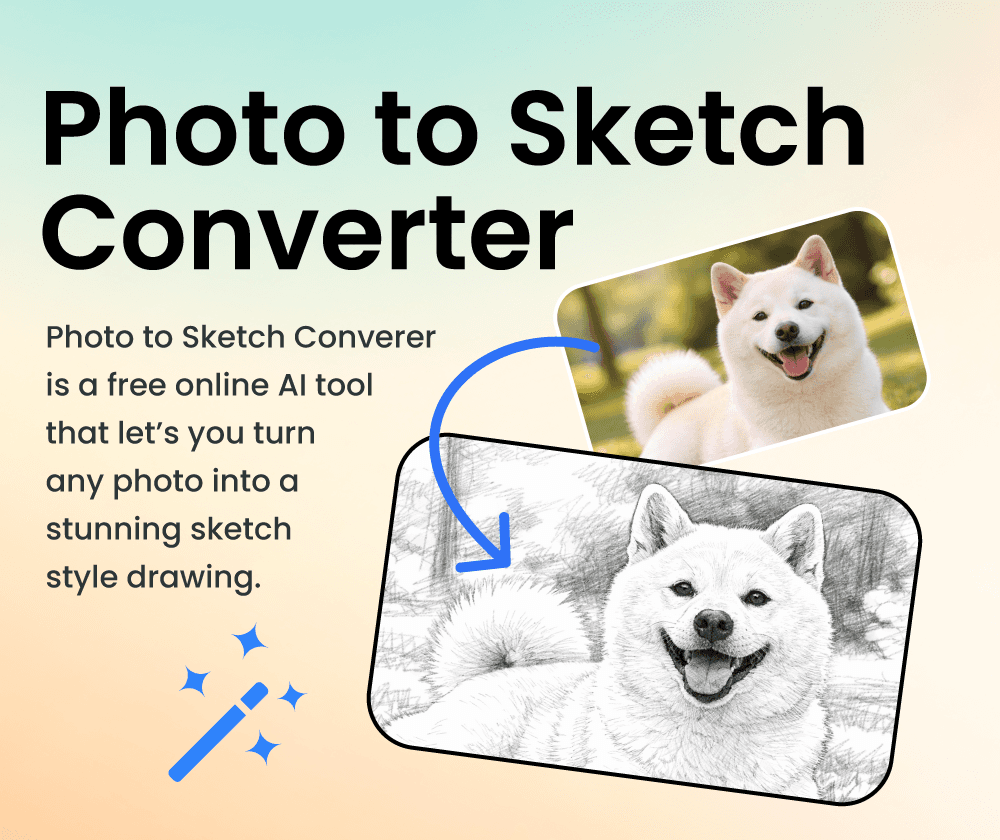
Si quieres una versión a lápiz de una foto sin tener que dibujarla tú mismo, esta herramienta puede ayudar. Elige un estilo (lápiz, línea artística, etc.) y la IA se encarga de la conversión. Los resultados llegan en segundos.
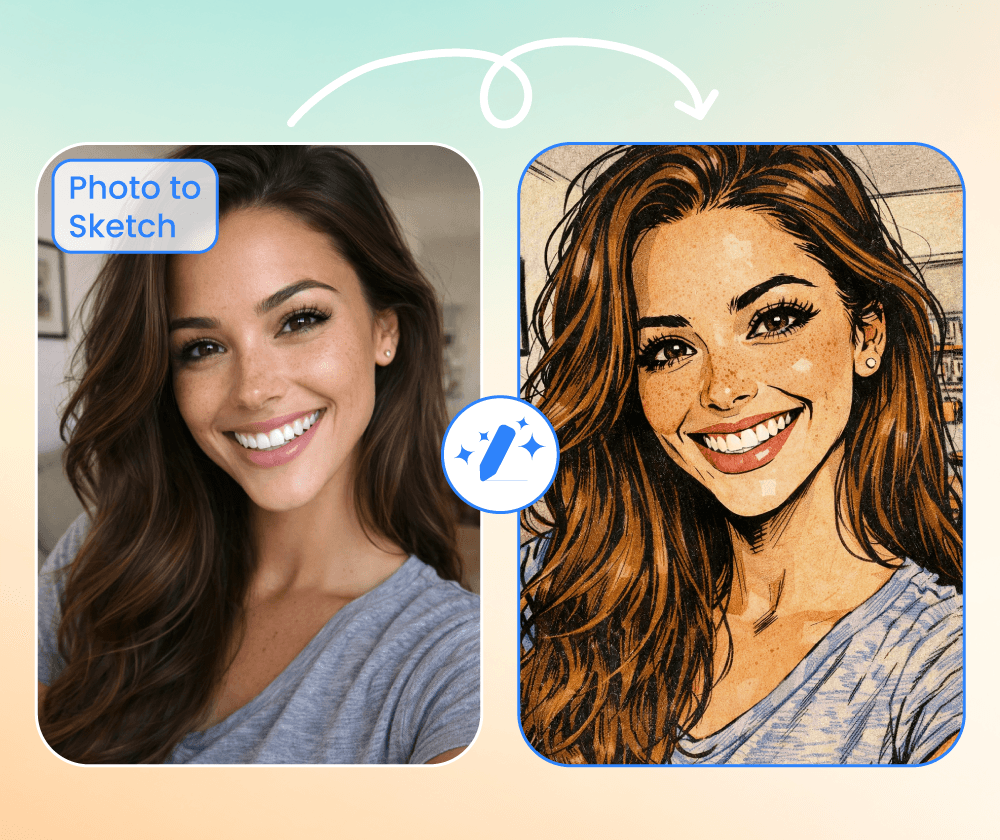
Creating sketches by hand takes practice and time. This tool converts photos to sketch-style images automatically, so you don't need drawing skills.
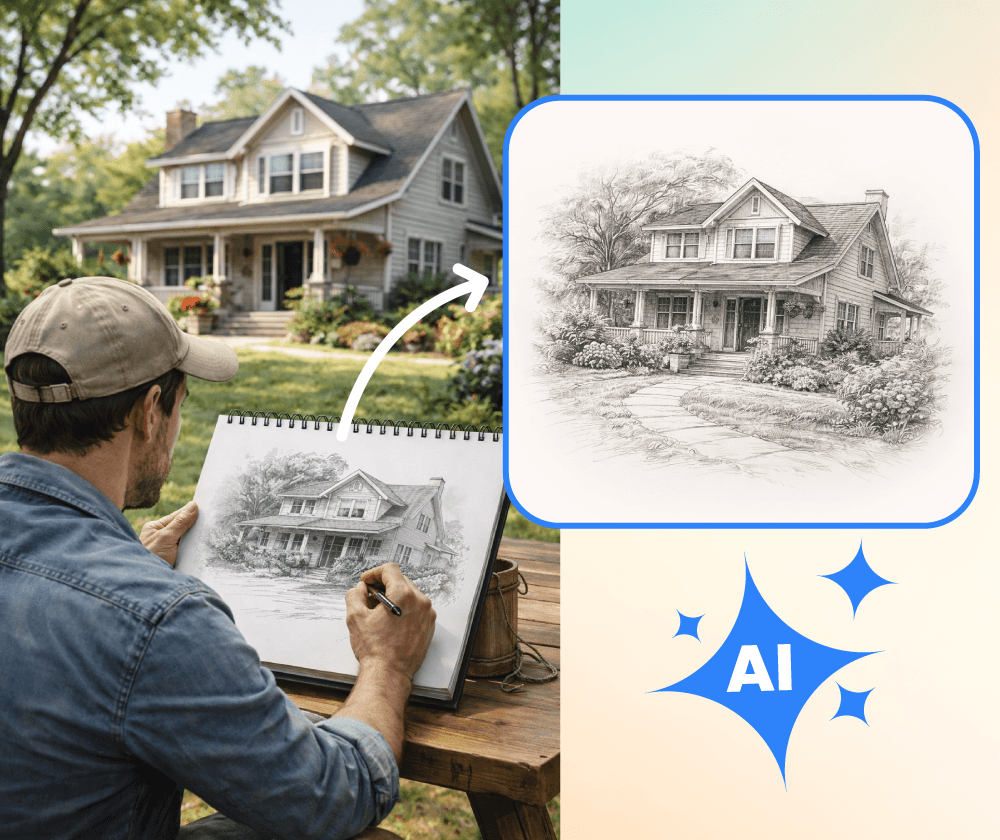
Lo que ofrece el convertidor de sketch.
Elige entre lápiz, dibujo a línea u otros efectos artísticos dependiendo del aspecto que desees.
Convierte múltiples fotos a la vez si necesitas procesar una colección.
Utiliza opciones predeterminadas para empezar rápidamente, o personaliza el estilo con tus propias instrucciones.
Tres pasos para convertir tu foto en un boceto.
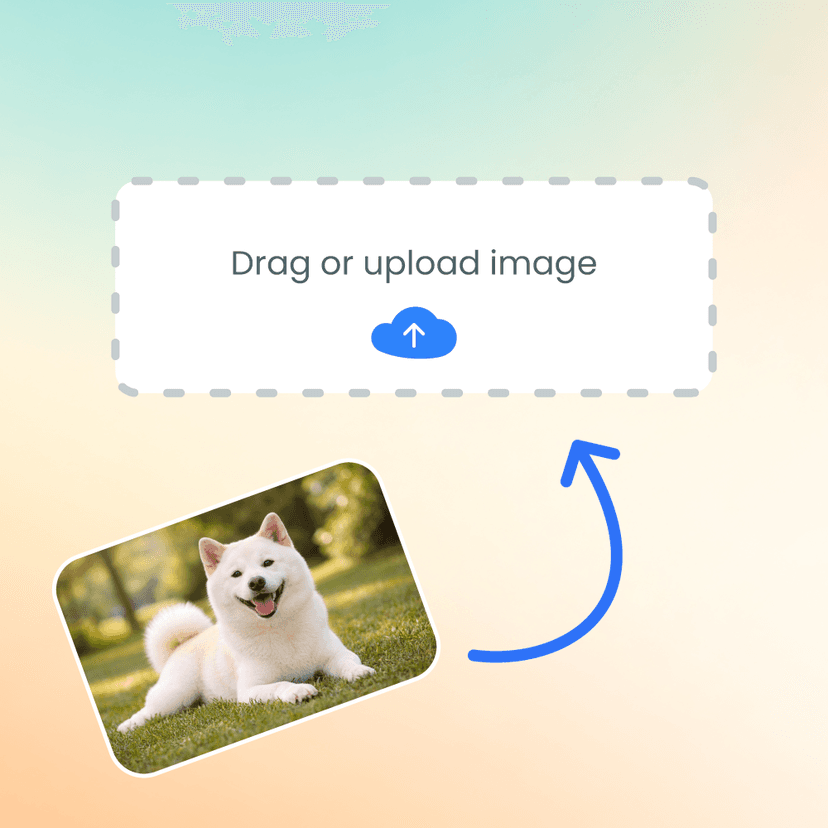
Selecciona una o más imágenes de tu dispositivo.
Elige boceto a lápiz, arte en línea u otro efecto.
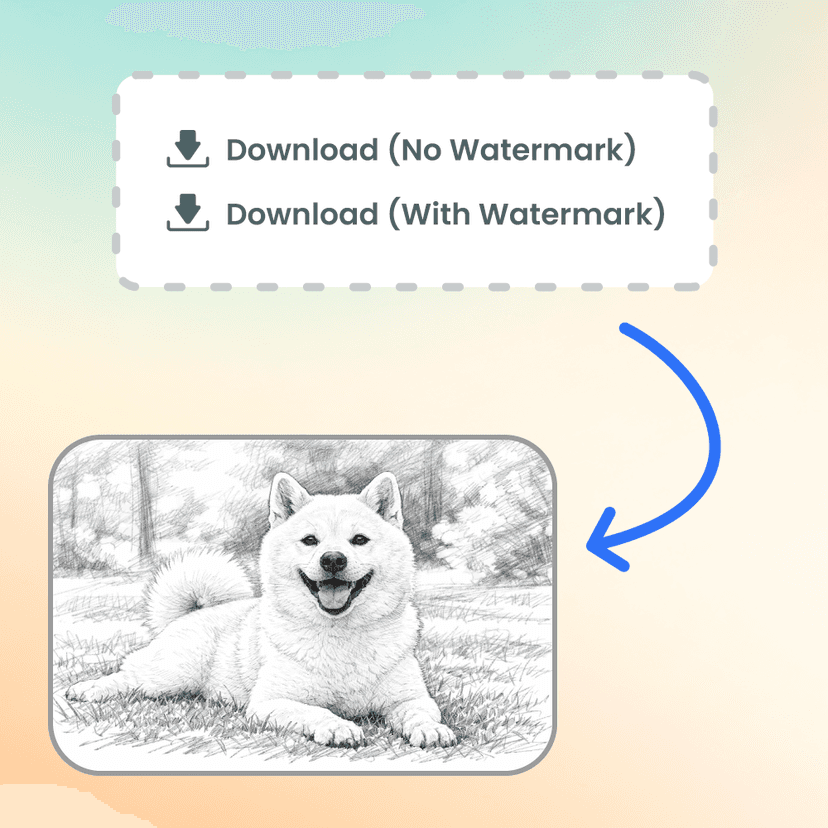
Guarda la imagen estilo boceto cuando se complete el procesamiento.
Sube una foto y ve cómo se ve como un boceto. No se requiere cuenta.

Úsalo para versiones de bocetos rápidos de fotos de clientas. El efecto de lápiz se ve decente y ahorra tiempo cuando solo necesito una versión artística aproximada.

El procesamiento por lotes es útil cuando necesito convertir múltiples fotos. No es tan bueno como un dibujo a mano, pero es práctico para bocetos rápidos.

Convertí algunas fotos de viaje en bocetos para mi blog. Sencillo de usar: subir, elegir un estilo, descargar. Los resultados varían, pero suelen verse bien.

Lo usé para un proyecto de clase que necesitaba ilustraciones en estilo de boceto. Funcionó lo suficiente y mucho más rápido que intentar dibujarlas yo mismo.

Bueno para publicaciones en redes sociales cuando quiero algo diferente. El estilo de arte lineal funciona bien para retratos especialmente.

Lo uso para crear versiones alternas de mis fotos. La IA captura bien las características principales, aunque algunos detalles se simplifican.
Generate images from text prompts or transform existing images with AI
Remove backgrounds from photos instantly with one click
Remove watermarks and logos from images using AI
Remove unwanted objects from photos seamlessly
Generate professional AI headshots from your photos
Generate passport-style ID photos with white background and proper framing
Remove text and captions from images with AI
Enhance and sharpen images with AI upscaling
Upscale and enlarge images up to 6x without losing quality
Extend image canvas and let AI fill in the new areas
Restore old, damaged, or scratched photos with AI
Replace image backgrounds with AI-generated scenes
Change clothing in photos using AI virtual try-on
Convert photos into pencil sketches and drawings
Convert photos into fun cartoon stickers
Whiten teeth in photos naturally with AI
Translate text inside images into 100+ languages with AI