Meetings are essential for collaboration, but the manual process of taking notes, identifying action items, and sharing summaries is a major time sink. Forgetting key decisions or tasks is common, leading to dropped balls and misaligned teams. Today, AI has transformed this process entirely. The best meeting notes app not only transcribes your conversations in real-time but also intelligently summarizes key points, assigns tasks, and integrates with your existing workflows.
But with dozens of options flooding the market, how do you choose the right one for your specific needs? A tool perfect for a sales team might be overkill for a freelancer, while an executive’s requirements differ from those of a project manager. This guide cuts through the noise. We’ve tested and analyzed the top contenders to help you make an informed decision without spending weeks on free trials.
Here, you'll find a comprehensive breakdown of the top platforms, from leaders like Otter.ai and Fireflies.ai to powerful alternatives like Fathom and Avoma. We’ll go beyond basic feature lists to provide a practical comparison covering:
- Actionable pros and cons based on real-world use.
- Clear pricing breakdowns for each tier.
- "Best for" recommendations tailored to specific roles like sales, executives, remote teams, and SMBs.
- Screenshots and direct links to see each app in action.
Our goal is simple: to provide a clear, scannable resource that helps you select the perfect meeting notes app to reclaim your time, improve accountability, and ensure no critical detail gets lost. Let's find the right tool for you.
1. Otter.ai
Otter.ai is arguably one of the most recognized names in the AI meeting assistant space, making it a top contender for the best meeting notes app available today. It excels at providing real-time transcription for virtual meetings on platforms like Zoom, Google Meet, and Microsoft Teams. The core strength of Otter.ai lies in its mature and reliable ecosystem, offering a polished user experience across both its web and mobile applications.
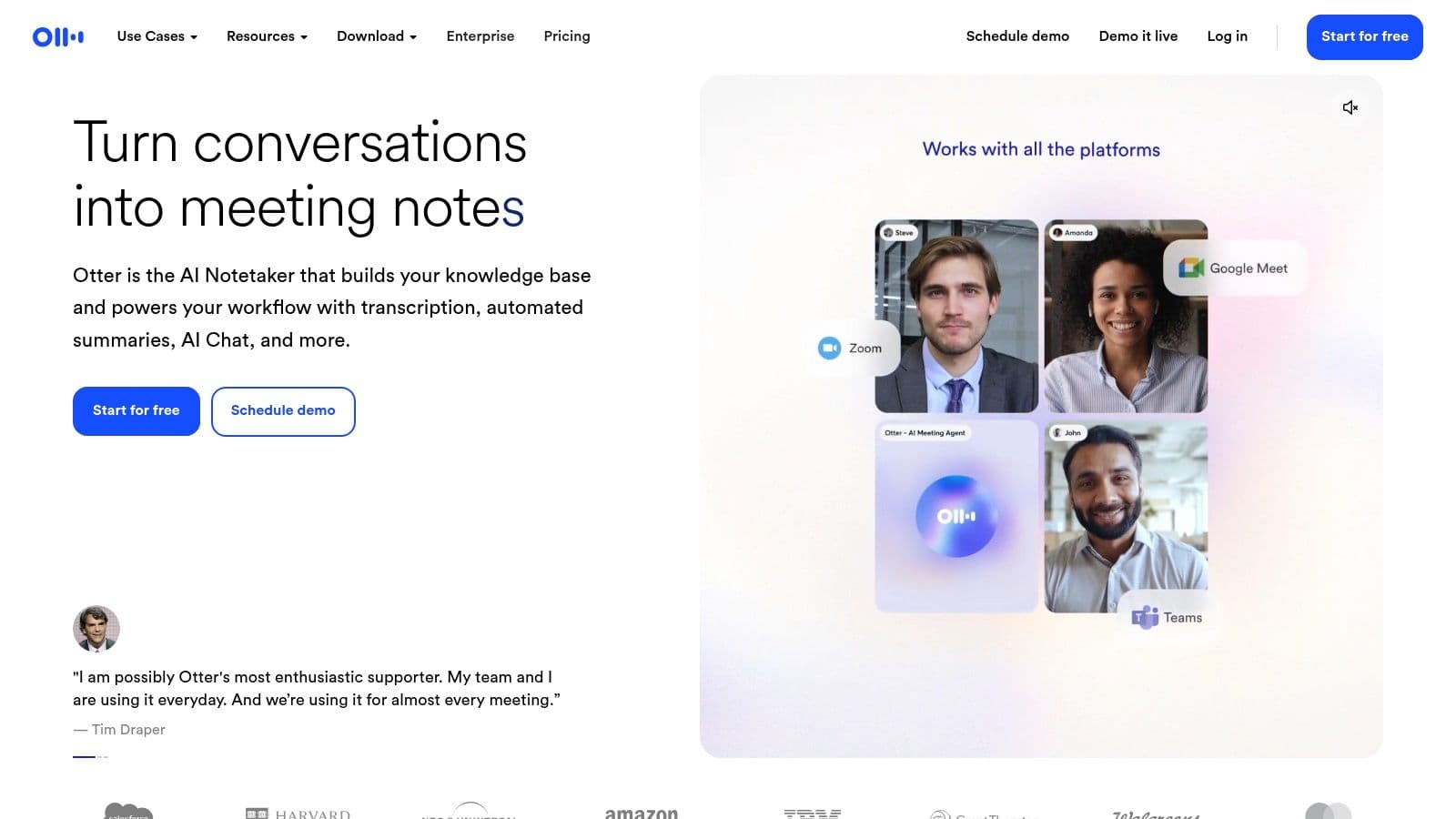
The platform automatically joins your scheduled calls, records audio, and generates a searchable transcript complete with speaker identification. After the meeting, its "Otter AI Chat" feature allows you to ask questions about the meeting content, get summaries, and generate action items, which is a massive time-saver. Teams can collaborate directly on transcripts by adding comments and highlighting key takeaways. For anyone looking to improve their process, reviewing effective strategies can be a great first step, and you can learn more about how to take better meeting notes to complement tools like Otter.
Key Features & Pricing
- Standout Feature: Live, real-time transcription with collaborative highlights and comments.
- Best For: Teams that need a reliable, searchable record of all their conversations and decisions.
- Pricing:
- Basic (Free): Includes 300 monthly transcription minutes (30 mins per conversation).
- Pro ($16.99/month): 1,200 monthly minutes and advanced import/export features.
- Business ($35/user/month): 6,000 monthly minutes, team features, and admin controls.
Pros:
- Mature ecosystem with strong brand recognition
- Reliable and intuitive web and mobile experience
- Good team collaboration features (comments, highlights)
Cons:
- Generous free tier is limited by per-conversation caps
- Advanced controls and analytics are gated to higher-tier plans
Visit Website: https://otter.ai
2. Fireflies.ai
Fireflies.ai positions itself as a powerful conversation intelligence platform, making it another excellent choice for the best meeting notes app, particularly for data-driven teams. It functions as an AI assistant that automatically joins your calls on platforms like Zoom, Google Meet, and Microsoft Teams to record, transcribe, and analyze the conversation. The platform’s key differentiator is its emphasis on analytics and post-meeting intelligence, offering insights into speaker talk time, sentiment, and other key metrics.
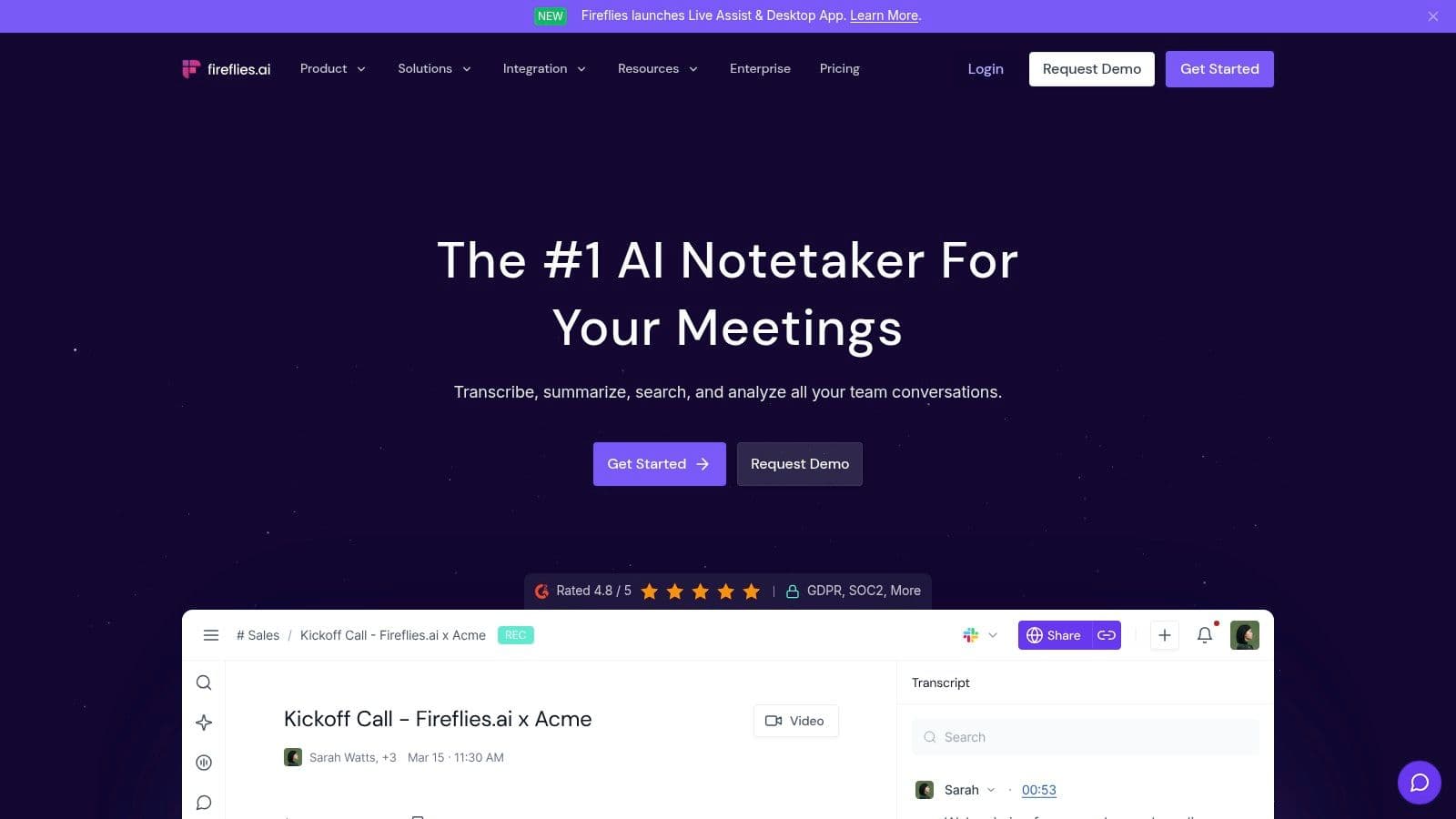
After a meeting, Fireflies.ai generates concise summaries, action items, and a fully searchable transcript. Its AI assistant, "AskFred," allows users to query meeting content, much like chatting with a team member who has perfect recall. For teams looking to streamline their post-meeting workflow, understanding how to automatically summarize meeting recordings can provide a significant productivity boost. Fireflies.ai also boasts extensive integrations with CRMs and project management tools, automatically logging call notes and tasks where your team already works.
Key Features & Pricing
- Standout Feature: Conversation intelligence providing analytics on speaker talk time, sentiment, and topics.
- Best For: Sales and customer success teams that want to analyze conversations and sync data to their CRM.
- Pricing:
- Free: Includes limited transcription credits and 800 minutes of storage per seat.
- Pro ($18/seat/month): 8,000 minutes of storage, AI summaries, and CRM integrations.
- Business ($29/seat/month): Unlimited storage, conversation analytics, and video recording.
Pros:
- Robust analytics and conversation intelligence features
- Extensive integration library with CRMs and other business tools
- "AskFred" AI assistant provides a powerful way to query meeting data
Cons:
- The interface can have a learning curve for new users
- Some advanced AI features may require higher-tier plans or credits
Visit Website: https://fireflies.ai
3. Notta.ai
Notta.ai establishes itself as a strong candidate for the best meeting notes app by focusing on cross-platform accessibility and extensive language support. It functions as a versatile AI-powered transcription service that integrates with major meeting platforms like Google Meet and Zoom, but also offers a powerful Chrome extension and dedicated mobile apps. This flexibility allows users to capture conversations from virtually anywhere, whether it’s a live call or an imported audio/video file.
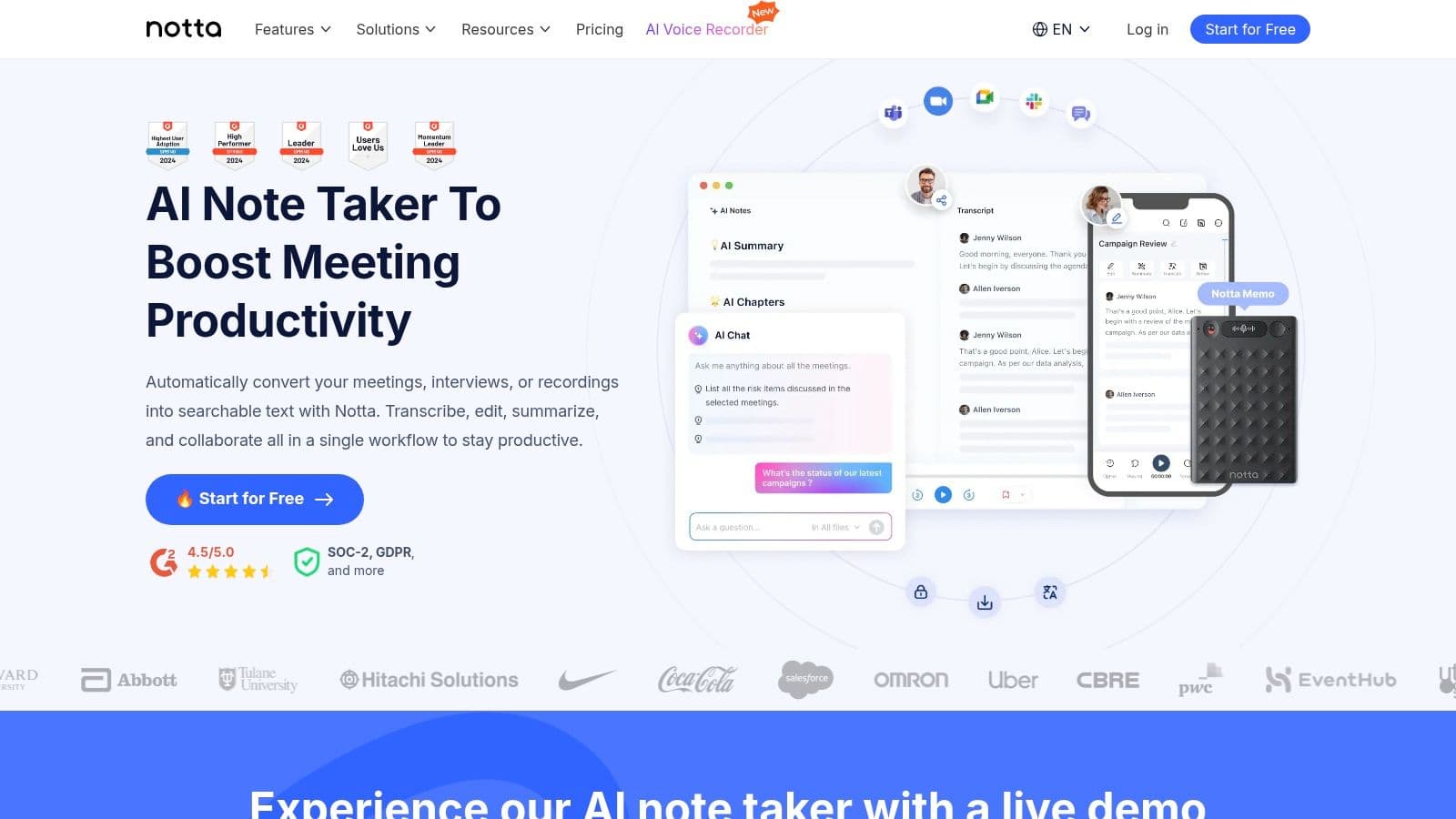
The platform’s standout quality is its multilingual capability, offering transcription and even translation across numerous languages, making it ideal for global teams. After a meeting, Notta provides an AI-generated summary, action items, and a full transcript with speaker identification. For teams looking to maximize their efficiency on specific platforms, understanding the details of Zoom meeting transcription can further enhance the value derived from a tool like Notta.
Key Features & Pricing
- Standout Feature: Excellent multilingual support with transcription and translation capabilities.
- Best For: International teams and users who need flexible recording options across web, mobile, and live meetings.
- Pricing:
- Free: Includes 120 monthly transcription minutes (5 mins per live recording).
- Pro ($13.99/month): 1,800 monthly minutes and advanced export options.
- Business ($59/user/month): 2,400 monthly minutes per user and team collaboration features.
Pros:
- Competitive transcription allowances on paid plans
- Solid language coverage for global teams
- Clear and accessible web and mobile applications
Cons:
- Free plan has very strict per-meeting time limits
- Team governance features are lighter than some enterprise-focused tools
Visit Website: https://www.notta.ai
4. Read.ai
Read.ai distinguishes itself as more than just a meeting notes app; it positions itself as a comprehensive meeting intelligence platform. Its unique strength lies in its live, in-meeting dashboard that provides real-time metrics on engagement, sentiment, and talk time. This focus on analytics makes it an excellent choice for teams looking to actively improve their meeting culture and effectiveness, not just document what was said.
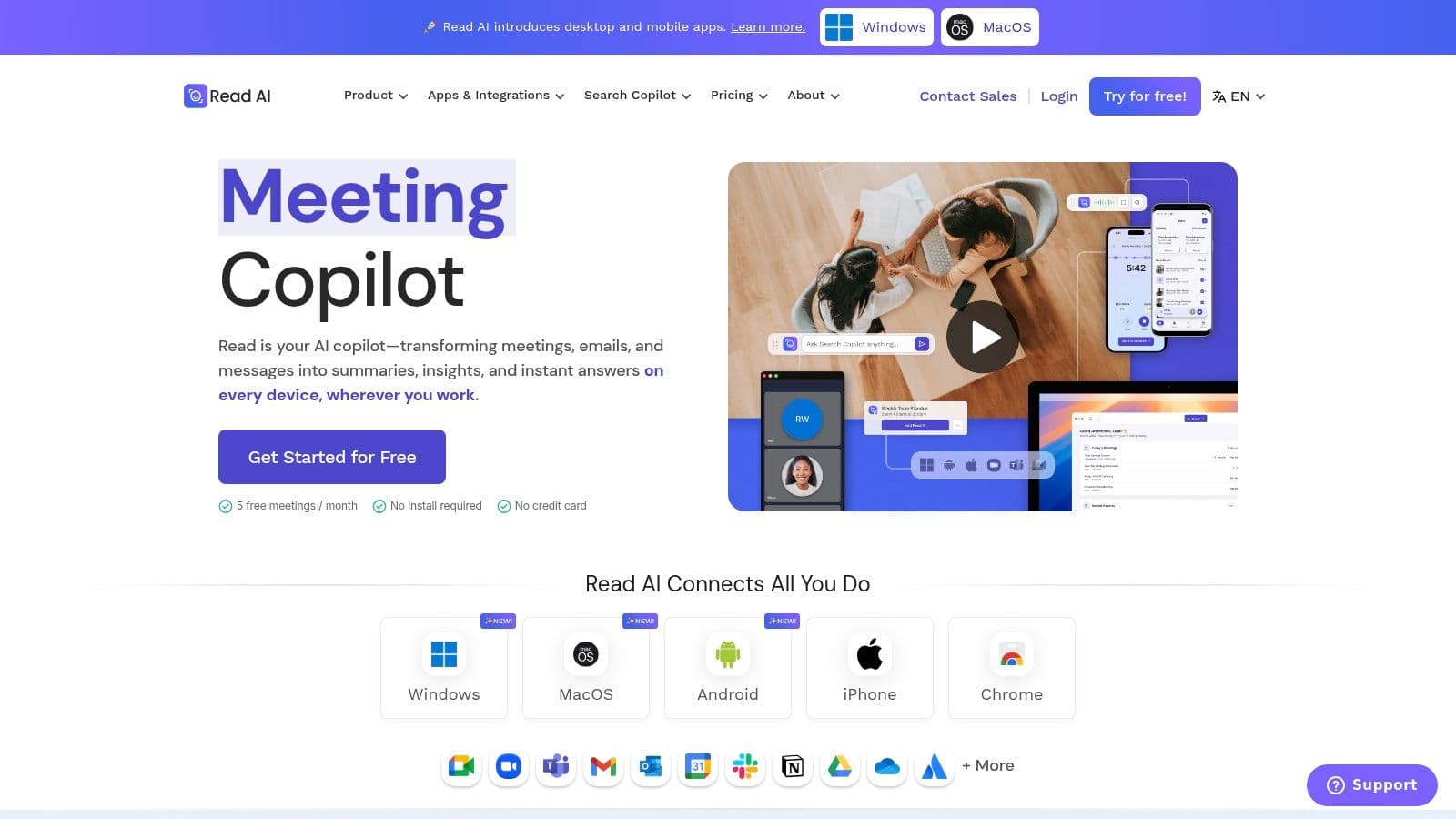
After the call, Read.ai generates detailed "Meeting Readouts" that include a concise summary, a full transcript, action items, and key topics discussed. It also offers a "Meeting Coach" feature that provides personalized feedback to help individuals enhance their presentation and communication skills. With robust integrations into CRMs like Salesforce and HubSpot, along with productivity tools like Notion and Jira, it seamlessly fits into existing team workflows, making it a powerful contender for the best meeting notes app for data-driven organizations.
Key Features & Pricing
- Standout Feature: Live in-meeting dashboard with engagement metrics and a post-meeting AI coach.
- Best For: Sales teams, managers, and organizations focused on data-driven meeting improvement and coaching.
- Pricing:
- Free: Includes meeting summaries, transcripts, and basic metrics.
- Pro ($19.99/month): Adds video playback, advanced metrics, and custom vocabulary.
- Enterprise (Custom): Team analytics, advanced integrations, and premium support.
Pros:
- Generous reporting and search capabilities across all past meetings
- Excellent for coaching with live metrics and post-meeting feedback
- Native desktop and mobile apps provide a seamless multi-platform experience
Cons:
- Video playback is a key feature reserved for paid plans
- The sheer number of features and metrics can be overwhelming for new users
Visit Website: https://www.read.ai
5. Fathom
Fathom has made a significant impact in the AI meeting assistant market, positioning itself as an incredibly user-friendly and cost-effective option. It integrates seamlessly with Zoom, Google Meet, and Microsoft Teams, providing high-quality recording and transcription. What truly sets Fathom apart is its generous free tier, which offers unlimited recordings and transcriptions, making it an exceptional choice for individuals, freelancers, and small teams just starting with AI note-taking tools.
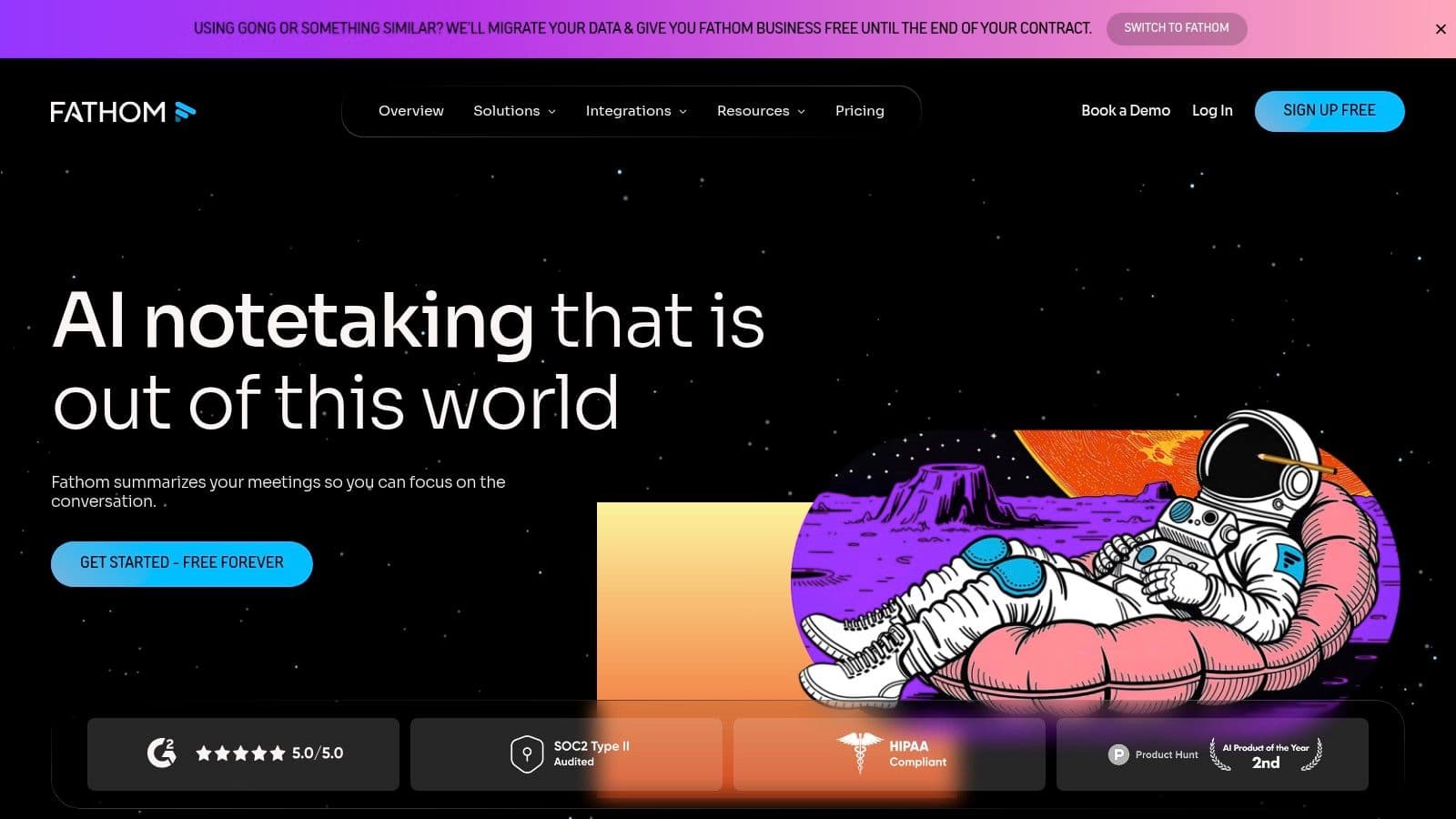
The platform is designed for simplicity and speed. During a call, you can click to highlight key moments, and Fathom automatically generates concise, well-structured summaries and action items immediately after the meeting concludes. Its user interface is clean and intuitive, ensuring a very short learning curve. For users who need a powerful, no-cost solution for their personal meeting documentation, Fathom stands out as a top-tier best meeting notes app that delivers immediate value.
Key Features & Pricing
- Standout Feature: Unlimited free recordings and transcriptions for individual users.
- Best For: Solo users, freelancers, and small teams looking for a powerful, free AI note-taker without usage limits.
- Pricing:
- Standard (Free): Includes unlimited recordings, transcriptions, and summaries.
- Pro ($19/user/month): Adds advanced summaries, CRM integrations, and team features.
- Enterprise (Custom): Offers advanced security, controls, and onboarding.
Pros:
- Extremely generous free plan with no limits on recording time
- Clean, well-organized summaries and action item outputs
- Simple and fast onboarding process
Cons:
- Advanced team features and CRM integrations are behind a paywall
- Lacks the deep governance and compliance controls of enterprise-focused tools
Visit Website: https://fathom.video
6. Avoma
Avoma carves out a unique space as more than just a meeting notes app; it's an AI-powered conversation and revenue intelligence platform. While it captures and summarizes meetings like its competitors, its primary strength lies in connecting meeting outcomes directly to business results, particularly for sales and customer success teams. It automates the drudgery of updating CRM records and provides deep coaching insights from call transcripts.
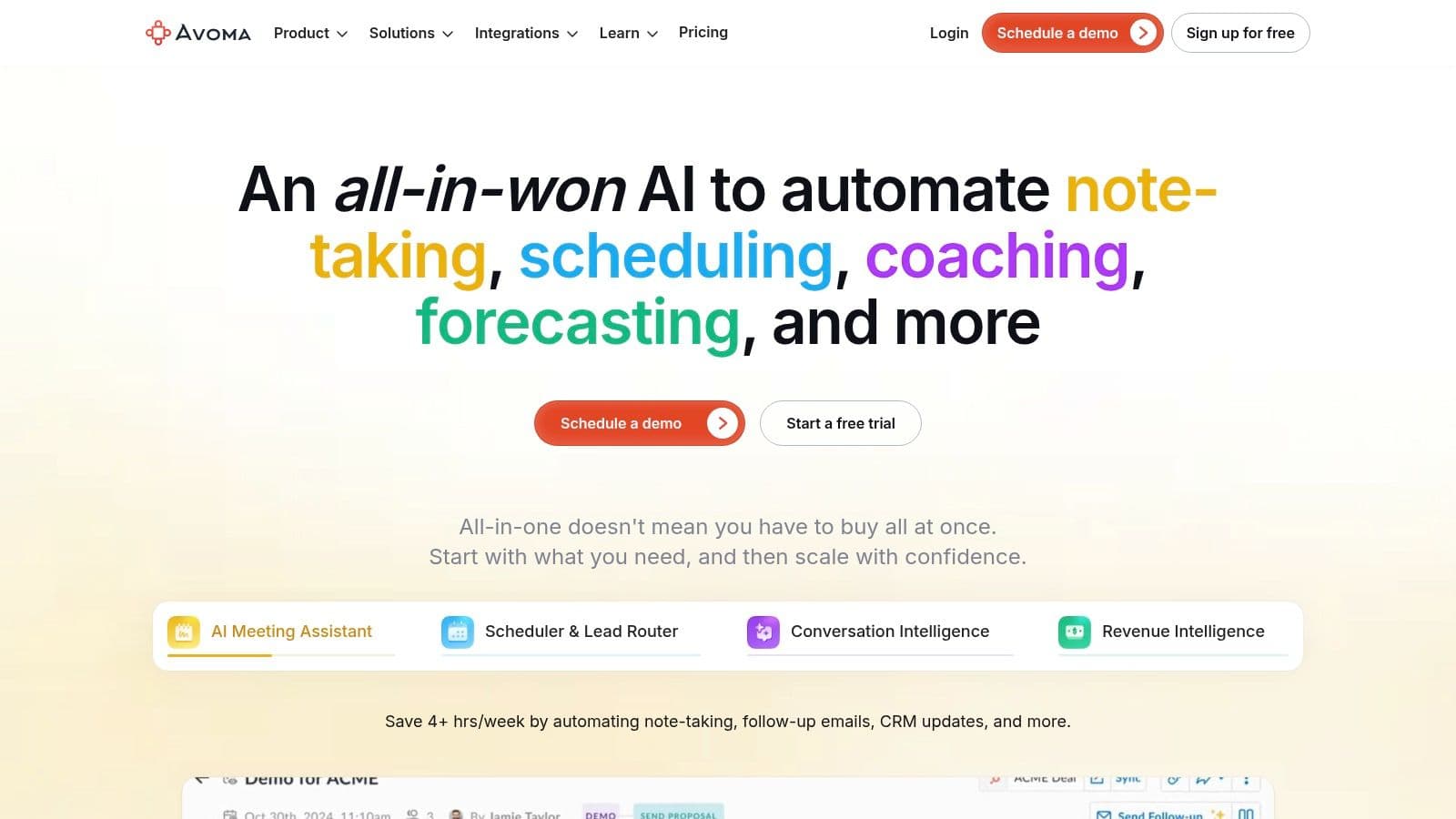
The platform automatically identifies topics, generates notes, and can populate CRM fields using frameworks like MEDDIC or SPICED. This deep integration makes it an indispensable tool for revenue-focused organizations that want to ensure deal information is captured accurately without manual data entry. Its modular licensing, which offers free collaborator seats alongside paid recorder seats, allows wider teams to view insights without incurring extra costs.
Key Features & Pricing
- Standout Feature: Deep CRM integration that automatically updates deal information and sales frameworks.
- Best For: Sales and customer success teams that need to tie meeting conversations directly to revenue and coaching.
- Pricing:
- Starter ($24/user/month): Core transcription and AI notes for individuals and small teams.
- Plus ($59/user/month): Adds CRM integration and advanced collaboration.
- Business ($79/user/month): Includes conversation and deal intelligence.
- Enterprise (Custom): Advanced security, coaching, and custom onboarding.
Pros:
- Strong CRM workflows designed for sales and customer success
- Modular pricing allows free view-only access for collaborators
- Full-featured 14-day trial is available