PDF
Upload or drag your .pdf file here.
.pdf only • max 20MB • up to 150 pages
status
Markdown preview
Your converted Markdown will appear here after processing.
Convert PDF files into clean, reusable Markdown in your browser. Free, fast, and private.
Upload or drag your .pdf file here.
.pdf only • max 20MB • up to 150 pages
Converting PDFs to Markdown with conventional approaches often demands substantial time and effort, especially when preserving headings, lists, and table structures. This tool simplifies PDF-to-Markdown transformation so you can focus on your content instead of formatting.
Get clean, structured Markdown output that preserves your document layout including headings, lists, and tables. Everything runs in your browser so your files never leave your device. No account required, no file size tracking, completely free.
A free online tool that converts PDF documents into clean, well-formatted Markdown files. It analyzes the text layout of your PDF and reconstructs headings, paragraphs, lists, and tables as proper Markdown syntax ready to use in any editor or platform.
What the PDF to Markdown converter offers.
Your files are processed entirely in your browser. Nothing is uploaded to any server. Your documents stay private.
Headings, lists, tables, and paragraph structure are detected and converted to proper Markdown syntax.
Convert PDFs to Markdown in seconds. No waiting for server processing or email delivery.
The converted files use standard Markdown format compatible with any editor, GitHub, Notion, Obsidian, and more.
Preview the Markdown output and download the .md file with a single click when ready.
No account, no sign-up, no usage limits. Convert as many PDFs as you need at no cost.
Three steps to convert your PDF to Markdown.
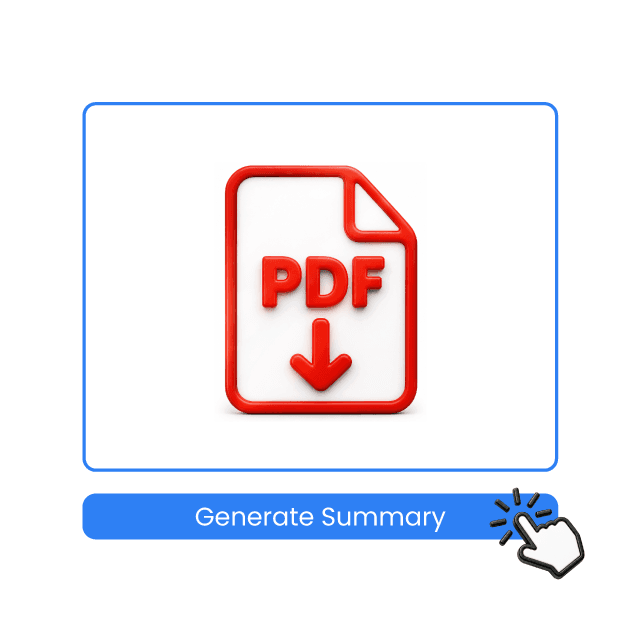
Drag and drop a PDF file into the upload area or click the upload button to select a file from your device.
Click the Convert button. The tool analyzes your PDF layout and generates clean Markdown output with headings, lists, and tables.
Review the Markdown preview to verify the output. Download the .md file when ready to use in your project.
Upload a PDF and get clean Markdown in seconds. No account needed, completely free.

This converter has been a lifesaver. It's fast, and it retains formatting perfectly. I use it to convert documentation PDFs into Markdown for our GitHub wiki.

This tool solved the problem of converting spec PDFs to Markdown quickly and accurately. The table reconstruction is surprisingly good.

Simple to use and produces excellent conversion results. I convert lecture notes from PDF to Markdown for my students regularly.

This tool makes document handling a breeze. Even with large files, it processes quickly. The heading detection is spot on.

The accuracy and speed have been impressive. I convert business reports to Markdown for our Notion workspace all the time.

Love that everything runs in the browser. No uploading sensitive documents to unknown servers. The privacy aspect is a huge plus.