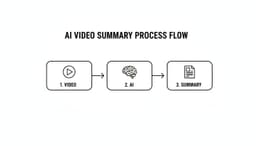
Video is everywhere, from critical sales calls and company town halls to detailed training webinars. These recordings contain valuable information, but the time required to re-watch, transcribe, and extract key points creates a significant productivity bottleneck for teams. A video summarizer AI solves this problem by using artificial intelligence to automatically generate concise summaries, identify action items, and create shareable highlights from long-form video content.
This technology is a game-changer for countless professionals. Sales teams can quickly review client calls for follow-ups, HR departments can distill training sessions into key takeaways, and marketing teams can repurpose webinar content for social media in minutes. But with a growing number of tools available, each with unique features and pricing, finding the right one can be overwhelming. The core function of summarization is just the beginning. To understand the full scope of possibilities beyond just shortening content, it's helpful to delve into the broader question of What AI can do for interactive video.
This guide cuts through the noise. We’ve meticulously reviewed and compared the 12 best video summarizer AI platforms to help you make an informed decision. For each tool, you'll find a clear breakdown of its core features, pricing, ideal use cases, and honest pros and cons. We've included screenshots and direct links to help you quickly evaluate which solution best fits your specific workflow, team size, and budget.
1. Summarize Meeting
Best For: Teams needing to make a data-driven decision without weeks of research. Free to use.
Summarize Meeting is an indispensable starting point for any team serious about selecting the right video summarizer AI. Rather than being a summarization tool itself, it functions as a comprehensive, research-driven comparison guide. It meticulously catalogs and analyzes over 50 of the market's leading platforms, from household names like Fireflies.ai and Otter.ai to specialized solutions for sales and enterprise compliance like Gong and Sembly.
What truly elevates this resource is its practical, user-centric design. Instead of forcing users to sift through dozens of options, it offers a quick, two-minute interactive quiz. This quiz delivers a personalized shortlist of tools tailored to your specific needs, such as team size, primary use case (e.g., sales, remote async collaboration, executive briefings), and essential integrations. This approach significantly cuts down the initial research time, helping you move from a broad search to a targeted pilot phase with confidence.
Standout Features & Analysis
The platform's strength lies in its granular and transparent data. Users can sort and filter by critical decision-making criteria that are often difficult to find aggregated in one place.
- Deep Cost Transparency: The guide breaks down pricing beyond simple monthly fees. It provides estimated cost-per-minute figures (ranging from ~0.0033/min to ~1.48/min), highlighting "free forever" plans and best-value picks. This allows for more accurate budget forecasting, especially for teams with high-volume video and audio processing needs.
- Use-Case-Driven Filters: It offers powerful filters for specific functions, including sales teams, HR/training, and IT managers concerned with enterprise compliance. This ensures that the recommendations are not just feature-complete but functionally relevant to your workflow.
- Unbiased, Up-to-Date Information: The site emphasizes its impartiality by noting the absence of affiliate links, fostering trust in its recommendations. With a commitment to frequent updates (last noted as August 2025), it remains a relevant resource in a rapidly evolving market.
| Feature Comparison | Summarize Meeting's Approach |
|---|---|
| Number of Tools | Compares 51+ AI meeting and video summarization platforms. |
| Personalization | A 2-minute quiz delivers a personalized shortlist based on user needs. |
| Pricing Details | Provides cost-per-minute estimates, monthly/user ranges, and highlights free tiers. |
| Best-Fit Guidance | Filters and recommendations for specific teams (sales, remote, enterprise). |
| Core Features Index | Side-by-side details on languages, integrations, and compliance (SOC 2, GDPR, HIPAA). |
- Compares over 50 tools, covering a wide market spectrum.
- The personalized quiz quickly narrows down the best options.
- Transparent Pricing: Offers clear cost-per-minute and plan-level details.
- Neutral Guidance: Claims impartiality and is frequently updated for relevance.
- Comparison Only: It's a decision-support tool, not a summarizer; you still need to conduct hands-on trials with the recommended software.
- Market Volatility: The AI tool market changes fast, so users should always verify final pricing and features directly with vendors.
2. Opus Clip
Opus Clip positions itself as a "one long video, 10 viral clips" solution. This video summarizer AI is built specifically for content creators and social media teams who need to repurpose long-form content like podcasts, webinars, and educational videos. The platform automatically identifies the most compelling hooks and highlights within a longer recording, then reformats them into shareable, vertical short-form videos complete with AI-generated captions and reframing.
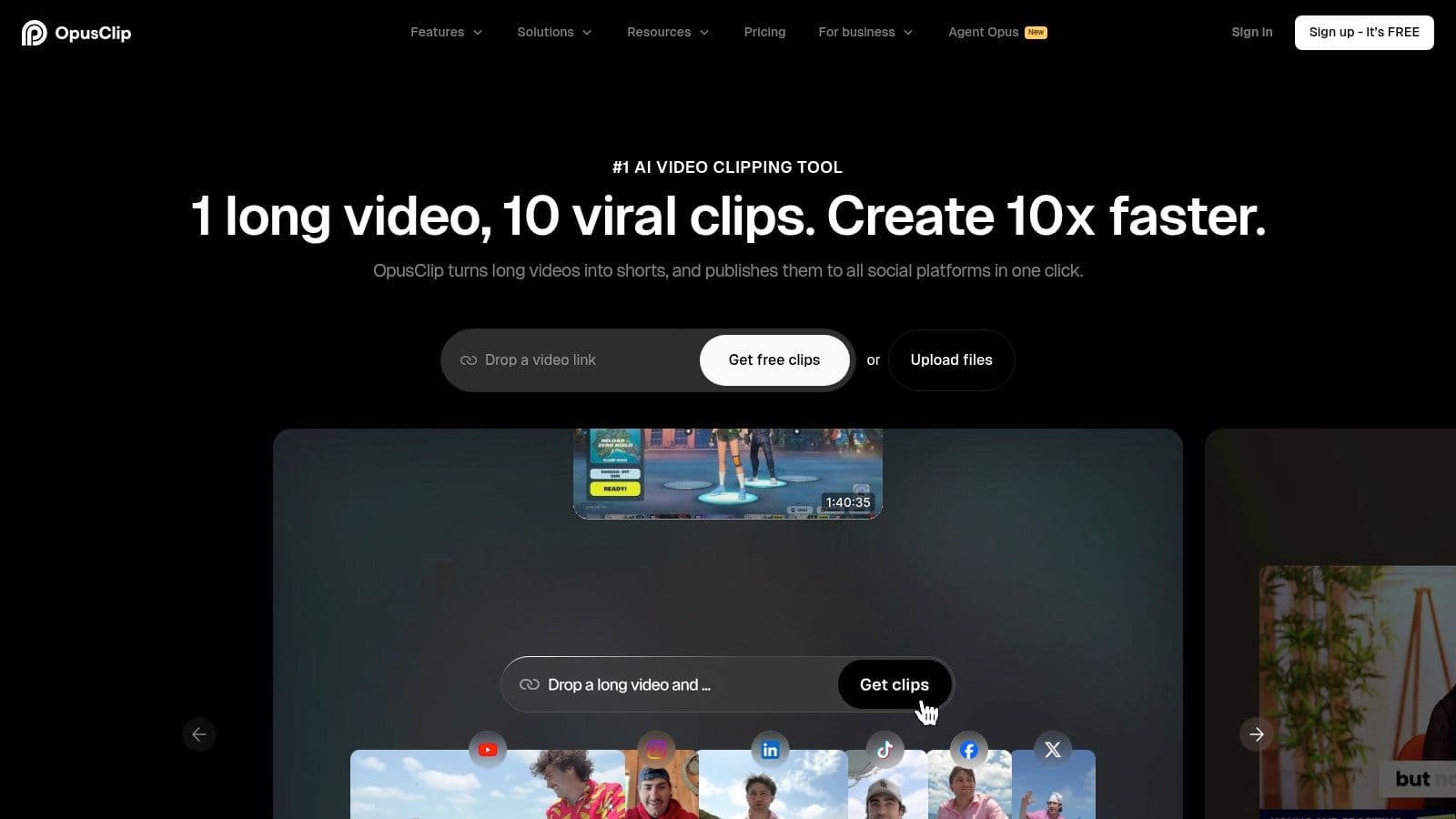
Its core strength lies in its AI Curation engine, which includes a "virality score" to predict which clips are most likely to perform well on platforms like TikTok, Instagram Reels, and YouTube Shorts. This feature saves immense manual effort in scrubbing through hours of footage. For those wanting a detailed breakdown of how it stacks up against other tools in this niche, you might find Klap's comparison with Opus Clip insightful.
Unique Features & Use Cases
Opus Clip excels with its distribution-focused toolset. Users can connect various sources like YouTube, Google Drive, and Zoom for seamless imports. The platform also offers team workspaces, brand templates for consistent styling, and direct export options to professional editing software like Premiere Pro and DaVinci Resolve.
- Best For: Social media managers, content marketers, and podcasters.
- Pricing: Offers a free plan with a watermark and limited processing minutes. Paid plans start at $19/month for more minutes and advanced features. The credit system is based on the length of the video you upload.
- Website //www.opus.pro/
| Pros | Cons |
|---|---|
| Excellent workflow for creating social media clips | Credit-based system can be confusing initially |
| AI Virality Score helps predict content performance | The free plan includes a prominent watermark |
| Strong integration with cloud storage and social platforms | Less focused on text-based summaries than other tools |
3. Pictory
Pictory is a versatile, end-to-end AI video platform that excels at transforming long-form content into various polished video assets. This video summarizer AI is particularly effective for condensing webinars, tutorials, and training videos by automatically extracting key highlights. It operates on a text-based editing model, allowing users to edit video by simply editing the transcribed text, making content repurposing incredibly efficient.
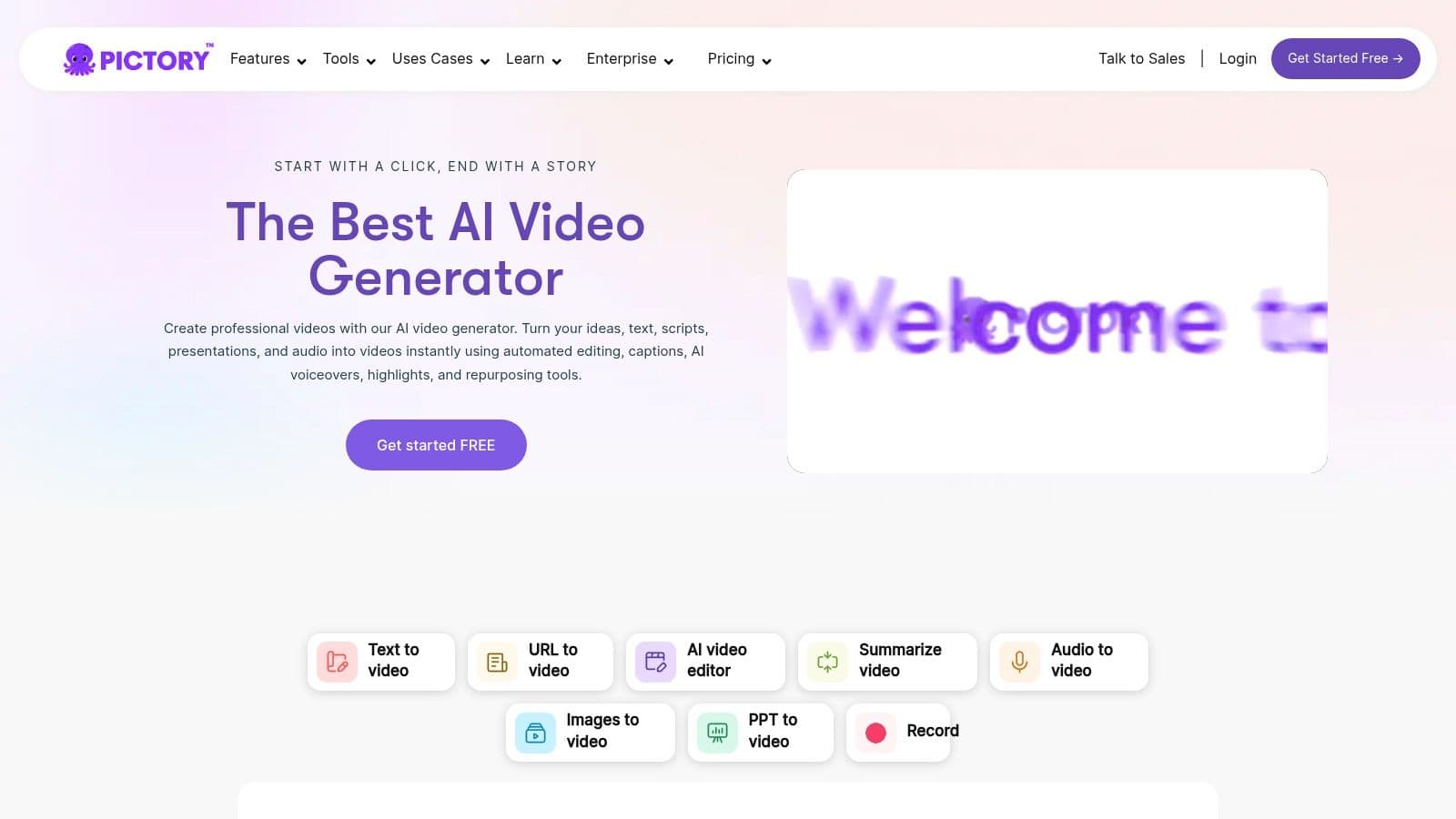
Its core strength lies in its comprehensive suite of tools that go beyond just summarization. After generating highlights, the platform can automatically add captions, find relevant stock media from extensive libraries, and resize the final video for different social media aspect ratios. For those interested in how this type of tool can turn long videos into concise insights, you can learn more about this approach with AI-powered video summarization. This makes it an all-in-one solution for content teams needing to create multiple pieces of content from a single recording.
Unique Features & Use Cases
Pictory’s standout feature is its "Article to Video" function, which can create a video from a blog post or script, but its summarization tools are equally powerful. The platform’s integration with stock media libraries like Getty Images and Storyblocks (on higher tiers) streamlines the B-roll and visual enhancement process. It’s built for users who need to produce professional-looking videos quickly without deep video editing expertise.
- Best For: Corporate trainers, educators, content marketers, and businesses repurposing webinars.
- Pricing: Offers several tiered plans starting at $23/month. Plans vary based on the number of video minutes per month and access to premium features and stock media libraries.
- Website //pictory.ai/
| Pros | Cons |
|---|---|
| All-in-one platform for summarizing and creating videos | Advanced features are gated behind higher-priced plans |
| Robust stock media libraries enhance video quality | The user interface can feel less modern than competitors |
| Clear, tiered pricing with generous monthly minutes | AI highlight selection may require manual refinement |
4. Descript
Descript offers a unique approach by integrating its video summarizer AI directly into a powerful, text-based video and audio editor. It's designed for users who need more than just a summary; they need a full suite of tools to edit, refine, and repurpose content. The platform transcribes your media, allowing you to edit the video or audio by simply editing the text, much like a word document.

Its core strength is the seamless workflow from transcription to summarization to editing. You can generate one-click AI summaries from any transcript, use custom prompts for tailored outputs, or have the AI find the best highlights automatically. This makes it incredibly efficient for creating show notes, blog post drafts, or social media clips directly from your recording. As one of the leading names in this space, you can learn more about Descript's AI transcription capabilities and how it compares to other tools for those who need a deeper dive into its core technology.
Unique Features & Use Cases
Descript excels as an all-in-one content production studio. Beyond summarization, it provides multitrack audio editing, screen recording, and AI-powered features like Studio Sound for enhancing audio quality and Overdub for creating text-to-speech voice clones. You can import existing files, record directly in the app, or pull in YouTube links. This versatility makes it ideal for anyone who regularly produces polished video or audio content and needs summarization as a key part of their workflow.
- Best For: Podcasters, video editors, course creators, and marketing teams.
- Pricing: Offers a free plan with limited transcription. Paid plans start at $15/user/month for more features and transcription hours. Some AI features use a separate credit system.
- Website //www.descript.com/
| Pros | Cons |
|---|---|
| Strong balance of summarization plus full editing | Some repurpose features draw from AI credits on current plans |
| Works with recordings, YouTube imports, and screen captures | Can have a steeper learning curve than simpler summarizers |
| Powerful text-based "doc-style" editing is very intuitive | More focused on production than just quick-turn summaries |
5. Kapwing
Kapwing is a comprehensive, browser-based video editor that integrates a suite of powerful AI tools, positioning itself as an all-in-one content creation hub. While not exclusively a summarizer, its AI features enable users to quickly condense long-form content. This video summarizer AI functionality shines through tools like auto-subtitling, AI-powered editing to remove silences, and features that automatically generate highlight reels from lengthy recordings, making it ideal for teams who need more than just summarization.

Its core advantage is combining a traditional video editing timeline with smart, automated features. Users can upload a video, use AI to generate a transcript, and then edit the video by simply deleting text from the transcript. This intuitive workflow is perfect for creating concise meeting summaries, training modules, or social media cutdowns without deep video editing expertise. The platform's collaborative workspaces also make it a strong choice for team-based projects.
Unique Features & Use Cases
Kapwing excels with its user-friendly interface and versatile toolset that goes beyond simple summarization. It offers AI-powered translation and dubbing, access to a vast library of stock assets, and collaborative real-time editing. The ability to export in 4K resolution on paid plans ensures high-quality output for professional use cases.
- Best For: Marketing teams, educators, and businesses needing a simple, collaborative online video editor with AI enhancements.
- Pricing: A free plan is available with watermarks and export limitations. Paid plans start at $24/month per user for more features, storage, and AI credits.
- Website //www.kapwing.com/
| Pros | Cons |
|---|---|
| Simple, intuitive browser-based workflow for teams | Some key AI summarization features rely on credits |
| Full-featured editor combined with smart AI tools | Heavy usage or larger teams can become costly |
| Scales well from individual creators to business teams | Not a dedicated "one-click" summarizer like others |
6. VEED.IO
VEED.IO is a comprehensive online video editor that incorporates a powerful video summarizer AI as part of its wider toolset. It stands out by integrating its summarization capabilities directly into a full-featured editing suite. Users can upload a video or provide a YouTube link, and the platform quickly generates a full transcript and a condensed text summary. This workflow is ideal for those who need not only a summary but also the tools to immediately create assets from it.
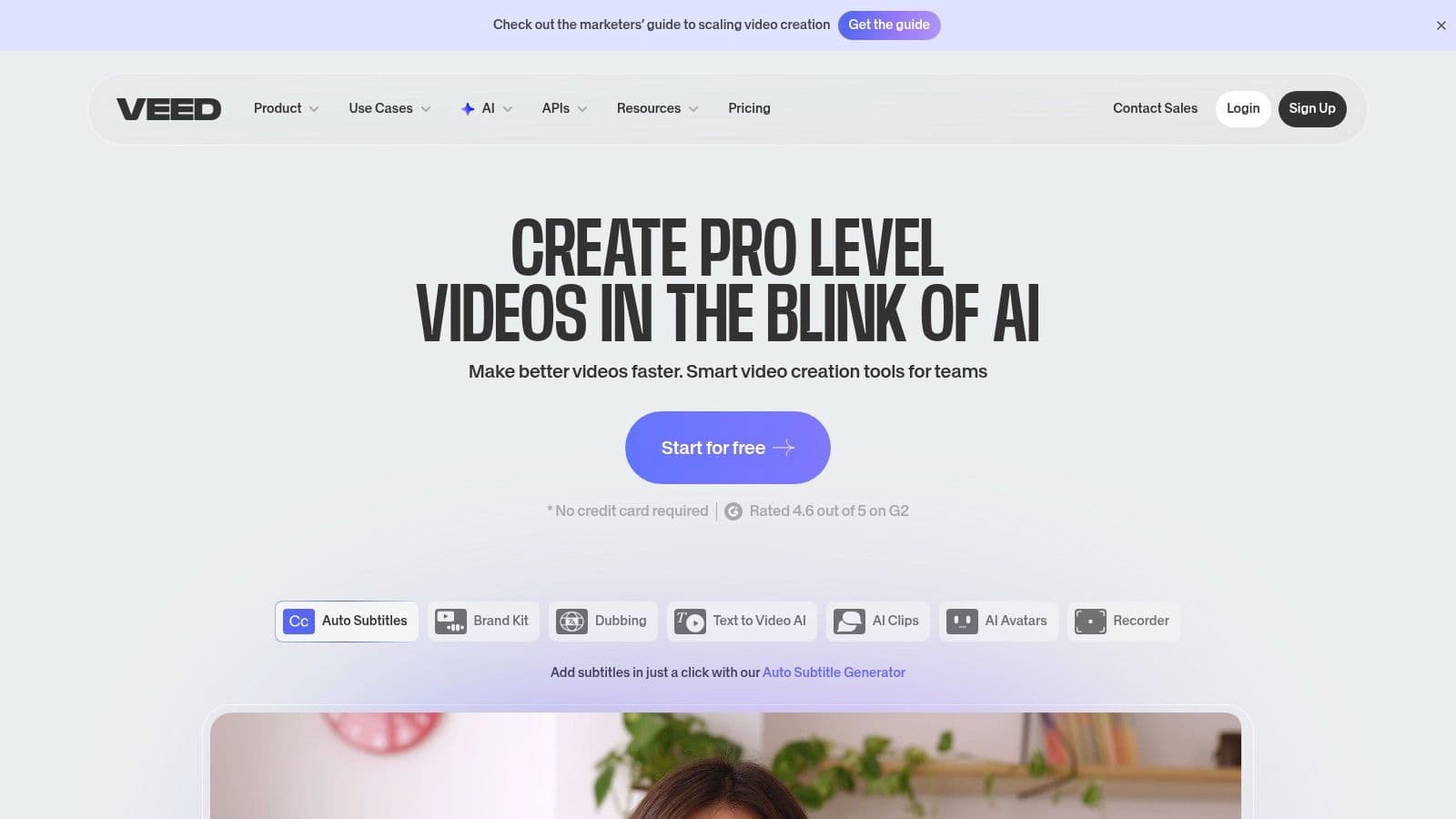
The platform's strength is its seamless transition from summary to production. Once you have the text summary, you can use the editor to cut the video down to the key moments, add AI-generated subtitles, apply branding, and export a polished summary clip. It also supports translation to over 100 languages, making it a valuable tool for creating accessible content for a global audience.
Unique Features & Use Cases
VEED.IO’s main advantage is its all-in-one nature. The "YouTube Video Summarizer" feature is not a standalone tool but a gateway into its editor. You can instantly generate and customize subtitles, remove filler words from the transcript (which also removes them from the video), and add visual elements without needing separate software. This makes it perfect for creating captioned summary clips for social media or internal communications.
- Best For: Content creators, marketers, and corporate trainers who need to create polished video assets from summaries.
- Pricing: A free plan exists with watermarks and limited features. Paid plans, which offer better access to AI tools, start at $25/month per user (billed annually).
- Website //www.veed.io/
| Pros | Cons |
|---|---|
| All-in-one platform for summarizing, editing, and subtitling | Core summary features require a paid subscription for best use |
| Quick and easy transcript-to-summary workflow | The full editor can have a slight learning curve for new users |
| Excellent for accessibility with extensive language support | Can be more expensive than dedicated, summary-only tools |
7. Eightify
Eightify brings the power of AI summarization directly into your browser and mobile device. This video summarizer AI operates primarily as a Chrome extension and iOS app, designed to generate instant, timestamped summaries of YouTube videos. It embeds its interface directly onto the YouTube page, allowing users to get the key insights of a video in seconds without leaving the site. This makes it an incredibly efficient tool for researchers, students, and professionals who need to quickly digest educational content, tutorials, or long talks.
The platform excels at distilling lengthy videos, even those up to 10 hours long, into a concise list of key moments with corresponding timestamps. Clicking on a timestamp takes you directly to that part of the video, which is ideal for pinpointing specific information. Its focus on the YouTube ecosystem makes it a specialized yet powerful tool for anyone who relies on the platform for learning and information gathering.
Unique Features & Use Cases
Eightify's primary advantage is its seamless integration and speed. Once the extension is installed, a summary box appears next to the YouTube video player, offering an immediate overview. Users can customize the summary's length and style, and it supports multiple languages, making it a versatile tool for a global audience. The iOS app extends this functionality, allowing for on-the-go learning and content consumption.
- Best For: Students, lifelong learners, researchers, and professionals who need to quickly extract key information from YouTube videos.
- Pricing: Offers a free plan with a limited number of summaries per week. The paid plan is 4.95/month (or 3.95/month annually) for unlimited summaries and more advanced features.
- Website //eightify.app/
| Pros | Cons |
|---|---|
| Extremely fast summaries embedded directly in YouTube | Limited to the YouTube platform only |
| Timestamped key insights make navigation easy | Not a video editor or a tool for general video files |
| Simple, intuitive interface via browser extension and iOS app | The free plan is quite restrictive in its usage limits |
8. Glasp
Glasp takes a different approach by integrating directly into your browser as a lightweight extension. This video summarizer AI is designed for users who want to quickly capture, summarize, and organize insights from YouTube videos without leaving the page. It functions as a "social web highlighter," allowing you to select and annotate text on any webpage or directly from a video's transcript, then generate an AI summary with a single click.
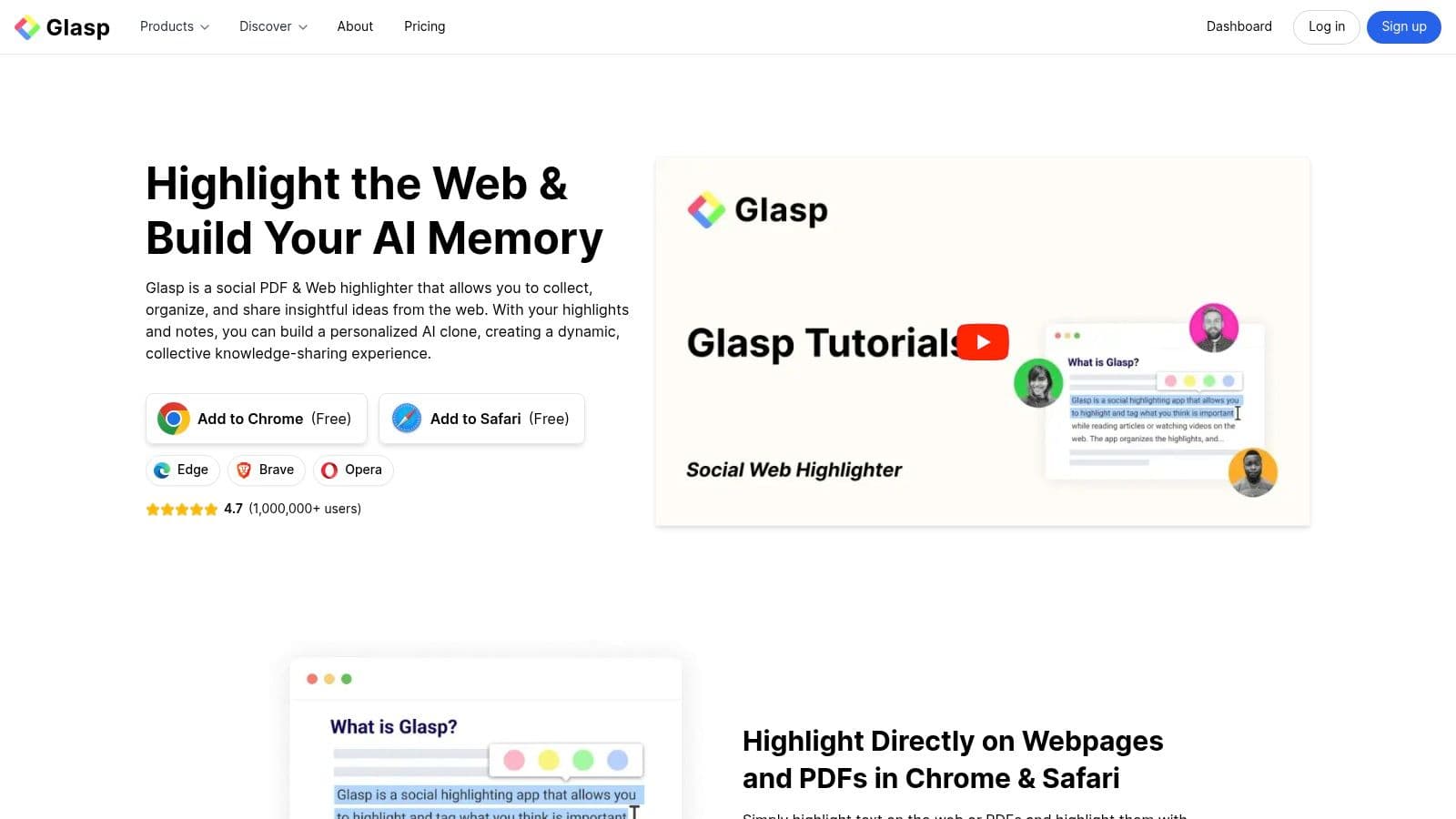
Its core strength is the flexibility it offers in choosing your preferred AI model. Glasp connects to various large language models (LLMs), including ChatGPT, Claude, Gemini, and Mistral, letting you tailor the summary output to your needs. This makes it an ideal tool for researchers, students, and lifelong learners who consume a lot of educational content on YouTube and want a frictionless way to consolidate key takeaways.
Unique Features & Use Cases
Glasp excels as a productivity tool that bridges video consumption and knowledge management. It displays the full video transcript next to the YouTube player, and with one click, sends it to an AI model to generate a concise summary. Users can then organize their highlights and summaries, and even export them to knowledge-management apps like Notion, Obsidian, and Readwise.
- Best For: Students, researchers, and individuals focused on personal knowledge management.
- Pricing: Glasp is free to use. It relies on your own API keys for certain LLMs, so you may incur costs from the AI provider (e.g., OpenAI).
- Website //glasp.co/
| Pros | Cons |
|---|---|
| Free to use and integrates seamlessly into the browser | Primarily focused on YouTube, not other video platforms |
| Flexible choice of different LLMs for summarization | Requires user's own API keys for some AI model integrations |
| Excellent integration with knowledge management tools | Lacks advanced video editing or clip-creation features |
9. Fireflies.ai
While primarily known as an AI meeting assistant, Fireflies.ai offers a powerful video summarizer AI feature by allowing users to upload existing video and audio files. It excels at processing recordings of meetings, webinars, and lectures to generate detailed transcripts, concise summaries, and structured insights. The platform is designed for teams that need to create a searchable, collaborative knowledge base from their spoken content.
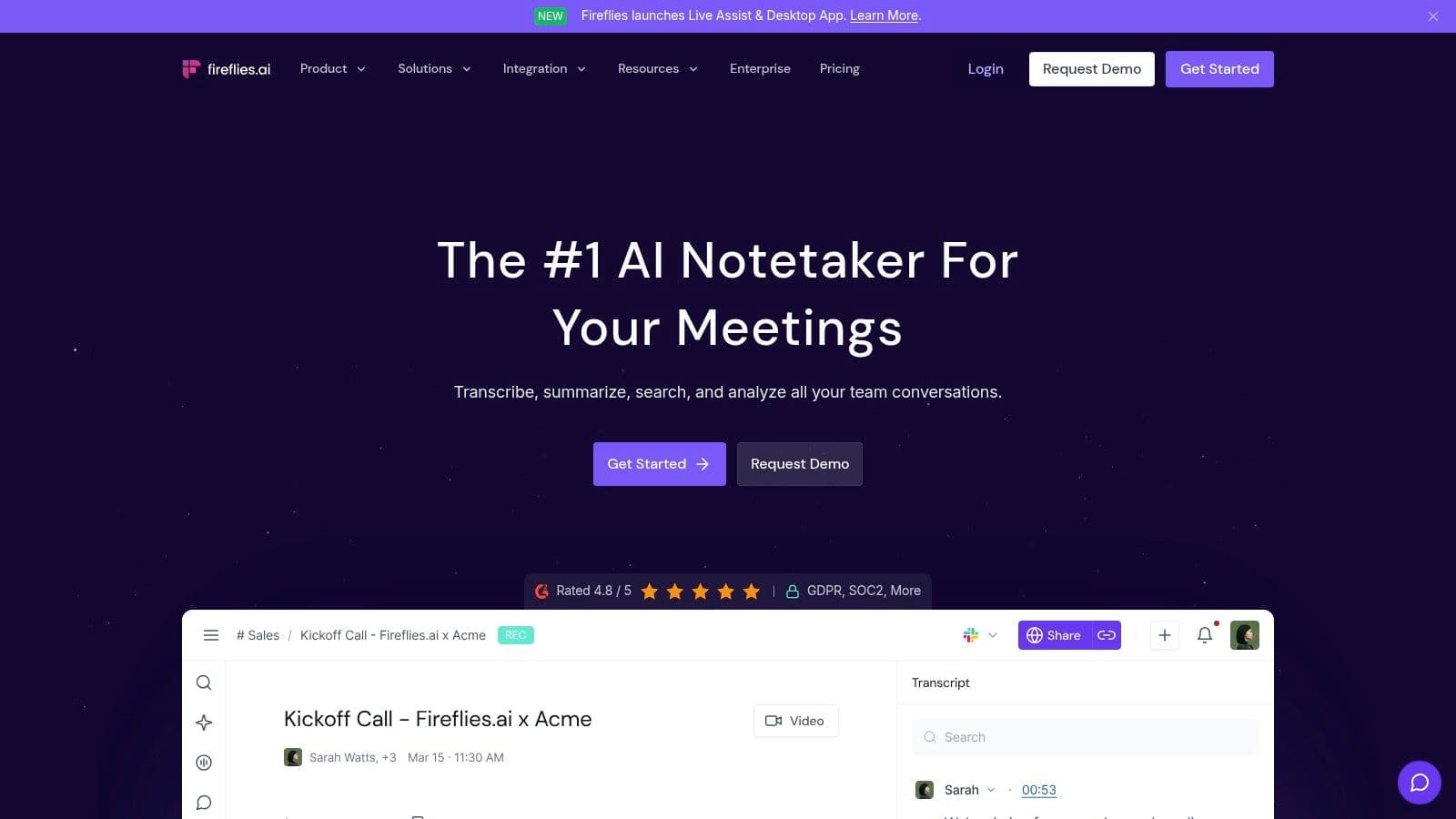
Its core strength lies in transforming unstructured video or audio conversations into organized, actionable data. The AI identifies action items, key topics, and other metrics, making it easy to review crucial takeaways without re-watching entire recordings. For those looking to master this skill, learning how to summarize a meeting like a pro can significantly enhance the value derived from tools like Fireflies. The platform supports MP4 and other common formats for uploads up to 150 minutes long.
Unique Features & Use Cases
Fireflies.ai stands out with its collaborative "Soundbites" and "Playlists" features, allowing teams to create and share highlight reels from various calls. Its central, searchable notebook ensures that insights from different video uploads are never lost. Higher-tier plans provide scalable storage and robust administrative controls for managing team-wide usage and integrations.
- Best For: Sales teams, project managers, HR, and consultants.
- Pricing: Offers a limited free tier. Paid plans start at $18/seat/month (billed annually) for unlimited transcription and increased storage.