The modern workday often feels like a constant battle against distractions. Between overflowing inboxes, back-to-back meetings, and a mountain of administrative tasks, finding time for focused, meaningful work is a real challenge. This is where artificial intelligence stops being a buzzword and becomes a practical, indispensable teammate. The right AI tools can automate repetitive chores, summarize complex information, and streamline your entire workflow, giving you back your most valuable asset: time.
This guide is designed to cut through the noise and help you find the best AI tools for productivity that fit your specific needs. We’re not just listing options; we are providing a detailed breakdown of each platform to help you make an informed decision. Whether you're a freelancer managing projects, a sales team looking to optimize outreach, or a large enterprise coordinating complex operations, the right solution is in here.
Inside, you will find a curated selection covering everything from AI-powered writing assistants and automated workflow builders to intelligent meeting summarizers and comprehensive software marketplaces. Each entry includes:
- Key features and real-world use cases.
- Simple pros and cons based on actual usage.
- Clear pricing information.
- Screenshots and direct links to get you started faster.
Our goal is to provide a clear, practical resource that moves beyond generic descriptions. We'll show you how these tools solve real problems, helping you reclaim focus and boost your output. While our focus is on business and team productivity, those navigating scholarly or research-intensive work might also find value in exploring resources like the 12 Best AI Tools for Academic Research for tools tailored to academic pursuits. Let's find the perfect AI tool for you.
1. OpenAI – ChatGPT
As the quintessential general-purpose AI assistant, OpenAI’s ChatGPT is a foundational tool for boosting personal and team productivity. It excels at a vast range of tasks, from drafting emails and creating marketing copy to summarizing complex documents and generating code snippets. Its intuitive, conversational interface makes it accessible to everyone, regardless of technical skill.
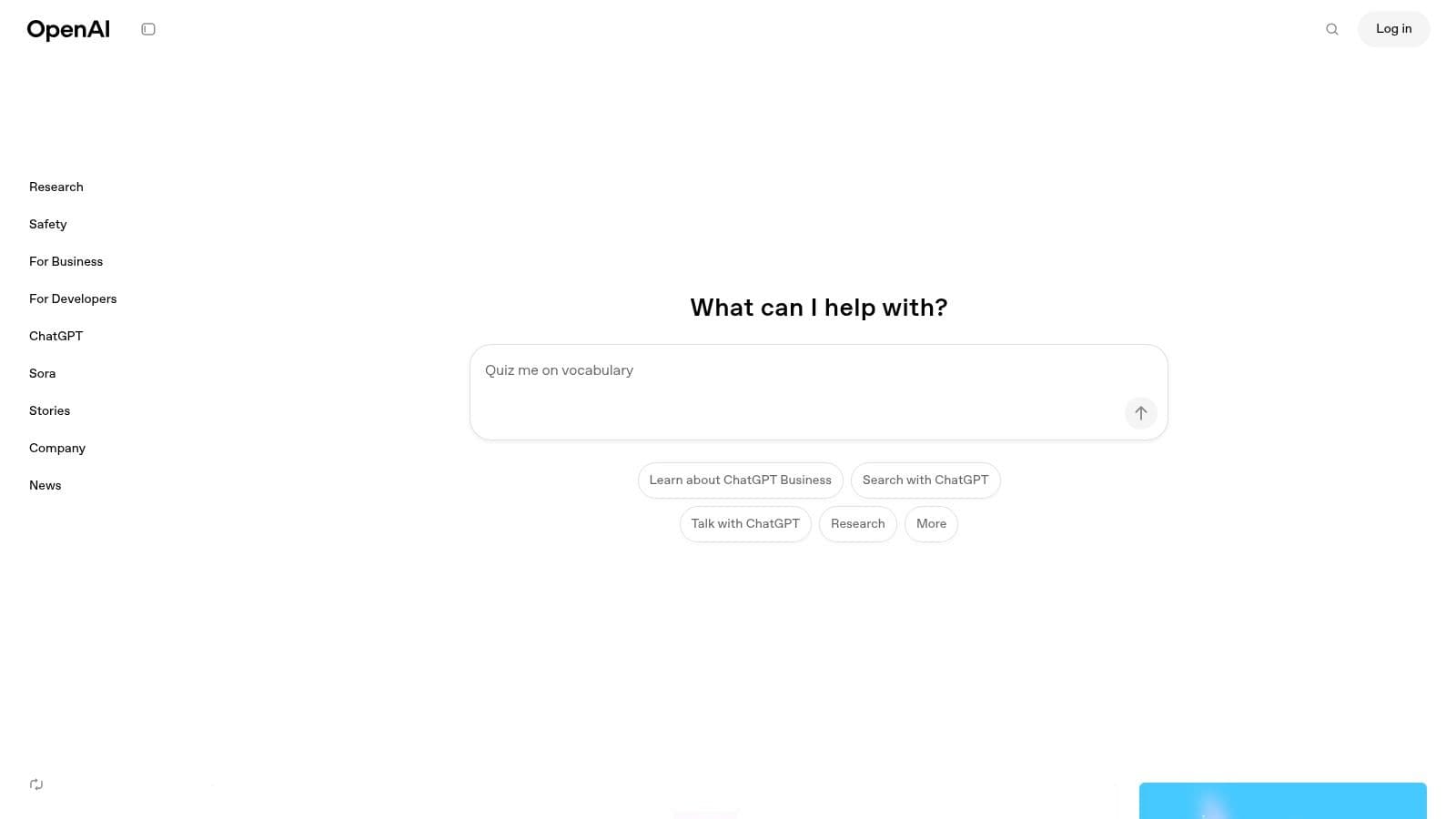
What sets ChatGPT apart is its versatility and powerful ecosystem. The platform evolves from a simple chat interface for solo users to a collaborative hub for entire organizations with its Team and Enterprise plans. These paid tiers add crucial features like shared workspaces, advanced data analysis capabilities, and administrative controls for managing users and data securely. For many, ChatGPT has become one of the best AI tools for productivity because it serves as a central point for creative brainstorming, problem-solving, and task automation.
Key Features & User Experience
ChatGPT's interface is clean and user-friendly, focusing on the core chat functionality. The platform supports a growing marketplace of GPTs, which are custom versions of ChatGPT tailored for specific tasks, allowing you to extend its capabilities without leaving the app.
- Best For: Individuals, teams, and enterprises needing a versatile AI assistant.
- Pros: Highly capable for a wide range of tasks, strong integration ecosystem, and a clear upgrade path.
- Cons: The free version can have limitations during high-demand periods, and collaboration requires a paid subscription.
Pricing & Access
Access starts with a powerful free tier, with paid plans like Plus and Team unlocking access to the most advanced models (like GPT-4o), higher usage limits, and collaborative features. You can explore how its pricing compares to other tools by checking out this breakdown of AI tool costs and free plans.
2. Microsoft 365 with Copilot
For organizations deeply integrated into the Microsoft ecosystem, Copilot for Microsoft 365 represents a monumental leap in productivity. It embeds powerful generative AI assistance directly within the familiar suite of Office apps, including Word, Excel, PowerPoint, and Outlook. This native integration allows users to draft documents, analyze data, create presentations, and manage emails with unprecedented speed and intelligence, all without switching contexts.
What truly distinguishes Copilot is its enterprise-grade foundation. Built with business needs in mind, it inherits Microsoft’s robust security, compliance, and privacy controls, making it a trusted choice for handling sensitive company data. Unlike standalone tools, Copilot leverages your organization's internal data, such as documents and calendars, to provide highly relevant and contextual assistance. This deep integration makes it one of the best AI tools for productivity for teams seeking to enhance their existing workflows securely.
Key Features & User Experience
Copilot appears as a seamless sidebar or inline suggestion within each Microsoft 365 app, making it incredibly intuitive for existing users. The experience is designed to augment, not replace, user tasks, providing suggestions and generating content that can be easily edited and refined.
- Best For: Businesses and enterprises heavily invested in the Microsoft 365 ecosystem.
- Pros: Deep, native integration with Office apps, enterprise-grade security and compliance, and leverages organizational data for context.
- Cons: Requires a Microsoft 365 subscription, and its full potential is only realized within the Microsoft environment.
Pricing & Access
Copilot for Microsoft 365 is available as a paid add-on for most Microsoft 365 Business and Enterprise plans. The pricing is per user, per month, positioning it as a premium tool for organizations committed to maximizing their productivity. For a deeper dive into how it stacks up against other specialized tools, see this comparison of top AI meeting assistants.
3. Google Workspace with Gemini
For teams already embedded in Google’s ecosystem, the integration of Gemini across Workspace apps is a game-changing productivity enhancement. Instead of switching between tools, AI assistance is available directly within Gmail, Docs, Sheets, and Meet. This allows users to draft emails, summarize long documents, generate formulas in spreadsheets, and create presentation outlines seamlessly, turning familiar applications into powerful AI-powered platforms.
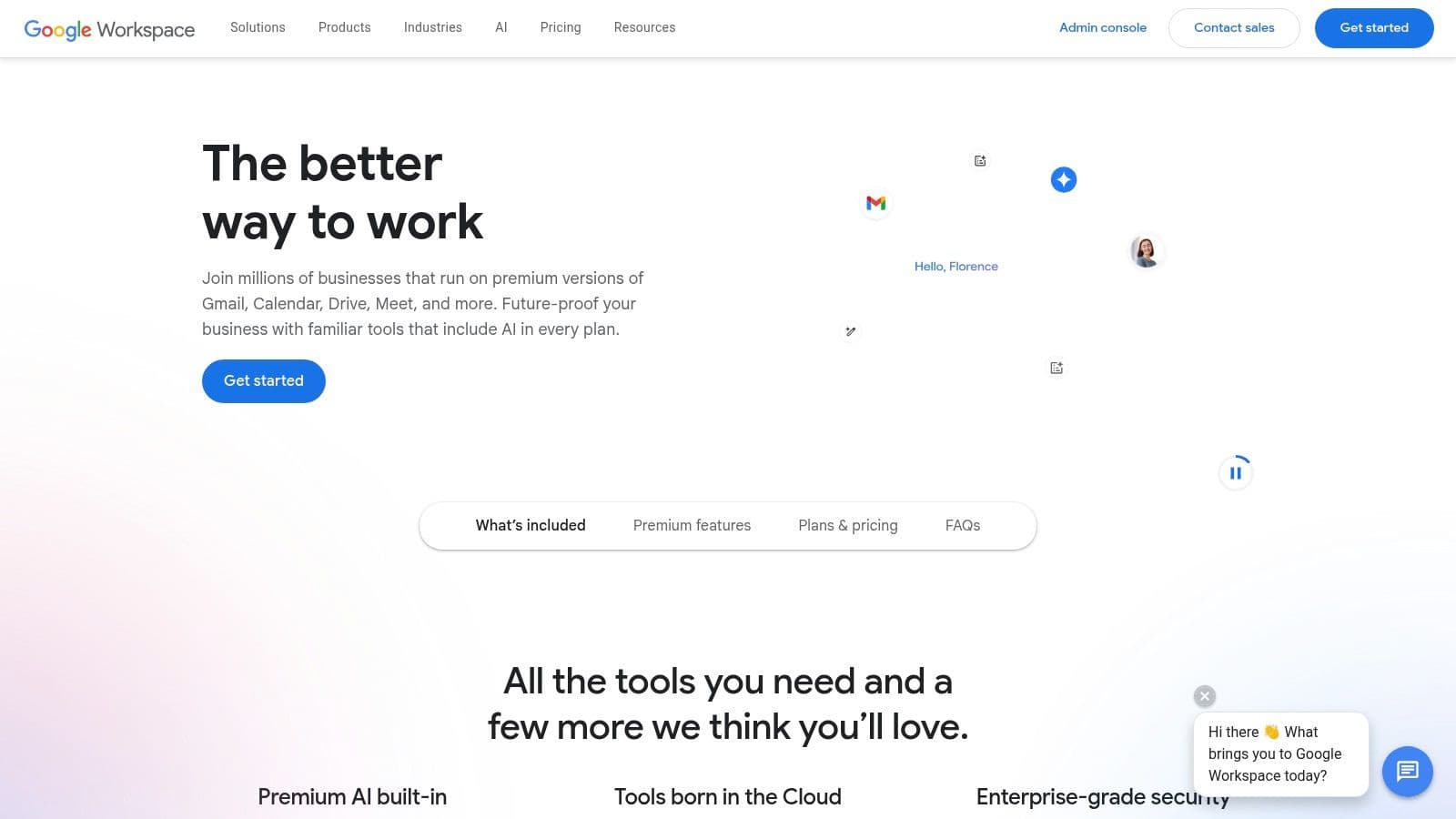
What makes Google’s offering one of the best AI tools for productivity for established organizations is its enterprise-grade foundation. Unlike standalone tools, Gemini for Workspace inherits Google's robust security, privacy certifications (like SOC/ISO), and administrative controls. This makes it a secure and scalable choice for businesses that need to manage data and user access responsibly. With dedicated tools like NotebookLM for research and drafting, the suite provides a comprehensive and secure environment for AI-assisted work.
Key Features & User Experience
Gemini’s features appear as a natural extension of the Google apps you already use, minimizing the learning curve. The AI assistance is contextual, offering relevant suggestions based on the content you are working on, from refining a paragraph in Docs to generating a reply in Gmail.
- Best For: Businesses and educational institutions heavily invested in the Google Workspace ecosystem.
- Pros: Smooth integration within Gmail and Docs, strong enterprise security posture, and education-specific add-ons.
- Cons: AI feature availability depends heavily on your specific Workspace edition and plan, and pricing can be complex.
Pricing & Access
Access to Gemini features requires a Google Workspace subscription, with AI capabilities available as an add-on or included in higher-tier plans. Pricing varies based on the plan and the level of AI functionality needed, catering to both small businesses and large enterprises.
4. Notion (Notion AI)
Notion elevates the concept of an all-in-one workspace by deeply integrating AI into its core fabric of notes, docs, and databases. Rather than a separate tool, Notion AI acts as a collaborative partner directly within your projects, helping you draft content, summarize meeting notes, autofill database properties, and even translate text on the fly. This integration minimizes context switching, keeping your workflow centered in one place.
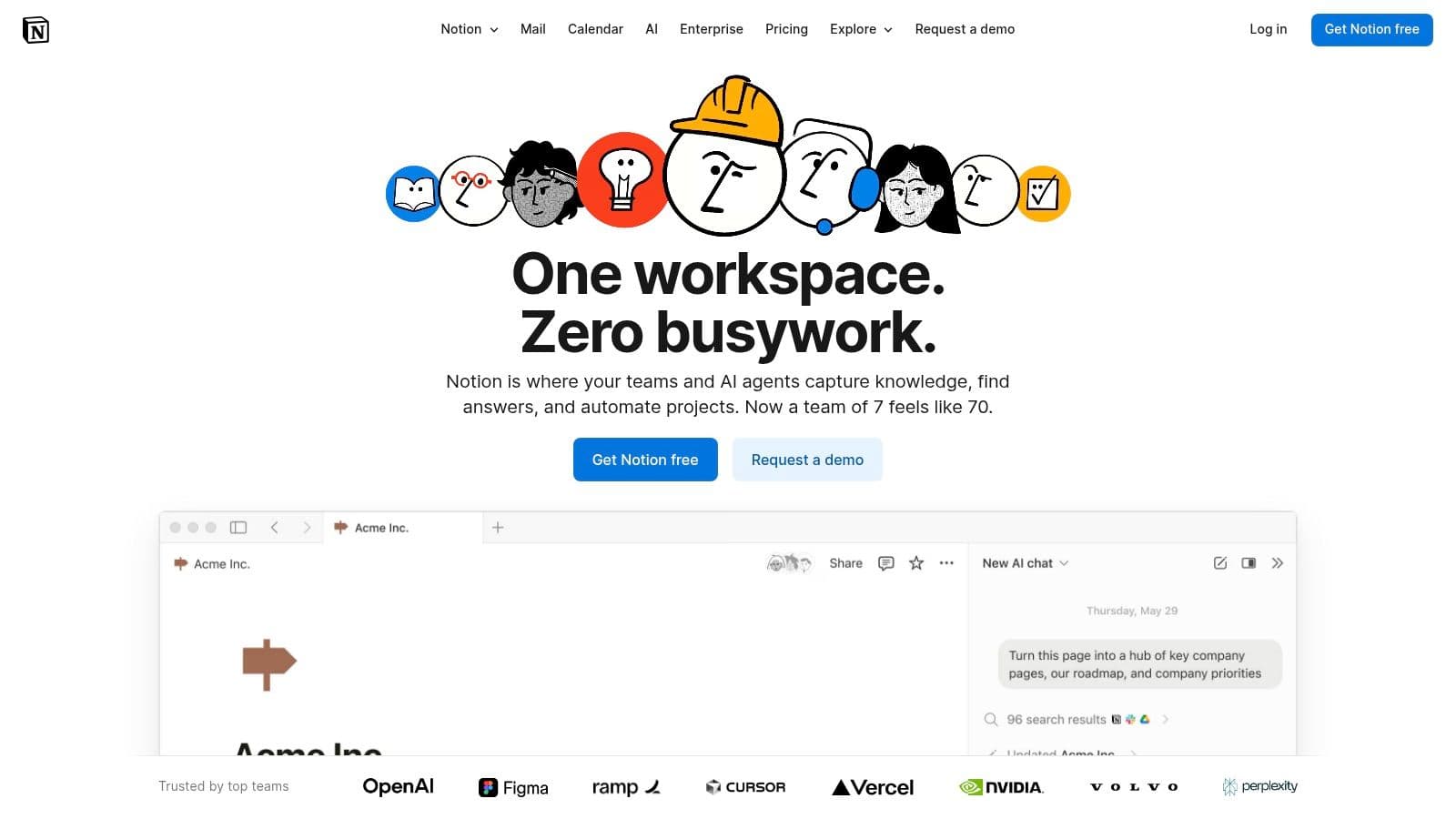
What makes Notion a standout among the best AI tools for productivity is its ability to use your own workspace as its knowledge base. The Q&A feature can instantly answer questions based on the information stored across your pages, making it an incredibly powerful enterprise search tool. This transforms your collection of documents and data into an intelligent, interactive resource, providing immediate, context-aware answers without you ever having to leave your workflow.
Key Features & User Experience
Notion’s interface is famously flexible and block-based, allowing users to build everything from a simple to-do list to a complex project management system. Notion AI is seamlessly woven into this experience, accessible via a simple command or button click within any page or database.
- Best For: Individuals and teams looking for a unified workspace where content creation and AI assistance are combined.
- Pros: Excellent for reducing app switching, AI features are contextually aware of your workspace content, and it scales well from solo use to large enterprises.
- Cons: The full suite of AI features requires a paid plan, and the platform can have a steep learning curve for advanced database setups.
Pricing & Access
Notion offers a free plan for individuals, with paid tiers (Plus, Business, Enterprise) that unlock advanced collaboration features and expanded AI capabilities. The Notion AI add-on is available for a monthly fee per user across all plans, providing unlimited AI access.
5. Grammarly
Grammarly is an essential AI-powered writing assistant that elevates communication quality and consistency for individuals and teams. It goes beyond basic spell-checking to offer sophisticated suggestions for clarity, tone, and style, ensuring every email, document, or message is professional and effective. Its real-time feedback helps users learn and improve their writing skills over time, making it one of the best AI tools for productivity in any role that requires clear communication.

What sets Grammarly apart for teams is its ability to enforce a consistent brand voice. With features like custom style guides, brand tones, and analytics, organizations can ensure all outbound communications align with company standards. This transforms it from a personal proofreader into a strategic asset for maintaining brand identity and streamlining the editing process, saving countless hours on revisions and ensuring a polished, unified voice across all platforms.
Key Features & User Experience
Grammarly’s user experience is seamless, integrating directly into the tools you already use, including browsers, email clients, and document editors. The interface provides non-intrusive, real-time suggestions that are easy to accept or dismiss. Its generative AI capabilities allow users to quickly rephrase sentences, adjust tone, or generate text from prompts.
- Best For: Individuals, marketing teams, and organizations focused on consistent brand communication.
- Pros: Dramatically improves writing clarity and professionalism, easy for teams to adopt for consistent messaging, and offers generous prompt allowances on paid plans.
- Cons: Advanced team features like style guides require a paid subscription, and some users have reported friction with billing or trial cancellations.
Pricing & Access
Grammarly offers a robust free version for individual grammar and spelling checks. Paid plans like Premium and Business unlock advanced features, including full-sentence rewrites, tone suggestions, plagiarism detection, and team-specific controls.
6. Zapier
Zapier is the central nervous system for business automation, using AI to connect over 6,000 apps and streamline workflows without any code. It excels at eliminating repetitive manual tasks by creating "Zaps" that trigger actions between different software. With its new AI features, users can now describe a desired automation in plain English, and Zapier will intelligently build the corresponding workflow, making it more accessible than ever.
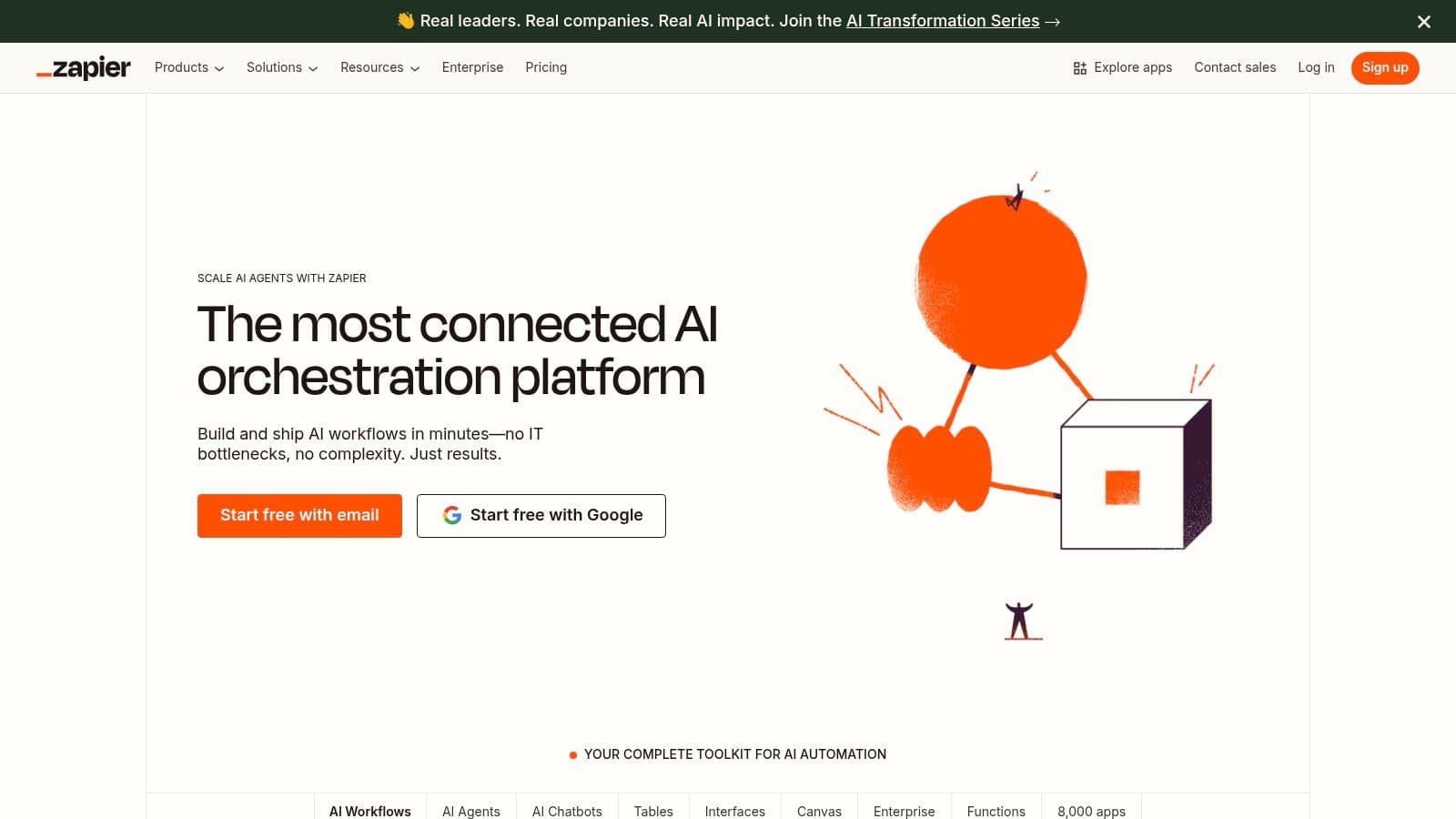
What makes Zapier one of the best AI tools for productivity is its sheer integration power combined with AI-driven simplicity. Instead of just being an AI tool, it acts as the glue that connects your entire tech stack, from your CRM to your project management software. This allows teams to create sophisticated, multi-step automations that save countless hours. For businesses looking to maximize efficiency across their existing tools, Zapier provides a reliable and scalable solution.
Key Features & User Experience
Zapier’s interface is built around a visual, step-by-step workflow builder, now enhanced with AI assistance. The platform offers thousands of pre-built templates to get users started quickly, alongside robust controls for teams and enterprises that need security features like SSO.
- Best For: Individuals, teams, and enterprises seeking to automate processes between various applications.
- Pros: Massive app ecosystem, reliable performance, and AI-assisted workflow creation lowers the barrier to entry.
- Cons: Costs are based on task volume and can increase significantly with usage, and complex workflows may require monitoring.
Pricing & Access
Zapier offers a free tier with limited Zaps and tasks, perfect for basic personal automation. Paid plans for Teams and Companies unlock multi-step Zaps, higher task limits, and advanced features for collaborative and enterprise-level use.
7. Slack (Slack AI)
Slack has evolved from a team messaging app into a comprehensive productivity hub by embedding powerful AI features directly into the flow of daily communication. Its AI capabilities, known as Slack AI, are designed to save time and surface key information from your conversations. The AI can generate instant summaries of long channels or threads, recap meetings you missed, and provide intelligent search answers, making it one of the best AI tools for productivity for teams already relying on the platform.
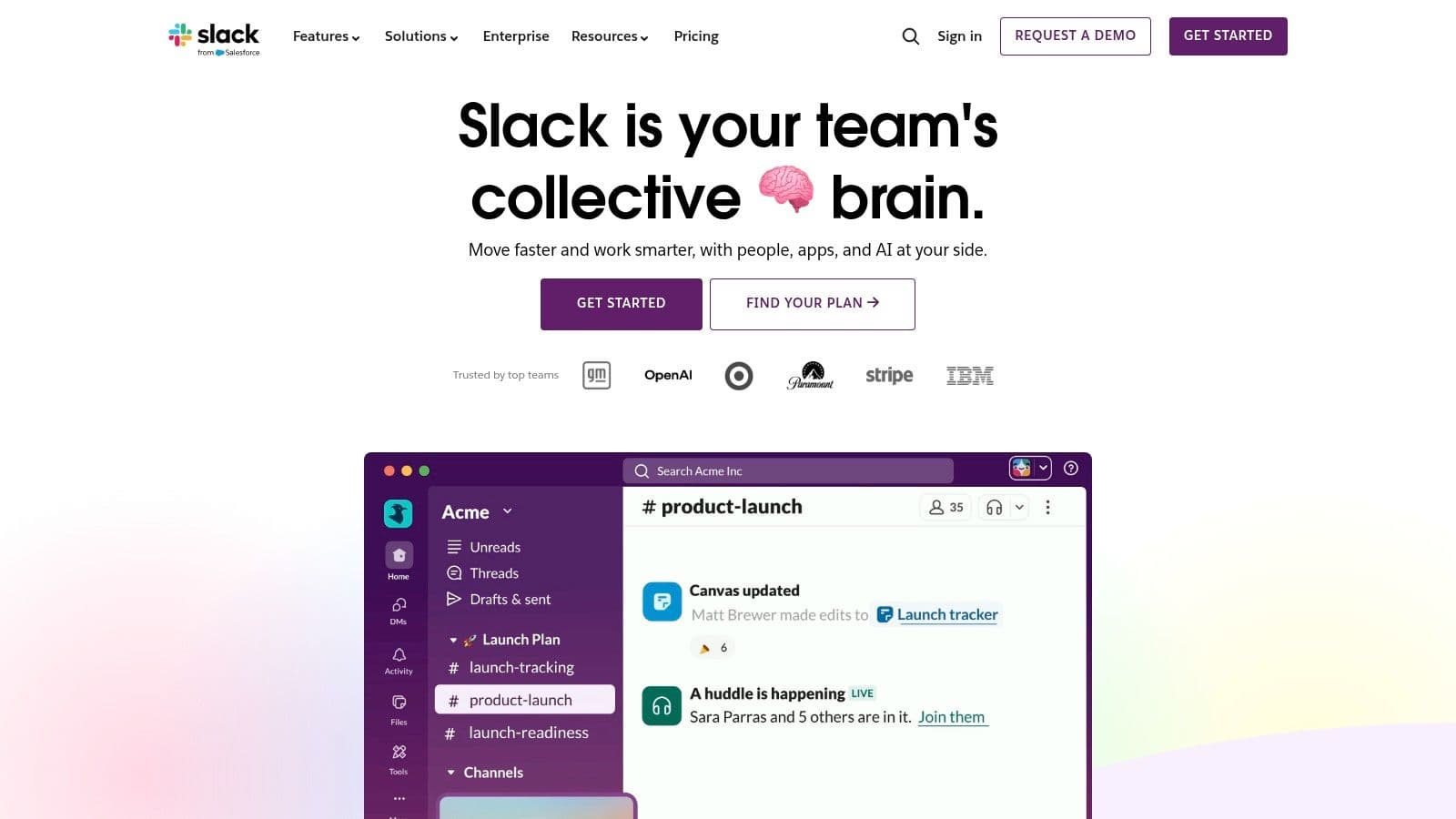
What makes Slack AI so effective is its seamless integration. Instead of switching to a separate app, users can leverage AI within their existing conversations and workflows. The AI-assisted Workflow Builder helps automate routine tasks without needing to write code, while its powerful search understands natural language queries to find relevant messages, files, and channels instantly. For organizations using Salesforce, the deep integration allows sales and service teams to bring crucial CRM data and insights directly into their Slack collaboration space, streamlining customer-focused work.
Key Features & User Experience
Slack AI is built into the familiar Slack interface, making it intuitive to use. Features like one-click summaries and AI-powered search feel like natural extensions of the platform, requiring minimal training for teams to adopt and benefit from them.
- Best For: Teams and organizations that use Slack as their primary communication tool, especially those in the Salesforce ecosystem.
- Pros: AI is natively integrated into team conversations, strong Salesforce integration for business workflows, and straightforward per-user pricing.
- Cons: Most valuable AI features are limited to higher-tier paid plans (Business+ and Enterprise+), and upcoming price changes may affect budgeting.
Pricing & Access
Slack offers a free tier for small teams, but Slack AI features are available as an add-on to its paid Pro, Business+, and Enterprise Grid plans. The core AI capabilities like summaries and search are included with the add-on, with more advanced features reserved for the top tiers.
8. Otter.ai
Otter.ai transforms meetings by providing real-time transcription and automated summaries, making it one of the best AI tools for productivity for anyone who spends their day in calls. Its AI Meeting Assistant can automatically join, record, and transcribe meetings from Zoom, Google Meet, and Microsoft Teams. This frees up attendees to focus on the conversation rather than on taking notes, ensuring no critical detail is missed.
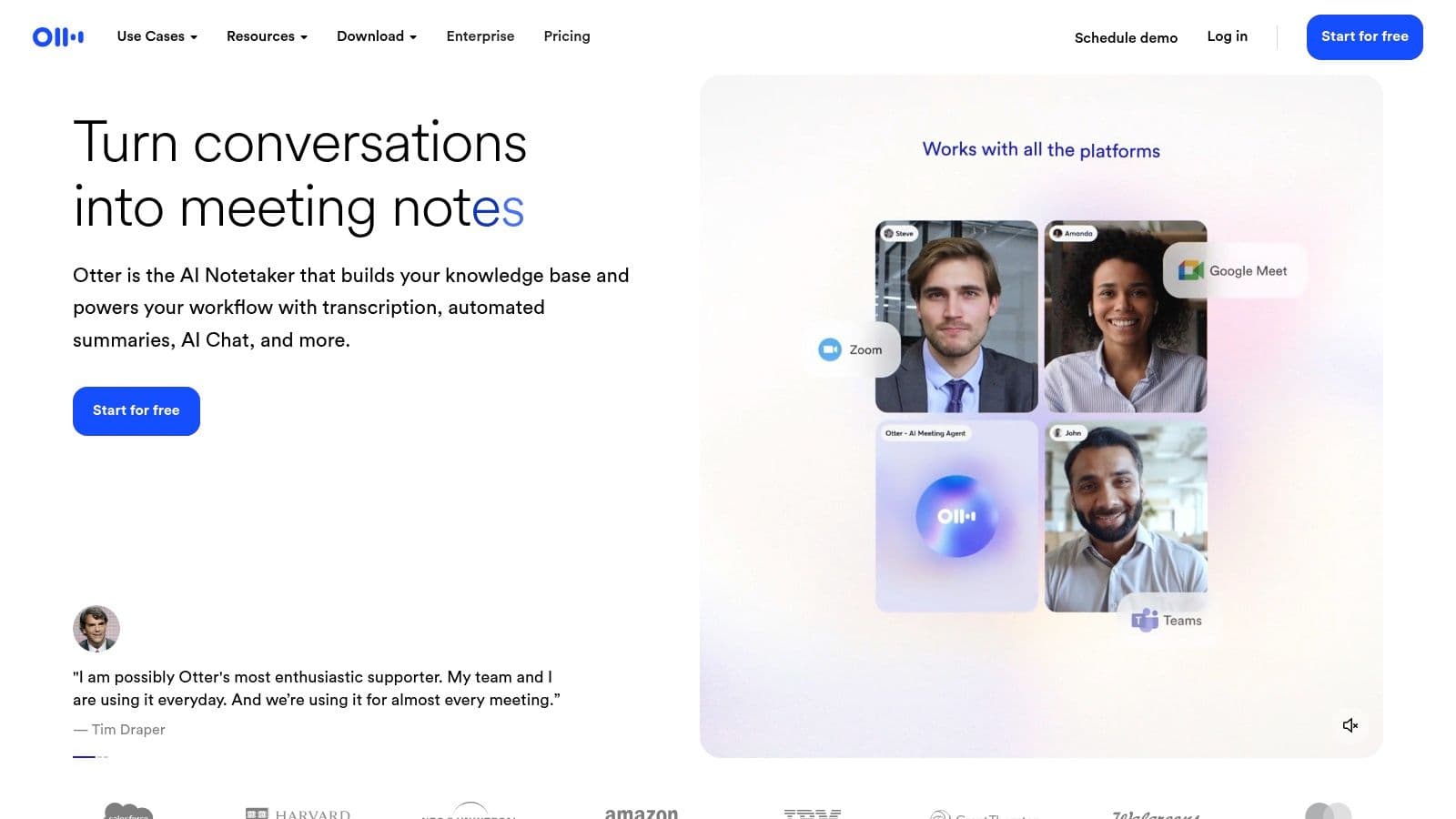
What makes Otter.ai so effective is its ability to create a searchable, collaborative archive of all your conversations. After a meeting, it generates a concise summary, outlines key topics, and extracts action items, which can be shared instantly with the team. This significantly reduces post-meeting administrative work and keeps everyone aligned. While Otter.ai excels at live meeting transcriptions, exploring a wider range of the best transcription tools can further optimize your workflow for various audio formats.
Key Features & User Experience
The platform is designed for simplicity, integrating smoothly with your calendar to manage upcoming recordings. Transcripts are interactive, allowing you to click on words to hear the audio, add comments, and highlight key points for your team.
- Best For: Teams, sales professionals, students, and anyone looking to automate meeting documentation.
- Pros: Significant time savings on note-taking, creates easily shareable meeting records, and offers educational discounts.
- Cons: Transcription accuracy can be affected by poor audio quality or strong accents, and advanced team features require a paid plan.