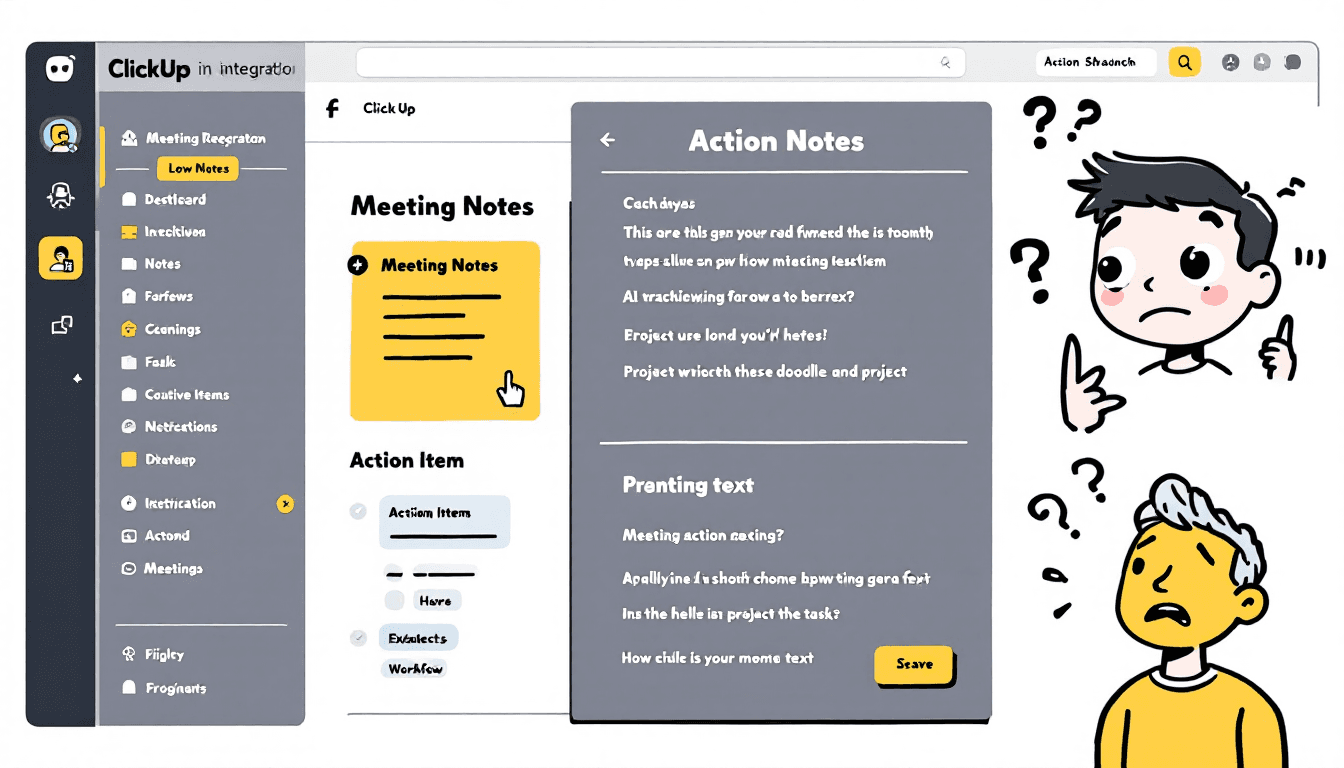
🔗 インテグレーション概要
ClickUp's meeting tool integrations transform your post-meeting workflow by automatically creating tasks, extracting action items, and organizing project updates. Here's what you can achieve:
- 自動タスク作成:アクションアイテムを、担当者と期日付きのClickUpタスクに変換する
- スマートなプロジェクトの整理会議の成果を適切なプロジェクトやスペースに振り分ける
- アクションアイテム抽出AIは、書き起こしから実行可能な項目を特定し、分類します
- 進捗状況の追跡会議での決定事項をプロジェクトのマイルストーンや目標に紐づける
- チームの同期すべてのステークホルダーが、自分のワークスペースで関連する更新情報を確認できるようにする
🛠️ 対応しているミーティングツール
🔥 Fireflies.ai
統合タイプネイティブなClickUp連携
- アクションアイテムからの自動タスク作成
- 会議要約の添付ファイル
- カスタムフィールドマッピング
- リアルタイム同期
📋 ステップバイステップ設定ガイド
🔥 Fireflies の設定 → ClickUp
ステップ 1: Fireflies で ClickUp 連携を有効にする
- Firefliesダッシュボードにログインする
- 移動先設定 → 連携
- 見つけるClickUpそしてクリック接続
- FirefliesにあなたのClickUpワークスペースへのアクセスを許可する
ステップ 2: 自動化ルールを設定する
- セットアップアクションアイテム検出パラメータ
- ターゲットとして ClickUp を選択スペースとプロジェクト
- 会議参加者をClickUpチームメンバーにマッピングする
- タスクテンプレートとカスタムフィールドを設定する
ステップ 3: 連携をテストする
- アクションアイテム付きのテストミーティングを録画する
- 5~10分以内にClickUpにタスクが表示されることを確認する
- 担当者と期日が正しく設定されているか確認する
- 必要に応じて自動化ルールを調整する
⚡ Zapier自動化の設定
ステップ1:Zapierアカウントを作成してアプリを接続する
- 登録するZapier(無料プランあり)
- あなたのミーティングツール(Otter、Notta など)を連携する
- ClickUp ワークスペースを接続する
- 認証のために両方の接続をテストする
ステップ 2: 自動化ワークフローを構築する
ワークフロー例: Otter → ClickUp
- Otterでの新しいミーティング文字起こし
- アクションアイテムがある会議のみ
- アクション 1:AI を使ってアクションアイテムを抽出する
- アクション 2:各項目ごとに ClickUp タスクを作成する
- アクション3:トランスクリプト内の @メンションに基づいて割り当てる
ステップ 3: 高度な自動化機能
- マルチステップZap文字起こしを解析 → 項目を抽出 → タスクを作成 → 通知を送信
- 条件付きロジック異なる会議タイプを別々のプロジェクトに振り分ける
- データのフォーマット:文字起こしテキストを整理し、タスク記述を構造化する
- エラー処理:失敗した連携用のバックアップアクションを設定する
🎯 アクションアイテムの抽出と処理
AI搭載のアクションアイテム検出
Modern meeting tools use AI to automatically identify actionable items from meeting transcripts. Here's how different tools handle this crucial feature:
🤖 AIが注目していること:
- アクション動詞: "will", "should", "need to", "must"
- @Johnが対応します、Sarahがレビューします
- 締切の言及: "金曜日まで", "来週", "月末まで"
- タスクインジケーター: "TODO", "アクションアイテム", "フォローアップ"
- 決定の結果: "私たちは決定した", "合意した", "承認した"
📝 ClickUpタスク構成:
- タスクタイトル:抽出されたアクションの説明
- 会議からの関連コンテキスト
- トランスクリプトの言及から検出
- 締切日締め切りの参照から解析
- 緊急度の指標に基づいて
- 会議タイプ、プロジェクト、参加者
⚙️ ワークフロー最適化のコツ
👥 チーム共同作業の設定
- @メンションを標準化 Train team to use consistent @mention format ("@john.smith" instead of "John" or "JS")
- 会議テンプレート: Create ClickUp task templates for different meeting types (standup, planning, review)
- Set up rules to automatically assign tasks based on department or role keywords
- 進捗状況の追跡 Link action items to larger projects and milestones for better visibility
📁 スマートプロジェクトの整理
会議タイプ別:
- デイリースタンドアップ → "デイリータスク"リスト
- スプリント計画 → "スプリントバックログ"
- クライアントコール → "クライアントプロジェクト"
- 戦略会議 → "戦略的イニシアチブ"
優先度別:
- 緊急 → 高優先度、本日締切
- 重要 → 中程度の優先順位、今週
- 計画 → 低優先度、将来のスプリント
- フォローアップ → レビューとディスカッション
🎛️ ミーティングタスクのカスタムフィールド
会議情報:
- 会議のタイトル
- 会議日程
- 会議の種類
- 録音リンク
タスクの詳細:
- オリジナル引用
- コンテキストノート
- 依存関係
- 必要なリソース
- レビュー日
- ステータスチェック
- 利害関係者
- 成功指標
🔧 一般的な問題のトラブルシューティング
❌ よくある問題と解決策
タスクが作成されていません
- 両方のツールでAPI接続ステータスを確認してください。
- ClickUpの権限がタスクの作成を含むことを確認してください。
- 会議ツールにアクションアイテム検出が有効になっていることを確認してください。
- レビュー自動化フィルターとトリガー
誤ったプロジェクトの割り当て
- 統合設定でプロジェクトマッピングルールを更新する
- 会議のタイトルキーワードを使用してタスクを正しくルーティングする
- カレンダーの統合を設定してプロジェクトの文脈を検出します。
- エッジケースのための手動オーバーライドオプションを作成する
割り当てられた担当者が不足しています
- ツール間でチームメンバーの名前が一致していることを確認してください。
- ユーザー識別のためのメールベースのマッチングを設定する
- @メンショントレーニングを使用してAI検出を改善します
- 不一致アイテムのフォールバック担当者を設定する
💡 パフォーマンス最適化
- バッチ処理: Group multiple action items from same meeting into single task creation request
- レート制限: Add delays between API calls to avoid hitting limits (especially important for high-volume teams)
- 重複防止: Set up duplicate detection based on meeting ID and timestamp to avoid multiple task creation
- エラーロギング: Enable detailed logging to identify and fix integration issues quickly
🚀 Funciones Avanzadas de Integración
🧠 AI強化ワークフロー
スマートプライオリティゼーション
Use AI to analyze meeting tone, urgency indicators, and stakeholder involvement to automatically set task priorities.
- 緊急性のキーワードを検出する ("ASAP", "クリティカル", "ブロッカー")
- 話者の強調とトーンを分析する
- 参加者のシニアリティを考慮する
コンテキストの強化
Automatically add relevant context, links, and background information to each created task.
- 関連する文書へのリンク
- 全体の文脈を持つトランスクリプトのスニペットを追加してください
- 関連する既存のタスク/プロジェクトに接続する
🔄 マルチツール統合戦略
For teams using multiple meeting tools, create a unified ClickUp workflow that handles different input sources consistently.
統一されたワークフローの例:
外部会議:Fireflies → ClickUp(直接統合)
内部スタンドアップ:Otter → Zapier → ClickUp (軽量な自動化)
国際通話:Notta → Webhook → ClickUp (多言語サポート)
営業電話:Gong → API → ClickUp(CRM統合)