A solid meeting action items template is what turns a good conversation into actual work. It’s the simple, powerful tool that bridges the gap between talking about something and getting it done. Think of it as a clear map that shows what needs to be done, who's doing it, and when it’s due.
Why Most Meetings Fail to Drive Action
We've all walked out of a meeting buzzing with great ideas, only for that energy to completely fizzle out by the next day. A week goes by, and you hear the dreaded question: "So... what ever happened with that thing we talked about?" This isn’t a rare occurrence; it's a fundamental breakdown that turns promising discussions into dead ends.
The problem isn't a shortage of good ideas. It's a lack of a clear, simple system to capture and assign what comes next. Without that structure, accountability evaporates and progress stalls.
The Real Cost of Inaction
When a meeting wraps up with vague takeaways, the damage spreads quickly. Projects grind to a halt because nobody is quite sure who owns the next step. Sometimes, two people end up doing the same task without realizing it. It’s more than just frustrating—it’s a massive waste of time, money, and morale.
The good news? This is a fixable problem. You don't need longer meetings or more debates. You just need clarity. A structured system for follow-up builds a culture of accountability where every conversation has a clear purpose and a tangible outcome.
Turning Conversation into Commitment
A reliable action items template is basically your team's commitment contract. It takes those fuzzy "we should look into that" ideas and turns them into concrete tasks with names and deadlines attached.
This simple document is your first step toward building a better meeting culture. For more on this, check out our guide on how to run effective team meetings that drive results. By writing these details down, you kill confusion and create a clear path forward, making sure the time you spend talking actually leads to progress.
Crafting Your Own Action Items Template
A solid action items template is way more than just a to-do list—it's your team's roadmap for getting things done. When you build one from scratch, you need to think about the essential pieces that turn a vague chat into a concrete task. Let's get past just listing columns and dig into why each part is so important.
The whole point is to kill ambiguity. Anyone should be able to look at an action item and know exactly what needs to happen, who's responsible, and when it's due. That clarity is what turns a simple document into a real productivity tool.
The Anatomy of an Effective Action Item
To make your template work, you need a few core fields. Each one has a specific job in making sure everyone is on the same page and that tasks actually move forward after the meeting wraps up.
A great action item template has a few key ingredients. Think of these as the non-negotiables that make the whole system work.
| Template Field | Purpose | Example |
|---|---|---|
| Action Item/Task | The "what." This needs to be a specific, verb-driven command, not a fuzzy idea. | Draft the initial Q3 marketing budget proposal. |
| Owner | The "who." Each task must have a single owner. Assigning it to a team just invites confusion. | Sarah Jenkins |
| Due Date | The "when." A hard deadline creates a clear timeline. Vague dates like "next week" don't cut it. | October 26th |
| Status | The quick-glance update. Simple labels like Not Started, In Progress, and Complete are all you need. | In Progress |
These basics form a powerful tool for accountability. Once you have these fields, you have a document that ensures nothing slips through the cracks.
Putting It All Together
Think of this template as a stripped-down version of your meeting minutes, laser-focused on what comes next. As you build it, keep in mind that this isn't just a document; it's a core part of how your team operates.
To see how this fits into the bigger picture of meeting documentation, check out this guide on creating a perfect meeting minutes format with a sample template. By creating a template that's simple and clear, you give your team the structure they need to follow through on every single decision.
Bringing Your Action Items Template to Life
A fantastic template is a great start, but it's the process you wrap around it that really matters. Just having the document won't magically turn conversations into results. You need to embed it into your team's natural workflow, making it a living tool for accountability, not just a dusty record of what was said.
This actually starts before everyone even joins the call. Take a look at the agenda and start populating your template with potential action items. For example, if you see an agenda topic like "Q3 Social Media Campaign Review," you can bet tasks will come up about fixing what isn't working or doubling down on what is. Getting a head start makes a huge difference.
How to Capture Action Items Without Killing the Vibe
During the meeting itself, the key is to record tasks without derailing the conversation. The easiest way I've found is to assign one person to be the official scribe for that session. This role can rotate, but having a single person responsible for it avoids the "I thought you were writing that down" problem.
As the team makes decisions, the scribe's job is to distill them into concrete tasks. A vague note like "Look into new CRM" is pretty useless. A truly effective action item is specific and clear: "David to research three alternative CRM platforms and share findings at next week's sync." There's zero ambiguity there.
This simple infographic breaks down the core components of a solid action item.
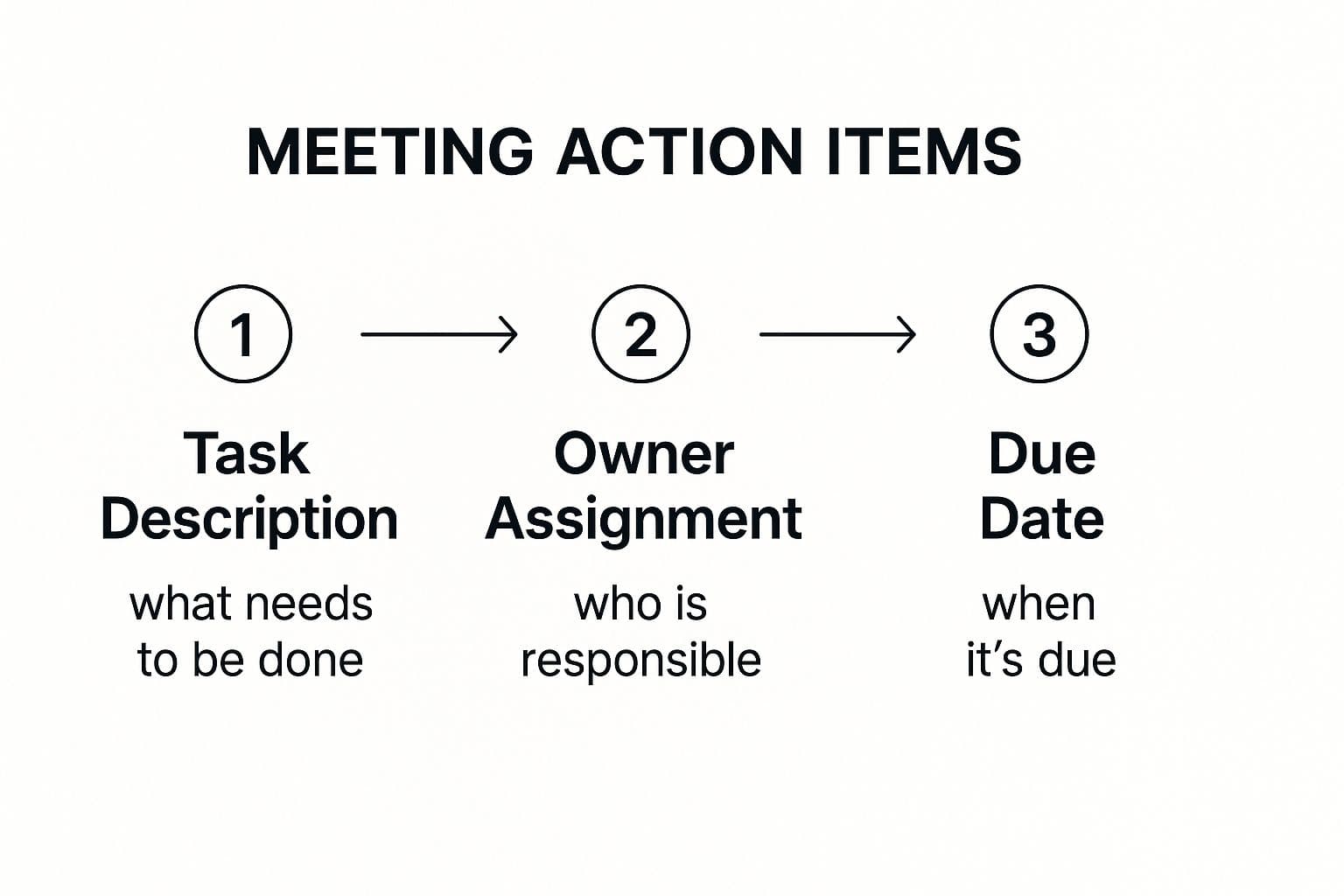
It’s a great reminder that every task needs a clear description, one owner, and a deadline. Without those three things, it's just an idea, not a plan.
The Follow-Up: Where Most Teams Drop the Ball
Honestly, what you do after the meeting is probably the most important step. All that energy and momentum from a good discussion can vanish into thin air if you don't follow up quickly.
Doing this keeps the tasks top-of-mind and confirms everyone is on the same page about what was decided. From there, don't just let the document sit in a folder. The real magic happens when you pull those tasks into the tools your team uses every day.
For example, you could:
- Copy the tasks directly into your project management software like Asana, Trello, or Jira.
- Set up reminders in Slack for approaching deadlines to keep everyone accountable.
- Start your next meeting with a quick review of the outstanding items from the last one.
This is how your template evolves from a simple document into the command center for your team's productivity. If you're looking to make this even smoother, tools that offer automatic action item extraction can be a huge time-saver. By building a simple system of preparing, capturing, and following up, you create a reliable engine that turns talk into action.
Grab Your Free Action Item Templates
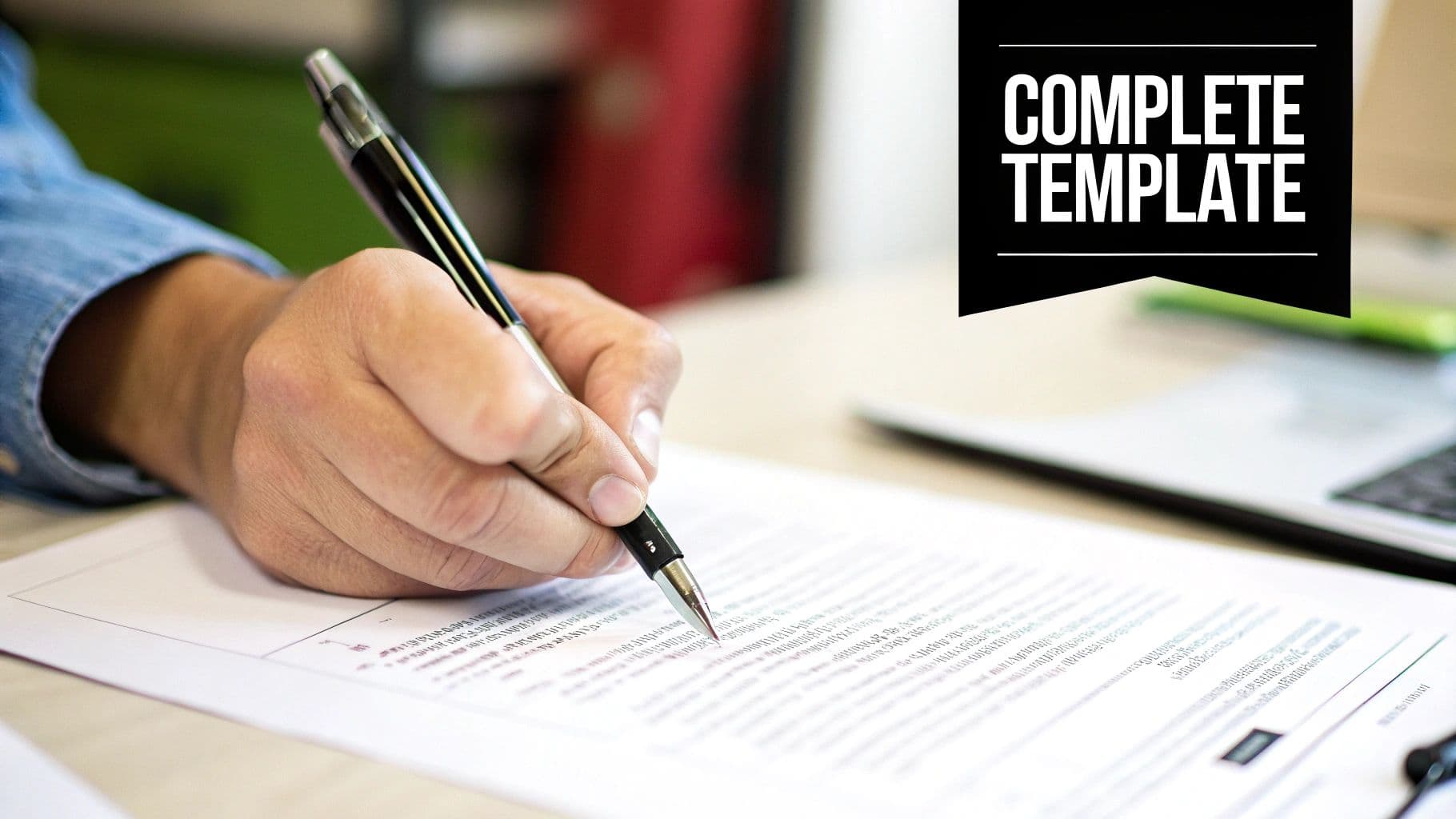
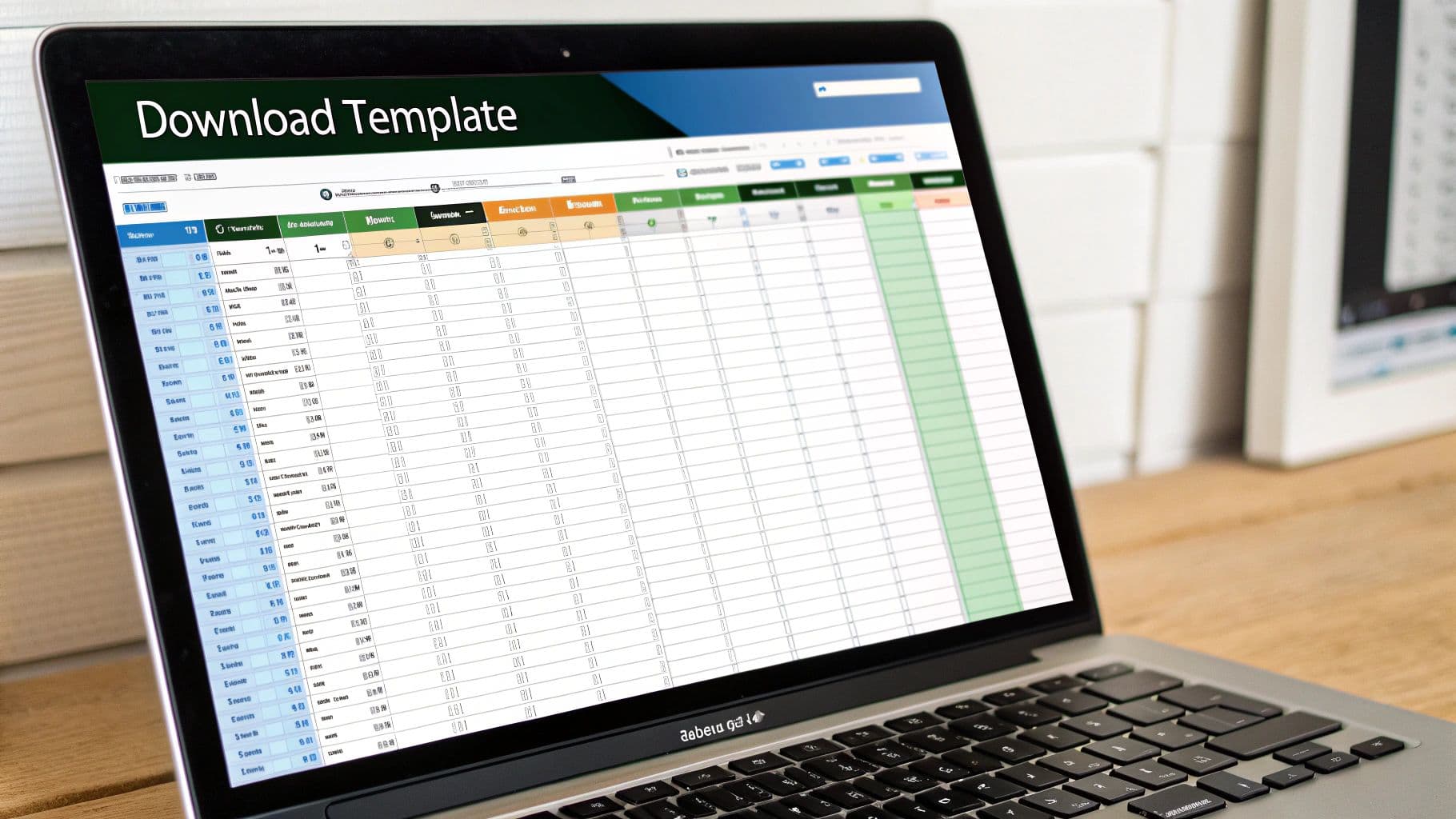
Here's a sneak peek at the Google Sheets template. I've found that simple features like dropdown menus for status and clearly defined owners make all the difference. It’s designed to cut through the noise and show you exactly who is doing what, and when.
Ready to put all this theory into practice? I've put together three different templates you can download right now. No need to build anything from scratch.
Each one is built for a different kind of meeting, so you can just grab the one that fits your situation. This is about giving you a proven system to bring clarity and accountability to your team, turning those long discussions into actual progress.
Which Template Do You Need?
I've designed each meeting action items template to handle specific scenarios, from quick huddles to formal client presentations.
- Simple Google Docs Template: This is my go-to for informal team check-ins. It's perfect when you just need a straightforward list to capture a handful of tasks without getting bogged down in a spreadsheet.
- Robust Google Sheets Template: When you're managing a project with a lot of moving parts, this is the one you want. It includes dropdown menus for status (Not Started, In Progress, Complete), which makes tracking progress dead simple.
- Professional Client-Facing Template: Use this for meetings with clients or other external partners. It's clean, professional, and clearly outlines commitments. It’s a great way to build trust and make sure everyone is on the same page.
Common Mistakes That Sabotage Your Action Items
Even with the best template, it's surprisingly easy to fall into a few common traps that can derail your entire process. These slip-ups might seem minor at first, but they're the reason tasks get dropped and projects stall out. Knowing what they are is half the battle.
One of the biggest culprits? Assigning an action item to a whole team. When you write down "Marketing team to create social media plan," you've created a classic bystander effect. If everyone's responsible, nobody is. The fix is simple but non-negotiable: every single action item needs one individual owner.
Vague Tasks and Group Assignments
Another classic mistake is creating fuzzy, unclear action items. A task like "Look into the Q3 budget" is destined to fail. Why? Because it's not an action; it's a vague idea with no clear finish line. What does "look into" actually mean? You're just setting people up for confusion and inaction.
Here’s what that looks like in the real world and how to fix it:
- Vague Task (Before): "Review the new landing page."
- Specific Task (After): "Sarah to provide feedback on the new landing page copy and submit edits in the shared doc by Friday at 5 PM."
- Group Assignment (Before): "Sales team to follow up on leads."
- Individual Assignment (After): "James to call the three enterprise leads from the webinar and log outcomes in the CRM by EOD Thursday."
The Failure to Follow Up
This one is the silent killer of productivity. You can craft a perfect list of action items, assign them to the right people, and set clear deadlines—but if you never circle back, it was all for nothing. The tasks just drift off into the ether.
Think about it this way: the average employee spends almost 400 hours per year in meetings, and research suggests 35% of that time is wasted. Failing to follow up on the decisions made in those meetings is a huge part of that waste.
The good news is that the solution is incredibly simple. Just start every relevant meeting by reviewing the open action items from the last one. That's it. This one small habit creates a culture of accountability and keeps the momentum going. If you're curious about the numbers, you can learn more about the impact of inefficient meetings.
Got Questions About Action Items? We've Got Answers
Even with the perfect template, you're bound to run into a few tricky situations when putting it into practice. Let's walk through some of the most common questions I hear from teams just getting started.
Who Should Be Taking Notes?
This is always a big one. It's tempting to rotate the role of scribe, which is great for sharing the load, but you often lose consistency from one meeting to the next.
Another option is having the facilitator do it, but let's be honest—they're usually busy keeping the conversation on track. In my experience, the best bet is often a dedicated admin or a project coordinator. They can focus solely on capturing clear, accurate action items without getting pulled in other directions.
What About Actions Tied to a Bigger Project?
Here’s a classic mistake: letting a project task live and die in the meeting notes. Think of your meeting notes as a launchpad, not a permanent home.
The moment a task is assigned, it needs to be moved into your team's central project management hub, whether that's Trello, Asana, or something else. This keeps everything in one place and ensures nothing slips through the cracks.
How Do I Follow Up Without Micromanaging?
Following up on an overdue item can feel awkward, but it doesn't have to be. The trick is to frame it as support, not an accusation.
Instead of asking, "Why isn't this done yet?" try a softer approach. Something like, "Hey, I noticed this is still open. Is there anything blocking you that I can help with?" This simple shift turns a potentially tense moment into a collaborative one.
Given that professionals are in about 17.1 meetings per week, this kind of supportive follow-up is what makes a meeting genuinely productive instead of just another calendar entry. You can dig deeper into this in Reclaim.ai's report on how smart meeting systems improve work-life balance.
Struggling to find the right AI tool to transcribe and summarize your meetings? Summarize Meeting offers a detailed comparison of over 20 top platforms to help you choose the perfect solution. Find your ideal tool at https://summarizemeeting.com.