Remote work has shifted from a niche perk to a global standard, bringing unparalleled flexibility but also unique challenges. The line between your living room and your office can easily blur, distractions multiply, and maintaining peak performance requires a deliberate, strategic approach. Gone are the days when a simple to-do list was enough to keep your day on track. Now, success depends on a more holistic system that blends environment, routine, and technology.
This guide cuts through the generic advice to offer a collection of powerful, actionable remote work productivity tips designed for the modern professional. We will explore everything from structuring your day with proven time management techniques and optimizing your physical workspace for health and focus, to leveraging smart technology and protecting your mental well-being. This isn't just about getting more done; it's about doing your best work sustainably, without burnout. For a comprehensive guide, you can also explore these 10 Essential Remote Work Productivity Tips for additional insights.
Whether you're a seasoned remote veteran looking to refine your process or are new to building a productive home office, these proven strategies will help you not just work from home, but truly thrive. By implementing these specific habits, you can turn potential distractions into focused, efficient output and regain control over your workday. Let's dive into the practical habits and systems that will redefine your professional life and help you master your remote environment.
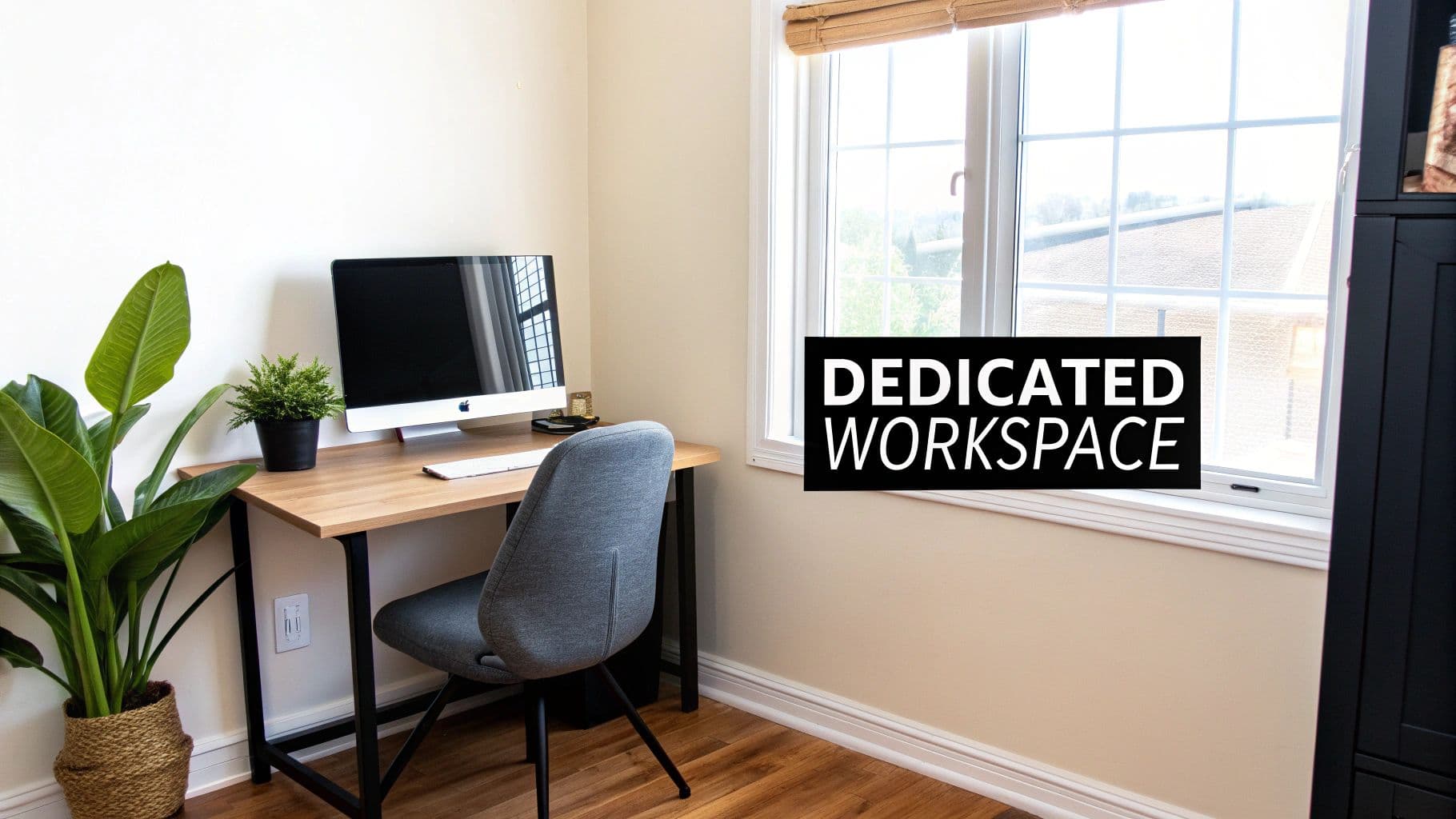
1. Establish a Dedicated Workspace
Creating a physical boundary between your personal life and professional responsibilities is one of the most effective remote work productivity tips. When your living room couch doubles as your office, the mental lines can blur, making it difficult to switch off after hours or focus during the workday. A dedicated workspace acts as a psychological trigger, signaling to your brain that it's time to concentrate and be productive.
This separation doesn't require a separate room. It's about designating a specific area, no matter how small, exclusively for your job. This physical distinction helps minimize household distractions and reduces the temptation to multitask with chores or entertainment, creating a more professional and focused environment.
How to Create Your Ideal Workspace
To truly establish an effective remote workspace, the physical setup is paramount. Even with limited space, you can create a highly functional area. Considering a specialized option like choosing the right corner desk for your home office can maximize efficiency and focus by utilizing often-overlooked areas.
Here are some practical ideas to get started:
- Convert a Closet: A walk-in or even a standard closet can become a compact "cloffice" with a simple shelf for a desk and some good lighting.
- Use a Room Divider: Section off a corner of your bedroom or living room with a folding screen to create a visual and mental barrier.
- Repurpose Unused Space: An attic, basement, or even a quiet landing can be transformed into a productive work zone.
Actionable Tips for an Optimized Space
Once you've chosen your spot, optimize it for comfort and efficiency. Your environment directly impacts your output, so paying attention to details is crucial.
Follow these simple steps:
- Prioritize Ergonomics: Invest in a supportive chair and position your monitor at eye level to prevent strain. Your long-term health depends on it.
- Let There Be Light: Position your desk near a window for natural light if possible, and add a desk lamp to reduce eye fatigue.
- Keep It Tidy: Use desk organizers, drawers, and shelving to keep your supplies within reach but out of the way, ensuring a clutter-free surface.
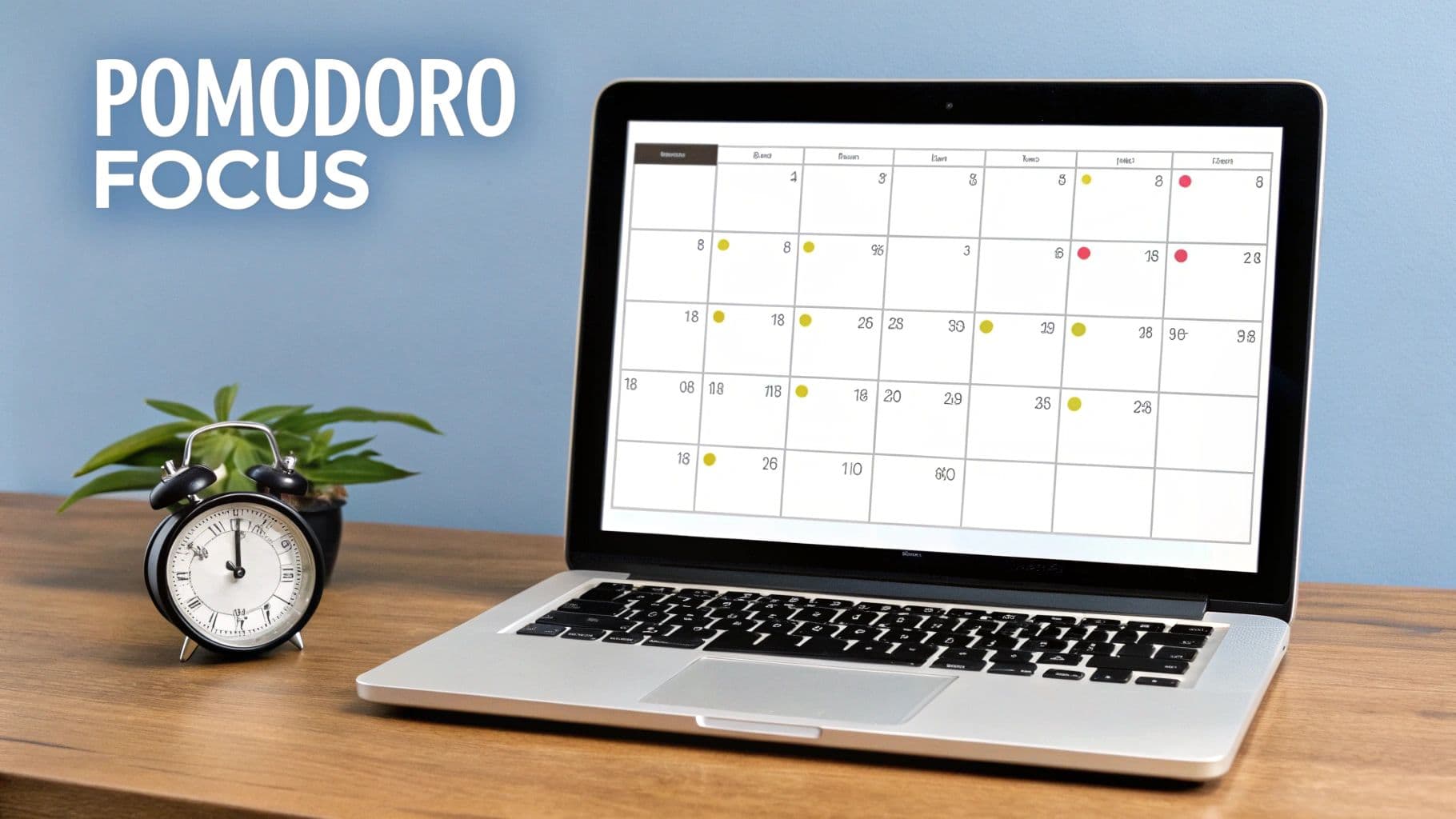
2. Implement Time Blocking and Pomodoro Technique
Structuring your day proactively is essential for winning the battle against distractions and procrastination. Time blocking involves dividing your day into dedicated blocks for specific tasks, while the Pomodoro Technique uses a timer to break down work into focused, 25-minute intervals separated by short breaks. Combining these methods provides a powerful framework for managing your attention and energy, making it one of the most effective remote work productivity tips.
This structured approach transforms your calendar from a passive record of appointments into an active plan for your day. By pre-committing to what you will work on and when, you eliminate the mental energy wasted on deciding what to do next. It fosters deep work, maintains mental freshness, and provides a clear sense of accomplishment as you complete each focused session.
How to Get Started with Time Blocking
Integrating this technique into your workflow is straightforward and can be adapted to your personal style. The core principle is to schedule everything, from deep work on a major project to answering emails and taking breaks. To explore more strategies on enhancing daily output, you can discover a wide range of top tips to thrive and how to improve productivity at work.
Here are some practical ways to begin:
- Use Your Calendar Visually: Block out chunks of time in your Google Calendar or Outlook for specific tasks, color-coding them by project or type.
- Gamify Your Focus: Use apps like Forest, where a virtual tree grows during your focus session and dies if you leave the app, making concentration feel like a game.
- Go Analog: A simple physical kitchen timer can be just as effective for Pomodoro sessions, creating a tech-free cue to stay on task.
Actionable Tips for Maximum Effectiveness
To truly master this method, consistency and optimization are key. It’s not just about setting a timer; it’s about creating a rhythm that supports sustained focus throughout the day.
Follow these simple steps:
- Batch Similar Tasks: Group related activities, like answering emails or making calls, into a single time block to minimize context-switching.
- Protect Your Blocks: Treat your scheduled focus time like an important meeting. Turn off all notifications on your phone and computer to eliminate interruptions.
- Use Breaks Wisely: During your 5-minute Pomodoro breaks, get up and move. Stretch, get a glass of water, or look out a window to rest your eyes and mind.
3. Establish a Consistent Daily Routine and Schedule
One of the most powerful remote work productivity tips is to create a predictable daily structure. Without the external cues of a commute or colleagues arriving, it's easy for workdays to become unstructured and bleed into personal time. A consistent routine provides the framework your brain needs to switch into work mode and, just as importantly, to switch off.
This structure helps regulate your body's internal clock, or circadian rhythm, improving focus during work hours and sleep quality at night. It also minimizes decision fatigue by making core parts of your day automatic, freeing up mental energy for more complex tasks. A predictable schedule sets clear expectations for family or housemates, reducing interruptions and fostering a more professional home environment.
How to Build Your Daily Framework
Building a routine isn't about rigid, minute-by-minute planning but about creating consistent anchors throughout your day. These anchors signal transitions between different states, such as from personal time to work time or from focused work to a restorative break. The key is consistency, not complexity.
Here are some practical ideas to get started:
- Morning Ritual: Start your day the same way, whether it's with a 20-minute walk, stretching, or reading a chapter of a book before you log on. This creates a clear "start work" signal.
- Time Blocking: Assign specific blocks of time to different types of tasks (e.g., 9-11 AM for deep work, 11-12 PM for emails).
- Scheduled Breaks: Take lunch and short breaks at the same time each day. This prevents burnout and gives your brain a chance to recharge.
Actionable Tips for a Sustainable Routine
The goal is to create a habit that sticks. This requires a bit of planning and self-awareness to build a schedule that works for you, not against you.
Follow these simple steps:
- Set a Hard Stop Time: Define a clear end to your workday and create a "shutdown ritual," like tidying your desk or planning the next day's to-do list, to signal the transition.
- Communicate Your Schedule: Share your core working hours and break times with your team and family to manage expectations and minimize disruptions.
- Be Patient and Adaptable: It takes time to form a habit. Track your consistency for the first month and don't be afraid to adjust your schedule if something isn't working.
4. Minimize Distractions Through Digital Tools and Boundaries
In a remote work environment, your biggest productivity hurdle is often the device you're working on. Digital distractions, from social media notifications to personal emails, can derail your focus and fragment your workday. Minimizing these interruptions by setting firm digital boundaries and using technology strategically is one of the most powerful remote work productivity tips you can implement.
This approach isn't about avoiding technology; it's about controlling it. By consciously curating your digital environment, you create deep work "focus zones" where you can perform complex tasks without constant context switching. This proactive management of notifications and access to distracting sites allows you to dictate your schedule rather than letting random alerts dictate it for you.

How to Build Your Digital Fortress
Building a distraction-free digital workspace involves using specific tools to enforce your boundaries. These applications act as your gatekeeper, blocking out the noise so you can concentrate on what matters. This is especially critical when your work requires long periods of uninterrupted thought.
Here are some practical ideas to get started:
- Use Website Blockers: Applications like Freedom or Cold Turkey allow you to block specific websites and apps for set periods. You can schedule recurring blocks during your core working hours to automate your discipline.
- Leverage Focus Modes: Both Windows (Focus) and macOS (Focus Modes) have built-in features that silence notifications and minimize distractions from specific apps or people.
- Create Separate Profiles: Use different browser profiles (e.g., in Google Chrome) for work and personal use. This keeps your personal bookmarks, history, and logged-in accounts separate and less tempting during the workday.
Actionable Tips for an Optimized Digital Space
Once you have the tools, the next step is to integrate them into your daily habits. Consistent application is what transforms these tools from a novelty into a powerful productivity system.
Follow these simple steps:
- Communicate Your Availability: Use your Slack or Teams status to let colleagues know when you are in a focus period and will be slow to respond. This manages expectations and reduces pressure to be instantly available.
- Schedule "Distraction Time": Instead of trying to avoid social media or news all day, schedule short, specific blocks for it, like during your lunch break. This makes it easier to resist the temptation outside of those times.
- Physically Remove Temptation: During critical focus sessions, put your personal phone in another room or turn it completely off. The physical distance creates a powerful barrier to mindless scrolling.
5. Practice Strategic Communication and Set Boundaries
Constant digital interruptions are one of the biggest threats to deep work in a remote setting. Strategic communication involves establishing clear expectations with colleagues and household members about when and how you communicate. Setting firm boundaries protects your focus time, prevents burnout, and ensures that collaboration remains intentional rather than reactive.
Without these guidelines, you risk being pulled in multiple directions by endless notifications, leading to fragmented attention and decreased output. By defining your availability, preferred communication channels, and response times, you take control of your schedule. This proactive approach is a cornerstone of effective remote work productivity tips, allowing you to maintain a healthy work-life balance while staying connected with your team.
How to Establish Clear Communication Norms
Creating and communicating your boundaries is the first step toward reclaiming your focus. This isn't about being unavailable; it's about being available at the right times for the right reasons. Using tools effectively is key, and choosing the right remote team collaboration software is crucial for setting up these systems for success.
Here are some practical ideas to get started:
- Schedule Communication Blocks: Dedicate specific times for checking emails and messages, such as 9 AM, 12 PM, and 4 PM, instead of reacting to every notification.
- Implement Focus Days: Designate a day, like a "no-meeting Wednesday," for the entire team to concentrate on deep work without interruptions.
- Use Status Indicators: Leverage features in tools like Slack or Microsoft Teams to set your status to "Focusing" or "In a meeting" to manage colleague expectations.
Actionable Tips for Maintaining Your Boundaries
Once you have defined your boundaries, consistently enforcing them is essential for them to be effective. Your actions will teach others how to interact with you in a productive and respectful manner.
Follow these simple steps:
- Be Proactive: Clearly communicate your working hours and availability in your email signature, calendar, and team channels.
- Leverage Your Calendar: Block out "Do Not Disturb" time for focused tasks directly in your shared calendar so colleagues can see when you are unavailable.
- Create an Escalation Plan: Define what constitutes a true emergency and provide a specific channel (like a phone call) for urgent matters, ensuring you are not disturbed for non-critical issues.
6. Optimize Ergonomics and Physical Health
Neglecting your physical well-being is a fast track to burnout and diminished productivity. Optimizing the ergonomics of your workspace isn't a luxury; it's a fundamental component of sustainable remote work. A setup that supports your body prevents physical strain, reduces fatigue, and helps maintain the sharp focus needed to perform at your best throughout the day.
An ergonomic environment is designed to fit you, not the other way around. By arranging your chair, desk, and monitor correctly, you minimize the risk of musculoskeletal issues like back pain, neck strain, and carpal tunnel syndrome. This proactive approach to physical health is one of the most impactful remote work productivity tips for long-term success and comfort.
How to Build an Ergonomic Setup
Creating a workspace that promotes good health involves a few key investments and adjustments. High-quality ergonomic chairs from brands like Herman Miller or Steelcase offer crucial lumbar support, while a standing desk with an anti-fatigue mat can introduce healthy movement into your routine.
Here are some practical ideas to get started:
- Use a Monitor Arm: A flexible monitor arm allows you to easily position your screen at the perfect height and distance, preventing neck craning.
- Add an Ergonomic Keyboard: Keyboards designed for ergonomics can help maintain a more natural wrist posture during long typing sessions.
- Improve Your Lighting: A dedicated task light, like a BenQ e-reading lamp, reduces eye strain by providing focused, glare-free illumination.
Actionable Tips for an Optimized Space
Fine-tuning your setup with small, consistent habits makes a significant difference. Pay attention to how your body feels and adjust your environment accordingly to create a comfortable and supportive workspace.
Follow these simple steps: