Let's be real—most of us have been in standup meetings that are a complete waste of time. They drag on forever, nobody seems to be on the same page, and you walk away feeling more confused than aligned. What's meant to be a quick sync-up turns into a tedious status report for the boss.
A solid standup meeting agenda is the antidote. It’s what transforms a time-wasting ritual into a session that actually creates clarity, surfaces problems, and keeps things moving.
Why Most Standup Meetings Fail
It’s almost a given in modern workflows: if you're on a team, you're probably doing a daily standup. In fact, a staggering 87% of Agile teams hold them every day. The idea is sound, but the execution is where things fall apart for so many.
The problem isn't the standup itself; it's the lack of a clear, respected agenda. When these meetings go wrong, they don't just waste 15 minutes—they add to the soul-crushing problem of meeting fatigue. You can dig into some eye-opening meeting statistics and their impact on productivity to see just how bad it can get.

Falling into the Status Report Trap
The number one mistake I see is the standup becoming a round-robin status report for the manager. Team members go one by one, listing off tasks they completed, almost as if they're justifying their paycheck. When this happens, the collaborative, problem-solving spirit dies.
A standup isn't for individuals to prove they've been busy. It's a moment for the entire team to sync up, see where things connect, and clear out any roadblocks together. A great agenda forces the conversation to shift from "what I did" to "how we can move forward."
Losing Focus and Engagement
Without a tight agenda and a good facilitator, conversations can go completely off the rails. You’ve probably seen it happen: a simple question about a blocker turns into a 10-minute deep-dive between two engineers while everyone else tunes out and scrolls through their phones.
That's why standups get a bad rap for being unproductive. To fix this, your agenda needs to enforce a few ground rules:
- A hard time limit, usually 15 minutes max. No exceptions.
- A clear set of questions to keep everyone’s update concise.
- A "parking lot" to table any topics that need a longer, separate conversation.
Clear Guidelines for a Better Standup
The good news is that you can turn your daily huddles around pretty quickly just by setting clear expectations. To get started, take a look at this table. It breaks down the core differences between a standup that works and one that’s failing.
Standup Agenda Do's and Don'ts
| Do | Don't |
|---|---|
| Focus on team goals and progress. | Let it become an individual status report for a manager. |
| Keep it under 15 minutes. | Allow discussions to drag on and go over time. |
| Talk about blockers and ask for help. | Try to solve complex problems during the meeting. |
| Keep the conversation forward-looking. | Dwell on past tasks that are already completed. |
| Use a "parking lot" for deep dives. | Let two people dominate the conversation with a side-topic. |
| Ensure everyone participates. | Allow team members to disengage or multitask. |
By sticking to the "Do" column, you can start making your standups the high-impact, momentum-building sessions they're actually meant to be.
Mastering The Three Core Questions
The real power of a standup isn’t in some complex, secret formula. It's all about simplicity. The entire meeting hinges on three core questions designed to keep everyone focused, accountable, and quick to flag problems before they get out of hand. These questions are the engine that drives your daily sync.
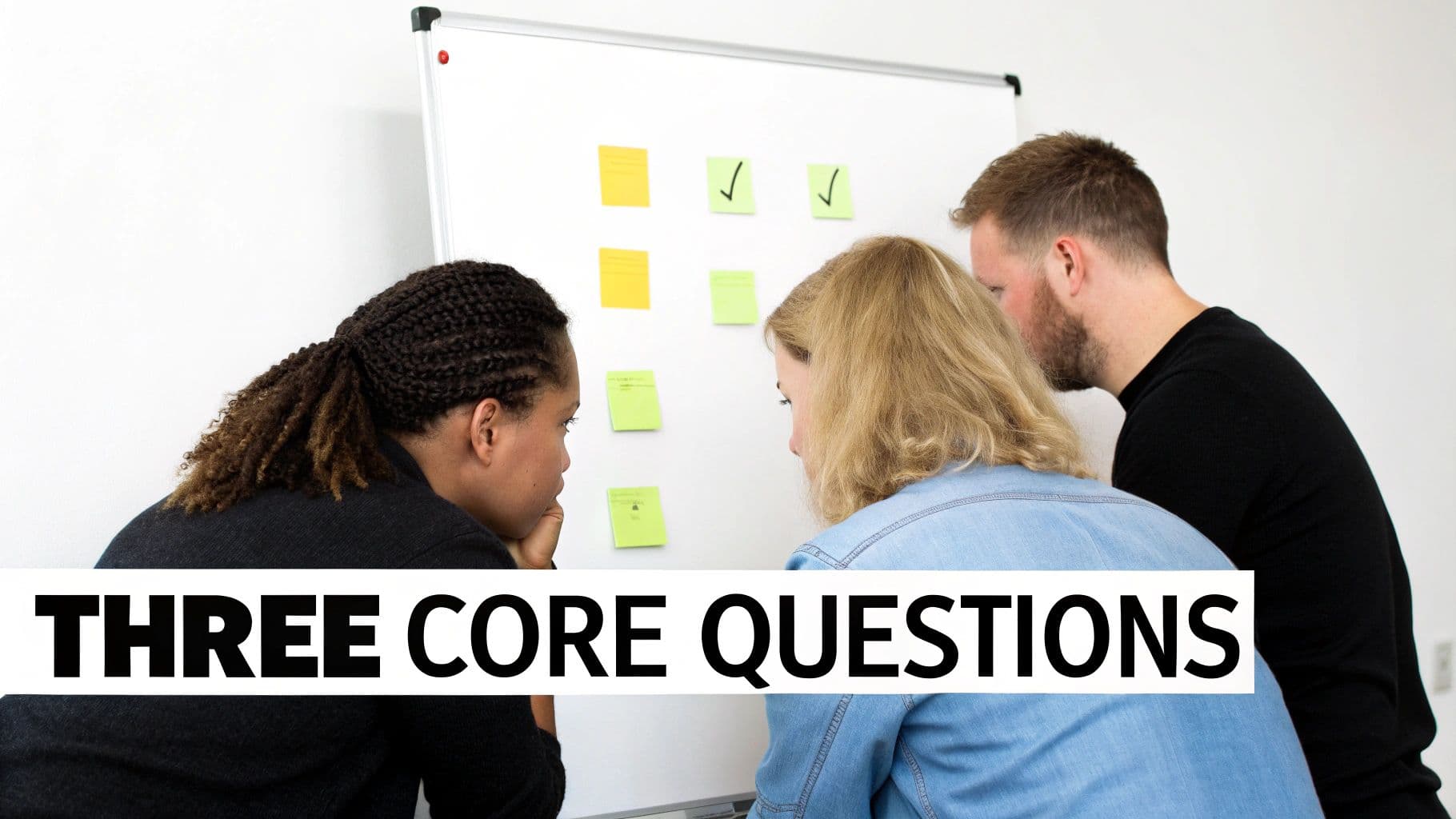
Plenty of teams ask these questions, but it's the quality of the answers that separates a productive standup from a pointless ritual. The goal isn't just to go through the motions; it's to share meaningful updates that actually help the whole team move forward.
What Did You Accomplish Yesterday?
Think of this question as creating a thread of continuity. It connects today’s work to what just happened, giving everyone a clear sense of the project’s momentum. Unfortunately, this is also where updates can easily devolve into a long, rambling list of every little task someone touched.
The best answers are short, sweet, and focused on outcomes. They should tie directly back to the team’s sprint goals.
- Weak Answer: "Yesterday I worked on the login page. I wrote some code and then I had a few meetings."
- Strong Answer: "I finished the front-end validation for the new login page, so that story is now in the QA column. I also paired with Sarah to knock out that API bug we talked about."
The second answer is way more helpful. It signals concrete progress on a specific goal and highlights collaboration—both critical pieces of information for the team. If you want to keep things fresh, you can also explore these 50 morning meeting questions.
What Are You Working On Today?
Looking ahead is just as crucial. This question creates a public commitment and helps teammates spot opportunities to collaborate. It's basically your declaration of intent for the next 24 hours.
A great response is specific and actionable. It should paint a clear picture of what a successful day looks like.
For example, instead of a generic, "I'm going to keep working on the checkout feature," a much better update is, "My main goal today is to integrate the payment gateway API into the checkout flow. I'm aiming to have a draft pull request up for review by the end of the day."
What Blockers Are In Your Way?
This is, without a doubt, the most important question of the entire standup. Its sole purpose is to surface problems immediately so the team can jump on a solution. A blocker is anything—and I mean anything—preventing you from making progress. It could be technical debt, waiting on a decision from another department, or not having access to a system you need.
Let’s be clear: raising a blocker isn't a sign of failure. It’s a sign of a healthy, transparent team culture. The absolute worst thing anyone can do is suffer in silence. The standup is the designated time to raise your hand and ask for help, making sure a small hiccup doesn't turn into a major project delay.
How to Adapt Your Agenda for Different Teams
Trying to force a single standup agenda on every team is a surefire way to kill engagement. A five-person startup huddled around a whiteboard has completely different needs than a 50-person sales team scattered across the globe. A good agenda isn't rigid; it bends and adapts to your team's size, location, and workflow.
The real goal is to create a rhythm that feels useful, not like a box-ticking exercise handed down from management. By tweaking the format, you make sure the conversation is always on point and respects everyone's time, whether you're in the same room or separated by oceans.
Small, In-Person Teams
When you’ve got a small team of 3-8 people working in the same office, you can afford to be quick and informal. Speed and direct communication are your biggest advantages. There’s no need for heavy-handed structure when everyone shares the same physical space and context.
- Keep it short and sweet: Aim for 5-10 minutes, max.
- Focus on the now: The goal is a rapid-fire sync to flag any blockers that require immediate collaboration.
- Tweak the format: Stick to the core questions, but let the updates be conversational. An update like, "I'm pairing with Sarah on that API bug today, no blockers," is perfectly fine. The real problem-solving can happen organically the moment the standup ends.
Large or Distributed Teams
Once your team grows past 10 members or spreads out geographically, the classic standup model starts to crumble. It’s just not practical to cycle through 15+ updates in 15 minutes without people feeling rushed and unheard. This is where a "standup of standups"—often called a Scrum of Scrums—becomes a lifesaver.
The idea is simple: smaller groups or sub-teams (like front-end, back-end, and design) hold their own focused standups. Afterward, a single representative from each group meets for a higher-level sync.
If you're looking for more ways to handle different team dynamics, these 7 Proven Agenda for Stand Up Meeting Formats offer some great alternatives.
Fully Remote Teams
For teams that are 100% remote, especially those working across different time zones, you have to be much more intentional with your standup. Asynchronous communication is your most powerful tool here. Instead of forcing everyone onto a video call at a weird time, many of the most successful remote teams use a text-based, asynchronous standup.
- Use the right tools: A dedicated channel in Slack or Microsoft Teams is perfect for this.
- Set a clear deadline: Ask everyone to post their update by a certain time, like 10 AM in their local time zone.
- Stick to the questions: The update still covers what you did, what you'll do, and where you're stuck, just in writing. This also creates a searchable log of progress and issues.
This approach gives everyone incredible flexibility. An engineer in Berlin can post their update first thing in the morning, and a designer in San Francisco can catch up and add their thoughts hours later. You can find more examples in our guide on essential agenda templates for stand-up meetings.
Written updates also force people to be more concise and clear than they might be when speaking off the cuff. A well-managed asynchronous standup respects everyone’s focus and schedule—a non-negotiable for a healthy remote culture.
Agenda Timing and Structure Comparison
Choosing the right format really comes down to your team's unique makeup. Here’s a quick comparison to help you decide what structure makes the most sense for your daily sync.
| Team Type | Ideal Duration | Key Focus | Tool Suggestion |
|---|---|---|---|
| Small & Co-located | 5-10 minutes | Quick sync, unblocking immediate collaboration | Whiteboard, in-person circle |
| Large or Distributed | 15-20 minutes | Inter-team dependencies, major roadblocks | Video conferencing (Zoom), project management boards |
| Fully Remote (Async) | N/A (asynchronous) | Documented progress, timezone flexibility | Slack, Microsoft Teams, dedicated async tools |
Ultimately, the best standup format is the one your team actually finds valuable. Don't be afraid to experiment with different timings, tools, and structures until you find a rhythm that clicks. A great standup should feel like a boost, not a burden.
How To Facilitate a Flawless Standup
Having a solid agenda is one thing, but making a standup actually work? That comes down to the person running the show. A great facilitator is more than a timekeeper; they're the conductor of the conversation, keeping the energy up and making sure the meeting actually helps people get unblocked and aligned.
Think of yourself as the guardian of the team's focus and time. Your first job is to set a positive, energetic tone. Kick things off with a simple, upbeat greeting to snap everyone out of their pre-meeting daze and signal it's go-time.
How you facilitate really depends on your team's size and setup, whether they're all in one room or spread across the globe.
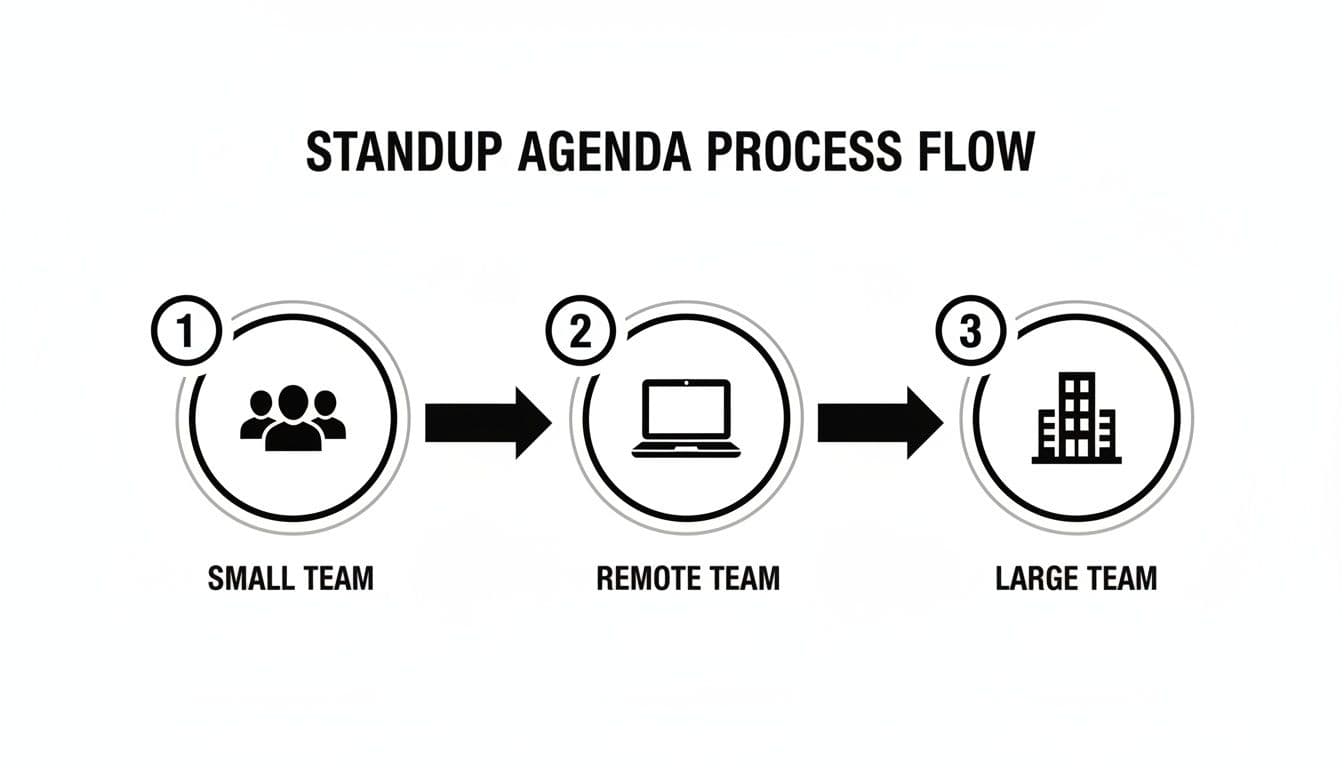
As you can see, a small team's huddle is worlds away from the structure a large, remote team needs. This is where your skill as a facilitator truly shines.
Guiding the Conversation
The real art of facilitation is managing the flow of information. You have to keep the updates punchy and relevant without making anyone feel like you're shutting them down. It’s a delicate balance of tact and confidence.
We've all been in standups where someone's update turns into a long, rambling story or a super-technical deep dive. That's your cue to step in. A simple, "That sounds like an important conversation for after the standup. Let's park that and connect on it then," works like a charm. It validates their point but keeps the meeting moving for everyone else.
It's also on you to make sure the quieter folks get a chance to speak. If you notice someone holding back, a friendly prompt like, "Sarah, what's on your plate for today?" can be all it takes to bring them into the fold. Hearing from everyone is the only way to uncover those hidden roadblocks.
Handling Common Scenarios
Sooner or later, you're going to run into some tricky situations. The difference between a good facilitator and a great one is knowing how to handle these moments without missing a beat.
Here are a few classics you'll probably encounter:
- The Vague Update: Someone says, "I'm just working on the project." That tells the team nothing. Gently push for more with a follow-up like, "Awesome, what's your specific goal for today on that?"
- No Progress to Report: If a teammate consistently has nothing new to share, it could be a sign of a hidden blocker or maybe even a motivation issue. Don't call them out in front of everyone. Pull them aside after the meeting to see what's really going on.
- A Critical Blocker Pops Up: When someone raises a red flag that needs immediate attention, your role is to quickly identify who can solve it. Announce, "Okay, this is a priority. After this call, Mike and Jen, let's you and I jump into a huddle to get this sorted."
Finally, ending the meeting is just as important as starting it. Once the last person gives their update, wrap it up decisively. A clear, "Thanks, everyone! That's our standup. Let's get to it!" gives a clean break and lets the team start their day with a clear path forward. If you want to dig deeper, our guide on how to run effective meetings has even more tips.
Using AI Tools To Automate Follow-Ups
The standup ends, and then what? All that great energy and momentum can fizzle out fast. Someone has to sit down, try to remember everything, type up notes, and then chase people down for the action items they promised to handle. It's a classic productivity trap, and things inevitably get missed.
This is where AI meeting assistants have been a complete game-changer for my teams. Tools like Fireflies.ai, Otter.ai, and Notta can hop into your virtual standup, transcribe the whole conversation as it happens, and then spit out a clean, concise summary.
Automating Your Action Items
The real magic, though, is how these tools pinpoint action items. Instead of one person furiously trying to capture every task, the AI is trained to listen for key phrases.
You can set it up to recognize natural language cues, like:
- "I'll take that on..."
- "...the next step is to..."
- "I'm blocked by..."
So, when a developer says, "Okay, I'll get the API documentation updated by EOD," the AI snags that commitment. It automatically creates an action item and assigns it to them. Just like that, you’ve made sure nothing will ever fall through the cracks again.
Setting Up Your AI Assistant
Getting one of these tools up and running is surprisingly easy. You just invite the AI bot to your meeting link, the same way you'd invite a new team member. Once it's in, you can tweak the settings to match what you need for your standup.
For example, this dashboard from Fireflies.ai gives you a sense of how it turns messy meeting audio into a clear transcript with actionable insights.
The platform analyzes everything that was said, giving you a searchable record. No more scrubbing through a long video recording to find that one key decision.
To really get the most out of this, you'll want to think about the principles of AI powered workflow automation. By connecting your AI's output to other tools like Jira or Asana, you can build an incredible, seamless workflow.
Think about it: an action item mentioned in your standup could automatically pop up as a brand-new task in your project board, already assigned to the right person. This is how top-performing teams stay aligned and make sure every single follow-up is captured and tracked without anyone lifting a finger.